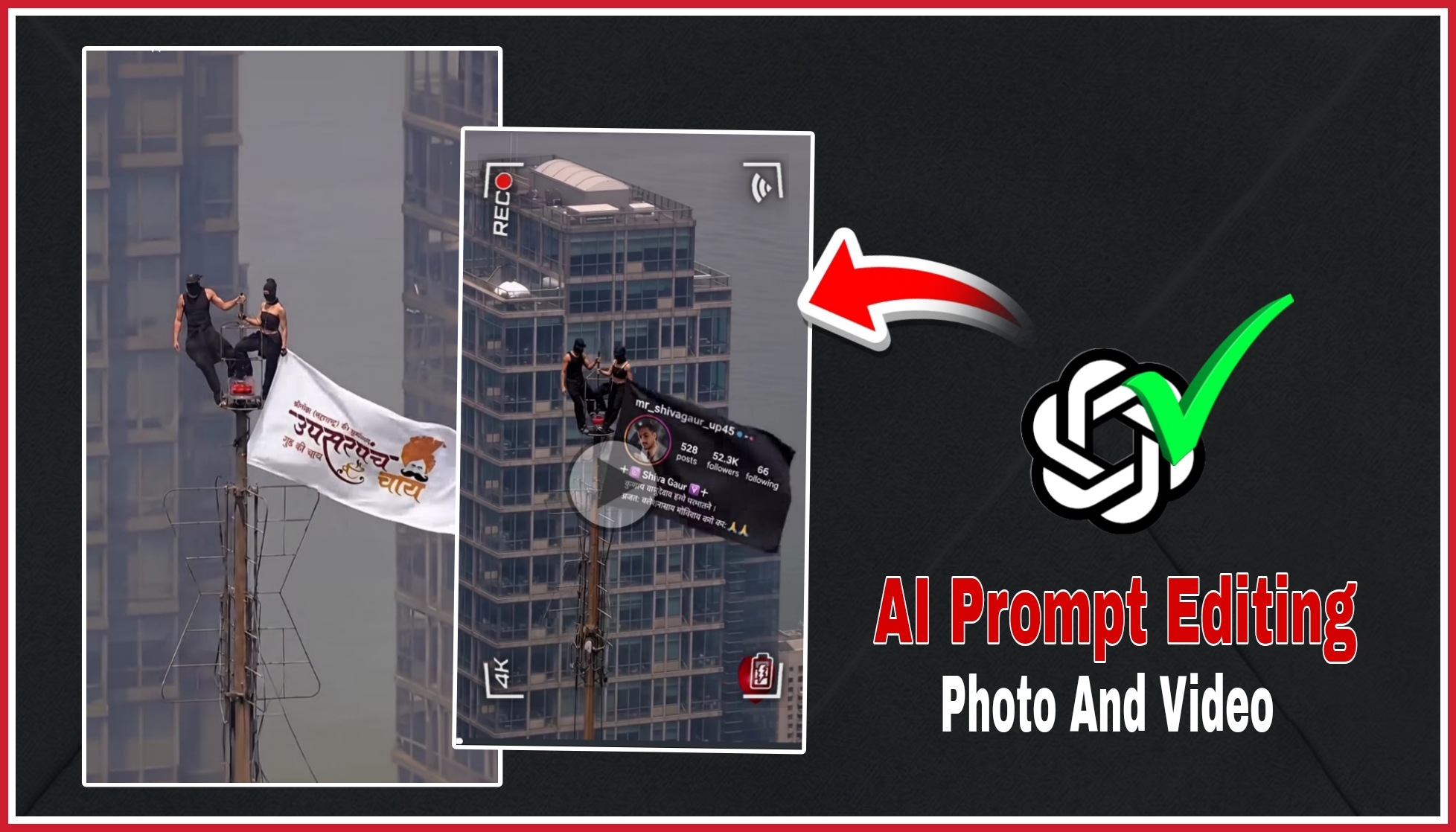
AI-generated cinematic videos have become one of the biggest trends on social media platforms like Instagram Reels, YouTube Shorts, and TikTok. These videos use advanced AI technology to create realistic scenes, smooth camera movements, and eye-catching visual effects. With just a single photo and the right AI tools, anyone can create professional-looking videos without advanced editing skills.
Details Tawar proposal viral video 2026
This video features a cinematic AI scene with realistic visuals, dynamic camera angles, and smooth motion effects that make it look professional and engaging. The AI-generated environment, lighting, and transitions create an impressive visual experience. Videos like this are becoming increasingly popular because they are easy to create and attract millions of views across social media platforms.
How to use towar prompt
To create this type of video, first copy the AI prompt and paste it into ChatGPT. After that, upload your clear face photo. ChatGPT will generate a high-quality AI image based on the prompt and your uploaded photo. This AI-generated image will be used as the starting point for the video. By using different prompts, you can create many unique AI images and produce various cinematic videos in the same style.
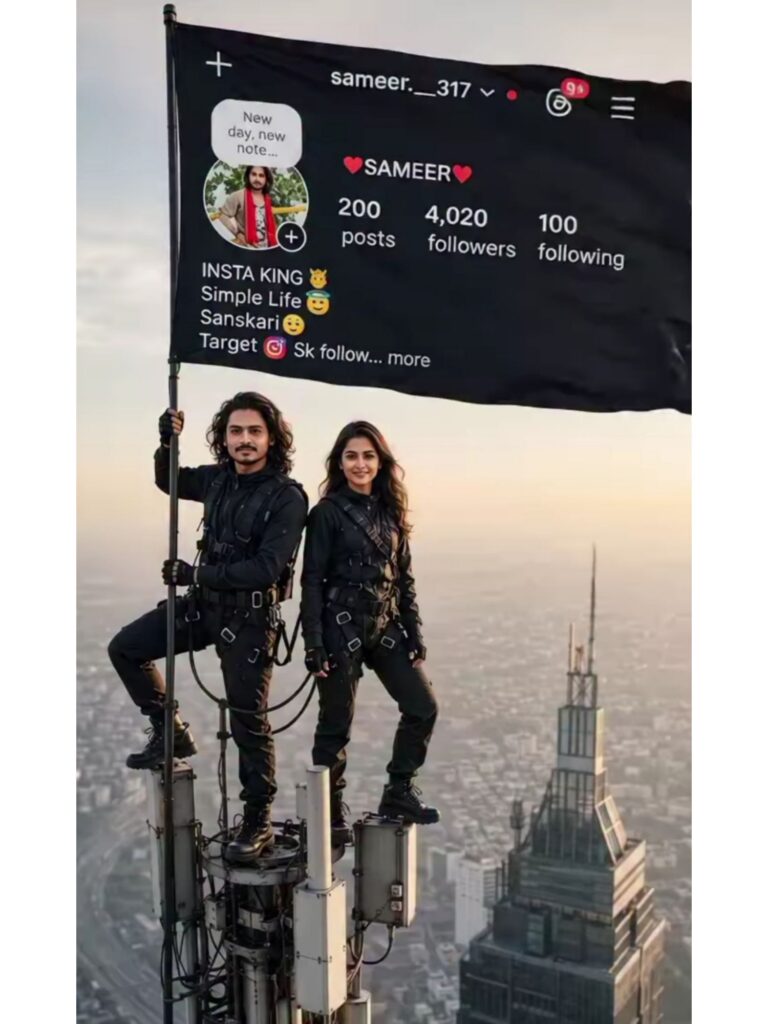
AI Photo Prompt 👇🤯
"A dramatic high-altitude photo, exactly as seen in [image_0.png], featuring a modern high-rise skyscraper and a tall telecommunications antenna. Two individuals are balanced on the top of the antenna in the same pose as in [image_0.png]. Their bodies and black tactical-style clothing remain identical, but [USER_MALE_FACE_1] is seamlessly integrated as the face of the man (originally 'mr_shivagaur_up45'), and [USER_FEMALE_FACE_1] is seamlessly integrated as the face of the woman, with a slight smile. They are holding the large, unfurled black flag. Crucially, the flag is updated with new, custom content. On the flag, the text for 'posts', 'followers', and 'following' counts is replaced with new, higher, but specific numbers: Instagram Profile Aad kar dena jhanda Me the heart emojis remain. The central [USER_SUBMITTED_DP] (user's provided profile picture image) is prominently and clearly displayed inside the round profile picture circle on the flag. All other environmental details, including the heart emoticon in the bottom right and the hazy city background, are preserved. Lighting is natural daylight."
Video Prompt 👇🤯
"Create an ultra-realistic cinematic 4K video from this single image. Preserve the person's face, hairstyle, clothing, expression, and every detail exactly as in the original photo. Keep the background, skyscraper, antenna, black flag, and Instagram profile on the flag unchanged. The camera performs a smooth 360-degree orbital movement around the subject, slowly circling from front to left side, back, right side, and returning to the front. Add realistic camera parallax, natural daylight, subtle wind moving the clothes and the black flag, slight hair movement, and realistic atmospheric depth. Maintain perfect facial identity and proportions. No morphing, no face distortion, no extra people, no changes to the Instagram profile, no text changes, no object changes. The movement should be smooth, stable, cinematic, and look like it was filmed with a professional drone and gimbal in ultra HD 4K, highly detailed, photorealistic."
How to Use Google Gemini
Once your AI image is ready, upload it to Google Gemini. Then ask Gemini to convert the image into a cinematic video with smooth camera movements and realistic animation. Gemini will transform your static image into a high-quality AI video automatically. Using this method, you can create many different AI videos quickly and easily for your social media content.
Conclusion
Creating cinematic AI videos has never been easier. By combining ChatGPT for AI image generation and Google Gemini for video creation, you can produce stunning, professional-quality videos in just a few minutes. Try different prompts, experiment with creative ideas, and make unique AI videos that stand out and have the potential to go viral on social media.