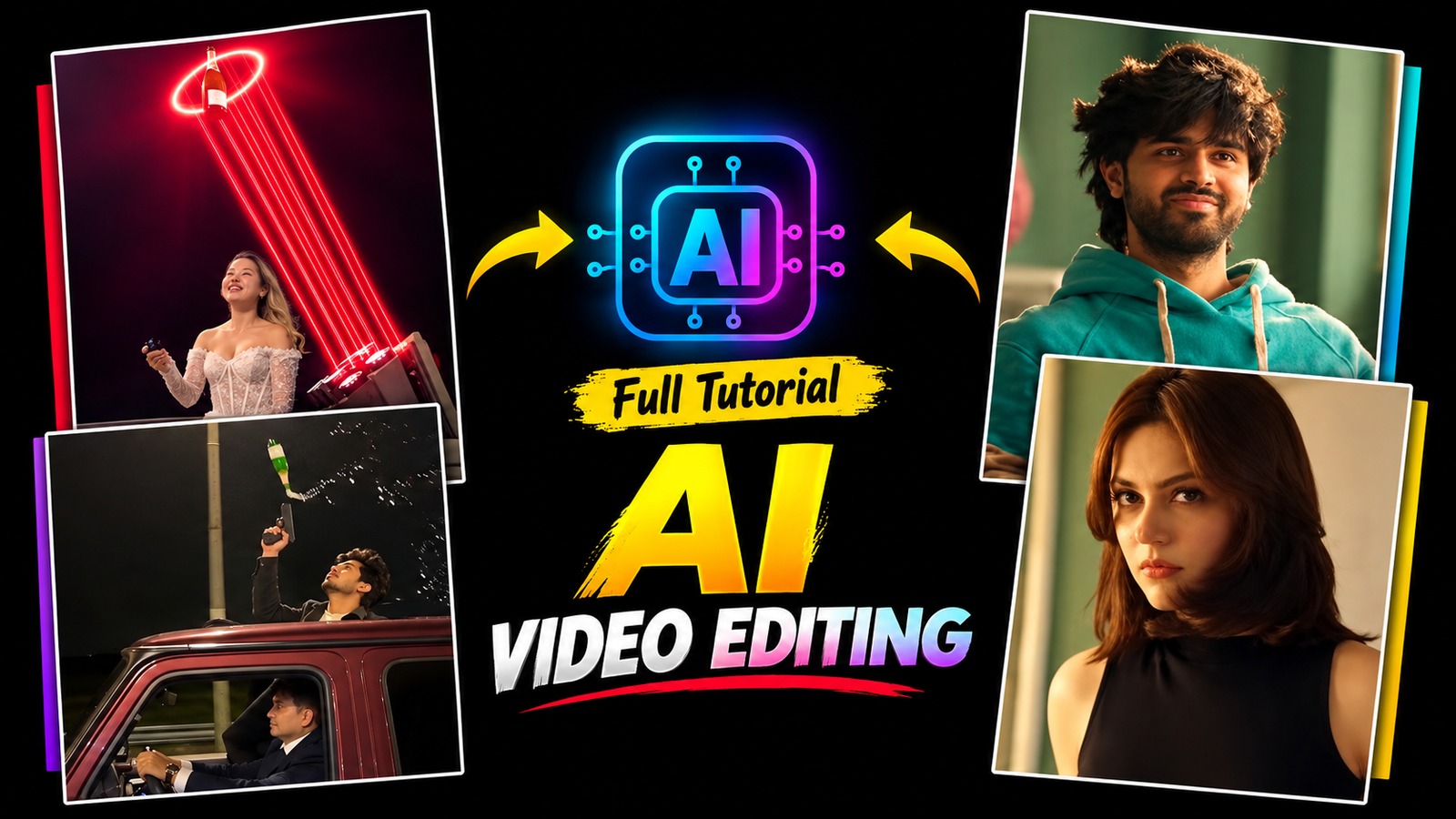
Flow AI video generators allow creators to develop dynamic scenes by simply inputting prompts or reference images, ensuring continuity across different shots in a single project space. This tool simplifies the process of creating extended scenes or connected clips with high consistency.
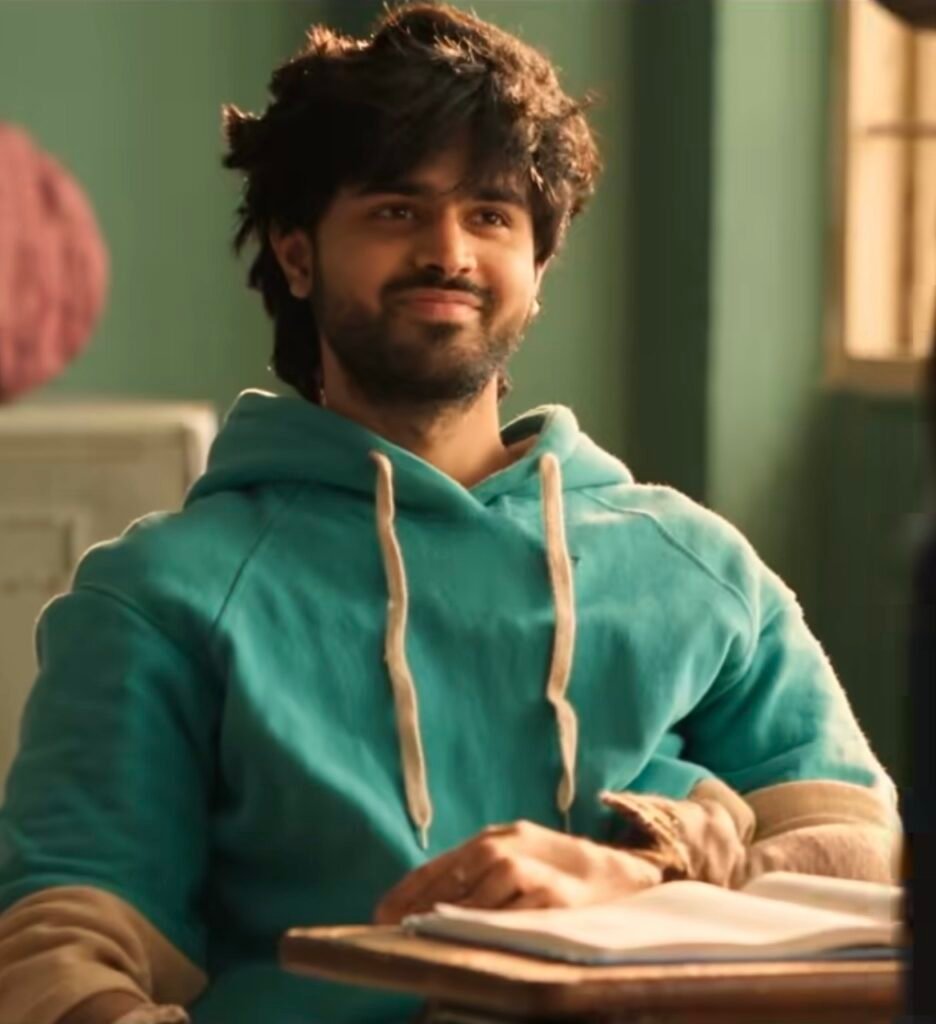
Example: To start, users upload reference images for the main protagonists and input a descriptive text prompt. The AI then generates consistent character appearances through multiple environments, from a crowded classroom to a dynamic outdoor setting.
Crafting Prompts for Dynamic Character Movements
Achieving realistic character movements and expressions involves crafting detailed prompts that specify exact actions, like winks, smiles, and head tilts. This ensures the characters interact naturally with the camera across various scenes.
Example: A prompt might specify: “A young woman with shoulder-length brown hair looking intently at the camera, and a young man with dark, messy hair in a teal hoodie winking and smiling dynamically.” By defining these actions explicitly, the AI captures the engaging sequence.
Swapping Faces for Personalized AI Video Content
Swapping faces onto generated figures allows for deep personalization without needing to train the model on entirely new data sets. Users can seamlessly integrate their chosen faces while keeping the predefined clothing and backgrounds intact.
Example: Once the base video is generated with placeholders, a face swap tool is used to apply the girl’s and boy’s specific faces over the AI-generated equivalents in each frame. This step perfectly preserves the original cinematic lighting.
Mastering Camera Angles and Smooth Transitions
Dynamic camera movements like panning, zooming, and smooth transitions are vital for keeping viewers engaged and making the AI-generated scenes feel like a professional film.
Example: Incorporate smooth cuts synchronized to the beat of the music, transitioning from a medium shot of the girl to a close-up tracking shot of the boy. Using these cinematic techniques elevates the overall production value.
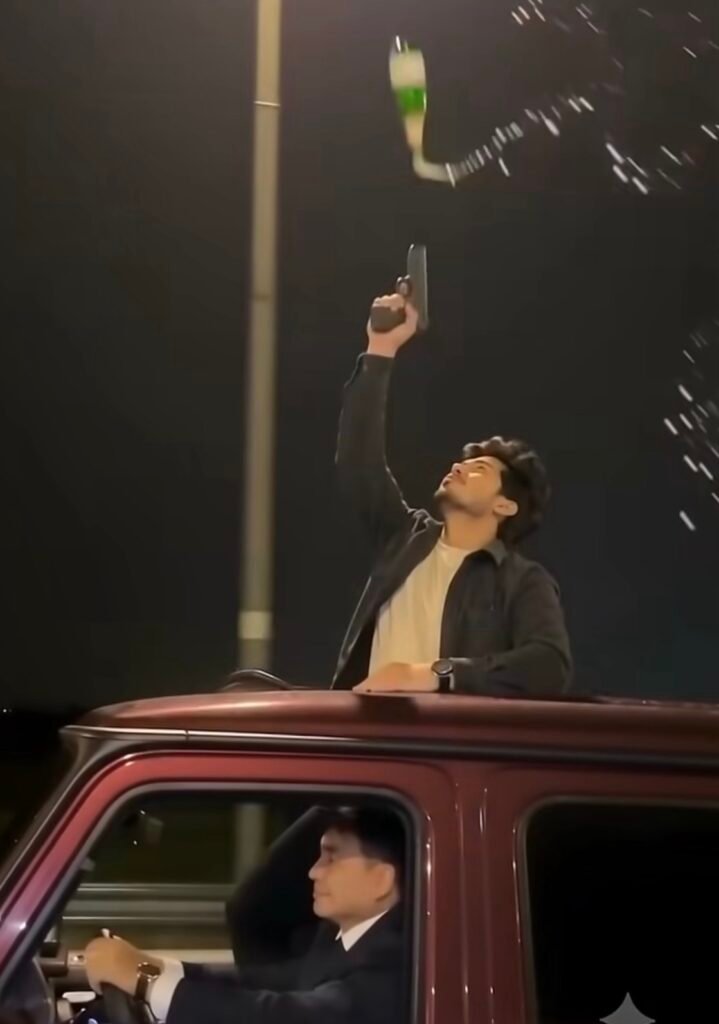
CINEMATIC NIGHT SHOT OF A PERSON STANDING THROUGH THE SUNROOF OF A MOVING RED SUV. THEY POP A CHAMPAGNE BOTTLE, TAKE A DRINK, THROW THE BOTTLE INTO THE AIR, SHOOT IT WITH A HANDGUN, AND THE BOTTLE EXPLODES INTO PIECES. STREETLIGHTS AND MOTION BLUR.
Create a 10-second vertical 9:16 photorealistic devotional video, 24 fps, with cinematic detail, warm natural light and one continuous frontal tracking shot.
SINGLE PHOTO INPUT
Use the uploaded photograph of the girl as the sole reference for her identity and facial expression.
Construct the complete scene described below from text. The uploaded photograph is an identity reference, not a picture to display before the scene. Only one human girl appears.
HIGHEST PRIORITY – FACE AND EXPRESSION
Preserve the uploaded girl’s recognizable face, exact age, facial proportions, skin tone, eyes, nose, lips, cheeks, jawline and hairline throughout the video. Maintain the photograph’s precise facial expression: the same smile intensity, mouth opening or closure, visible teeth, lip corners, cheek tension, eyebrow position and emotional look. If the photograph has a neutral expression, retain it; if she is smiling, retain that exact smile. Keep her head orientation close to the reference. No talking, lip-sync, widening smile, laughing, surprised eyes, eyebrow acting, beauty filtering or face reshaping.
Maintain a stable, reference-matched face across every frame. Create liveliness through the surroundings, scooter movement, fabric and subtle torso breathing without changing her expression.
Her identity must remain completely separate from Ganesha.COMPOSITION AND STYLING
The girl sits at the front of a glossy bright-pink vintage Indian scooter, upright, both hands naturally holding their respective black handlebar grips. Dress her in a modest child-sized red silk saree with rich gold floral brocade, a broad gold border and matching short-sleeved blouse. Add small gold jhumkas, a delicate gold necklace, red-and-gold bangles and a tiny red bindi. Arrange her dark hair loosely, with small white flowers at one side, preserving her recognizable hairline and unobstructed face.
A gentle, child-sized Lord Ganesha rides immediately behind her, visible on screen-left beside her head. Give him a distinct elephant face, large soft pink ears, a curled trunk, small tusks, an ornate gold crown with a green jewel and peacock feather, a yellow dhoti, red-and-gold shawl and gold ornaments.
Syncing Movements and Color Grading for Cinematic Impact
Color grading unifies the clips and establishes the mood of the narrative, giving the AI-generated frames a cohesive, high-end film aesthetic through adjustments in warmth, contrast, and highlights.
Example: Apply a warm, golden-hour filter to the classroom shots and slightly desaturate the background. Consistent color grading ensures the visual narrative flows smoothly from start to finish.
Collocation
Collocation refers to the seamless alignment of facial expressions, ambient lighting, and narrative elements within the video to create a polished and believable final product.
Example: When the hero winks at the camera, the transition and lighting should align perfectly to emphasize the character’s charm, which is critical for maintaining audience attention and engagement.