In the fast-growing world of digital content, creativity is no longer limited by tools or technical barriers. Today, artificial intelligence has completely transformed how creators design visuals and produce videos. What once required advanced skills and hours of editing can now be achieved in a much simpler and faster way. This project is a perfect example of how an idea can be turned into a visually stunning video by combining AI-generated images with smart video editing techniques. The entire process begins with generating an image using Google Gemini and then transforming that image into an engaging video with the help of a reference clip.
Google Gemini Se Image Creation Ka Process
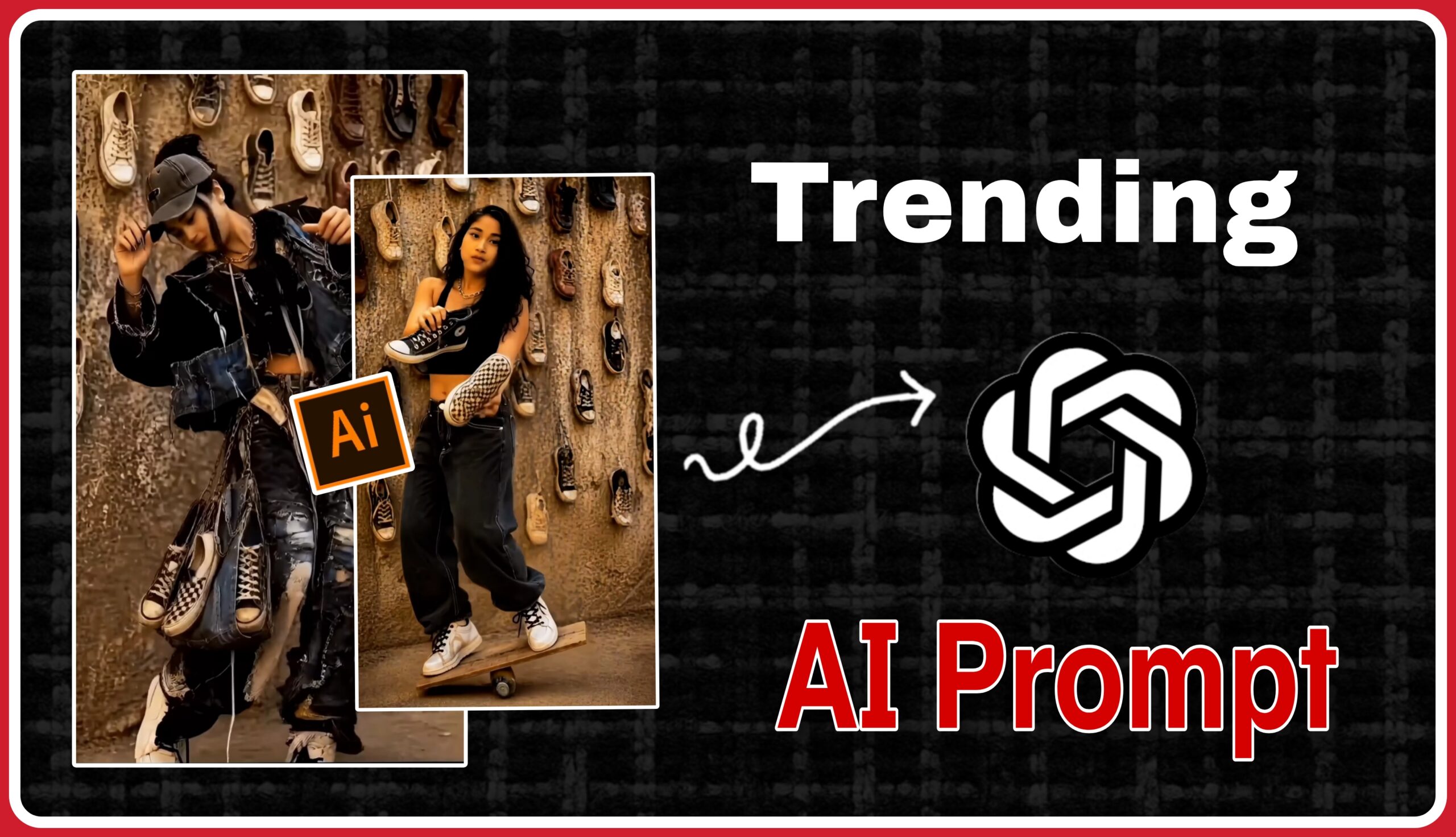
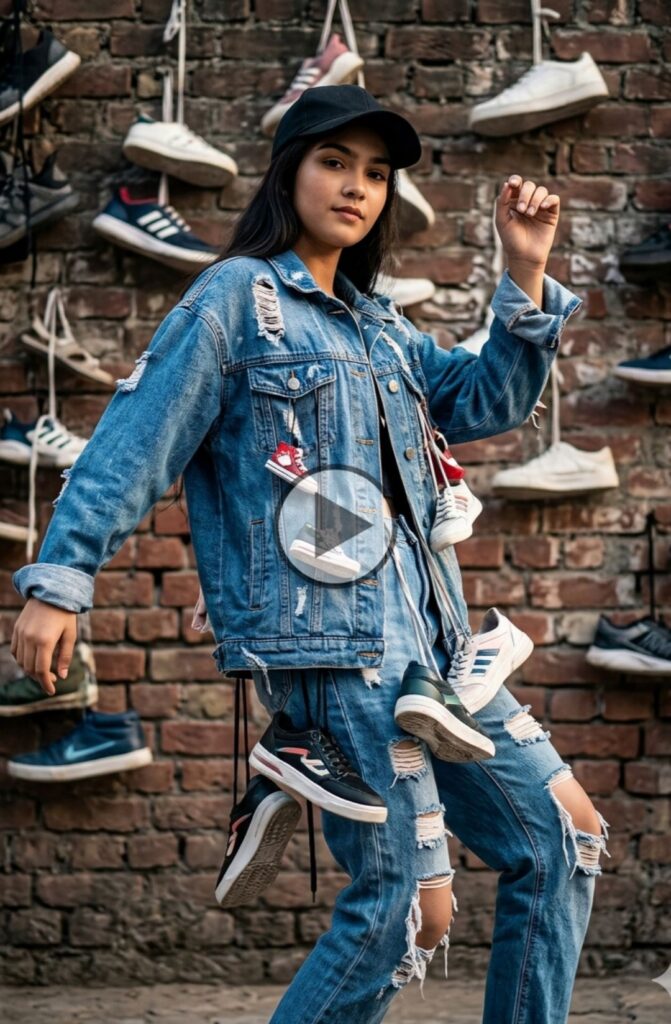
The foundation of this project starts with image generation using Google Gemini. Gemini is an advanced AI tool that allows users to create high-quality, realistic images simply by describing what they want in text form. This process is known as prompt-based image generation, where the quality of the output depends heavily on how detailed and creative the prompt is.In this case, the idea was to create a stylish and modern visual of a girl standing in front of a unique background filled with hanging shoes. The subject is designed to have a confident pose, fashionable outfit, and a strong visual presence. The background plays a crucial role as it adds depth and uniqueness to the composition. By clearly describing elements such as clothing style, lighting tone, background texture, and overall mood, Gemini generates an image that looks both artistic and realistic.The first image reflects a clean and minimal fashion look. The subject is holding shoes in her hands, standing confidently, and the wall behind her is decorated with multiple sneakers. This creates a visually appealing theme that immediately grabs attention. The image is not just a random creation but a carefully planned design that sets the tone for the entire video.
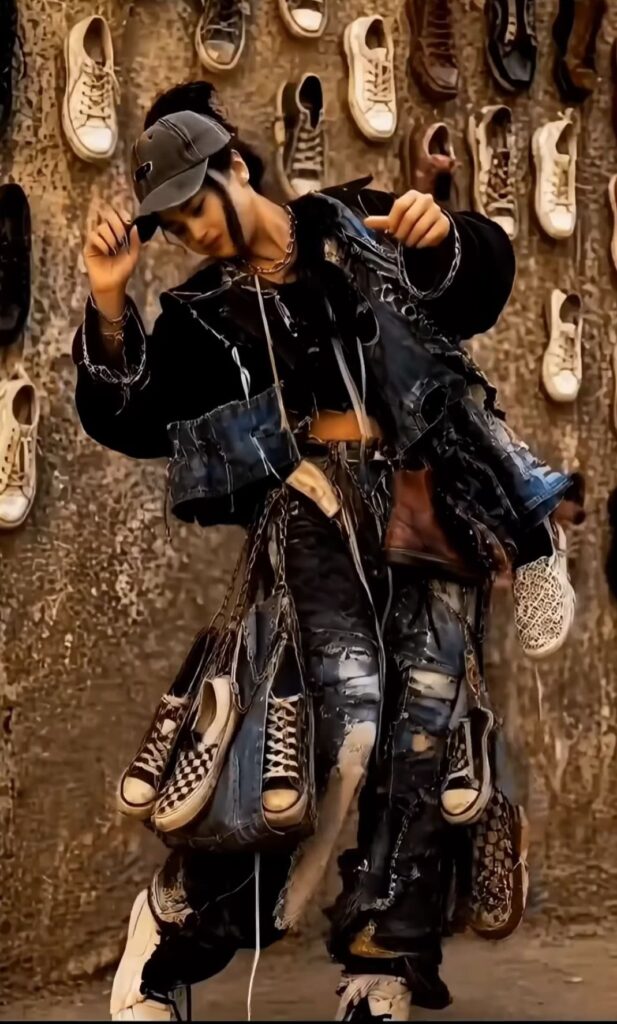
A stylish young girl posing in a street fashion style, wearing a black cap, oversized ripped denim jacket and pants decorated with hanging sneakers and shoes, edgy urban outfit, dynamic pose like dancing or stepping forward, confident expression, soft cinematic lighting, highly detailed, realistic skin texture.
Background: a grunge textured wall filled with hanging sneakers and shoes arranged randomly, artistic and aesthetic vibe.
Face: use the uploaded face, perfectly blended, natural skin tone, realistic facial details, same lighting and angle, seamless face swap.
Camera: full body shot, slight low angle, depth of field, ultra HD, 4K quality, sharp focus.Style: hyper-realistic, fashion editorial, cinematic, dramatic shadows, high detail, trending on artstation.
Step Two: Concept of Image-to-Video Transformation
Once the image is ready, the next step is to convert it into a video. Static images alone often fail to engage viewers on platforms like Instagram Reels or YouTube Shorts. That’s why creators use editing techniques to add motion and bring life to still visuals.
In this process, a reference video is used as a guide. A reference video helps in understanding how movement, transitions, and timing should be applied. By following the style of an existing video, creators can replicate similar effects on their generated image. This includes adding zoom effects, camera motion, and smooth transitions that make the image feel like a real video.
The goal here is not just to animate the image but to create a story. Even a short clip can feel dynamic and engaging if the movement is applied correctly. This is where creativity and editing skills come into play.
How to make Kalu putics change AI trending viral video
First of all you have to go to Google Gemini FIR You have to add your face photo by clicking on the plus icon FIR Paste the prompt which you have copied FIR After some time your normal photo will be converted into an editing photo FIR Save your photo from below and you will get it promptly on my website
Conclusion
This project is a perfect example of how modern tools and creative thinking can work together to produce high-quality content. The process starts with generating an image using Google Gemini, followed by converting that image into a dynamic video using a reference clip and editing techniques.
From concept creation to final output, every step reflects innovation and creativity. By combining AI-generated visuals with smart editing, anyone can create engaging and professional-looking videos. As the world of content creation continues to grow, using tools like Gemini and experimenting with new ideas will be essential for standing out and achieving success.