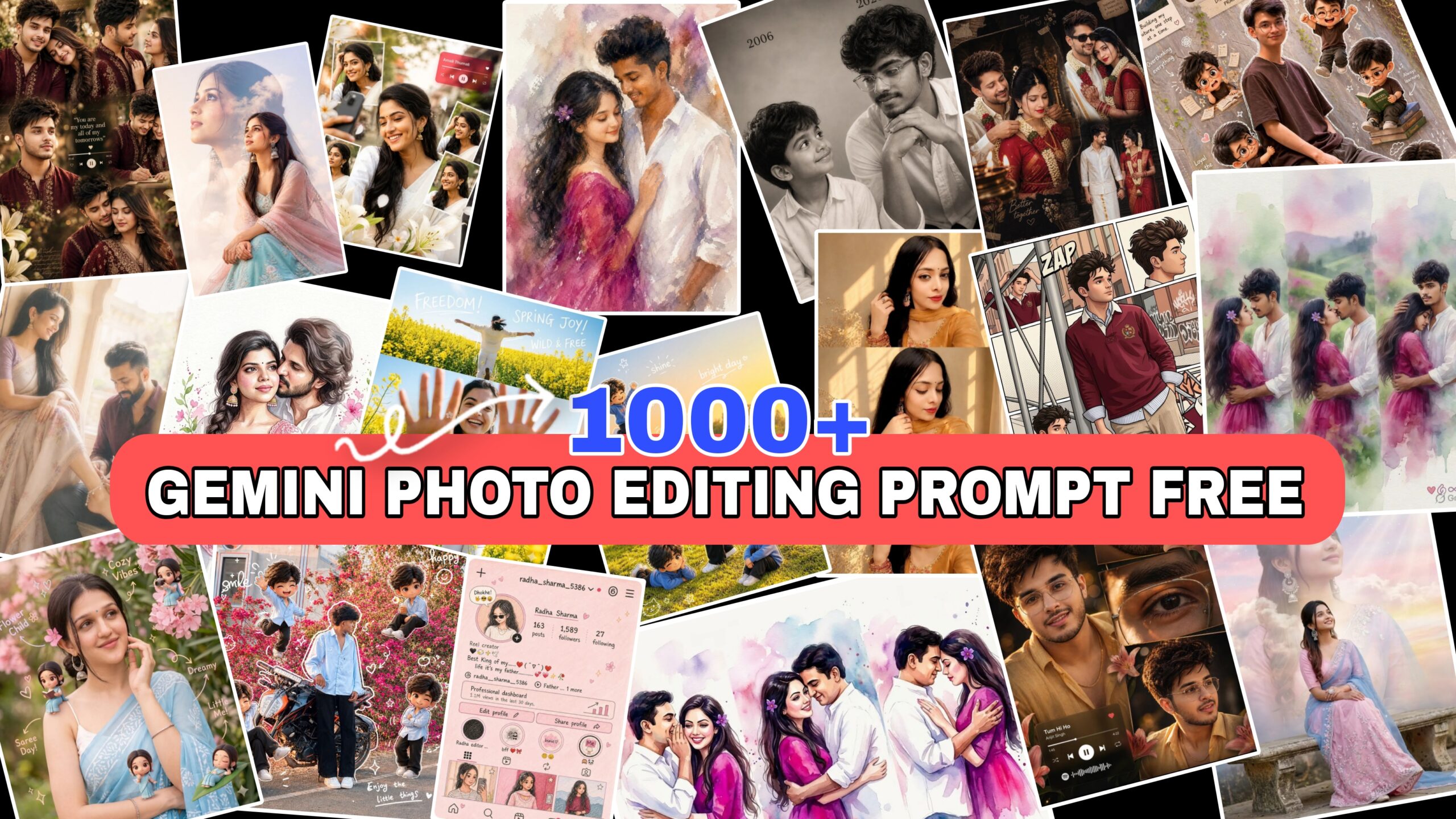
If you are searching for the best Gemini photo editing prompts, you’re in the right place! Whether you are a content creator, editor, or designer, using Al-powered prompts can completely transform your images. In this post, we bring you 1000+ unlimited Gemini prompts for photo editing that will help you generate aesthetic, cinematic, and professional-quality visuals in just seconds.
What Are Gemini Photo Editing Prompts?
Gemini photo editing prompts are text instructions you give to AI tools like Google Gemini to edit or enhance images automatically. Instead of manually using editing apps, you just describe what you want, and the AI applies the changes.
★ “Make the background blurry and add sunset lighting”
★ The AI reads your prompt and transforms the photo accordingly.
How to use google gemini promt
- Open Gemini
Go to the Gemini website or open the Gemini app on your phone.
- Sign in with Google Account
Log in using your Gmail ID to start using it.
- Type Your Prompt
Ask questions, give instructions, or write prompts (like “create an image” or “write an article”).
- Use Features
You can generate text, edit photos, write code, summarize content, and more.
- Refine Your Results
If the answer is not perfect, ask again or give more details to improve the output..
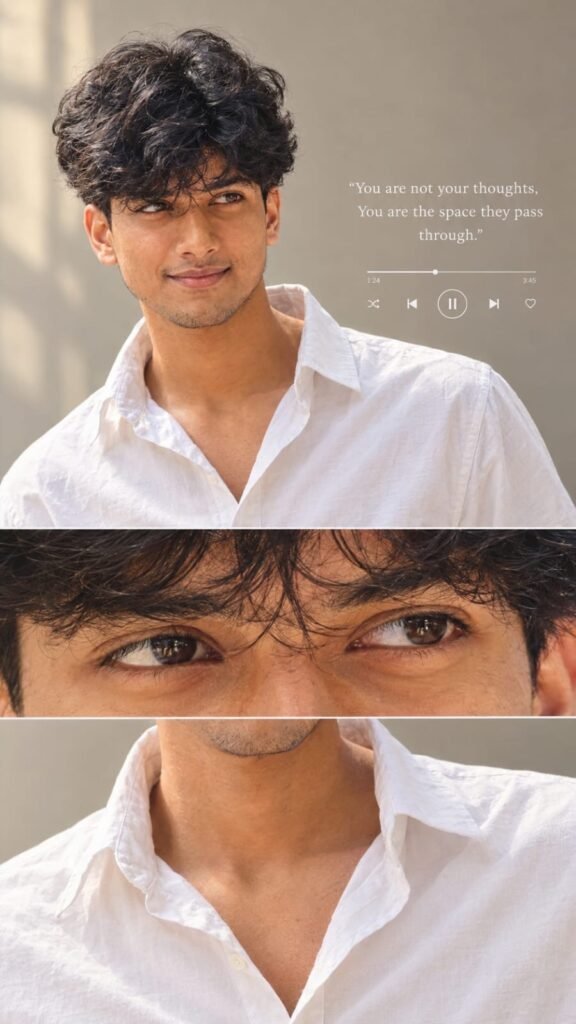
Use my uploaded photo as the ONLY identity reference. Create an ultra-realistic, high-quality aesthetic portrait of ME, preserving my exact facial identity.

FACE & IDENTITY LOCK: Keep my face 100% identical to my uploaded photo. Do not change my facial structure, eyes, eyebrows, nose, lips, skin tone, facial proportions, or natural features. Maintain realistic skin texture and my original identity. Do not replace my face with another person's face.

HAIRSTYLE: Give me naturally thick, voluminous, slightly messy black hair with soft waves, a middle-part hairstyle, and a few loose strands falling naturally over my forehead. Keep the hairstyle realistic and well-textured.

FACIAL HAIR: Add a natural, neatly maintained light mustache and a subtle short beard along the jawline and chin, only if it suits my original appearance. Keep everything realistic.

OUTFIT: A clean, premium white button-down shirt with an open collar, slightly relaxed fit, and natural fabric folds. No tie, no unnecessary accessories.

POSE &
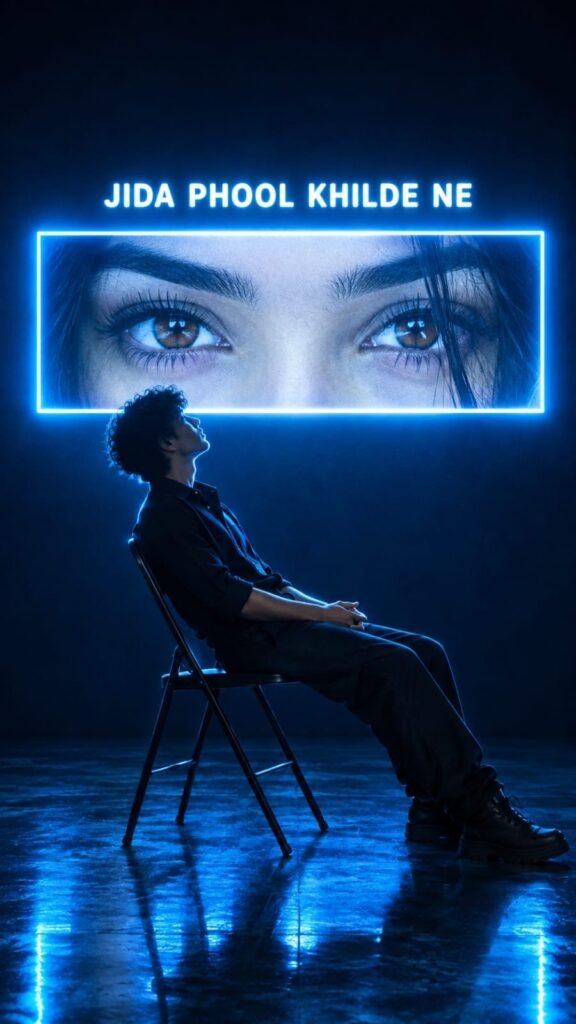
{
  "aspect_ratio": "9:16",
  "style": "cinematic, moody, high-contrast, music-video still",
  "color_palette": ["deep navy blue", "electric cyan", "white glow", "black"],
  "scene": {
    "setting": "dark empty studio, glossy dark floor with blue light reflections, no other props",
    "background": "dark navy wall fading to near-black at the top"
  },
  "subject": {
    "type": "young man, shown in side-profile silhouette",
    "pose": "sitting on a black folding metal chair, leaning far back, head tilted up toward the glowing panel, hands loosely clasped on lap, legs stretched forward",
    "hair": "short curly, voluminous on top",
    "clothing": "dark button-up shirt with sleeves rolled to the forearms, dark loose trousers, dark boots",
    "lighting_on_subject": "strong blue rim light outlining face, hair, shoulders and back; body mostly in shadow"
  },
  "central_element": {
    "type": "wide horizontal glowing rectangular panel with neon white-blue border",
    "position": "upper-middle, directly behi
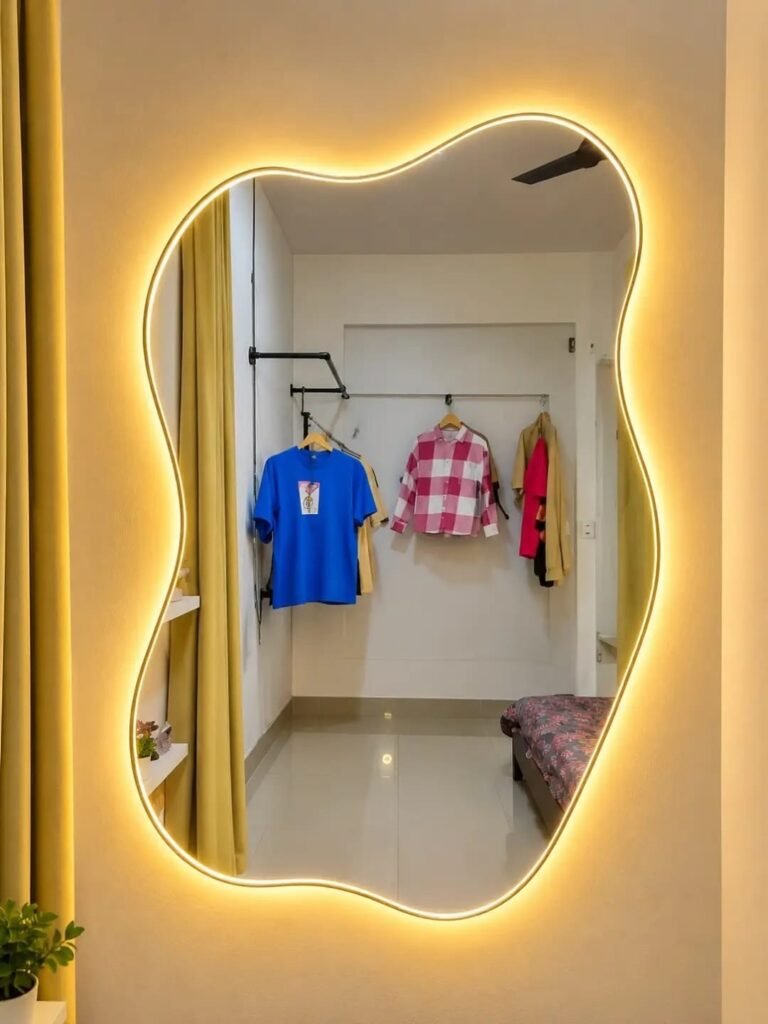

Combine the first photo’s mirror selfie into the second photo’s LED mirror setup. Preserve the subject’s exact face, hairstyle, sunglasses, outfit, phone, pose, and expression. Keep the second photo’s bedroom reflection, hanging clothes, mustard curtains, bed, plants, and background details unchanged. Add the subject naturally inside the irregular wavy mirror with warm golden LED backlighting. Maintain realistic proportions, lighting, reflections, sharp details, and vertical 9:16 aspect ratio.
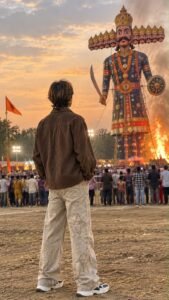
🔥 IMAGE RECREATION PROMPT — EXACT REPLICA (9:16) Prompt: Create an ultra-realistic, cinematic 8K photograph inspired by the uploaded reference image. Recreate the same composition, camera angle, subject placement, lighting, colors, atmosphere, and grand Indian Dussehra festival environment. 👤 Main Subject & Pose: A young Indian man standing in the foreground with his back facing the camera, watching the massive Ravana effigy during a grand Dussehra celebration.
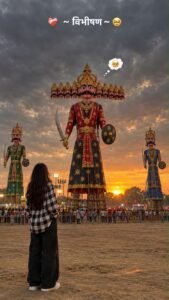
BOY & GIRL DUSSEHRA PROMPT CHATGPT :-
Create an ultra-realistic, cinematic 4K photograph of a young person standing in the foreground with their back facing the camera, looking at a giant Ravana effigy during a Dussehra festival at sunset. The person is wearing a black-and-white checkered oversized shirt, loose black trousers, and white sneakers, with long dark hair falling naturally down the back.
In the background, show three enormous traditional Ravana effigies, with the tallest one in the center featuring ten heads, an elaborate golden crown, a thick black moustache, traditional red and black royal attire, golden jewelry, a curved sword, and a round shield. Two smaller decorated effigies stand on either side.
The sky is filled with dramatic dark grey monsoon clouds, with a warm golden-orange sunset glowing along the horizon. Festival lights, distant crowds, metal barricades, and an open dusty ground create an authentic Indian Dussehra Mela atmosphere.
Composition: Vertical 9:16 smartphone wallpaper, full-body rear view of the person positioned in the lower-left foreground, giant Ravana effigy dominating the center, low-angle cinematic perspective, realistic proportions, natural depth, atmospheric lighting, subtle film grain, detailed fabric textures, moody color grading, warm sunset highlights, deep cloudy shadows, professional photography, realistic skin and hair texture.
Text overlay at the top: “❤️🩹 ~ विभीषण ~ 🥺” in clean, bold white Devanagari typography. Add a small cute thought bubble above the central Ravana effigy containing a pleading, teary-eyed emoji.
Quality: Photorealistic, highly detailed, natural lighting, sharp focus, cinematic contrast, realistic festival environment, 4K quality.
Negative prompt: Cartoon, anime, illustration, blurry image, oversaturated colors, extra limbs, distorted effigy faces, incorrect number of Ravana heads, duplicate people, artificial lighting, low resolution, watermark, unwanted text, distorted body proportions.
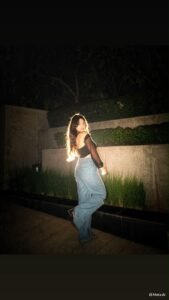
{
  "prompt": {
    "type": "ultra_realistic_full_body_male_fashion_portrait",
    "aspect_ratio": "9:16",
    "quality": "4K UHD, photorealistic, highly detailed",
    "reference_image": {
      "role": "PRIMARY AND STRICT REFERENCE",
      "instruction": "Recreate the uploaded reference image as closely as possible. Preserve the same overall composition, subject appearance, pose, clothing, lighting, camera angle, and dark background. Do not introduce unnecessary changes."
    },
    "subject": {
      "description": "A young adult man with a slim, well-proportioned physique and natural medium-light skin tone",
      "face": {
        "expression": "calm, confident, subtle serious expression",
        "head_position": "slightly turned toward the right side of the frame",
        "gaze": "looking toward the right, not directly at the camera",
        "facial_details": "natural facial proportions, realistic skin texture, subtle shadows"
      },
      "hair": {
        "style": "thick, voluminous, fluffy, slightly messy dark black hair",
        "details": "natural curls and textured strands, rounded silhouette, softly illuminated edges"
      },
      "accessories": {
        "sunglasses": "black oval rectangular sunglasses with dark lenses and a subtle golden reflection",
        "wristwatch": "dark wristwatch on the raised arm"
      }
    },
    "outfit": {
      "shirt": {
        "color": "black",
        "pattern": "subtle thin grey windowpane checks",
        "style": "fitted long-sleeve button-up shirt",
        "collar": "open collar with the top buttons undone",
        "sleeves": "rolled up to the forearms",
        "fit": "natural slim fit, slightly untucked"
      },
      "trousers": {
        "type": "light blue denim jeans",
        "fit": "relaxed straight-leg, slightly flared at the bottom",
        "details": "natural denim texture, realistic creases and fading"
      },
      "shoes": {
        "type": "black low-profile casual shoes",
        "appearance": "dark, understated footwear, partially hidden by the jeans"
      }
    },
    "pose": {
      "body_position": "standing casually with the back close to a dark wall",
      "legs": "one leg crossed naturally in front of the other at the ankles",
      "left_arm": "hanging naturally down beside the body with a relaxed hand",
      "right_arm": "slightly bent at the elbow, hand raised casually near chest level",
      "shoulders": "relaxed, natural posture",
      "overall_mood": "effortless, stylish, confident fashion-model pose"
    },
    "environment": {
      "location": "dark outdoor or dimly lit architectural setting at night",
      "background": "nearly black textured wall with subtle concrete surfaces",
      "ground": "rough stone pavement with a few visible floor details",
      "background_elements": "low concrete ledge behind the subject",
      "distractions": "no extra people, no unnecessary objects"
    },
    "lighting": {
      "style": "dramatic cinematic backlighting",
      "main_light": "bright warm-white light source positioned behind the subject",
      "rim_light": "strong golden-white rim light outlining the hair, shoulders, arms, and body",
      "ambient_light": "soft diffused light illuminating the face and clothing",
      "shadows": "deep natural shadows with subtle background illumination",
      "effects": "soft atmospheric glow, realistic light falloff, slight lens bloom"
    },
    "camera": {
      "framing": "full-body vertical portrait",
      "angle": "eye-level to slightly low camera angle",
      "lens": "50mm portrait lens",
      "depth_of_field": "moderate shallow depth of field",
      "focus": "sharp focus on the subject with a softly textured dark background",
      "composition": "subject positioned near the center of the frame with ample dark negative space above the head"
    },
    "image_style": {
      "aesthetic": "cinematic night fashion photography",
      "color_grading": "dark, warm, moody tones with golden highlights and cool blue denim",
      "texture": "subtle film grain, realistic fabric details, natural skin texture",
      "contrast": "high contrast with controlled highlights",
      "realism": "professional DSLR photography, natural anatomy, realistic hands and fingers"
    },
    "negative_prompt": [
      "different pose",
      "different clothing",
      "different hairstyle",
      "bright daytime background",
      "colorful background",
      "extra people",
      "extra fingers",
      "deformed hands",
      "bad anatomy",
      "unnatural body proportions",
      "plastic skin",
      "over-smoothed face",
      "cartoon",
      "anime",
      "illustration",
      "oversaturated colors",
      "excessive blur",
      "watermark",
      "logo",
      "text",
      "Instagram interface",
      "cropped feet",
      "cropped head"
    ]
  }
}

Add strong realistic long-exposure across the entire subject as if captured while moving, vintage film aesthetic, natural lighting, land unchanged facial features
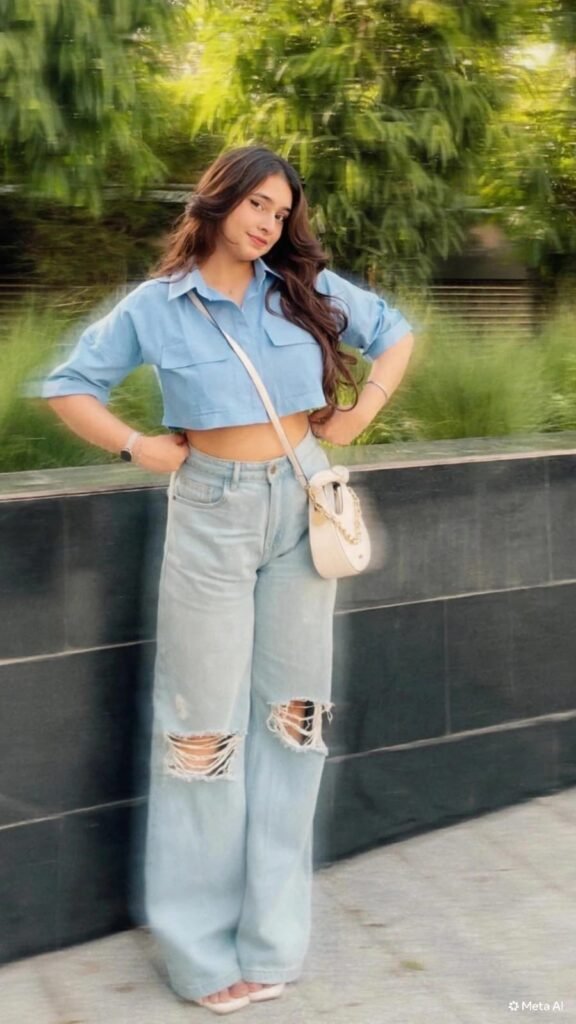
Add strong realistic long-exposure across the entire subject as if captured while moving, vintage film aesthetic, natural lighting, land unchanged facial features
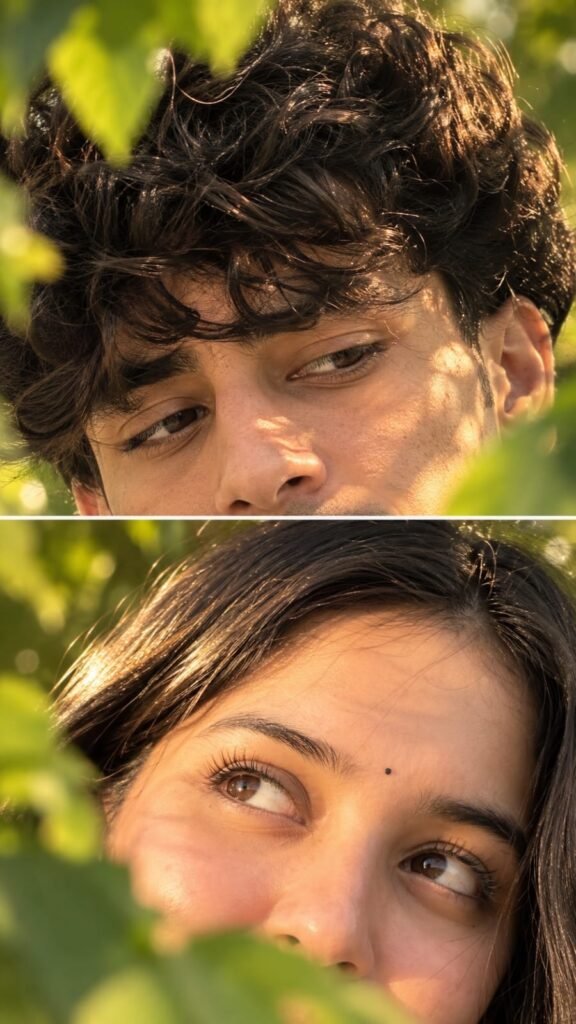
CLOSE-UP PORTRAIT OF A COUPLE, FEATURING A BOY WITH THICK, DARK, CURLY HAIR, LOOKING DOWN WITH A GENTLE EXPRESSION. HIS HAIR IS BACKLIT BY THE SUN, CREATING A WARM GLOW. LUSH GREEN LEAVES PARTIALLY OBSCURE AND FRAME HIS FACE. BOTTOM PANEL: A YOUNG WOMAN WITH BRIGHT, EXPRESSIVE BROWN EYES LOOKING UP, WEARING A SMALL BLACK BINDI. BOTH ARE PARTIALLY FRAMED BY GREEN LEAVES AND WARM SUNLIGHT GLINTING ON THEIR FACES DURING THE GOLDEN HOUR.
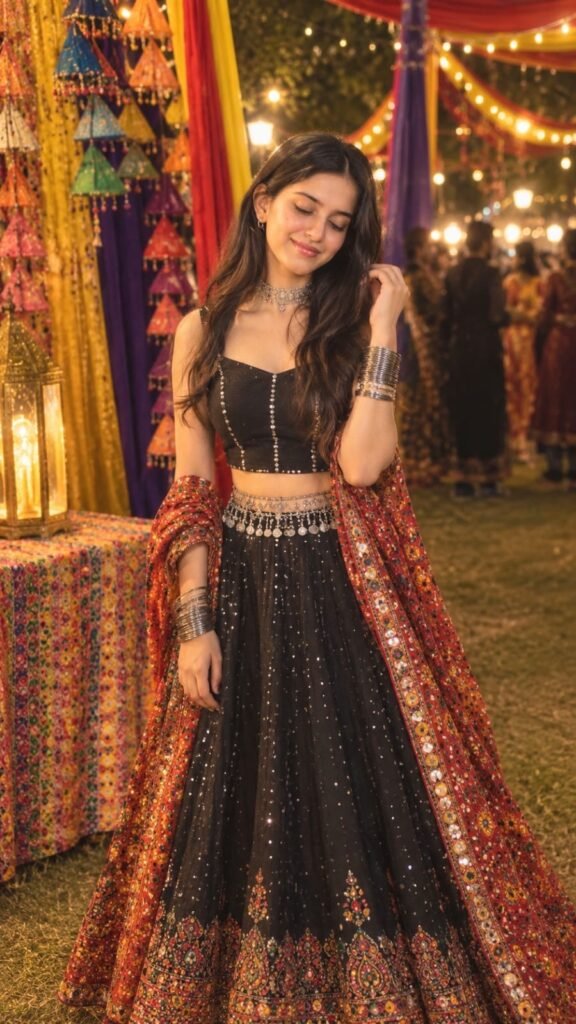
"A stunning 4K HD fashion portrait of a young South Asian woman posing gracefully at night during a vibrant festival. She has long, voluminous dark wavy hair and a gentle smile. She is wearing an elegant black lehenga with intricate colorful embroidery at the hem, paired with a matching blouse and a heavily embellished dupatta draped over her shoulder. Her accessories include silver oxidized bangles, a choker, and a detailed waist belt. The background is a lively fair illuminated by warm string lights and decorated with colorful drapes. The style is ultra-realistic with a soft, warm glow."
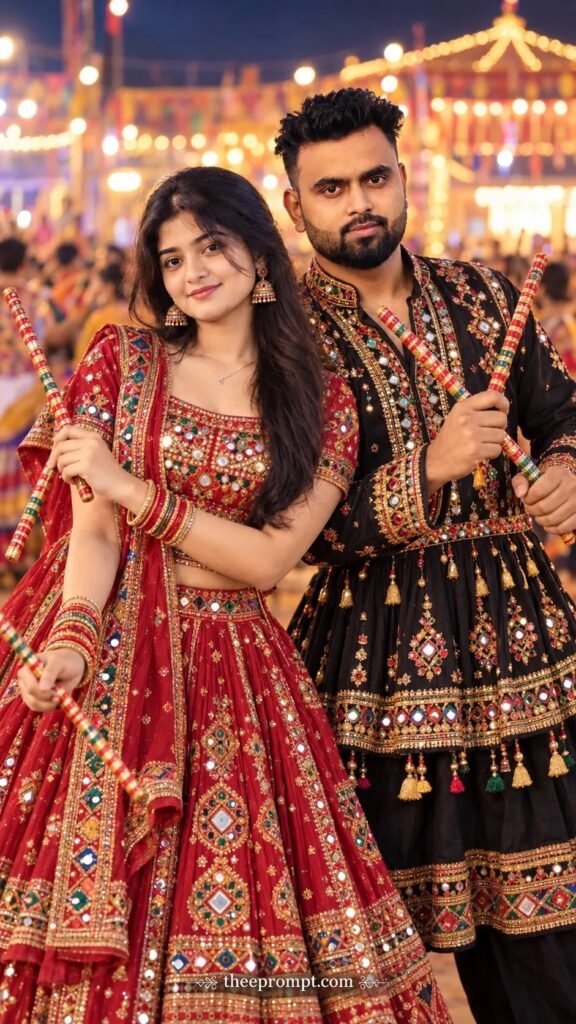
Create an ultra-photorealistic 8K vertical 9:16 portrait of an Indian couple celebrating Gujarati Navratri, framed from the waist up. Preserve their recognizable facial features and natural proportions if reference photos are provided. The woman wears a luxurious deep-red and antique-gold chaniya choli featuring intricate mirror work, traditional embroidery, elegant jhumkas, a necklace, and colorful bangles. The man wears a premium black Gujarati kediyu with elaborate gold embroidery.
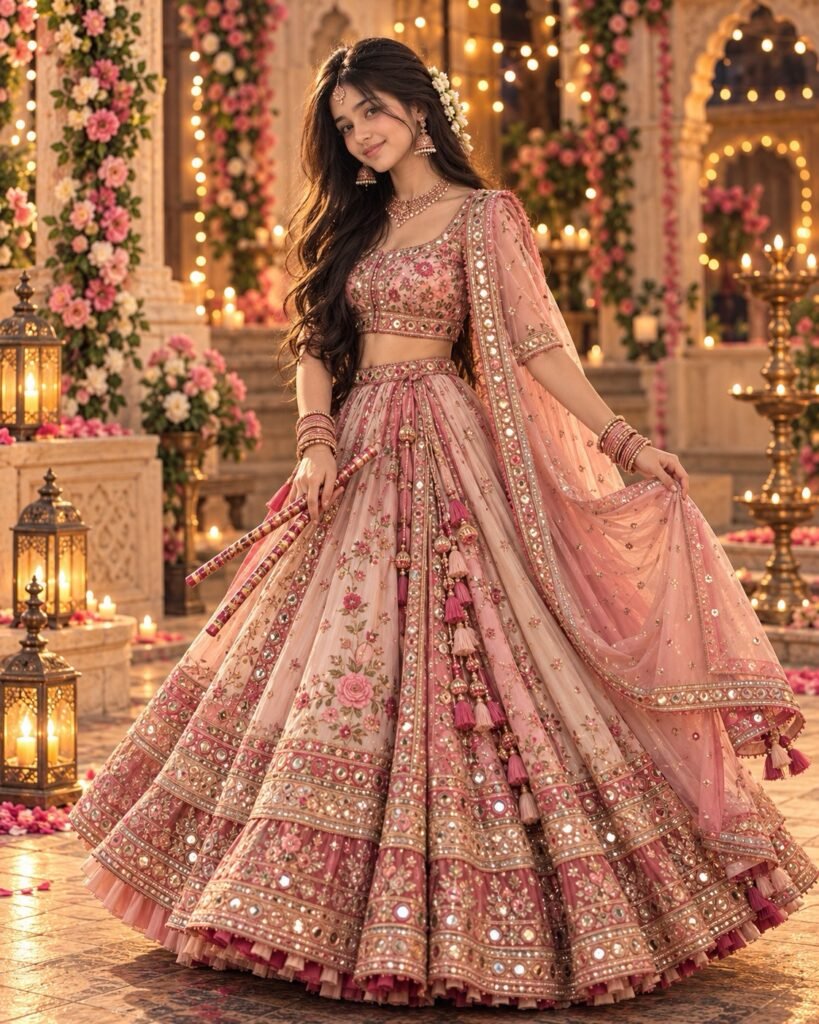
"An ultra-realistic 4K HD fashion portrait of a young South Asian woman posing gracefully at night in a lavishly decorated setting. She is wearing an exquisite blush pink and rose gold lehenga choli, adorned with intricate embroidery, delicate floral patterns, and sparkling mirror work. Her long, wavy dark hair is styled with white flowers. She is wearing traditional jewelry, including a choker necklace, jhumka earrings, and stacked bangles. She holds a delicate prop, like dandiya sticks, and has a gentle smile. The background is filled with cascading pink flowers, warm fairy lights, and lanterns creating a magical, warm atmosphere."
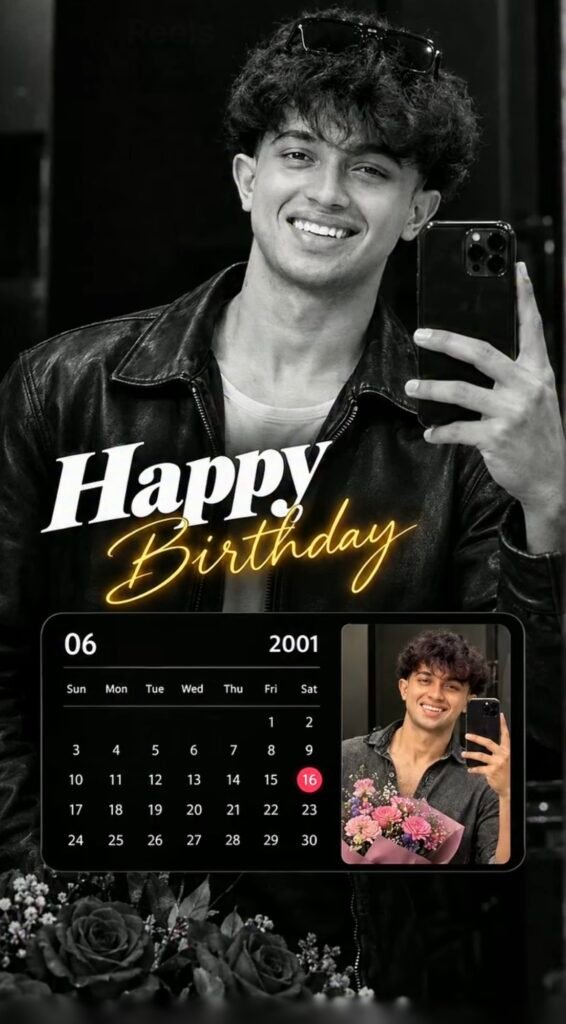
CREATE A STYLISH BLACK AND WHITE BIRTHDAY POSTER, FEATURING A LARGE BLACK AND WHITE PORTRAIT PHOTO OF THE PERSON AT THE TOP. INCLUDE THE TEXT 'Happy Birthday' IN A STYLISH SCRIPT FONT. ADD A CALENDAR COMPONENT SHOWING A SPECIFIC MONTH AND YEAR, WITH ONE SPECIFIC DAY CIRCLED IN A CONTRASTING COLOR. PLACE A SMALLER PHOTO OF THE PERSON NEXT TO THE CALENDAR. DECORATE THE BOTTOM WITH FLORAL ELEMENTS LIKE ROSES.

All prompt ke liye insta pe message karo
Ultra-realistic cinematic birthday poster of a stylish young South Asian male with same black hair, sharp jawline, visible pores, glowing fair skin and black-tinted sunglasses. Multi-photo collage composition with one large colorful portrait in the center wearing a premium white linen shirt, smiling confidently, looking sideways, surrounded by four monochrome background portraits arranged in tall vertical panels with different poses█ expressions.
Use the uploaded image as the only facial reference. Preserve the person's facial identity with 100% accuracy including face shape, hairstyle, hairline, eyebrows, eyes, nose, lips, jawline, skin tone, beard, expression, and overall appearance. Create an ultra-realistic cinematic birthday poster in 4:5 vertical ratio. Background should be a clean matte blue-grey gradient with a premium studio look.

Create a 4K vertical 9:16 couple lock-screen wallpaper using our uploaded photos as strict face references. Preserve both exact faces. Romantic black-and-white hug pose, husband in black shirt, wife smiling behind his shoulder. Add realistic phone status bar, Jio True5G, date, large 11:11 clock, battery and lock-screen icons. Cinematic, natural skin texture, sharp facial details. #ExactFaceMatch

Create a 4K vertical 9:16 couple lock-screen wallpaper using our uploaded photos as strict face references. Preserve both exact faces. Romantic black-and-white hug pose, husband in black shirt, wife smiling behind his shoulder. Add realistic phone status bar, Jio True5G, date, large 11:11 clock, battery and lock-screen icons. Cinematic, natural skin texture, sharp facial details. #ExactFaceMatch
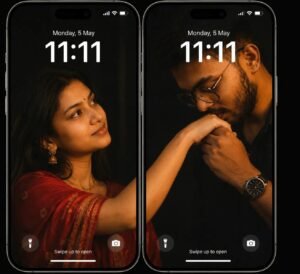
Split-screen iPhone couple wallpaper featuring two iPhones side-by-side, displaying a seamless combined lock screen wallpaper with realistic iPhone lock screen UI elements visible. On the left screen, a young woman (matching the exact facial features and style of the provided reference image) is wearing a rich red saree, elegantly draped, and extending her arm naturally across the screen border toward the right.

A photorealistic, emotional cinematic
portrait of a above woman peacefully sleeping with his head resting on the lap of a divine figure portraying Goddess maa amba The figure has white skin, expressive traditional makeup, change hair to  long wavy black hair and is adorned with an ornate golden crown, traditional Indian gold jewelry, and vibrant red flower garlands. The figure gently strokes the woman's hair with a tender and protective expression.🪷🔱🪷
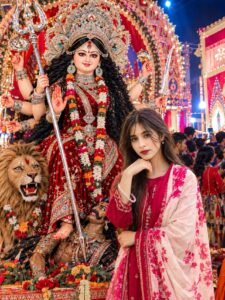
Create an ultra-realistic, high-quality 4K vertical portrait (3:4 aspect ratio) of a beautiful young Indian woman standing in front of a grand, beautifully decorated Maa Durga Puja pandal during Navratri.
• Girl's Appearance & Pose: A young Indian woman with long, naturally wavy dark brown hair, expressive brown eyes, a small black bindi, and natural facial features. She is wearing a beautiful maroon-pink traditional Indian salwar suit with intricate golden embroidery and a light pink floral dupatta draped elegantly over her shoulders. She has subtle makeup, natural skin texture, small earrings, and a delicate bracelet. She is standing in a stylish, relaxed pose, with one hand gently resting under her chin and the other arm resting near her waist. She is looking directly at the camera with a calm, confident expression.
A Maa Durga Idol: Behind the girl stands a magnificent, large Maa Durga idol with multiple arms, wearing an elaborate golden crown, a rich red and maroon saree decorat
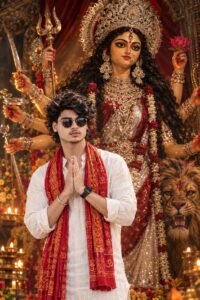
Create an ultra-realistic, cinematic DSLR devotional portrait poster featuring a young South Asian/Indian man standing peacefully in front of an enormous divine artistic portrait of Maa Durga. Face & Identity: Use the uploaded reference photo ONLY for the man's exact face and identity. Preserve his original face shape, eyes, eyebrows, nose, lips, jawline, skin tone, facial proportions, hairstyle, and natural skin texture. Keep his identity recognizable.
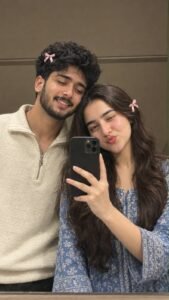
A ROMANTIC VERTICAL MIRROR SELFIE OF A YOUNG COUPLE POSED CLOSE TOGETHER. THE MAN, WITH THICK BLACK HAIR AND A FULL BEARD, WEARS A CREAM-COLORED HALF-ZIP SWEATER AND A SMALL PINK RIBBON BOW IN HIS HAIR. THE WOMAN, WITH LONG WAVY BROWN HAIR, WINKS PLAYFULLY WEARING A BLUE PATTERNED TOP AND A SMALL PINK RIBBON BOW. THE SCENE IS SET IN A BATHROOM WITH WARM TAUPÉ WALLS, ILLUMINATED BY SOFT, WARM INDOOR LIGHTING.
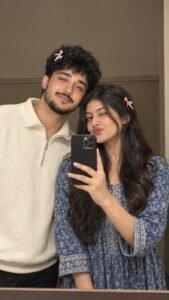
{
  "image_type": "Ultra-realistic couple mirror selfie",
  "aspect_ratio": "9:16",
  "quality": "High resolution, photorealistic",
  "prompt": {
    "scene": "A young couple standing close together in front of a large bathroom mirror, taking a casual smartphone selfie.",
    "male_subject": {
      "hair": "Thick, voluminous, slightly messy black hair",
      "facial_hair": "Neatly trimmed full black beard and mustache",
      "expression": "Gentle smile, looking at the phone screen",
      "outfit": "Cream-colored textured half-zip sweater",
      "accessory": "Small pink ribbon bow clipped into his hair"
    },
    "female_subject": {
      "hair": "Long, thick, wavy dark brown hair",
      "expression": "One eye closed in a playful wink, lips puckered",
      "outfit": "Blue patterned traditional-style top",
      "accessory": "Small pink ribbon bow on the side of her hair"
    },
    "pose": "The couple stand shoulder-to-shoulder. The man leans slightly toward the woman while she holds a black smartphone in front of the mirror.",
    "background": "Simple indoor bathroom with a plain warm taupe wall and subtle horizontal trim.",
    "lighting": "Soft, warm indoor lighting with natural skin texture and gentle shadows.",
    "camera_style": "Casual smartphone mirror photography, slightly soft focus, natural candid aesthetic.",
    "composition": "Vertical medium close-up, both faces clearly visible, phone centered between the subjects.",
    "color_palette": [
      "Warm taupe",
      "Cream",
      "Dark brown",
      "Black",
      "Soft pink",
      "Blue"
    ],
    "realism": "Realistic skin texture, natural hair strands, accurate hands, realistic smartphone reflections, no artificial plastic appearance.",
    "negative_prompt": [
      "Blurry faces",
      "Distorted facial features",
      "Extra fingers",
      "Deformed hands",
      "Duplicate subjects",
      "Unnatural skin",
      "Watermarks",
      "Unwanted text",
      "Incorrect mirror reflections"
    ]
  }
}
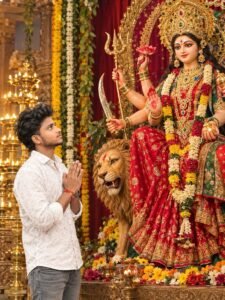
Subject & Action: A young South Asian man with short dark wavy hair and a trimmed beard, wearing a white patterned long-sleeve shirt and grey jeans, stands in profile with his hands clasped together in a respectful prayer pose (Namaste). He is looking up with reverence. Main Focus (Deity): Next to him is a large, ornate, and beautifully detailed idol of the Hindu Goddess Durga seated gracefully.

🪷🔱🪷A ultra-realistic, cinematic portrait of a Indian woman with Goddess Ma durga. The figure has very fair skin, expressive traditional makeup, long wavy black hair, and is adorned with an ornate golden crown, traditional Indian gold jewelry, and vibrant pink Lotus 🪷 flower garlands. The figure gently strokes the woman's hair with a tender and protective expression. The woman is wearing a traditional outfit.
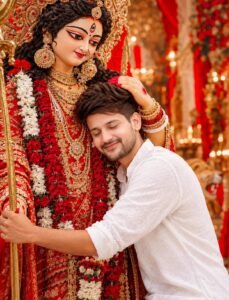
Create a highly realistic, cinematic devotional portrait in vertical 4:5 composition, inspired by a grand Indian Durga Puja setting. A young Indian man is gently resting his head against the chest/shoulder area of a beautifully decorated Maa Durga idol, with his eyes peacefully closed and a calm, emotional devotional expression. Maa Durga is positioned behind him, looking gracefully downward with a gentle divine smile.
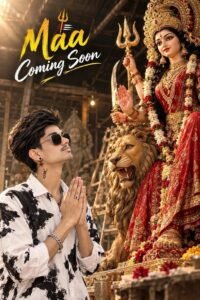
Create a highly realistic, cinematic devotional portrait in vertical 4:5 composition, inspired by a grand Indian Durga Puja setting. A young Indian man is gently resting his head against the chest/shoulder area of a beautifully decorated Maa Durga idol, with his eyes peacefully closed and a calm, emotional devotional expression. Maa Durga is positioned behind him, looking gracefully downward with a gentle divine smile.
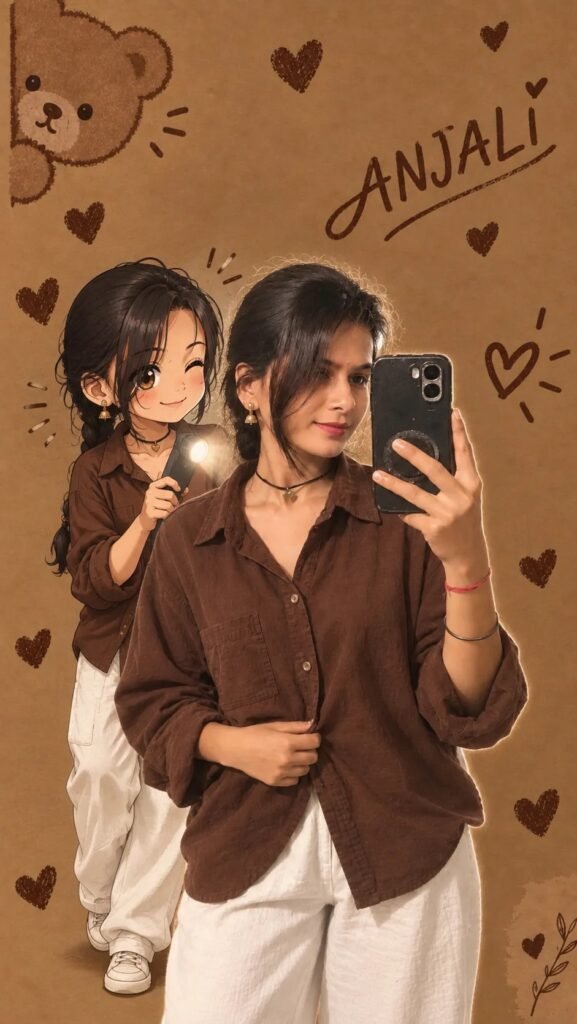
Transform the main subject into a small full-body anime/cartoon version of themselves, matching their hairstyle, outfit, accessories, colors, and recognizable details. Use the reference's clean modern anime aesthetic sharp linework slightly oversized head, compact proportions, cel shading, and expressive details. Position the anime character directly behind the real subject, holding
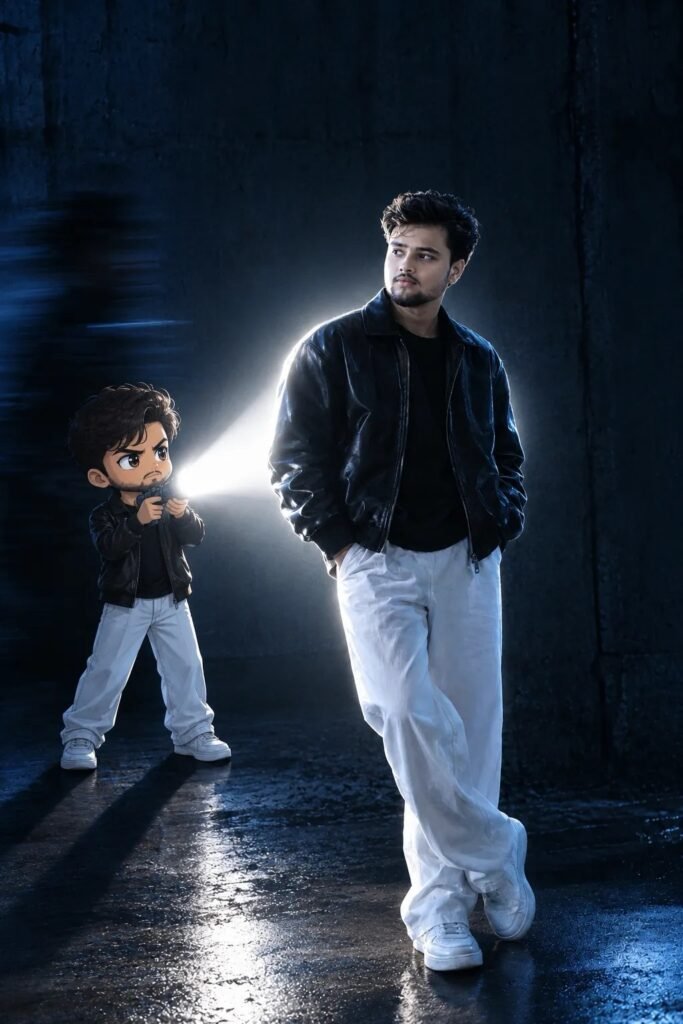
Transform the main subject into a small full-body anime/cartoon version of themselves, matching their hairstyle, outfit, accessories, colors, and recognizable details. Use the reference's clean modern anime aesthetic sharp linework slightly oversized head, compact proportions, cel shading, and expressive 13 details. Position the anime character directly behind the real subject, holding a flashlight aimed forward at their back.
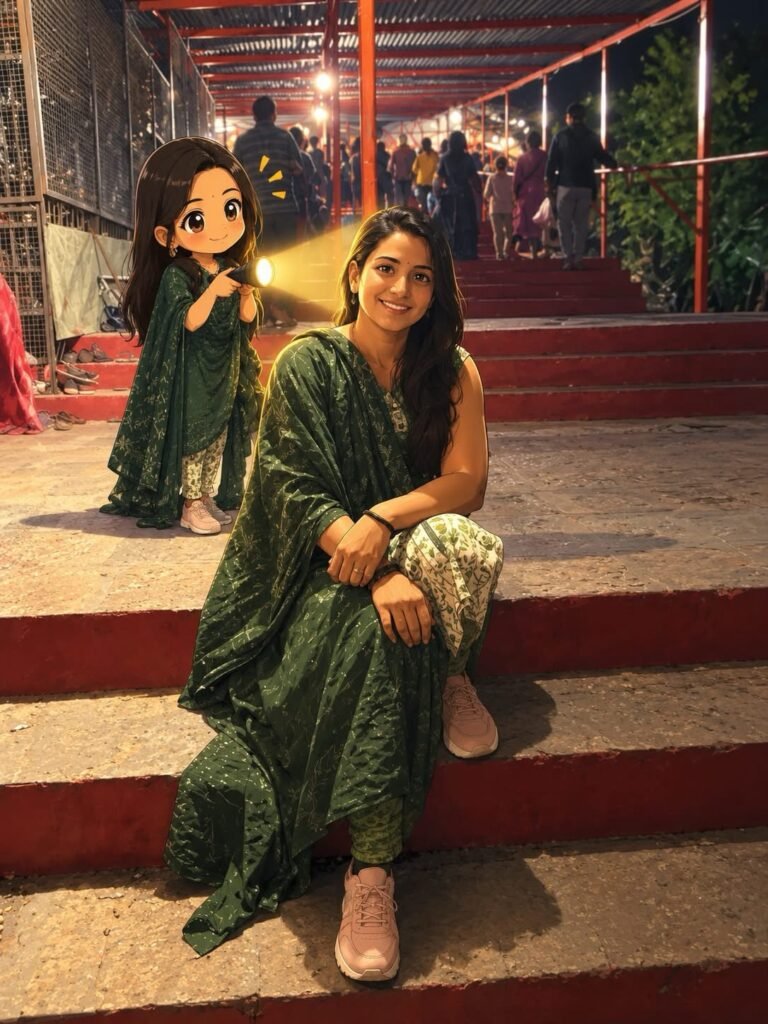
Transform the main subject into a small full-body anime/cartoon version of themselves, matching their hairstyle, outfit, accessories, colors, and recognizable details. Use the reference's clean modern anime aesthetic sharp linework slightly oversized head, compact proportions, cel shading, and expressive 13 details. Position the anime character directly behind the real subject, holding a flashlight aimed forward at their back.
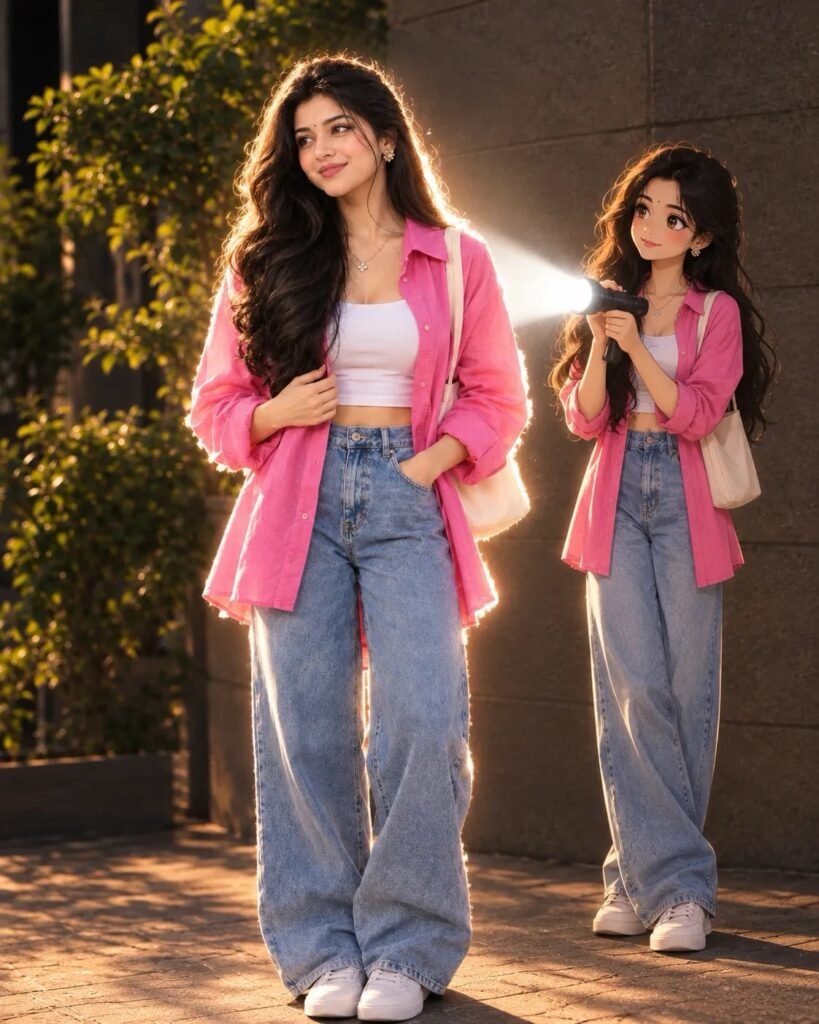
Transform the main subject into a small full-body anime/cartoon version of themselves, matching their hairstyle, outfit, accessories, colors, and recognizable details. Use the reference's clean modern anime aesthetic sharp linework slightly oversized head, compact proportions, cel shading, and expressive details. Position the anime character directly behind the real subject, holding a flashlight aimed forward at their back.
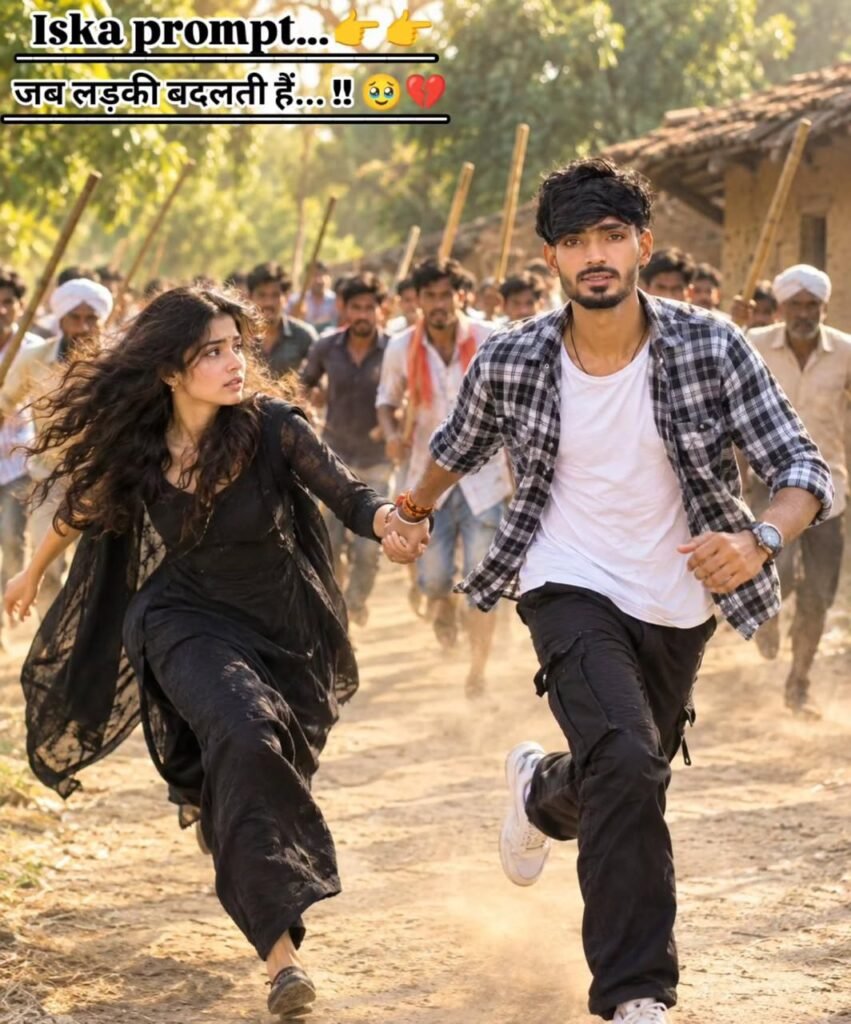
A CINEMATIC WIDE SHOT OF A YOUNG INDIAN COUPLE RUNNING AWAY HAND IN HAND DOWN A DUSTY PATH IN A RURAL INDIAN VILLAGE. THE MAN WEARS A WHITE T-SHIRT UNDER A BLUE AND WHITE CHECKERED SHIRT, BLACK CARGO PANTS, AND A BLACK HEADBAND. THE WOMAN WEARS A BLACK TRADITIONAL OUTFIT. IN THE BLURRY BACKGROUND, A CROWD OF VILLAGERS IS SEEN RUNNING AFTER THEM, SOME HOLDING STICKS. THE SCENE IS ILLUMINATED BY WARM, GOLDEN HOUR SUNLIGHT
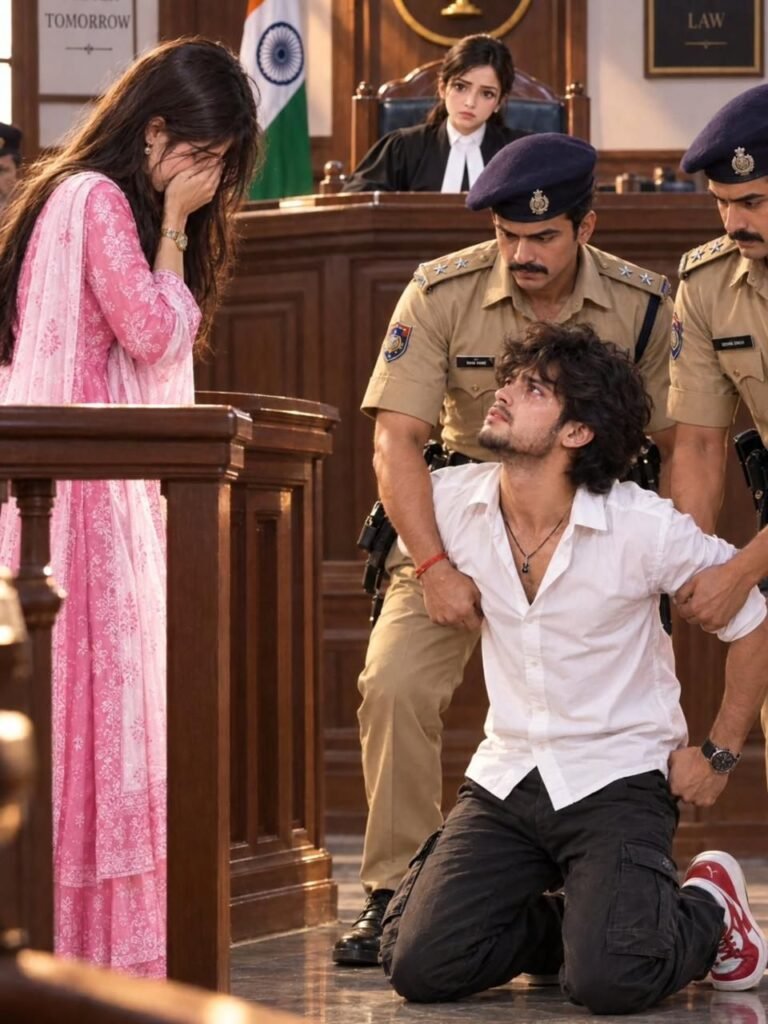
A DRAMATIC COURTROOM SCENE FEATURING A YOUNG MAN KNEELING ON THE FLOOR, RESTRAINED BY TWO POLICE OFFICERS IN UNIFORM. HE HAS A DISTRESSED EXPRESSION. NEARBY, STANDING IN A WITNESS BOX, A WOMAN IN A PINK TRADITIONAL INDIAN SUIT COVERS HER FACE WITH HER HANDS, APPEARING EMOTIONALLY OVERWHELMED. IN THE BACKGROUND, A JUDGE SITS AT A DESK BENEATH AN INDIAN FLAG. THE LIGHTING IS CINEMATIC AND DRAMATIC.
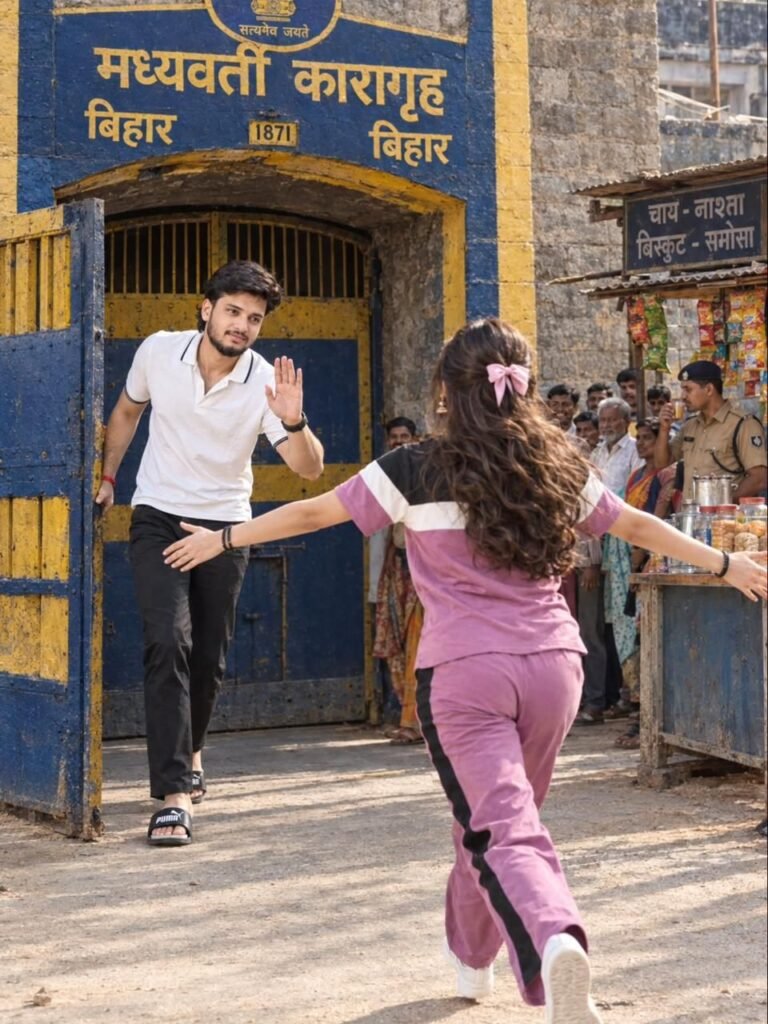
A REALISTIC PHOTO OF A YOUNG MAN IN A WHITE POLO SHIRT AND BLACK PANTS WALKING OUT OF A BLUE AND YELLOW PRISON GATE MARKED WITH HINDI TEXT AND THE YEAR 1871, WAVING GOODBYE. IN THE FOREGROUND, A YOUNG WOMAN IN A PINKISH-PURPLE TRACKSUIT IS RUNNING TOWARDS HIM WITH OPEN ARMS AS IF TO HUG HIM, WITH BYSTANDERS AND A TEA STALL VISIBLE IN THE BACKGROUND
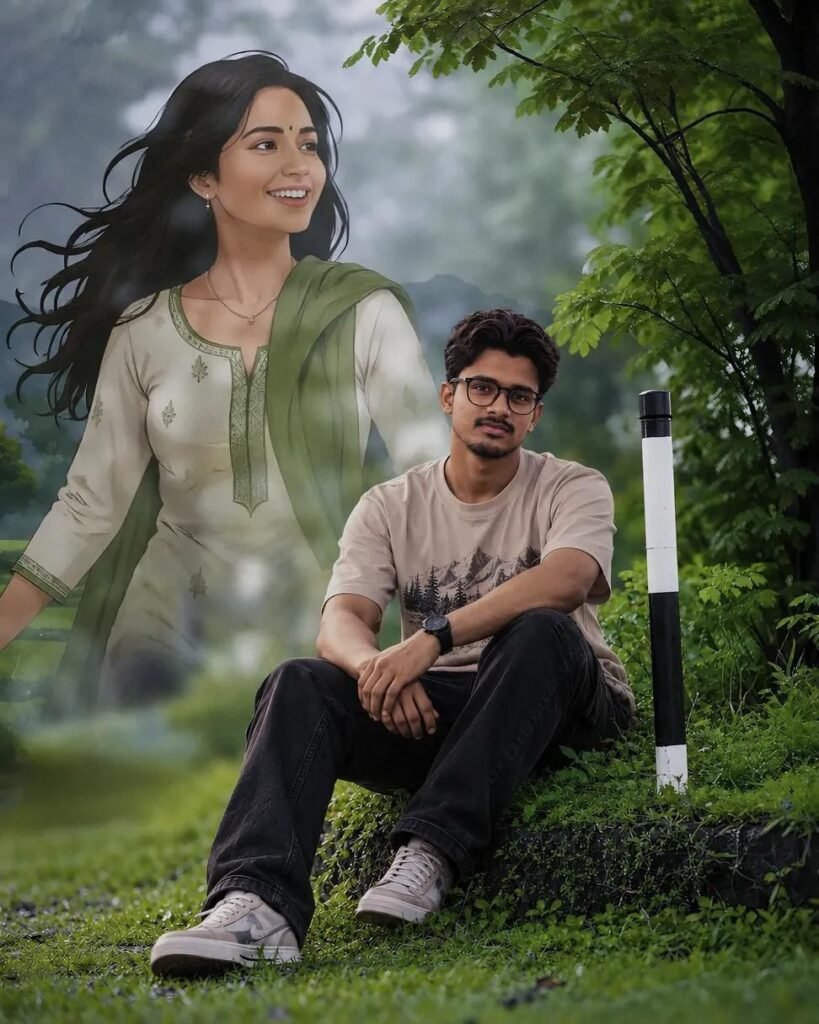
Create a highly realistic cinematic composite using the uploaded two images. Use the second image’s young Indian man with the exact same face, facial features, hairstyle, skin tone and identity, without altering his facial structure. Place him naturally sitting on the grassy moss-covered roadside ledge in the empty sitting area of the first image, with a relaxed, realistic seated pose, naturally bent legs, realistic hand placement and proper body proportions.
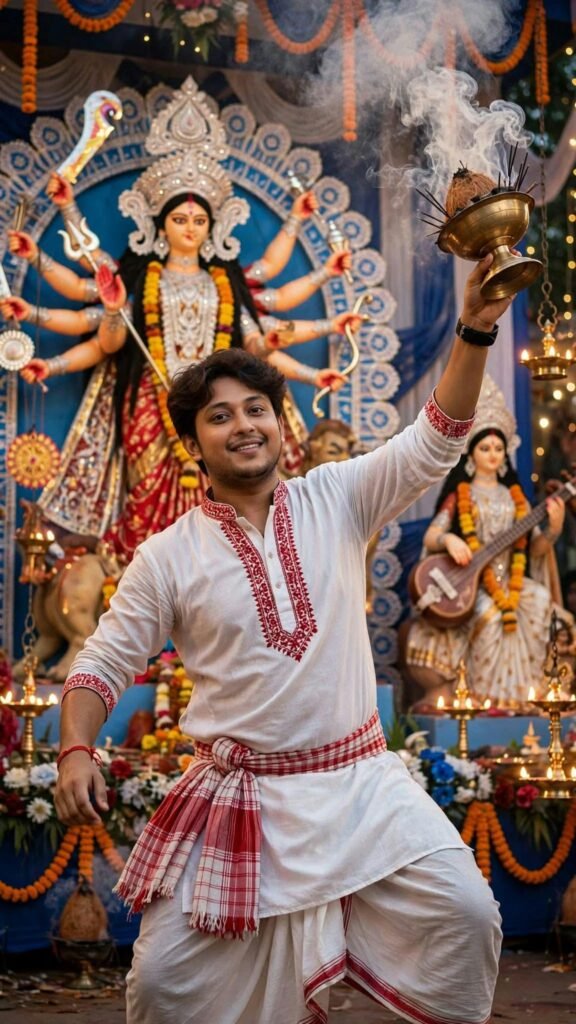
Photorealistic cinematic shot of a young handsome Bengali man in his mid-20s with wavy dark brown hair and light beard, performing Dhunuchi dance during Durga Puja. He is wearing a traditional white cotton kurta with red embroidery on the neckline and sleeve borders, white dhoti with red border, and a red and white gamcha tied around his waist. He is holding a brass dhunuchi with thick white smoke in his raised right hand, dynamic dancing pose, looking up towards the smoke.
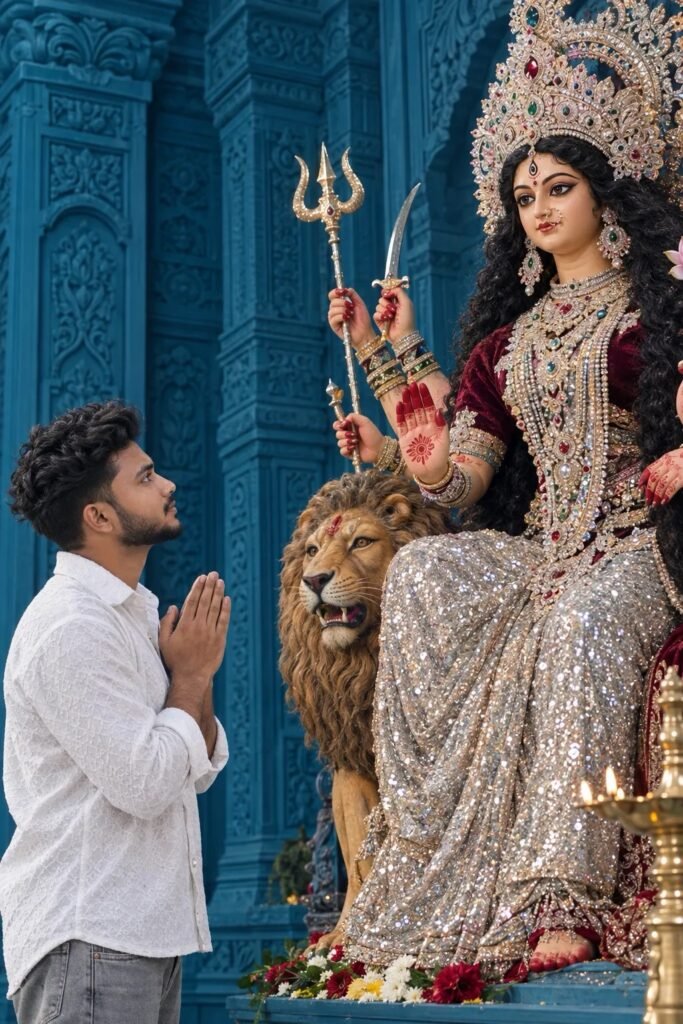
Subject & Action: A young South Asian man with short dark wavy hair and a trimmed beard, wearing a white patterned long-sleeve shirt and grey jeans, stands in profile with his hands clasped together in a respectful prayer pose (Namaste). He is looking up with reverence. Main Focus (Deity): Next to him is a large, ornate, and beautifully detailed idol of the Hindu Goddess Durga seated gracefully.
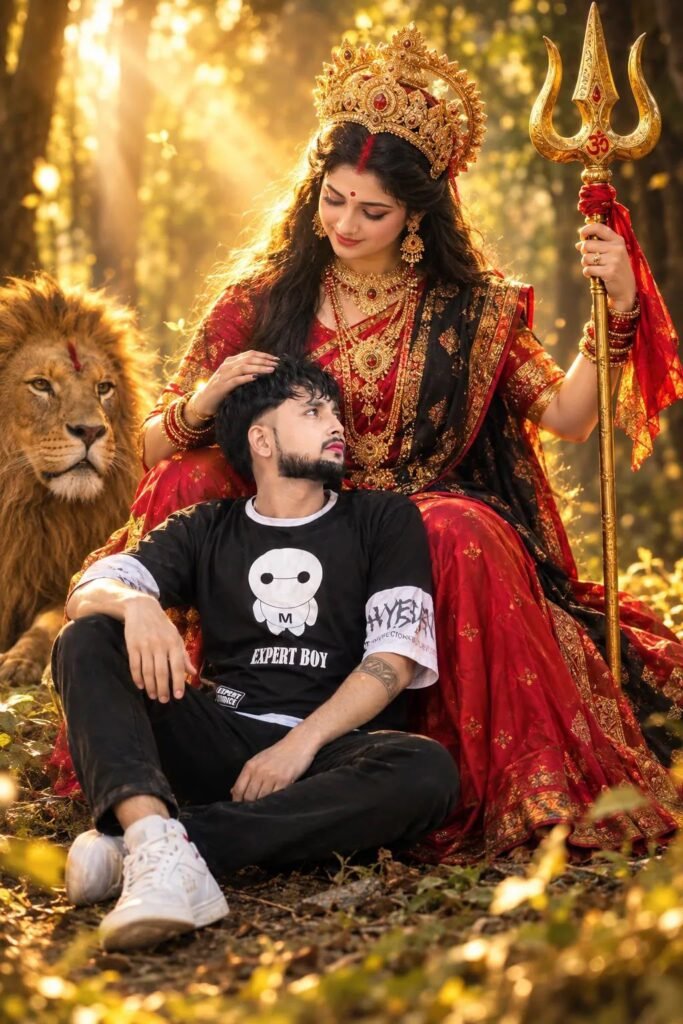
A highly realistic, cinematic photo of [insert your person] sitting peacefully on the ground, leaning against the lap of Goddess durga in a forest setting. She holds a golden trishul (trident) in one hand, while looking down at the person with a protective, motherly expression. The atmosphere is mystical warm golden forest lighting. newtending face same to same.same kapda.
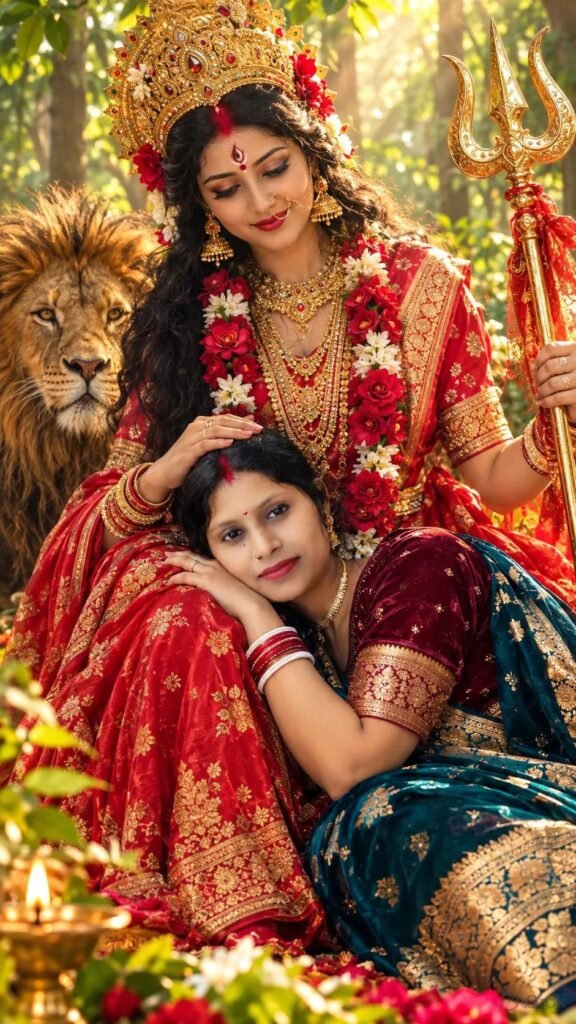
A hyper-realistic 16k photo of a young Indian man resting his head lovingly on the lap of Goddess Durga in a sunlit lush forest. Goddess Durga is wearing a vibrant traditional red silk saree with intricate gold border embroidery, ornate gold jewelry, a traditional golden crown (mukut), and a fresh flower garland. She is smiling affectionately while gently placing her hand on the man's head.
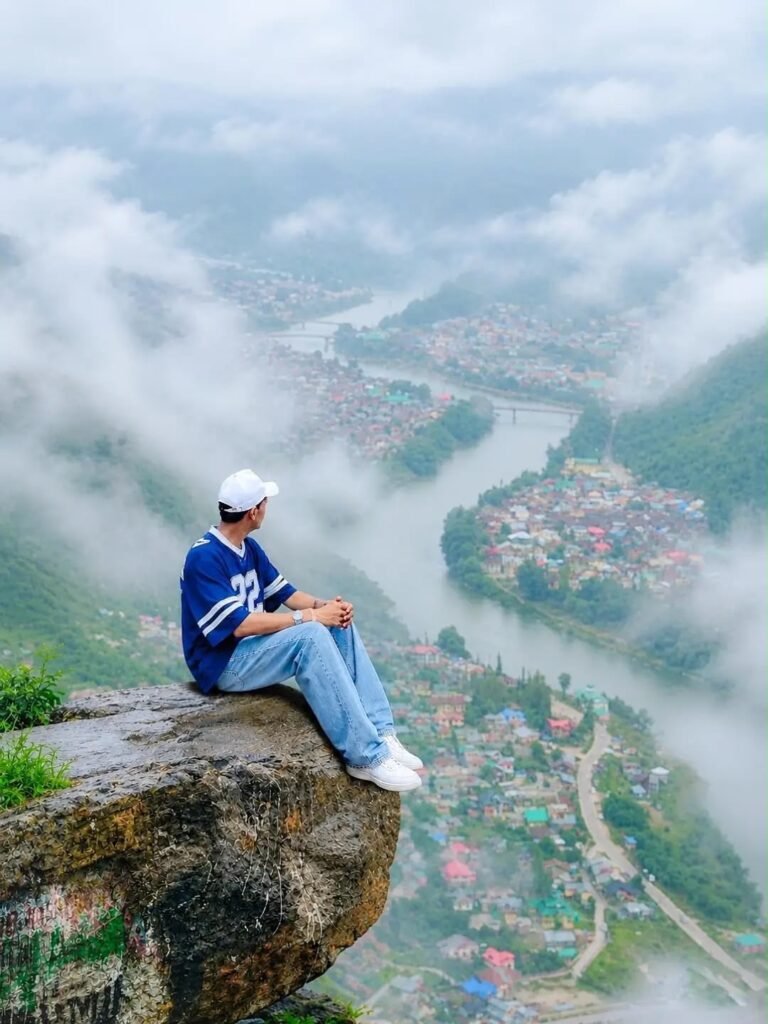
A high-resolution cinematic photo of a man sitting on the edge of a high, rugged rocky cliff covered with small patches of grass. He is facing forward, looking directly towards the camera. He is wearing a blue cap. He is overlooking a breathtaking valley featuring a winding river flowing through a dense town of small colorful houses. The background consists of lush green mountains partially shrouded in thick white clouds and mist. The lighting is soft and atmospheric.
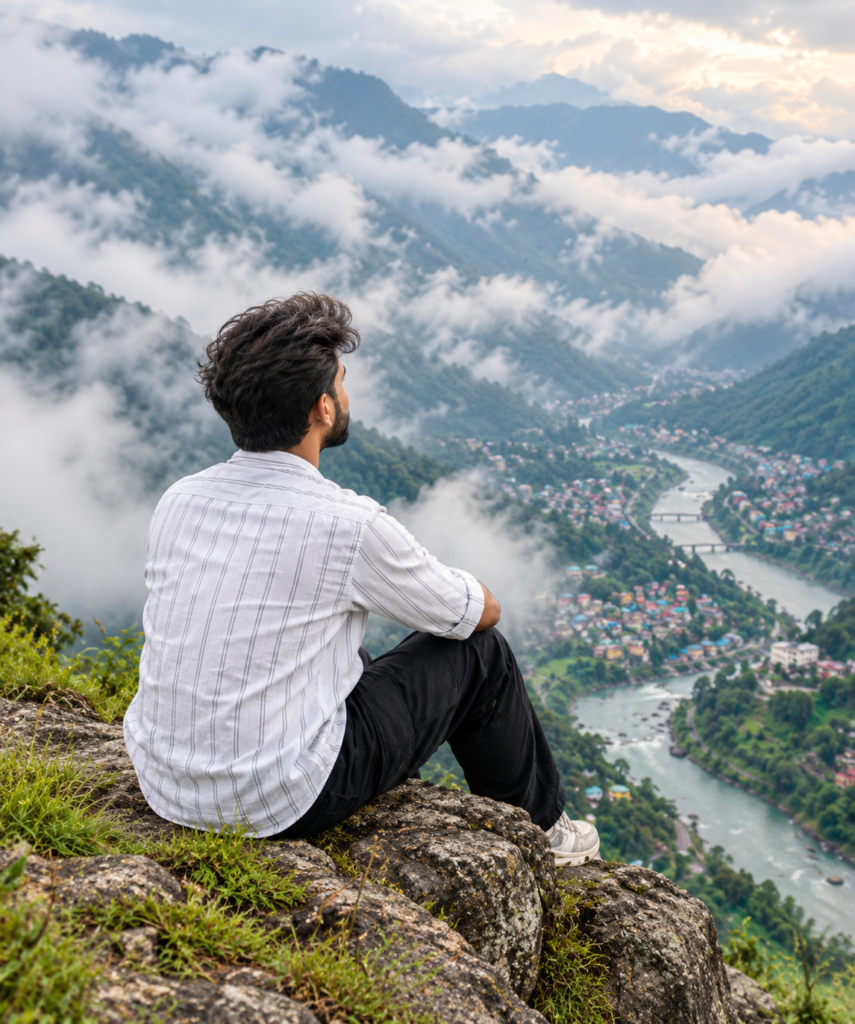
A high-resolution cinematic photo from behind of a man sitting on the edge of a high, rugged rocky cliff covered with small patches of grass. He is looking out over a breathtaking valley featuring a winding river flowing through a dense town of small colorful houses. The background consists of lush green mountains partially shrouded in thick white clouds and mist. The lighting is soft and atmospheric.
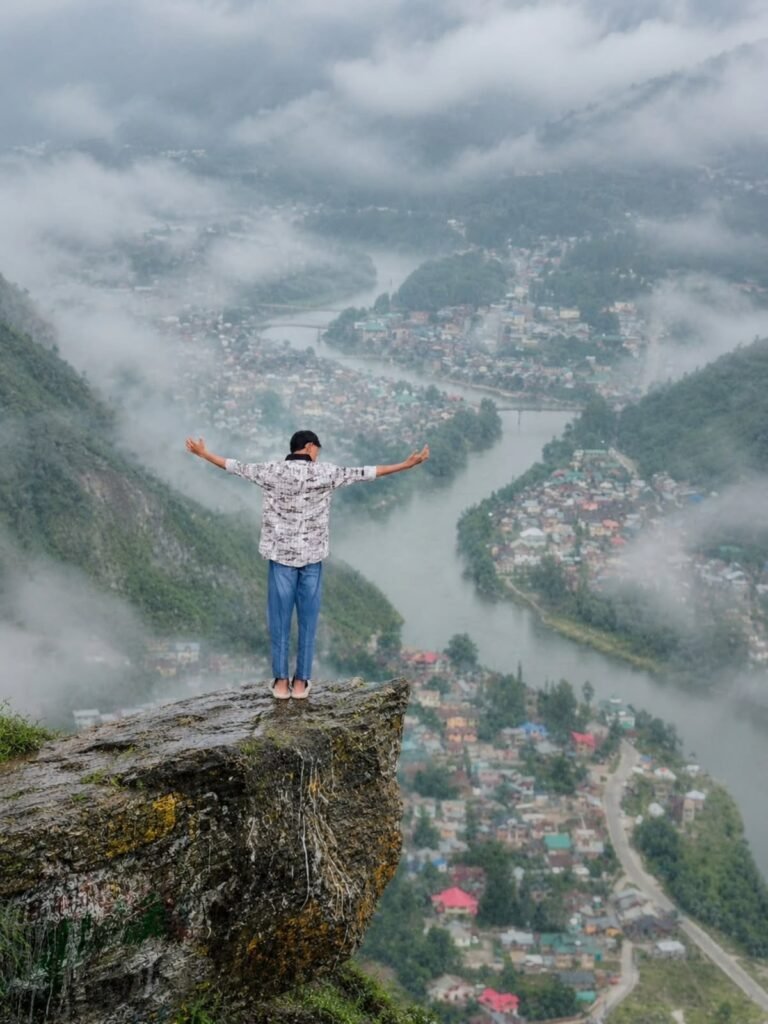
A high-resolution cinematic photo from behind of a man standing on the edge of a high, rugged rocky cliff covered with small patches of grass. His arms are outstretched, welcoming the view. He’s looking out over a breathtaking valley featuring a winding river flowing through a dense town of small colorful houses. The background consists of lush green mountains partially shrouded in thick white clouds and mist.
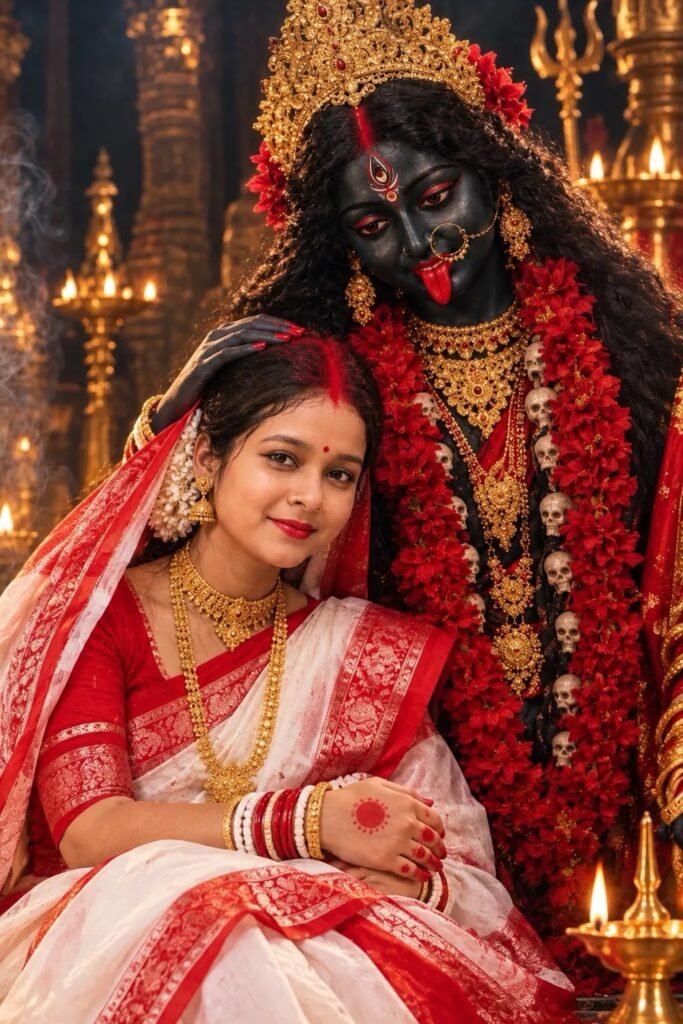
A ultra-realistic, cinematic portrait of a Indian woman with Goddess Ma Kali. The figure has dark skin, expressive traditional makeup, long wavy black hair, and is adorned with an ornate golden crown, traditional Indian gold jewelry, and vibrant red flower garlands. The figure gently strokes the man's hair with a tender and protective expression. The woman is wearing a traditional outfit.
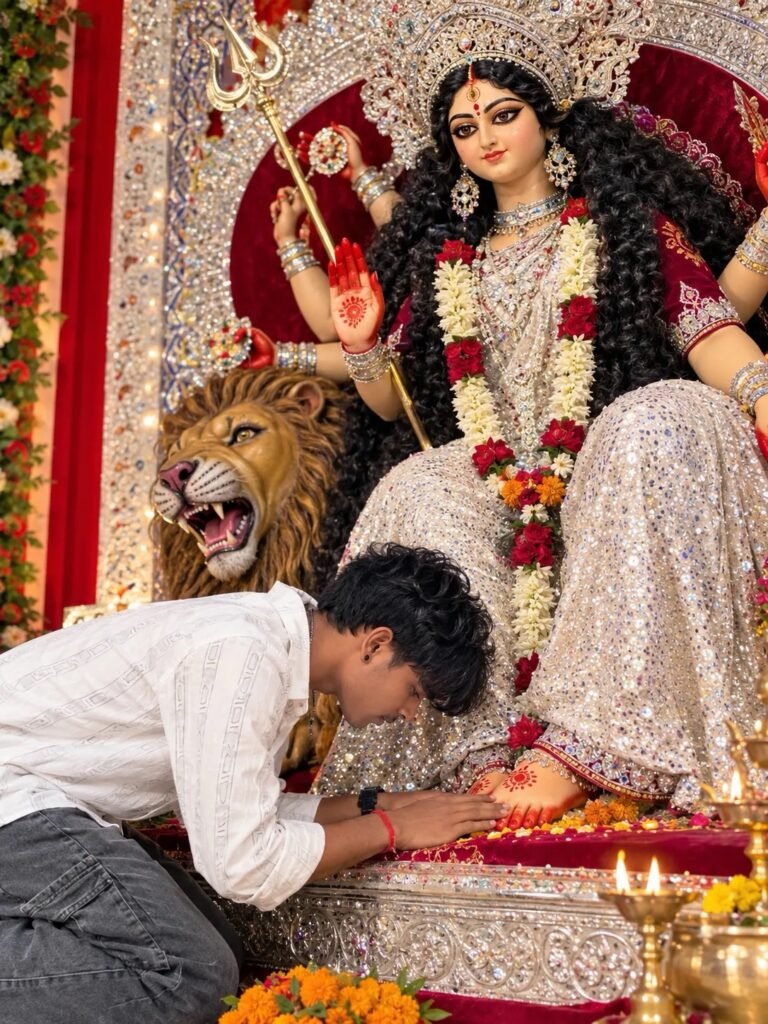
A realistic, high-detail photograph of a young man with dark, wavy hair, wearing a white button-down shirt and grey jeans, bowing down in deep reverence to touch the feet of a large, ornate idol of the Hindu goddess Durga. The goddess is depicted with long black curly hair, an elaborate silver crown, wearing a deep red velvet blouse and a glittering white sequined saree, with traditional red alta painted on her hands and feet.
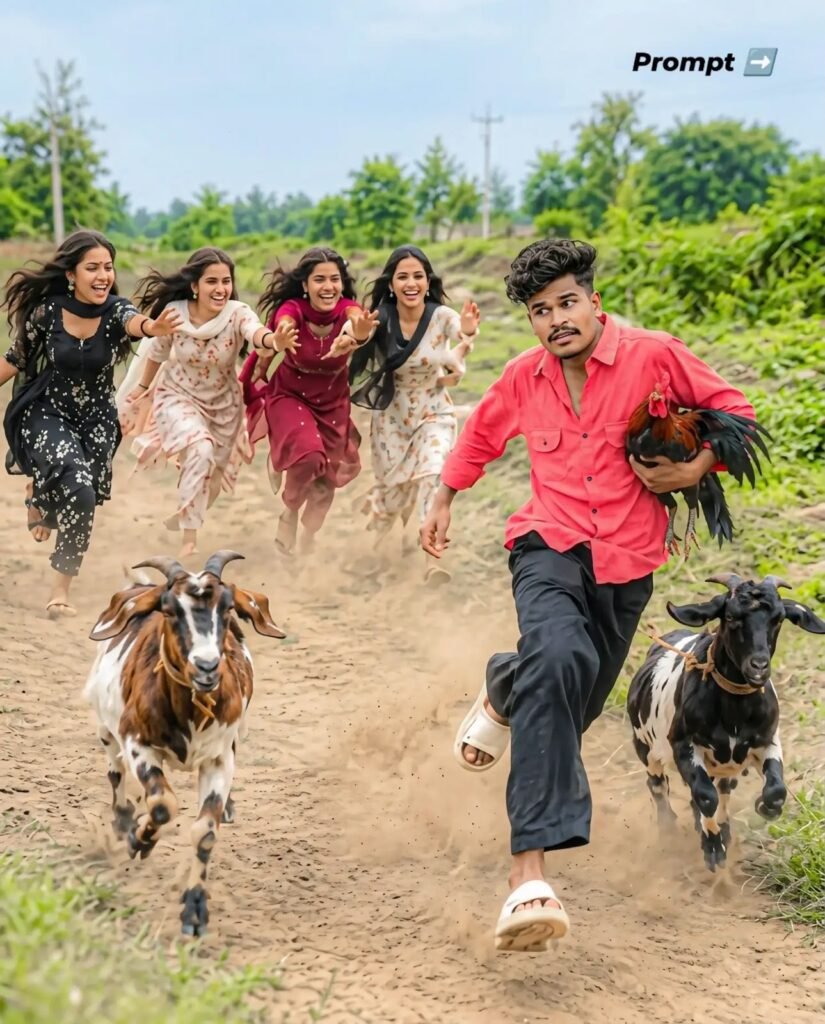
A wide-angle, hyper-realistic candid action photograph set on a dusty rural village dirt road. In the foreground, a young Indian guy with modern messy textured hair is sprinting forward in white slide sandals, black loose trousers, and an unbuttoned casual coral-red shirt He is comically clutching a live rooster tightly under his arm while looking sideways in panic. Running right beside him are two speckled farm goats kicking up clouds of dust In the background, four cheerful young Indian women in colorful printed salwar suits are chasing behind him, running towards the camera faces. Lush green rural fields, trees, and natural bright daylight Shot on Sony AZR V, 35mm lens, 12-3, fast shutter speed, motion blur in the kicked-up dust, ultra-detailed textures, 8k resolution, cinematic color grading 455
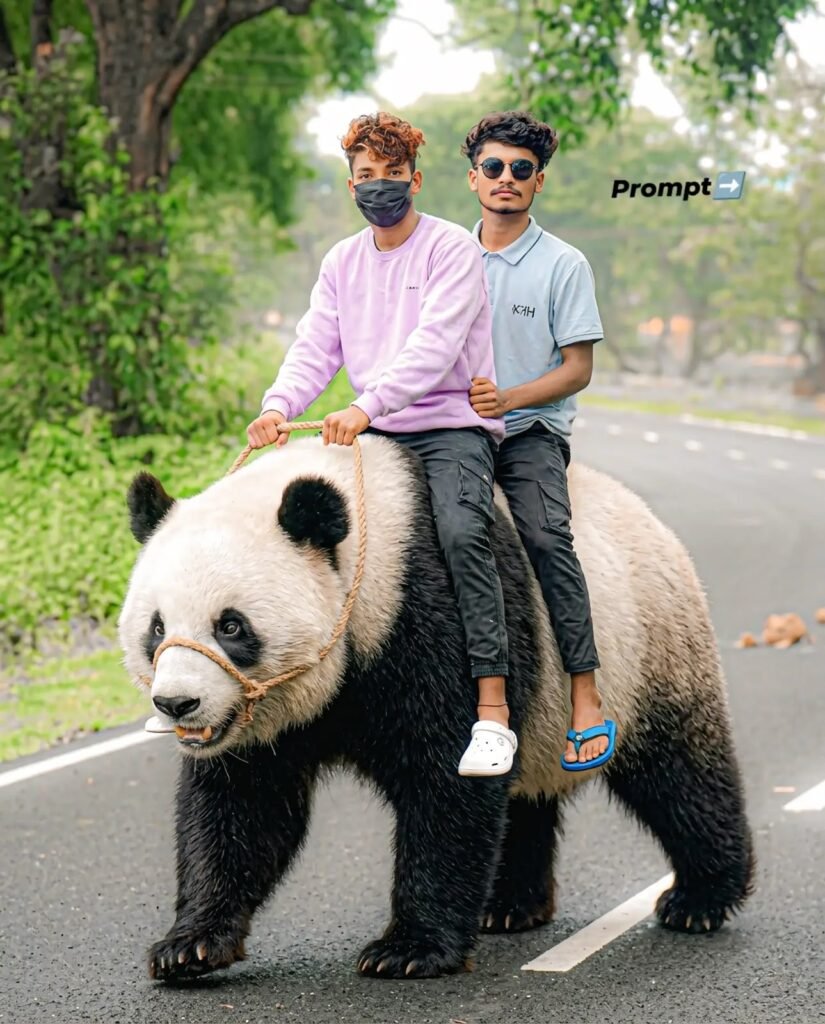
humorous, hyperrealistic photo of me and my triends sitting tightly in a row on the back of a giant, oversized Panda, riding it like a motorcycle along a paved rural road. The is massive, with dark textured bristly fur, realistic snout ears, and small tusks, outftted with a simple jute rope makeshift harness. The boys are dressed in casual streetwear-oversized black G-shirts button-up casual shirts, blue and black jeans, slide sandals, and dark sunglasses posing coolly with serious and funny expressions. Lush green trees and soft natural daytime Lighting in the background, captured with a DSLR camera, 85mm lens, sharp focus on the subjects, subtle depth of field hd 8k resolution, cinematic humor 4:5
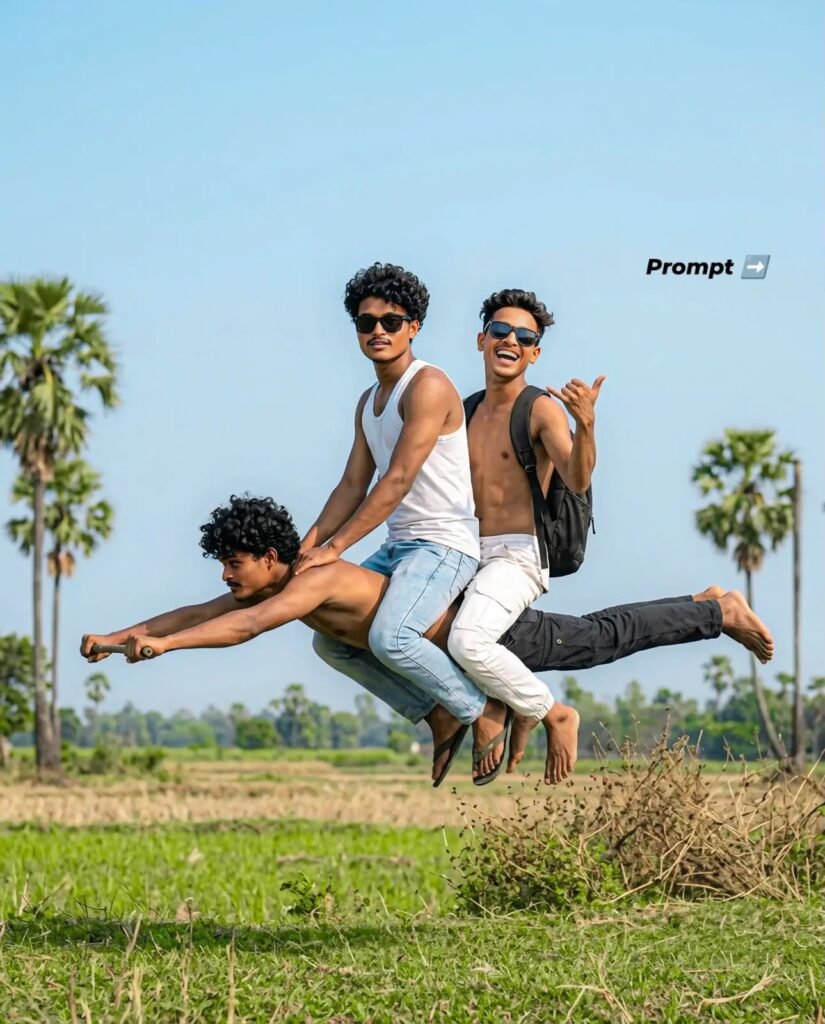
Three young men floating in mid-air against a clear blue sky, creatively simulating riding a motorcycle.
The man at the base is floating horizontally face down, arms stretched forward like handlebars and legs straight back. Sitting directly on his back are two friends: the middle guy wearing black stylish sunglasses, a white sleeveless tank top, and light blue denim jeans; the guy at the back is sitting shirtless with a black backpack, white casual pants, making a cool hand gesture and laughing. High-speed shutter freeze-motion, realistic natural daylight, sharp focus on faces and clothing textures.
Background features an open rural countryside with green grass, dry field brush, and scattered palm trees under a bright daytime sky. Ultra-HD, 8k resolution, authentic DSLR shot, 50mm lens, f/4:5
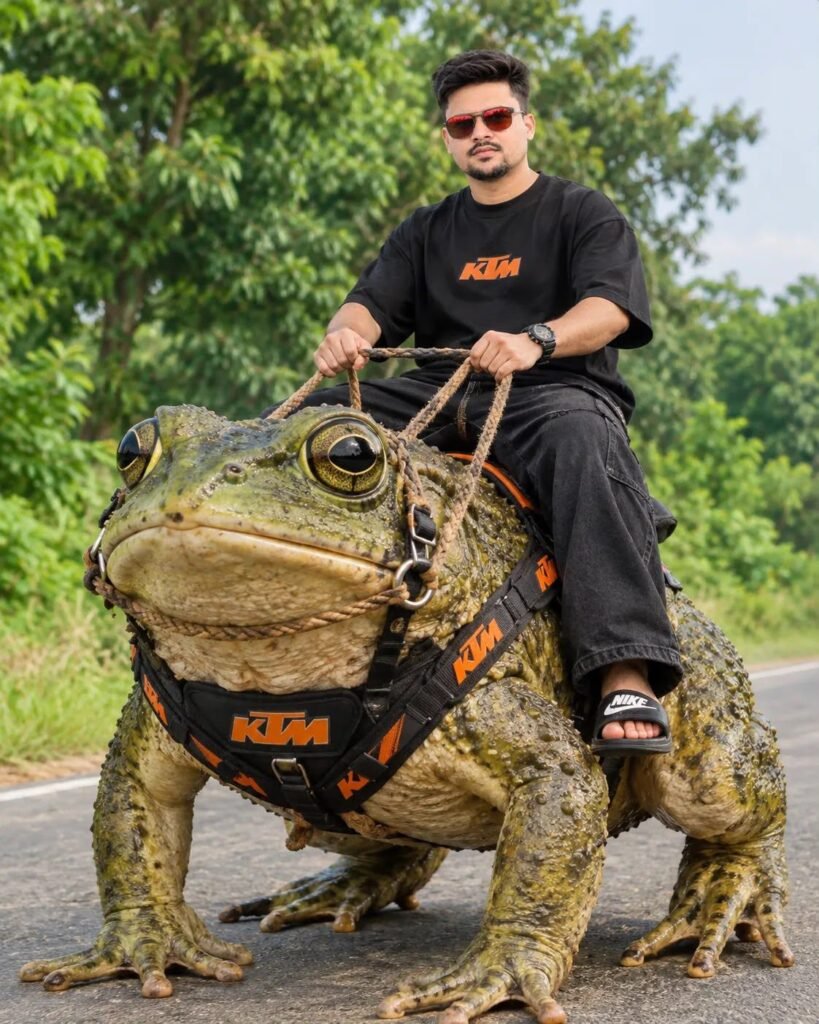
Got you - your reference is already perfect, here's a clean prompt you can copy-paste for AI image tools to get that exact KTM frog bike look in 4:5 Optimized Prompt: Humorous hyper-realistic photo of ONE guy [use your face from reference] sitting tightly on the back of a massive oversized frog riding like a motorcycle on a paved rural road. Giant frog with ultra-detailed bumpy textured skin, realistic big eyes, jute rope harness + black harness with 50% orange KTM branding.
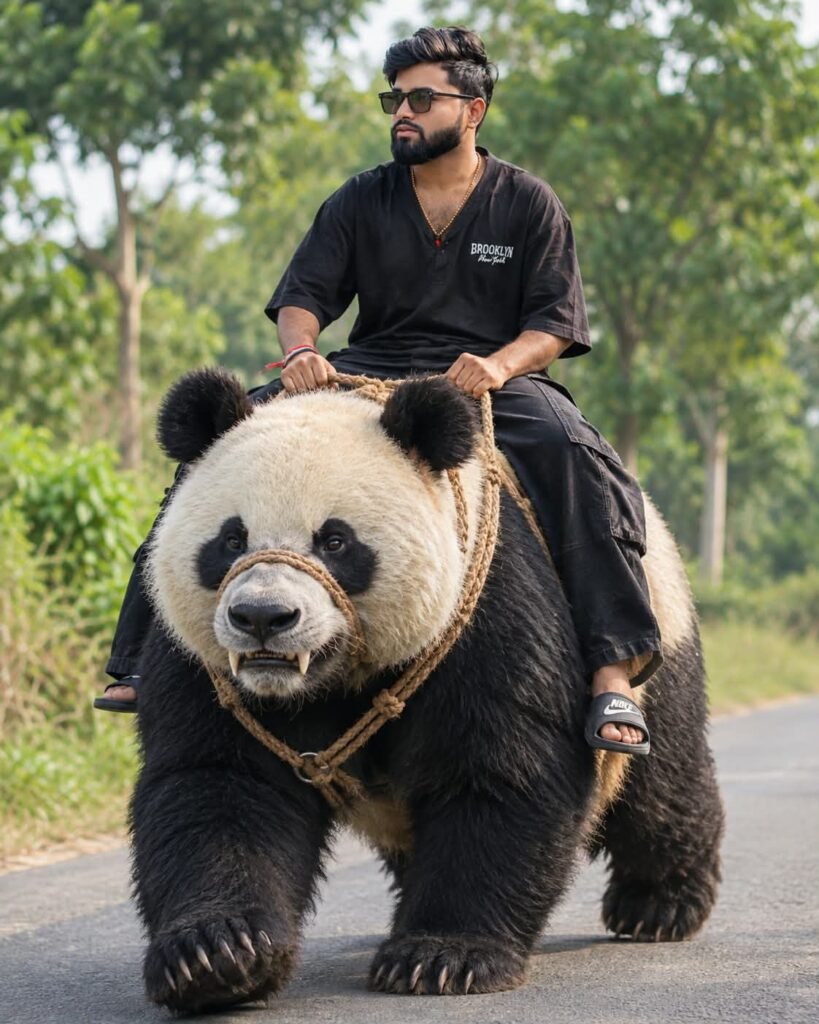
A humorous, hyper-realistic photo only me sitting tightly in a on the back of a giant, oversized panda riding it like a motorcycle along a paved rural road. The is massive, with dark textured bristly fur, realistic snout, ears, and small tusks, outfitted with a simple jute rope makeshift harness. The boys are dressed in casual streetwear-oversized black t-shirts, button-up casual shirts, black beggey jeans, slide sandals, and dark sunglasses-posing coolly with serious and funny expressions.
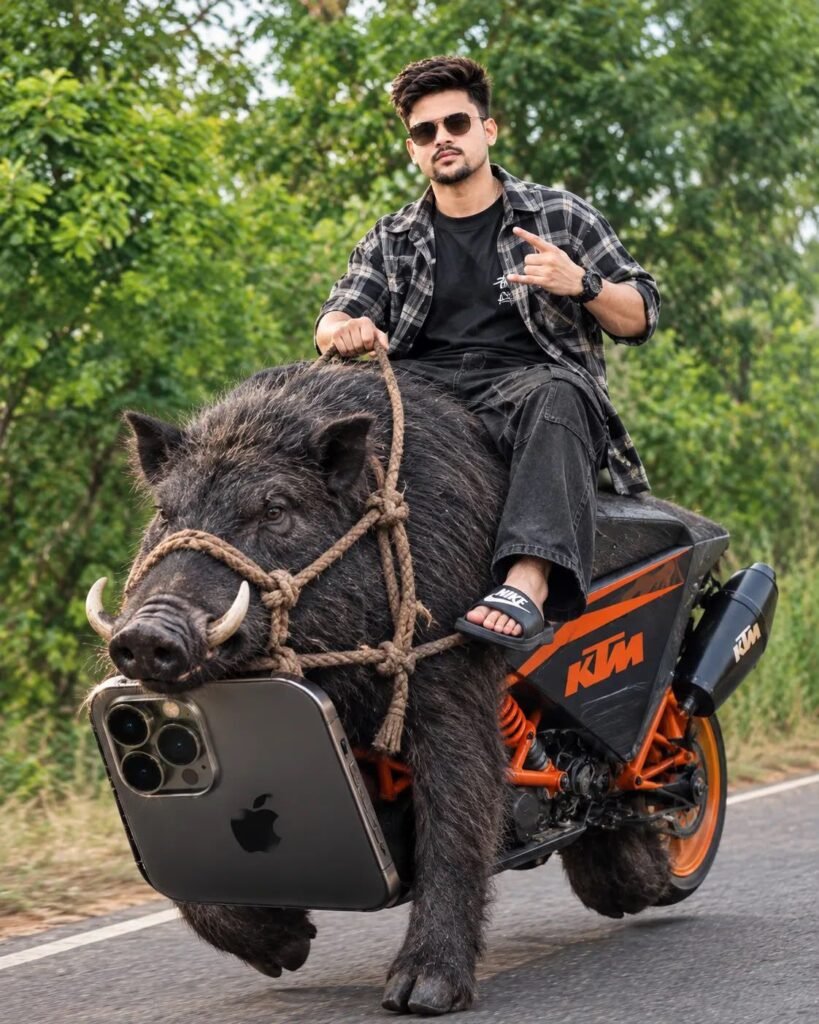
Got you - your reference is already perfect, here's a clean prompt you can copy-paste for AI image tools to get that exact KTM frog bike look in 4:5 Optimized Prompt: Humorous hyper-realistic photo of ONE guy [use your face from reference] sitting tightly on the back of a massive oversized frog riding like a motorcycle on a paved rural road. Giant frog with ultra-detailed bumpy textured skin, realistic big eyes, jute rope harness + black harness with 50% orange KTM branding.
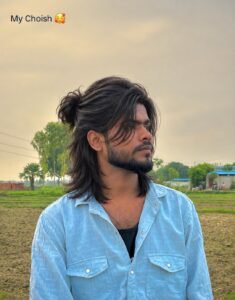
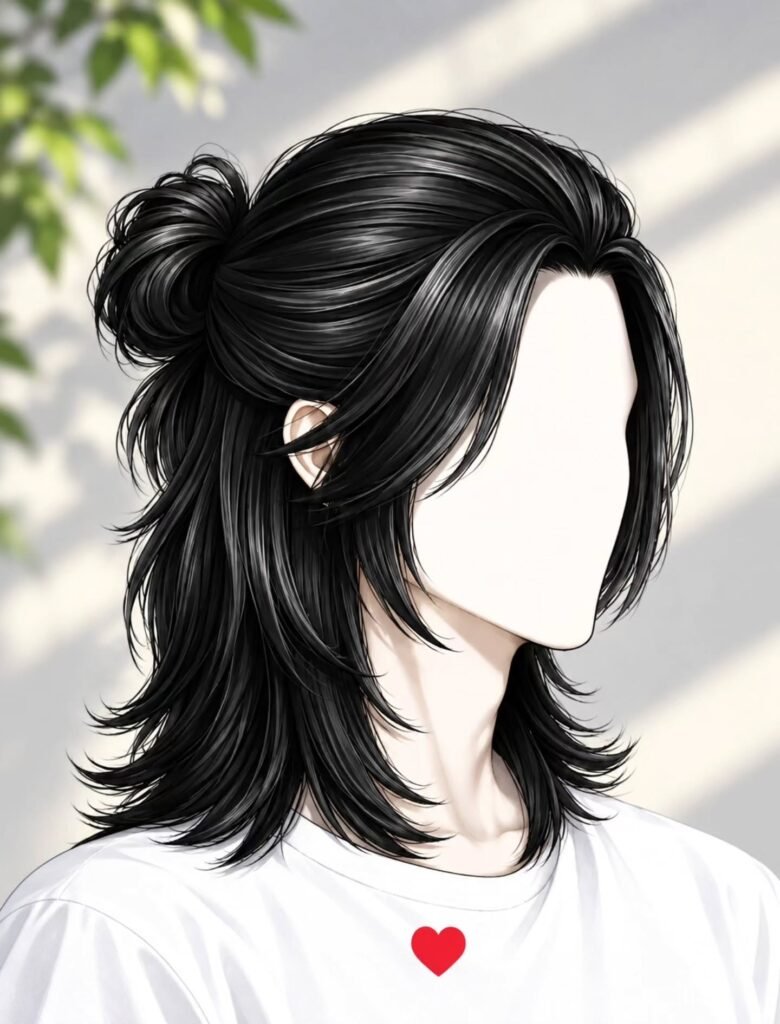
Aisa hai long style my photo add ne 100% 4K quality and generate your photo only this face and hair style

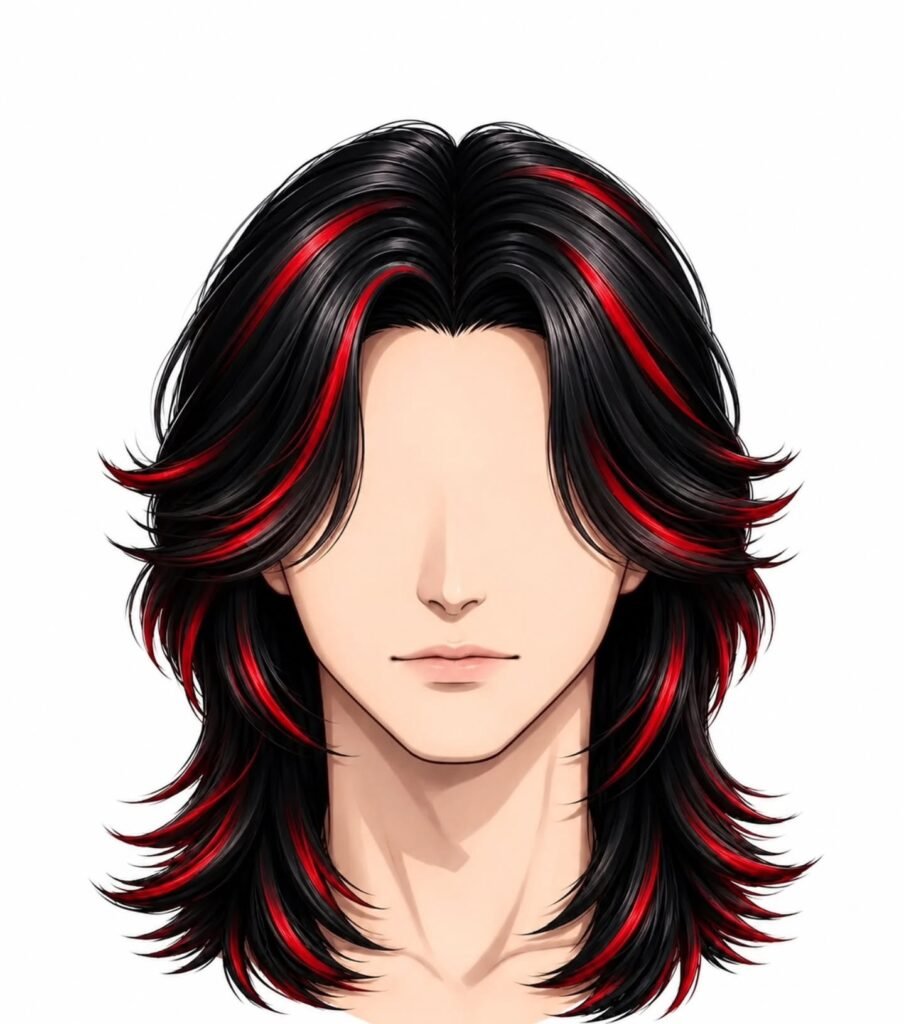
Aisa hai long style my photo add ne 100% 4K quality and generate your photo only this face and hair style
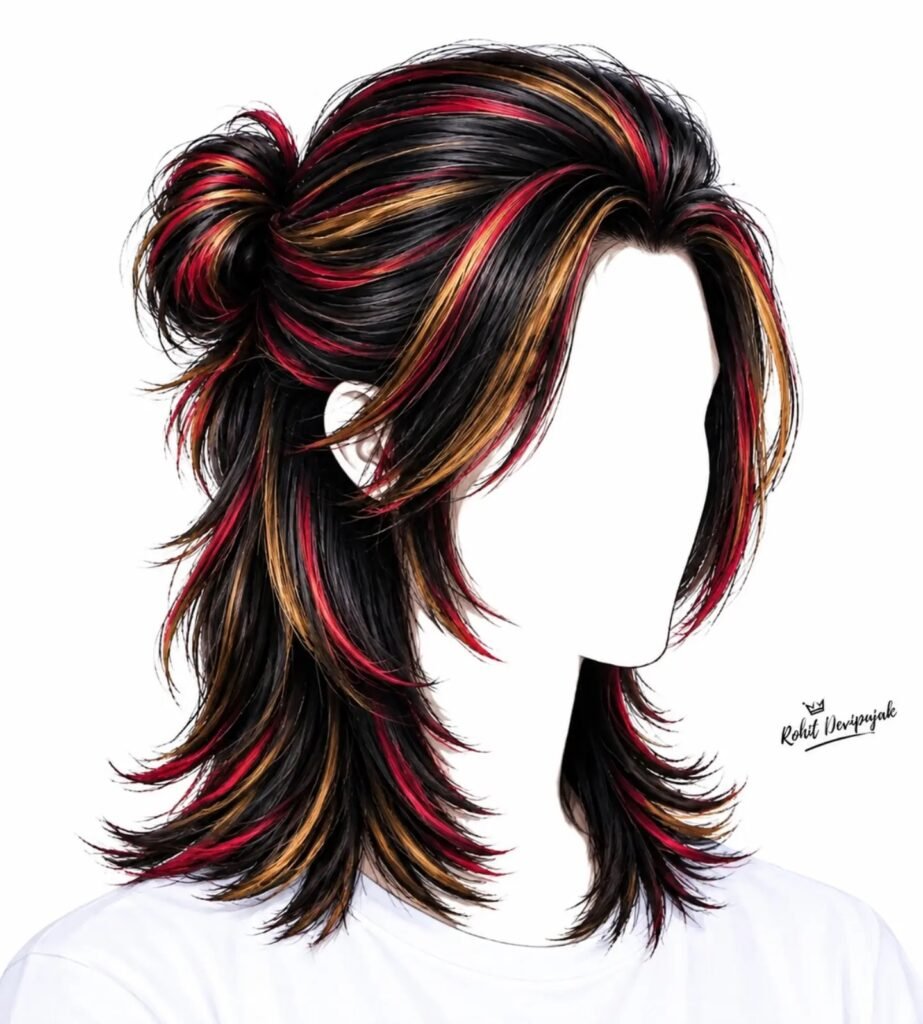
Aisa hai long style my photo add ne 100% 4K quality and generate your photo only this face and hair style
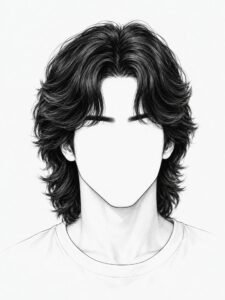
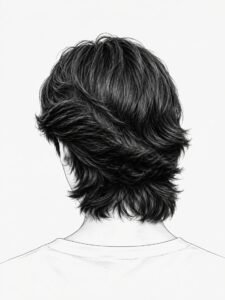
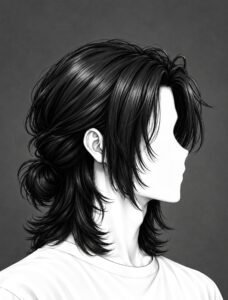
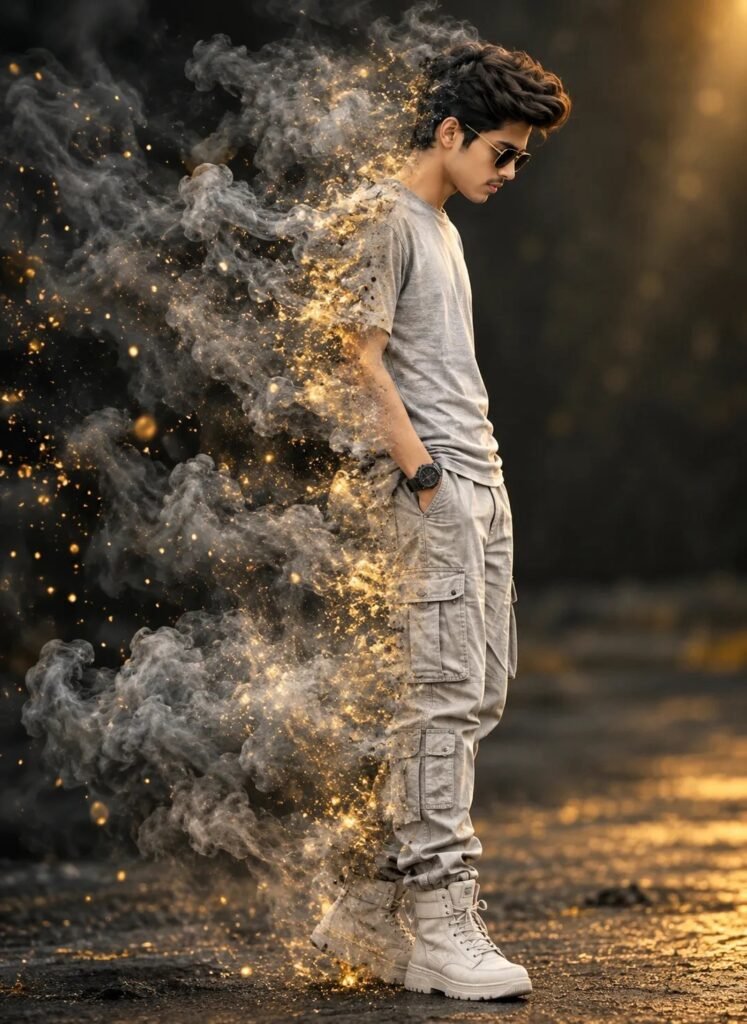
ltra-realistic cinematic 8K full-body end black golden sunglasses side-profile portrait, use uploaded face as 100% exact identity reference. Man facing right with bowed head, wearing light-grey crewneck ██shirt, neutral cargo pants, light high-top boots and watch. Left side of body dramatically dissolving into thick grey smoke and glowing golden particles.
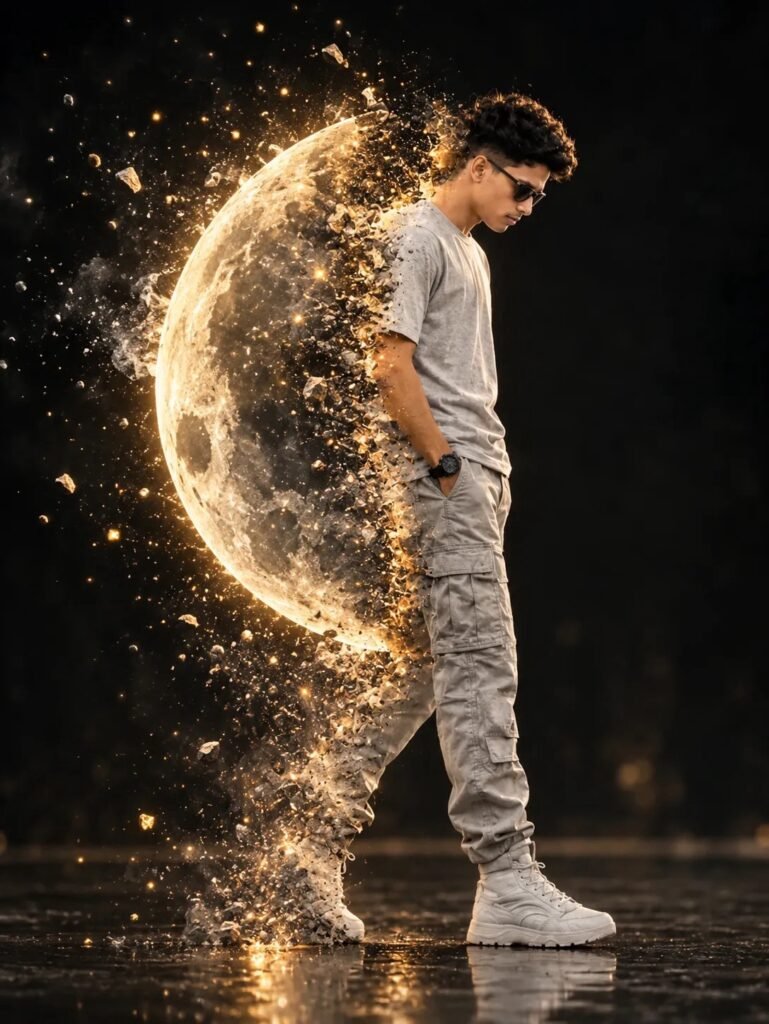
Create a cinematic ultra-realistic photo edit using my original photo. Keep the person’s face, hairstyle, body shape, clothes, pose and identity exactly the same. Make the left half of the body dramatically transform into a glowing half-moon with realistic lunar craters and detailed moon texture. Add thick dark grey smoke around the transformation area, with glowing golden particles, sparks and small moon-rock fragments flying outward.@asad.ul4595
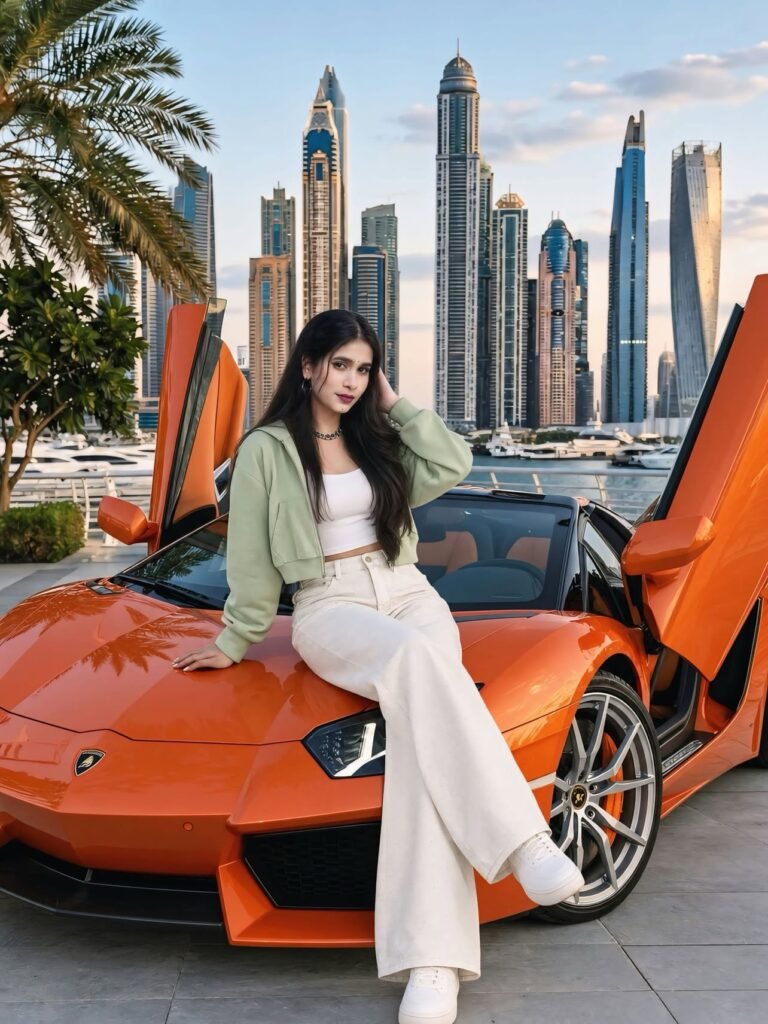
Recreate the reference image as closely as possible with the exact same composition, camera angle, framing and perspective.
Use my face reference for the woman's face. Keep her sitting on the front bonnet of the orange Lamborghini exactly as shown. One hand is placed on the bonnet beside her for support and the other hand touches her hair near the side of her head. Her body faces the camera, her face looks directly toward the camera, and her legs extend naturally forward across the bonnet with the same position as the reference.
Keep the exact outfit: light sage-green cropped jacket, white fitted crop top, high-waisted wide-leg off-white pants and white sneakers. Keep long, smooth, straight black hair falling naturally around the shoulders and body.
Preserve the same necklace, earrings and makeup.
Keep the exact orange Lamborghini with both scissor doors raised.
Preserve the bonnet, headlights, Lamborghini emblem, wheels, windshield, interior, reflections and body proportions.
Keep
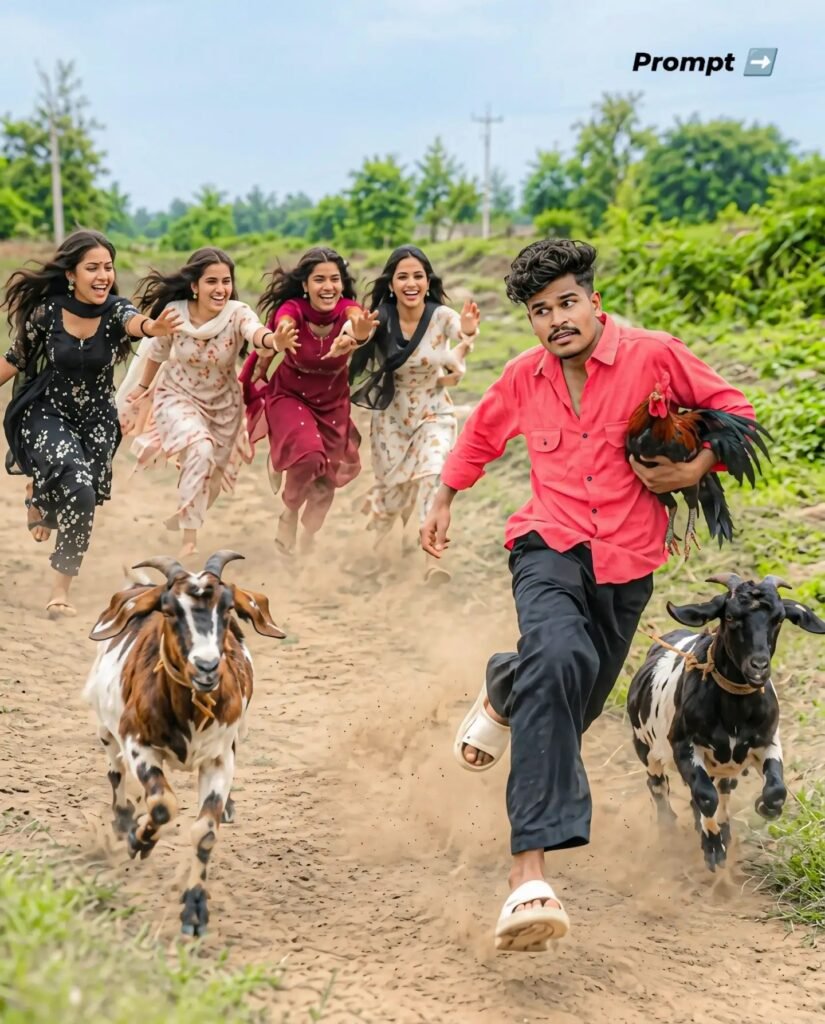
A wide-angle, hyper-realistic candid action photograph set on a
dusty rural village dirt road. In the foreground, a young Indian guy
with modern messy textured hair is sprinting forward in white slide
sandals, black loose trousers, and an unbuttoned casual coral-red
shirt He is comically clutching a live rooster tightly under his arm
while looking sideways in panic. Running right beside him are two
speckled farm goats kicking up clouds of dust. In the background,
four cheerful young Indian women in colorful printed salwar suits
are chasing behind him, running towards the camera faces. Lush
green rural fields, trees, and natural bright daylight. Shot on Sony
A7R V, 35mm lens, 12-3, fast shutter speed, motion blur in the
kicked-up dust, ultra-detailed textures, 8k resolution, cinematic
color grading 23
A STUNNING DIGITAL ARTWORK OF GODDESS DURGA RIDING A MAJESTIC LION DURING A FESTIVE CELEBRATION. DIVINE GOLDEN AURA, INTENSE AND GRACEFUL EXPRESSION, HOLDING TRADITIONAL WEAPONS IN HER MULTIPLE HANDS. BACKGROUND SHOWS FESTIVE INDIAN STREETS WITH FLYING RED AND YELLOW GULAL (COLOR POWDER), MARIGOLD FLOWERS, DRAMATIC LIGHTING, EPIC COMPOSITION, CONCEPT ART, TRENDING ON ARTSTATION.
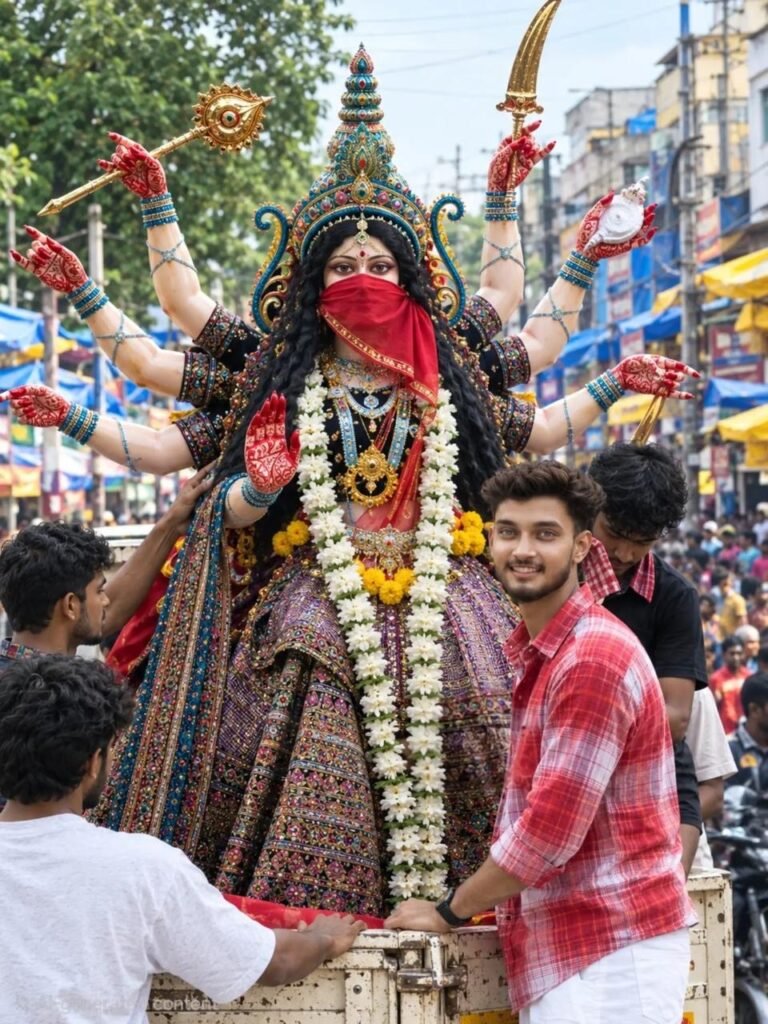
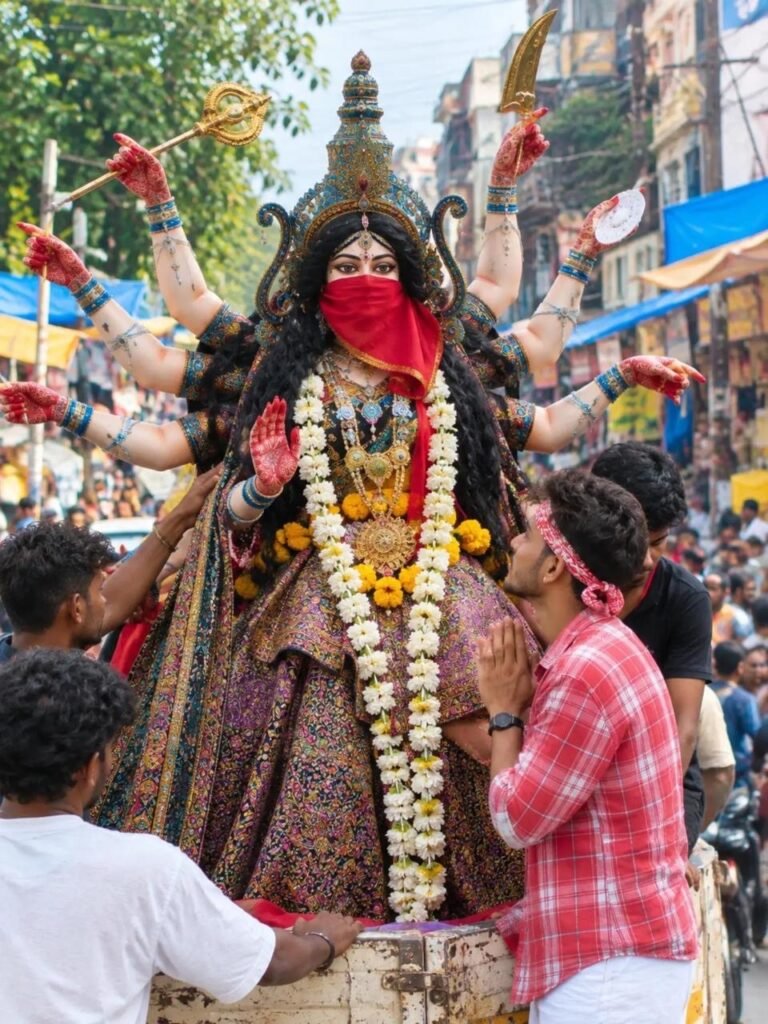
PROMPT: A VIBRANT, HIGH-DETAIL STREET-LEVEL PHOTOGRAPH CAPTURING A FESTIVE PROCESSION IN A CROWDED INDIAN MARKET STREET. IN THE CENTER, AN ELABORATE MULTI-ARMED IDOL OF A GODDESS WITH LONG BLACK HAIR, WEARING AN ORNATE MULTICOLORED PATTERNED DRESS, HEAVY TRADITIONAL JEWELRY, AND A STRIKING RED CLOTH VEIL COVERING HER LOWER FACE. SHE HOLDS VARIOUS TRADITIONAL WEAPONS AND SYMBOLS IN HER MULTIPLE HANDS, AND A THICK GARLAND OF WHITE JASMINE AND YELLOW MARIGOLD FLOWERS DRAPES AROUND HER NECK. IN THE FOREGROUND, A YOUNG MAN WITH A NEATLY STYLED HAIRCUT AND A RED-AND-WHITE PLAID SHIRT STANDS SMILING, HELPING CARRY THE PLATFORM OF THE IDOL ON A TRUCK. OTHER PEOPLE AND HELPERS ARE AROUND HIM IN THE BACKGROUND AMIDST A BUSTLING CROWD, COLORFUL AWNINGS, AND URBAN STOREFRONTS UNDER AN OVERCAST DAYLIGHT SKY.
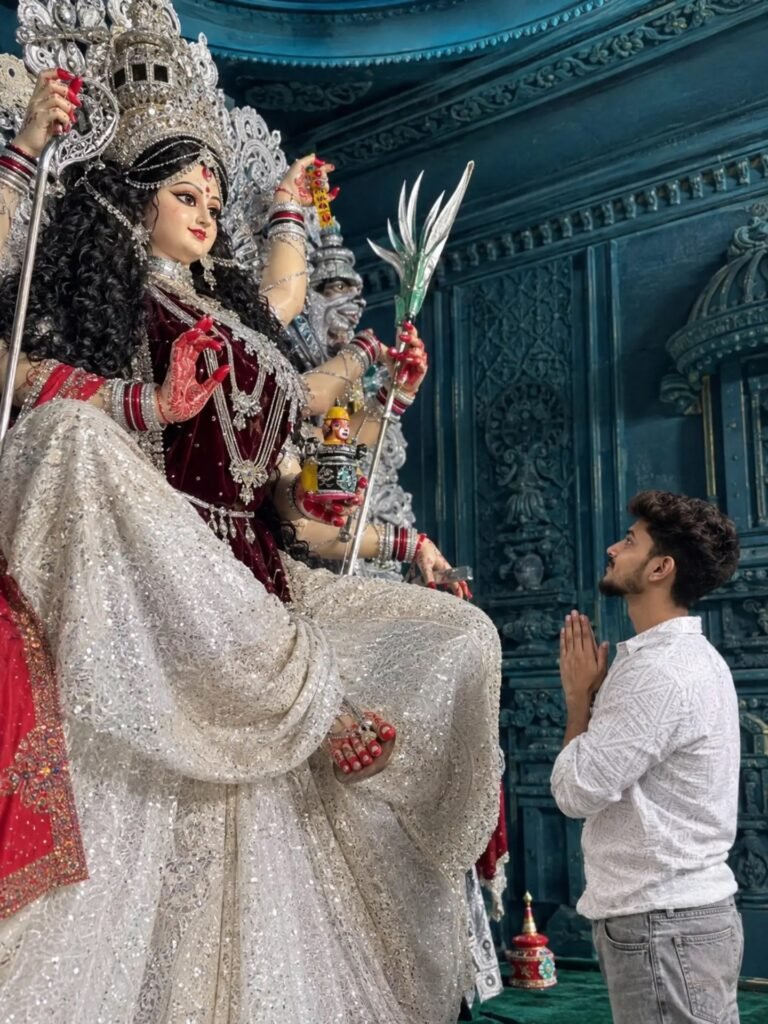
"SUBJECT & ACTION: A YOUNG SOUTH ASIAN MAN WITH SHORT DARK WAVY HAIR AND A TRIMMED BEARD, WEARING A WHITE PATTERNED LONG-SLEEVE SHIRT AND GREY JEANS, STANDS IN PROFILE WITH HIS HANDS CLASPED TOGETHER IN A RESPECTFUL PRAYER POSE (NAMASTE). HE IS LOOKING UP WITH REVERENCE. MAIN FOCUS (DEITY): NEXT TO HIM IS A LARGE, ORNATE, AND BEAUTIFULLY DETAILED IDOL OF THE HINDU GODDESS DURGA SEATED GRACEFULLY. THE GODDESS HAS LONG DARK CURLY HAIR, ELABORATE SILVER AND JEWELED CROWNS AND NECKLACES, A DEEP MAROON VELVET BLOUSE, AND A HEAVILY SEQUINED SHIMMERING SILVER SAREE. HER HANDS ARE ADORNED WITH RED ALTA/HENNA PATTERNS. SETTING & BACKGROUND: AN INTRICATELY CARVED, MONOCHROMATIC DEEP TEAL-BLUE OR CYAN TEMPLE OR PANDAL INTERIOR WITH TRADITIONAL ARCHITECTURAL PANELS AND PILLARS CREATING A DEVOTIONAL ATMOSPHERE."
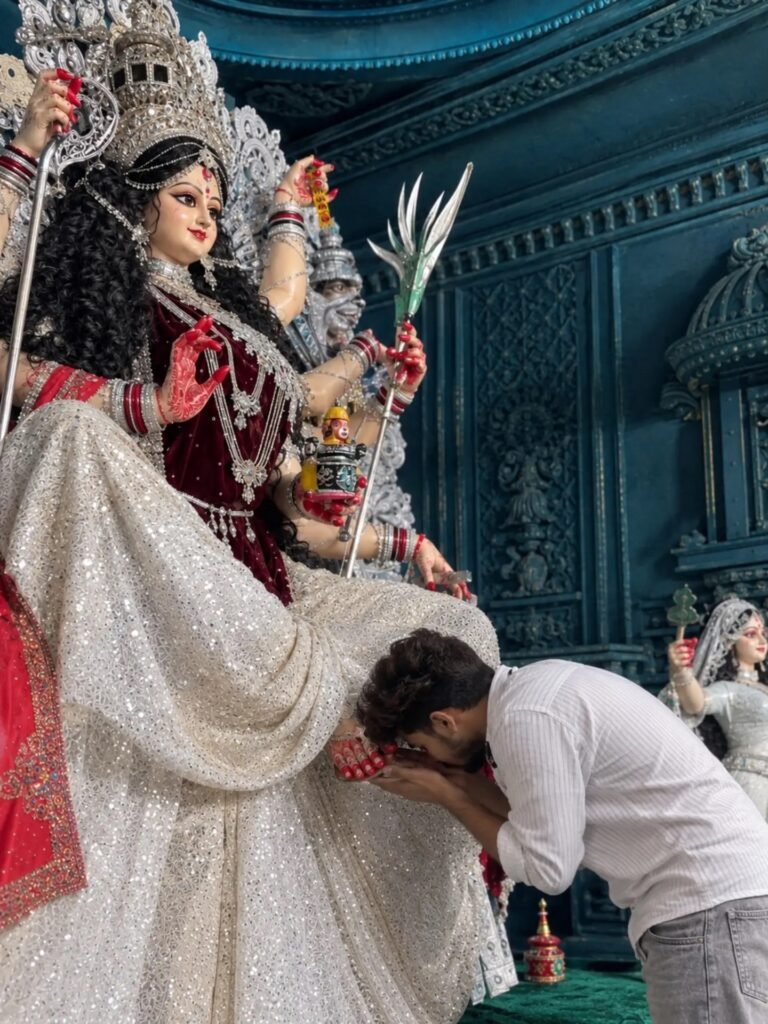
SUBJECT & ACTION: A YOUNG SOUTH ASIAN MAN WITH SHORT DARK WAVY HAIR AND A TRIMMED BEARD, WEARING A WHITE PATTERNED LONG-SLEEVE SHIRT AND GREY JEANS, IS BENDING FORWARD TO TOUCH THE FEET OF THE GODDESS DURGA IN A GESTURE OF DEEP RESPECT AND DEVOTION. MAIN FOCUS (DEITY): NEXT TO HIM IS A LARGE, ORNATE, AND BEAUTIFULLY DETAILED IDOL OF THE HINDU GODDESS DURGA SEATED GRACEFULLY. THE GODDESS HAS LONG DARK CURLY HAIR, ELABORATE SILVER AND JEWELED CROWNS AND NECKLACES, A DEEP MAROON VELVET BLOUSE, AND A HEAVILY SEQUINED SHIMMERING SILVER SAREE. HER HANDS ARE ADORNED WITH RED ALTA/HENNA PATTERNS. SETTING & BACKGROUND: AN INTRICATELY CARVED, MONOCHROMATIC DEEP TEAL-BLUE OR CYAN TEMPLE OR PANDAL INTERIOR WITH TRADITIONAL ARCHITECTURAL PANELS AND PILLARS CREATING A DEVOTIONAL ATMOSPHERE.
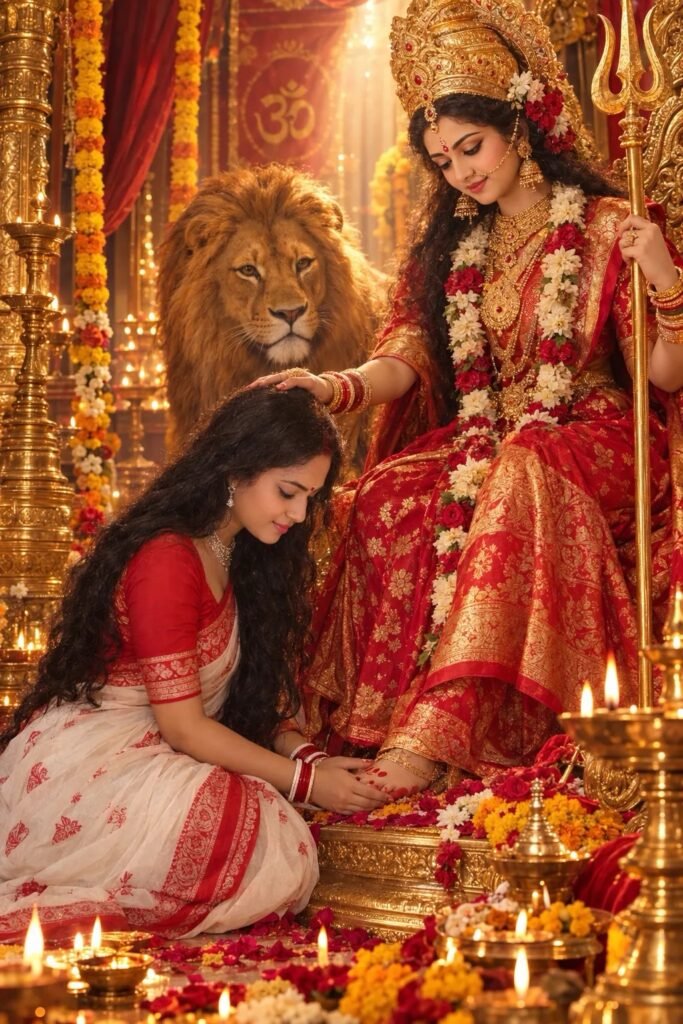
Create a ultra-realistic, cinematic portrait, Show the woman in a graceful kneeling devotional pose beside Durga Maa in beautiful human form. The woman is wearing an elegant white-and-red traditional saree with intricate red motifs, with her long dark hair naturally flowing over her shoulder.
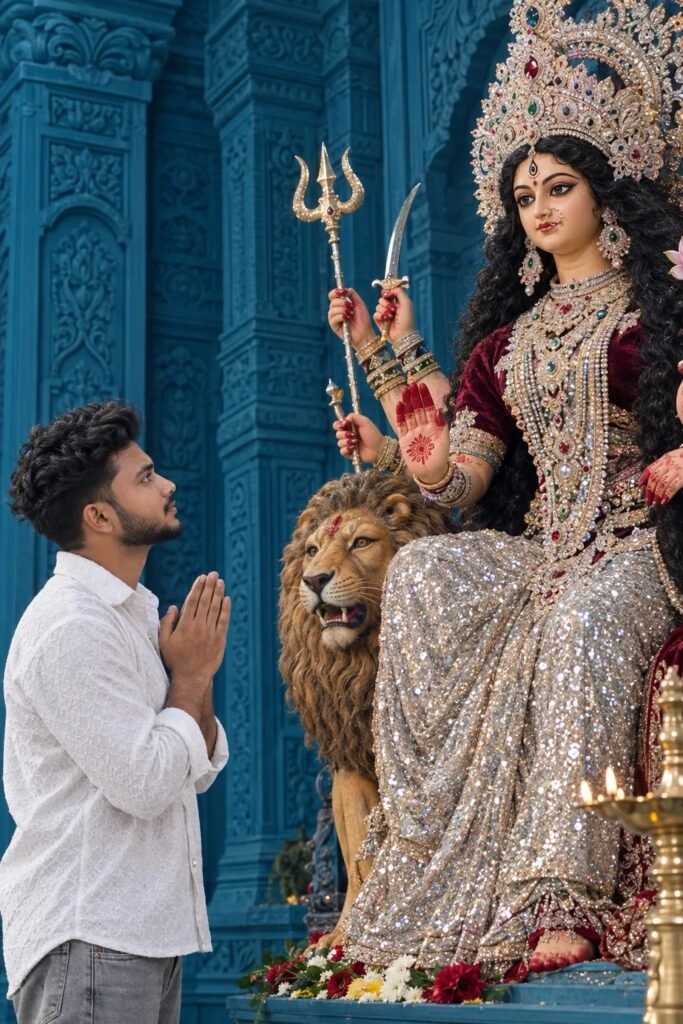
Subject & Action: A young South Asian man with short dark wavy hair and a trimmed beard, wearing a white patterned long-sleeve shirt and grey jeans, stands in profile with his hands clasped together in a respectful prayer pose (Namaste). He is looking up with reverence. Main Focus (Deity): Next to him is a large, ornate, and beautifully detailed idol of the Hindu Goddess Durga seated gracefully.
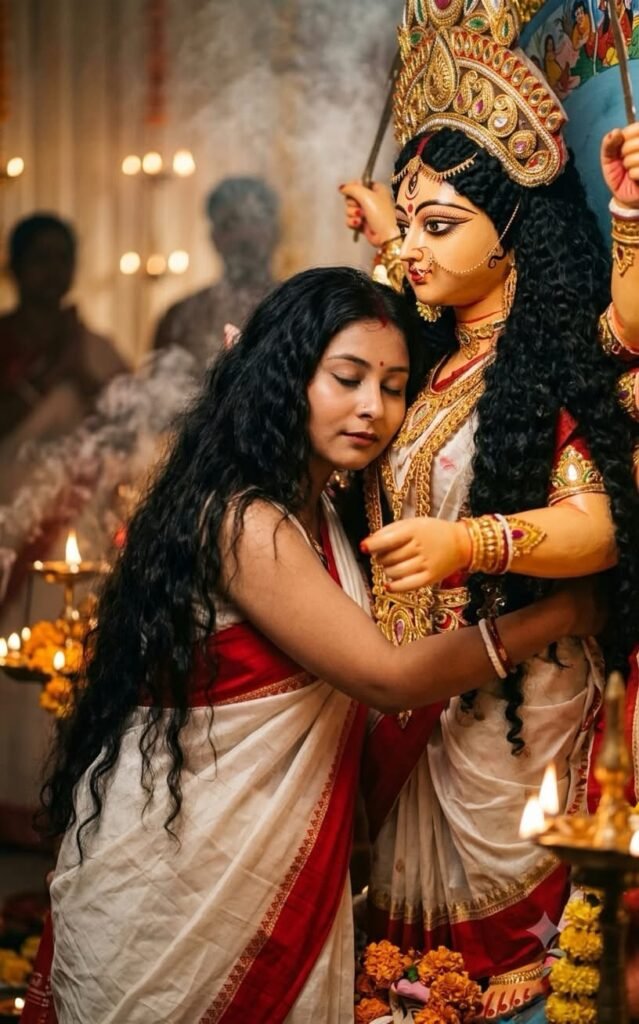
Create A cinematic, hyper-realistic 8K photograph capturing an emotional and serene moment between a Indian woman and a traditional clay idol of Goddess Durga. The woman, with long, voluminous wavy black hair and closed eyes, she wears white saree red border, peacefully rests her head against the idol's chest in a warm embrace.
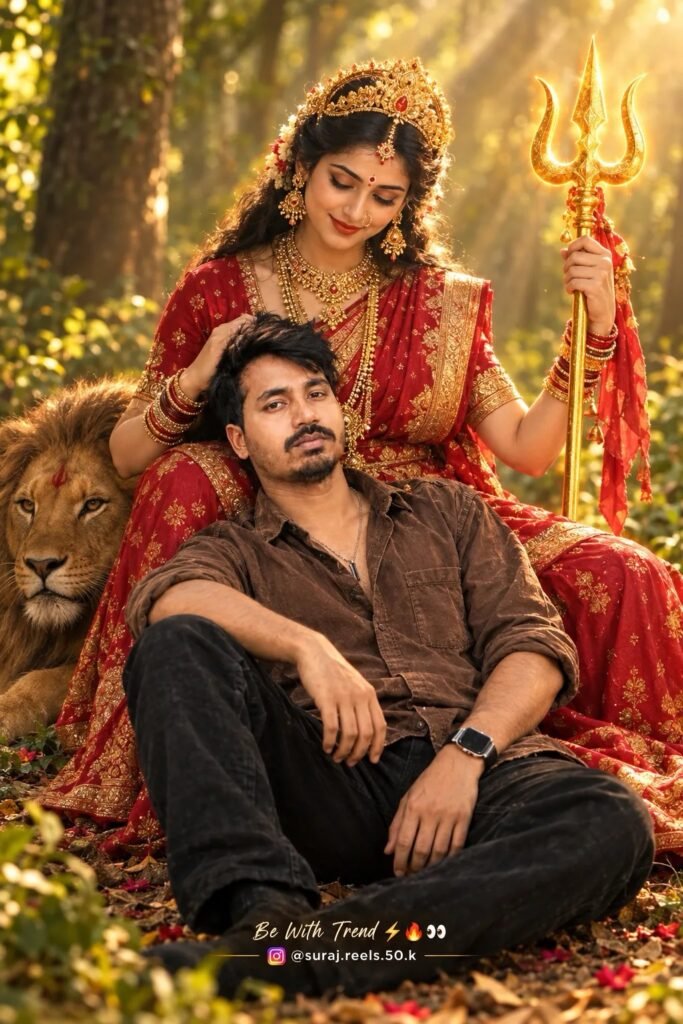
A highly realistic, cinematic photo of [insert your person] sitting peacefully on the ground, leaning against the lap of Goddess durga in a forest setting. She holds a golden trishul (trident) in one hand, while looking down at the person with a protective, motherly expression. The atmosphere is mystical warm golden forest lighting. newtending
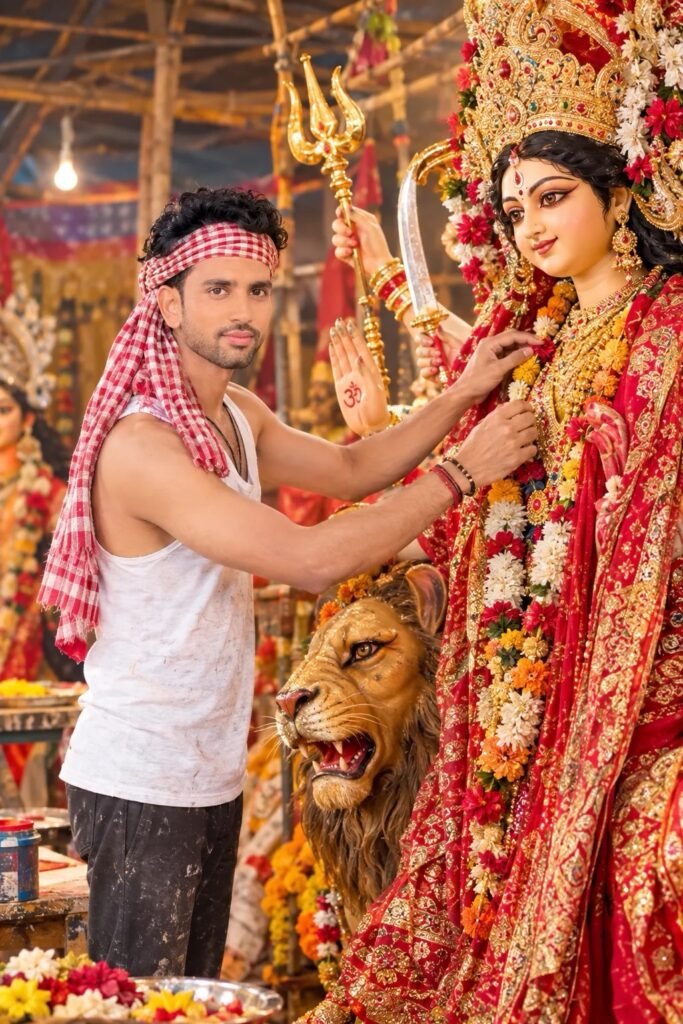
@CINEMATIC, MID-SHOT PHOTOGRAPH OF A YOUNG ARTIST METICULOUSLY DECORATING A LARGE, BEAUTIFULLY CRAFTED IDOL OF GODDESS DURGA INSIDE A TRADITIONAL ARTISAN WORKSHOP OR A FESTIVE PANDAL http://EDITOR.CN THE YOUNG MAN HAS CURLY DARK HAIR, A TRIMMED BEARD, AND IS WEARING A WHITE TANK TOP, DARK PANTS, AND A RED-AND WHITE CHECKERED GAMCHA WRAPPED AROUND HIS HEAD. HE IS SMILING GENTLY AS HE ADJUSTS THE INTRICATE RED AND GOLD GARMENTS AND FIORAL GARLANDS OF THE DEITY http://meta.ai #
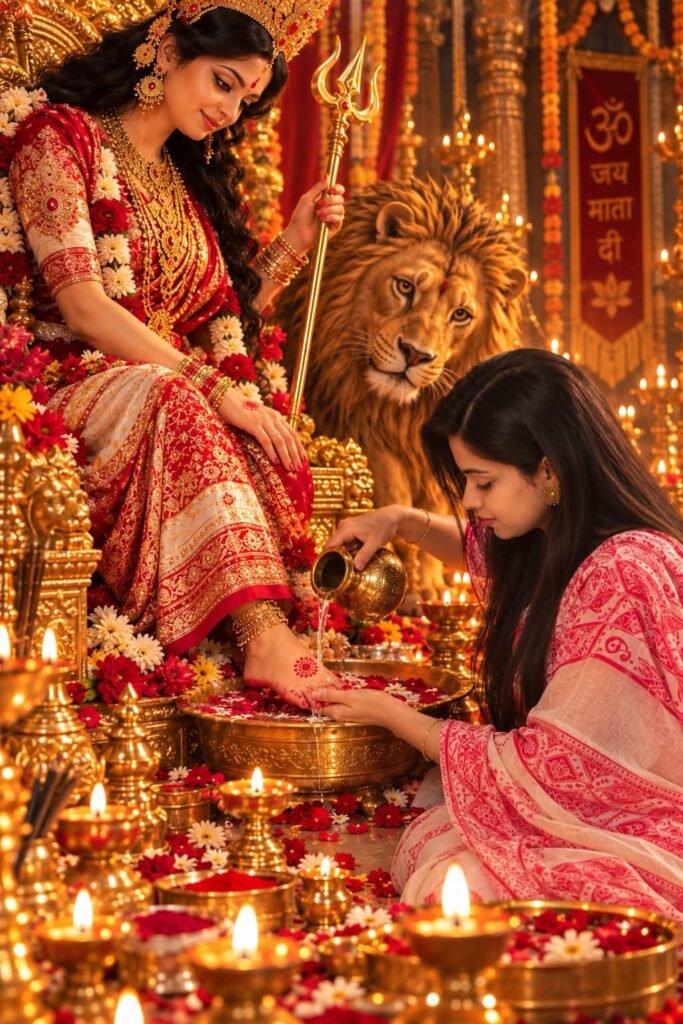
♥️♥️
Create a highly realistic, cinematic devotional scene using the provided image as the visual reference. Preserve the woman’s exact facial identity and recognizable features from the reference—same face shape, eyes, eyebrows, nose, lips, jawline, skin texture, hairline, and natural proportions. Do not beautify, reshape, or change her facial structure.

Show the woman kneeling respectfully before Mata Rani (Durga Maa in beautiful human form) and washing Mata’s feet with sacred water.  ▓
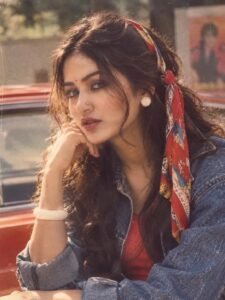
Prompt ⬇️🌸

Transform my appearance into an authentic 1980s version of myself while keeping my facial features and identity recognizable. Give me an iconic 80s scarf, vintage clothing, retro accessories, and an authentic 1980s atmosphere. Make it look like a real photograph taken in the 1980s, with vintage film grain, natural lighting, realistic skin texture, and period-accurate colors Do not change my face or make me look like a different person.
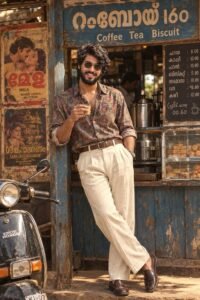
PROMPT Key Elements of the Image: 1. Central Subject: A stylish man stands leaning against the wooden framework of the tea stall. He has a full beard, voluminous wavy dark hair, and wears dark aviator sunglasses. He holds a small, traditional glass of hot tea (chai) in his right hand. 2. The Outfit: A colorful, multi-patterned paisley print High-waisted, pleated cream-colored linen trousers. A thick brown leather belt with a metallic buckle. Polished dark brown leather loafers. 3.
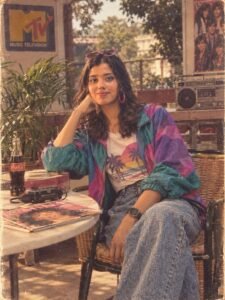
Prompt: Transform my appearance into an authentic 1980s version of myself while keeping my facial features and identity recognizable. Give me an iconic 80s scarf, vintage clothing, retro accessories, and an authentic 1980s atmosphere. Make it look like a real photograph taken in the 1980s, with vintage film grain, natural lighting, realistic skin texture, and period-accurate colors Do not change my face or make me look like a different person.
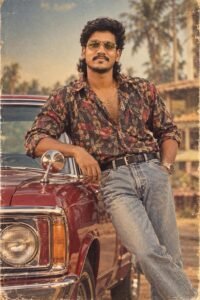
Prompt
high-detail 1980s retro South Indian film-style portrait featuring a young man with a medium brown skin tone, dark curly hair styled in a layered mullet and a full, well-groomed beard and mustache. He is smiling subtly, looking straight towards the camera with a confident stance,
Pose & Framing: Medium-full shot. The man is leaning casually against the hood/side mirror of a vintage deep red vintage car.
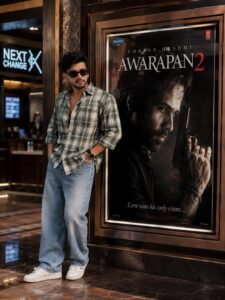
AWARAPAN 2 CINEMA HALL MASTER PROMPT (Audience Version) Use uploaded photo as STRICT IDENTITY REFERENCE. Replace only the person standing beside the poster with the uploaded person. Keep face, hairstyle, beard, expression, skin tone and body proportions 100% identical. No face swap effects, no beautification, no AI face changes. IMPORTANT LOCK Keep the original Awarapan 2 movie poster featuring Emraan Hashmi exactly unchanged inside the cinema frame.

Photorealistic portrait of a smiling Indian baby girl 7 - 8 years old sitting cross-legged on a polished white marble floor, joyfully holding a small Indian national flag in one hand, wearing a traditional white kurta-pajama with an elegant tricolor crossed stole draped across the chest, curly black hair, bright expressive eyes, adorable cheerful expression, patriotic Independence Day celebration theme, minimalist indoor setting with a. Write a 15 August HAPPY independent day, vande mataram
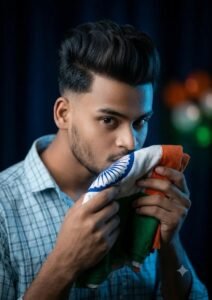
A hyper-realistic cinematic indoor close-up portrait of a young Indian man gently holding the Indian national flag in both hands and softly kissing it with closed eyes, showing deep respect and love. Cool blue soft spotlight on his face and the folds of the flag. The background is dark and blurred, with subtle saffron, white, and green bokeh lights glowing faintly. Ultra-sharp facial details, soft shadows, and a moody patriotic atmosphere
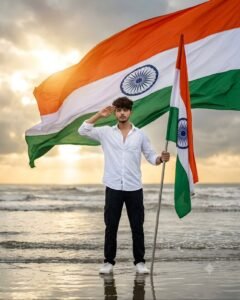
Create an ultra-realistic DSLR Independence Day portrait using the uploaded reference photo. Preserve the exact face, hairstyle, beard, skin tone, and identity 100%. A young Indian man stands proudly in shallow seawater, giving a respectful salute with his right hand while holding a tall Indian National Flag with his left. He wears a white full sleeve shirt, black cargo pants, white sneakers, and a black wristwatch. A massive flowing tricolor fills the sky behind him, golden sunlight breaking through monsoon clouds, wet sand reflections, cinematic HDR lighting, 85mm lens, ultra-sharp focus, premium patriotic photography, 8K, vertical 485-
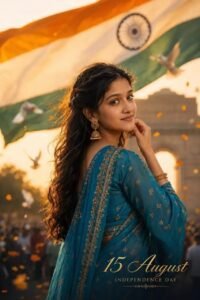
TOP Best' 15 AUGUST
Indian woman, mid-20s, wavy dark brown hair, wearing teal-blue embroidered saree, looking back over shoulder with soft smile, hand near jaw. Giant tricolor flag behind her, India Gate blurred in golden haze, doves and petals floating, crowd blur at base. Gold script "15 August / INDEPENDENCE DAY." Vertical 4:6, Sony Alpha 1, 85mm, f/1.2, shallow depth of field, creamy bokeh, HD ultra-realistic photography, not illustration/3D/CGI.
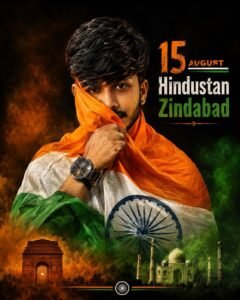
Ultra-realistic cinematic 4:5 Independence Day portrait of a handsome young Indian man wrapped in the Indian tricolor flag, partially covering his face with the saffron fabric, intense eye contact, thick messy side-swept black hair, groomed beard, black wristwatch, pure black studio background, dramatic soft lighting, Ashoka Chakra visible, patriotic typography "15 August – Hindustan Zindabad", India Gate and Taj Mahal silhouettes, HDR, 8K, DSLR, sharp focus, premium poster.
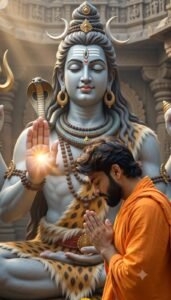
Video Prompt 🔻👇
A PERSON IN ORANGE ROBES, WHOSE FACE PERFECTLY MATCHES YOUR PROVIDED FACE PHOTO, IS LOOKING FORWARD. HE SLOWLY TURNS AROUND, BUT HIS HANDS REMAIN CLASPED IN PRAYER AND HE LOOKS TOWARD LORD SHIVA. BEFORE RECEIVING THE BLESSING, HE BOWS SLIGHTLY, AND AT THE SAME MOMENT, LORD SHIVA RAISES HIS HAND AND COMES INTO A POSTURE OF BLESSING THE PERSON, ALL AGAINST A TEMPLE BACKDROP WITH CINEMATIC LIGHTING.
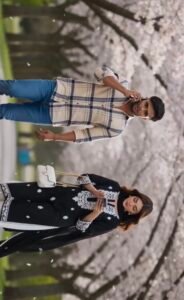
Video Prompts 🔻👇
A CINEMATIC SCENE FEATURING A YOUNG MAN WEARING A PLAID SHIRT AND BLUE JEANS, AND A YOUNG WOMAN IN A BLACK AND WHITE SUIT, WALKING TOGETHER IN AN ALLEY LINED WITH CHERRY BLOSSOM TREES. THEY SLIGHTLY COLLIDE, CAUSING THE WOMAN'S PURSE AND PHONE TO FALL. BOTH BEND DOWN TO PICK THEM UP, AND THEIR EYES MEET. PLEASE USE THE PROVIDED FACE REFERENCE PHOTOS OF THE YOUNG MAN AND YOUNG WOMAN FOR THIS SCENE.
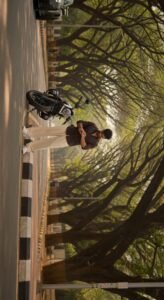
Video Prompt 👇🤯
"A cinematic, ultra-realistic video of a handsome man standing beside a motorcycle on a scenic road, checking his watch. Suddenly, a beautiful woman in a traditional red and black ethnic outfit appears, and the man turns to look at her, with her hair gently blowing in the wind. Golden hour sunlight filters through the trees, creating soft, warm sunbeams. Hyper-detailed, 8k resolution, photorealistic

A realistic high-angle full-body shot of a young man with messy, textured black hair looking up at the camera. He is dressed in a red and blue Spider-Man bodysuit on his upper half, but wearing loose casual grey sweatpants on his lower half, white clean canvas shoes. He has a black backpack on his shoulders and is holding a red Spider-woman mask in his left hand. He is standing indoors on a grey marble tiled floor. The lighting is soft and natural, giving a casual "Peter Parker after school" vibe. vertical 9:16. Add yellow cinematic text:
"Are YOU free on 30 July?"
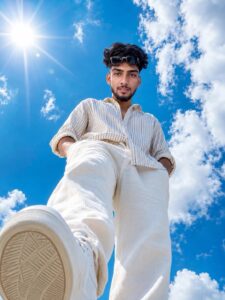
Ultra-realistic full-body portrait of a young South Asian man captured from an extreme low-angle, ultra-wide (14mm lens) perspective, as if the camera is placed on the ground directly beneath him. He is standing confidently above the camera with one foot slightly forward, both hands casually tucked into his trouser pockets, looking directly into the lens with a calm, confident expression.
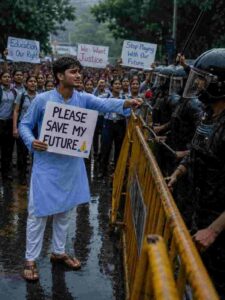
@Create image Ultra-realistic emotional protest scene on a rainy city street, featuring a young Indian male student standing alone in the foreground, wearing a light blue cotton kurta with white pajama pants and simple sandals. He has teary eyes, an emotional expression, and slightly messy short black hair damp from the rain. In one hand, he holds a white protest placard reading “PLEASE SAVE MY FUTURE ” in large bold black letters, while extending a single red rose toward a line of riot police behind yellow metal barricades. One police officer in full black riot gear, helmet, visor, and body armor raises a baton while facing the boy, creating a tense yet powerful moment.
Behind the boy, hundreds of students in school uniforms passionately protest, holding handmade signs reading “Education is Our Right,” “We Want Justice,” and “Stop Playing With Our Future.” Wet asphalt reflects people, barricades, and city lights after heavy rain. Overcast sky, cinematic atmosphere, dramatic storytelling, documentary-style photojournalism, natural skin textures, authentic Indian faces, realistic crowd expressions, shallow depth of field, Sony A1, 50mm lens, f/2.0, HDR, ultra-detailed, 8K, high dynamic range, moody color grading, realistic rain reflections, award-winning editorial photography, powerful composition, highly emotional visual narrative.
Optional enhancement for a stronger visual impact:
The young boy has a determined yet emotional expression, with tears visible in his eyes, symbolizing hope and resilience. His outstretched hand holding the red rose contrasts with the tense scene, creating a powerful message of peace versus force. Make the aspect ratio 3:4
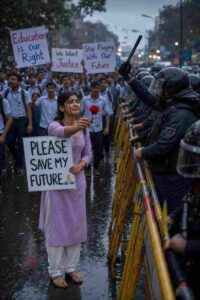
Ultra-realistic emotional protest scene on a rainy city street, featuring a young Indian female student standing alone in the foreground, wearing a light lavender cotton kurta with white salwar and simple sandals. She has teary eyes, an emotional expression, slightly messy tied-back black hair with loose strands framing her face. In one hand she holds a white protest placard reading “PLEASE SAVE MY FUTURE ” in large bold black letters, while extending a single red rose toward a line of riot police behind yellow metal barricades. One police officer in full black riot gear, helmet, visor, and body armor raises a baton while facing the girl, creating a tense yet powerful moment. Behind the girl, hundreds of students in school uniforms passionately protest, holding handmade signs reading “Education is our Right,” “We Want Justice,” and “Stop Playing With Our Future.” Wet asphalt reflects people, barricades, and city lights after heavy rain. Overcast sky, cinematic atmosphere, dramatic storytelling, documentary-style photojournalism, natural skin textures, authentic Indian faces, realistic crowd expressions, shallow depth of field, Sony A1, 50mm lens, f/2.0, HDR, ultra-detailed, 8K, high dynamic range, moody color grading, realistic rain reflections, award-winning editorial photography, powerful composition, highly emotional visual narrative.
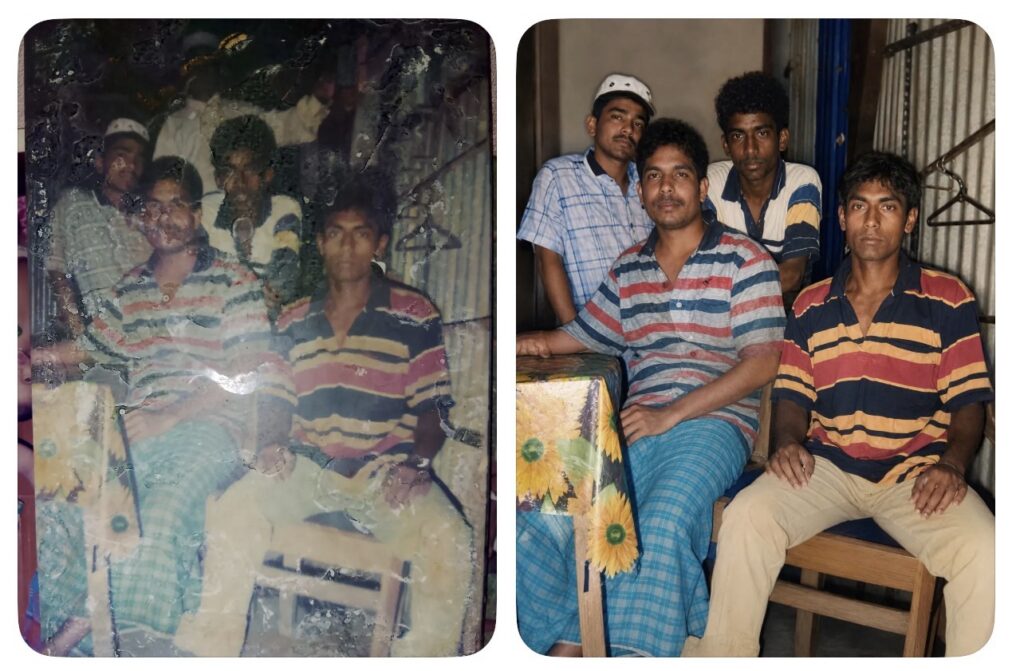
PROMPT: Create an ultra-realistic modern recreation of an old vintage photo, maintaining 100% facial likeness with no changes to the original face. Transform it into a high-quality digital portrait featuring vibrant, updated colors, smooth natural skin texture, and soft realistic lighting. Upgrade the outfit and background to a clean, contemporary style, while preserving the authentic pose, emotion, and essence of the original image,keep original dresses
CREATE A FUTURISTIC CINEMATIC POSTER OF A TEENAGE CREATOR NAMED CRUSHBOY WITH REALISTIC FACE CONSISTENCY ACROSS ALL POSES. USE ONEULTRA-DETAILED CENTER PORTRAIT WITHCURLY HAIR, CONFIDENT EXPRESSION, BLACK OUTFIT, SILVER CHAIN, AND STYLISH SUNGLASSES. SURROUND THE CENTER WITH MULTIPLE FADED SIDE PORTRAITS IN MONOCHROME ST YLE FOR A PREMIUM COLLAGE EFFECT. ADDELECTRIC BLUE NEONLIGHTING, GLOWING PARTICLES. LIGHT STREAKS, SOFT FOG, AND DARK URBAN TEXTURES IN THE BACKGROUND.
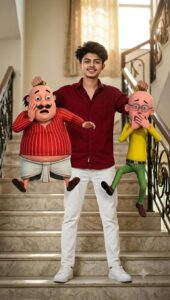
CREATE A HYPER-REALISTIC CINEMATIC IMAGE USING THE UPLOADED FACE WITHOUT CHANGING THE FACIAL FEATURES (100% FACE PRESERVATION). THE MAN IS STANDING CONFIDENTLY ON A STAIRCASE, WEARING A STYLISH DARK RED SHIRT, WHITE PANTS, AND CLEAN WHITE SNEAKERS. HE IS HOLDING MOTU IN ONE HAND AND PATLU IN THE OTHER BY THE BACKS OF THEIR SHIRTS, LIFTING THEM INTO THE AIR ..

Replace The Board Name संत कबीर नगर  To ख़ालीबाद
Make sure only one change on the board Name
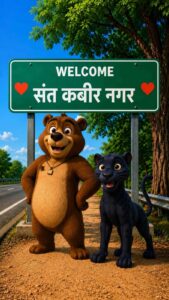
Replace The Board Name संत कबीर नगर To खलीलाबाद
Make sure only one change on the board Name
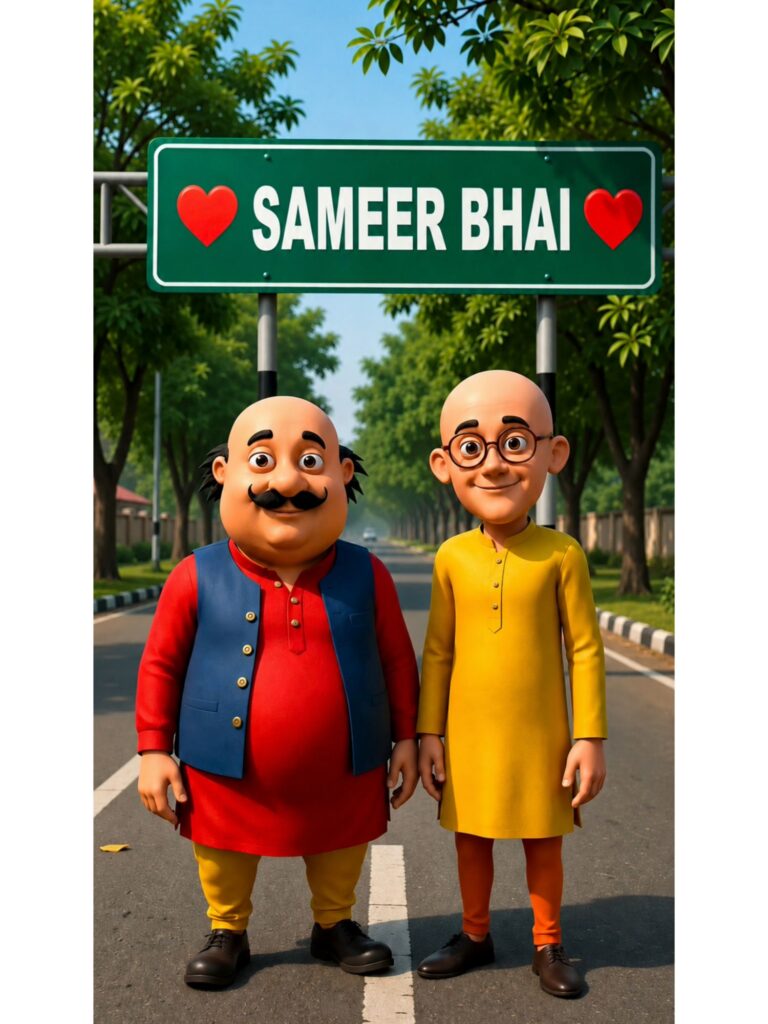
A high-quality 3D animated rendering, based exactly on image_0.png, featuring the characters Motu and Patlu standing in the same poses on the tree-lined road. Above them is the same green sign, held by the same posts. The sign retains the red heart symbol on the far left and the red heart symbol on the far right. The text in the center of the sign, previously is seamlessly and cleanly replaced with the text "[SAMEER BHAI]". The font, text color (white), and centering are perfectly matched to the original sign. All other elements, including the characters' clothing, expressions, and the background environment, remain identical to image_0.png.
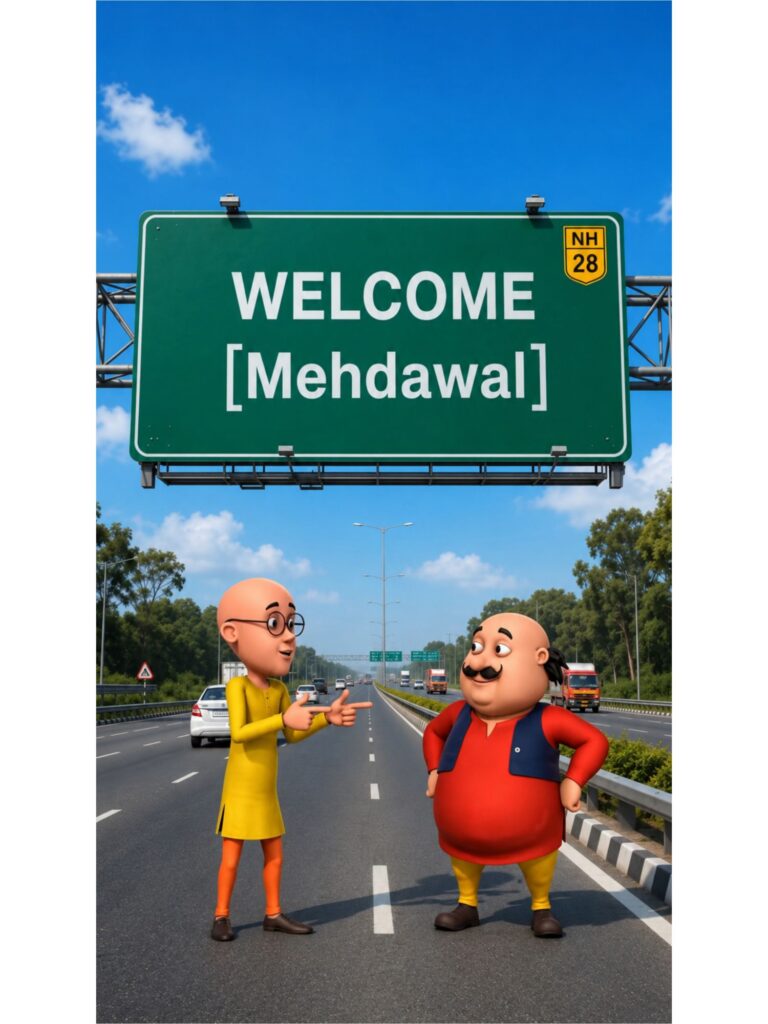
Use the uploaded image as the exact character reference. Keep the same character, face, clothes, and original art style.

Create a modern highway scene where the character stands smiling below a large green Indian highway welcome billboard. The billboard reads:

WELCOME

[Mehdawal]

Use realistic Indian expressway details, vehicles, trees, blue sky, cinematic lighting, vibrant colors, centered composition, ultra-detailed, 8K, vertical 9:16.
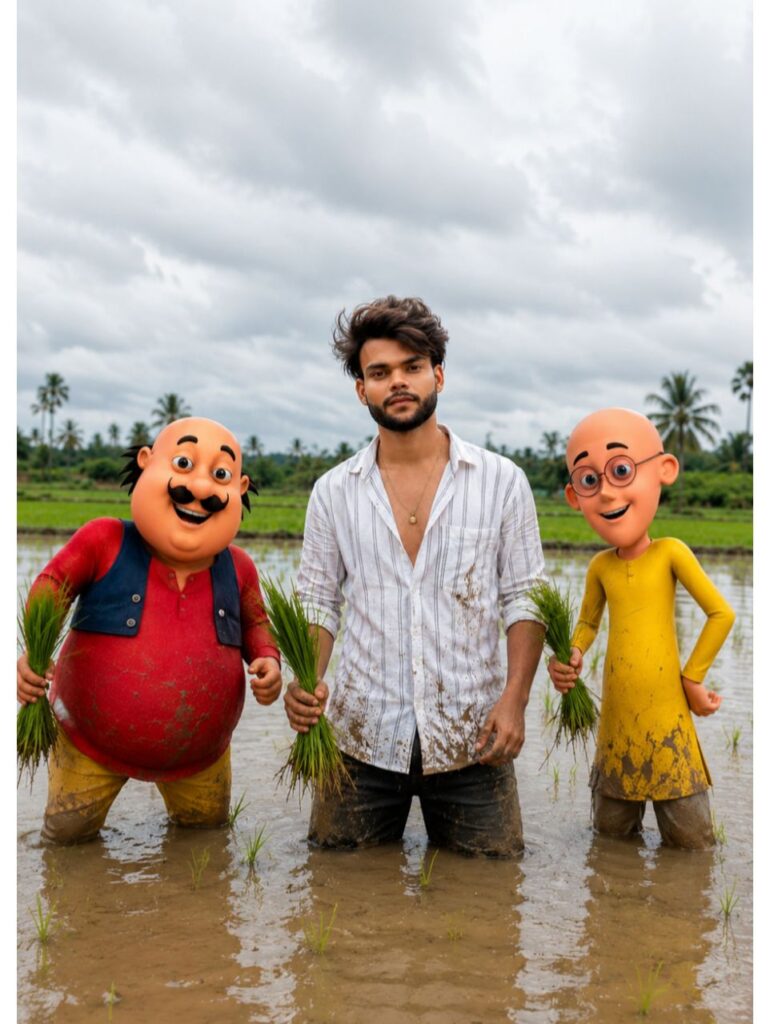
A photorealistic 4K image, building upon the scene in image_0.png, featuring the animated characters Motu (in red shirt and blue vest) and Patlu (in yellow kurta) in a flooded paddy field in India, exactly as depicted. Between them stands the young man, also knee-deep in the mud, holding rice seedlings. Crucially, the man's face has been replaced with the specific, high-resolution face from [INSERT FACE_PHOTO_HERE], integrated seamlessly with photo-realistic skin textures, lighting, and expression. The man retains his original shirt and pants. The setting, background elements, cloudy sky, and mud are rendered with hyper-detailed 4K clarity, indistinguishable from reality. The focus is sharp on all three figures.
हिंदी अनुवाद (आपकी समझ के लिए):
image_0.png के दृश्य के आधार पर एक यथार्थवादी 4K छवि, जिसमें एनिमेटेड पात्र मोटू (लाल शर्ट और नीले रंग की जैकेट में) और पतलू (पीले कुर्ते में) भारत के एक जलमग्न धान के खेत में हैं, बिल्कुल जैसा दिखाया गया है। उनके बीच में वही युवक खड़ा है, जो कीचड़ में घुटनों तक डूबा हुआ है और धान के पौधे पकड़े हुए है। महत्वपूर्ण रूप से, युवक के चेहरे को [INSERT FACE_PHOTO_HERE] से विशिष्ट, उच्च-रिज़ॉल्यूशन वाले चेहरे से बदल दिया गया है, जिसे फोटो-यथार्थवादी त्वचा बनावट, प्रकाश व्यवस्था और अभिव्यक्ति के साथ सहज रूप से एकीकृत किया गया है। युवक अपनी मूल शर्ट और पैंट बरकरार रखता है। सेटिंग, पृष्ठभूमि के तत्व, बादल छाए हुए आकाश और कीचड़ को अति-विस्तृत 4K स्पष्टता के साथ प्रस्तुत किया गया है, जो वास्तविकता से अलग नहीं है। तीनों आकृतियों पर ध्यान केंद्रित किया गया है Photo ka size 9:16kar dena
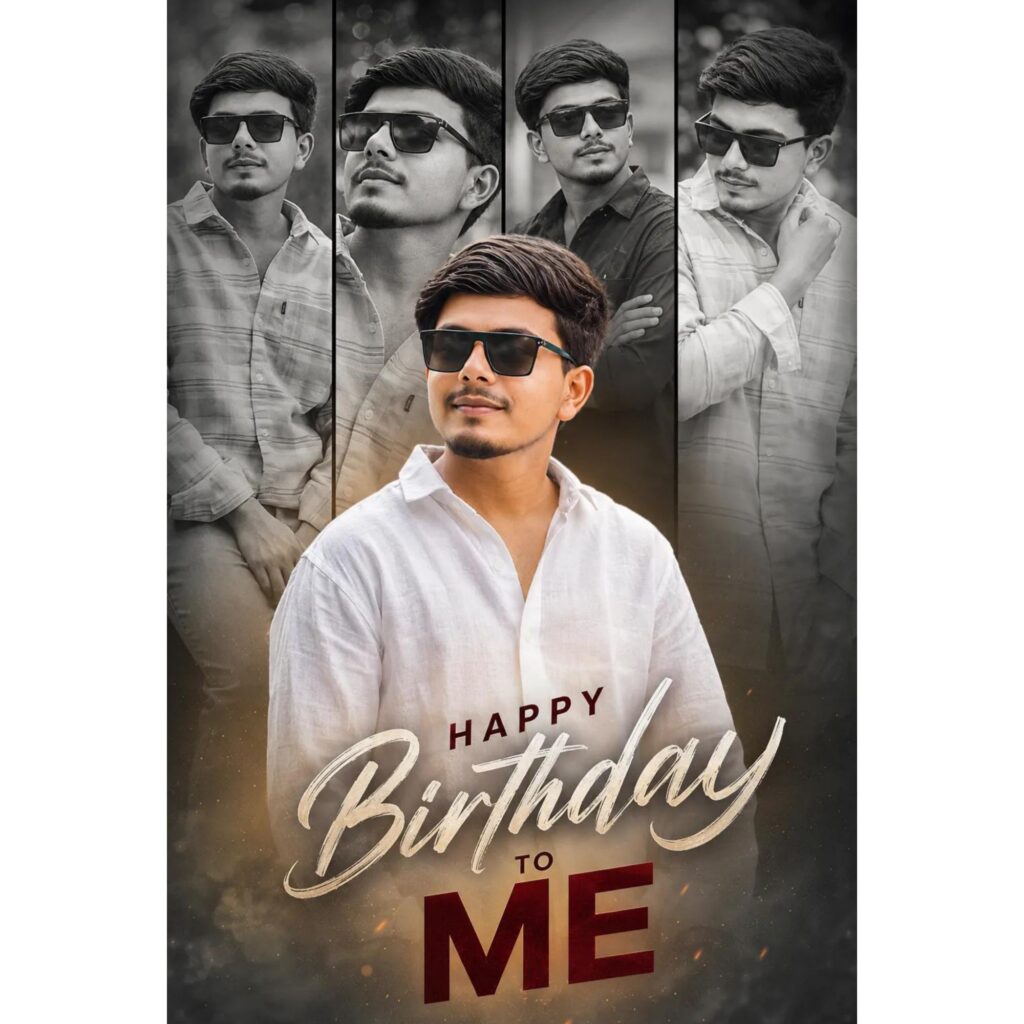
Ultra-realistic cinematic birthday poster of a stylish young South Asian male with same black hair, sharp jawline, visible pores, glowing fair skin, and black-tinted sunglasses. Multi-photo collage composition with one large colorful portrait in the center wearing a premium white linen shirt, smiling confidently, looking sideways, surrounded by four monochrome background portraits arranged in tall vertical panels with different poses, expressions.
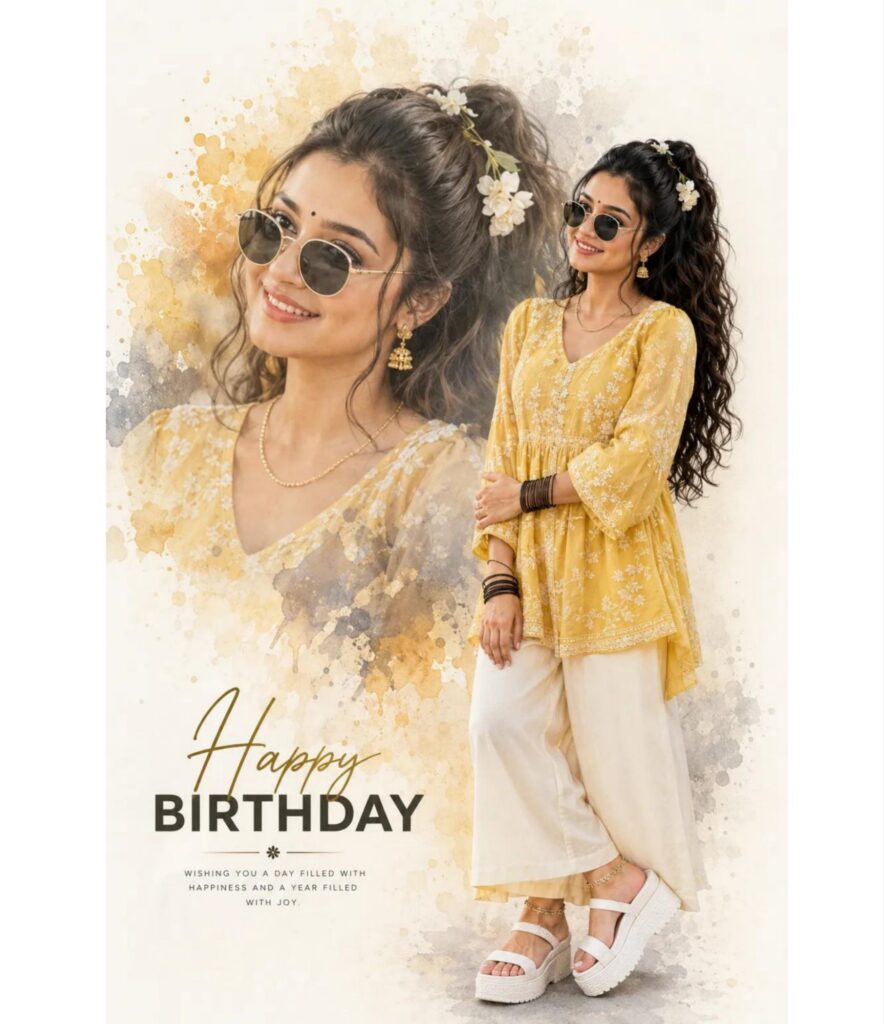
Ultra-realistic birthday collage poster, same girl face as reference, face match, yellow embroidered kurti with palazzo, black sunglasses, double portrait composition, large faded close-up portrait with watercolor ink splash effect, full-body smiling pose on right side, long loose curly hair, small black bindi, gold jhumkas, black bangles, thin gold chain, white platform sandals, anklets, soft cream yellow aesthetic background, luxury birthday poster, high detail, 4K:
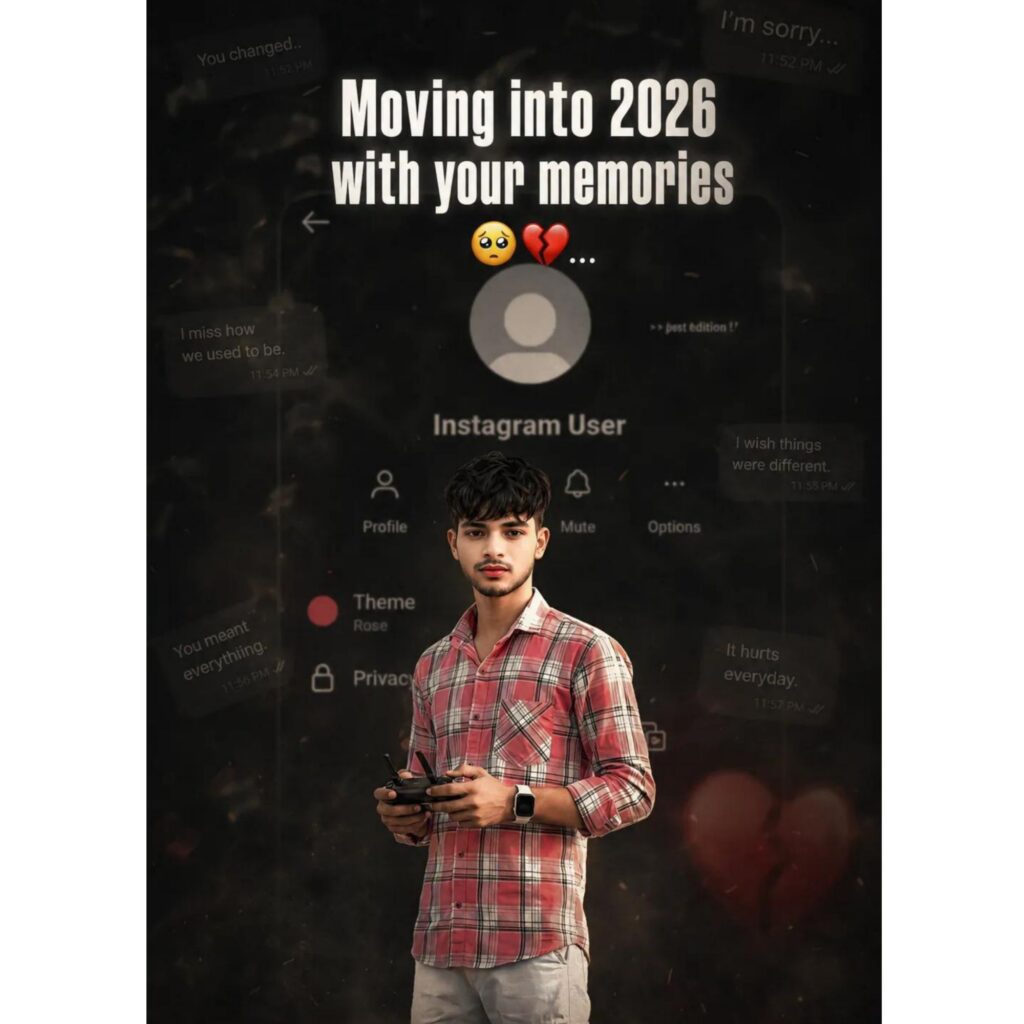
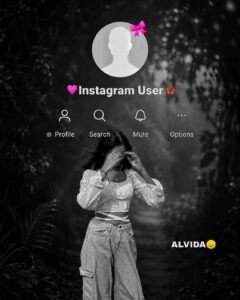
Create a dark, emotional Instagram heartbreak memories edit using the uploaded photo. Keep the person's face, hairstyle, skin tone, body shape, clothes, and pose 100% unchanged. Do not modify identity. Design: Background should be EDITOR.CN dark, faded, and slightly blurred Add a large semi-transparent Instagram profile interface behind the subject. • Profile picture should appear removed with a default Instagram avatar. • Username: "Instagram User" • Add Profile, Search Mute, and Options icons.
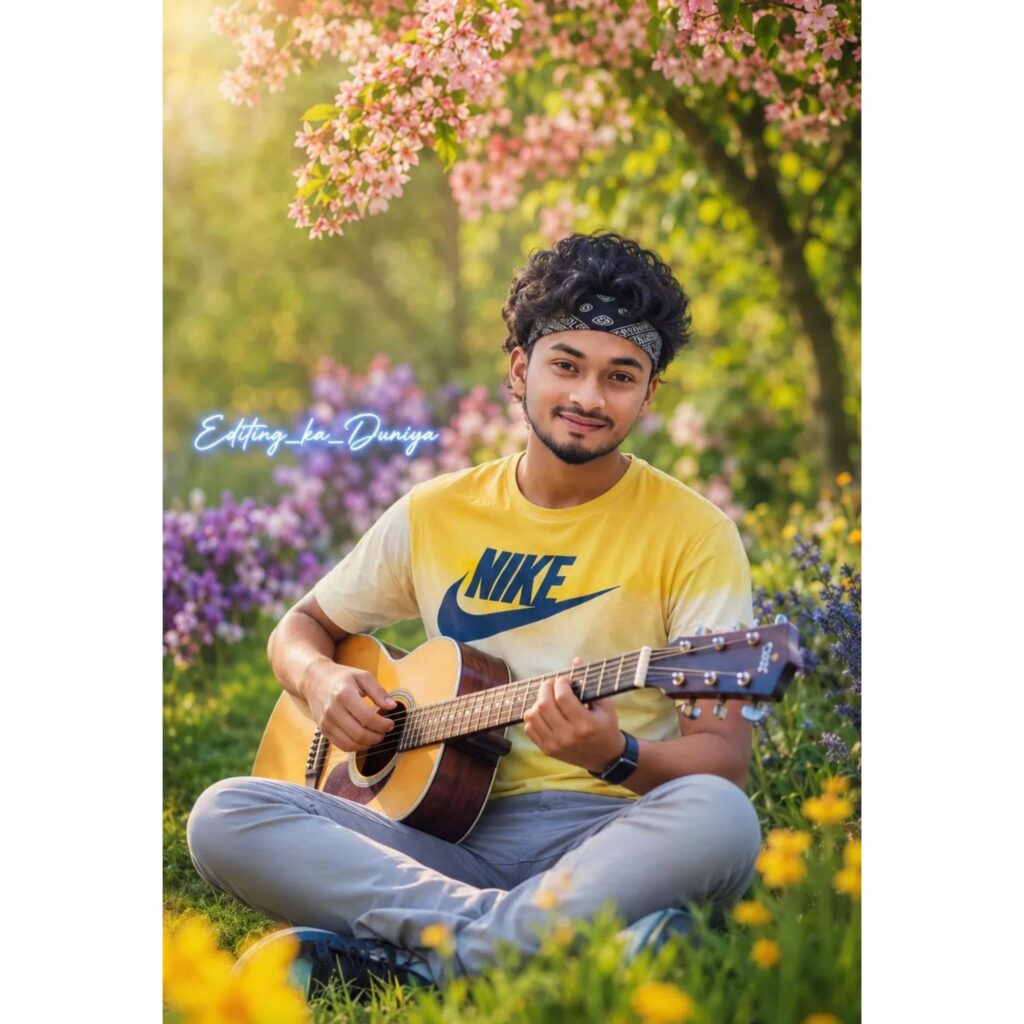
Ultra-realistic 16k (9:16) portrait of a young South Asian boy sitting cross-legged on lush green grass in a vibrant spring garden, surrounded by colorful yellow and purple flowers, blooming pink blossoms hanging overhead, soft golden-blue sunlight, cinematic bokeh background. messy black hair with a black paisley bandana, a gentle smile, light beard, wearing a yellow gradient T-shirt with a large dark blue "NIKE" logo, light gray pants, and a black smartwatch. Both hands his 🎸.
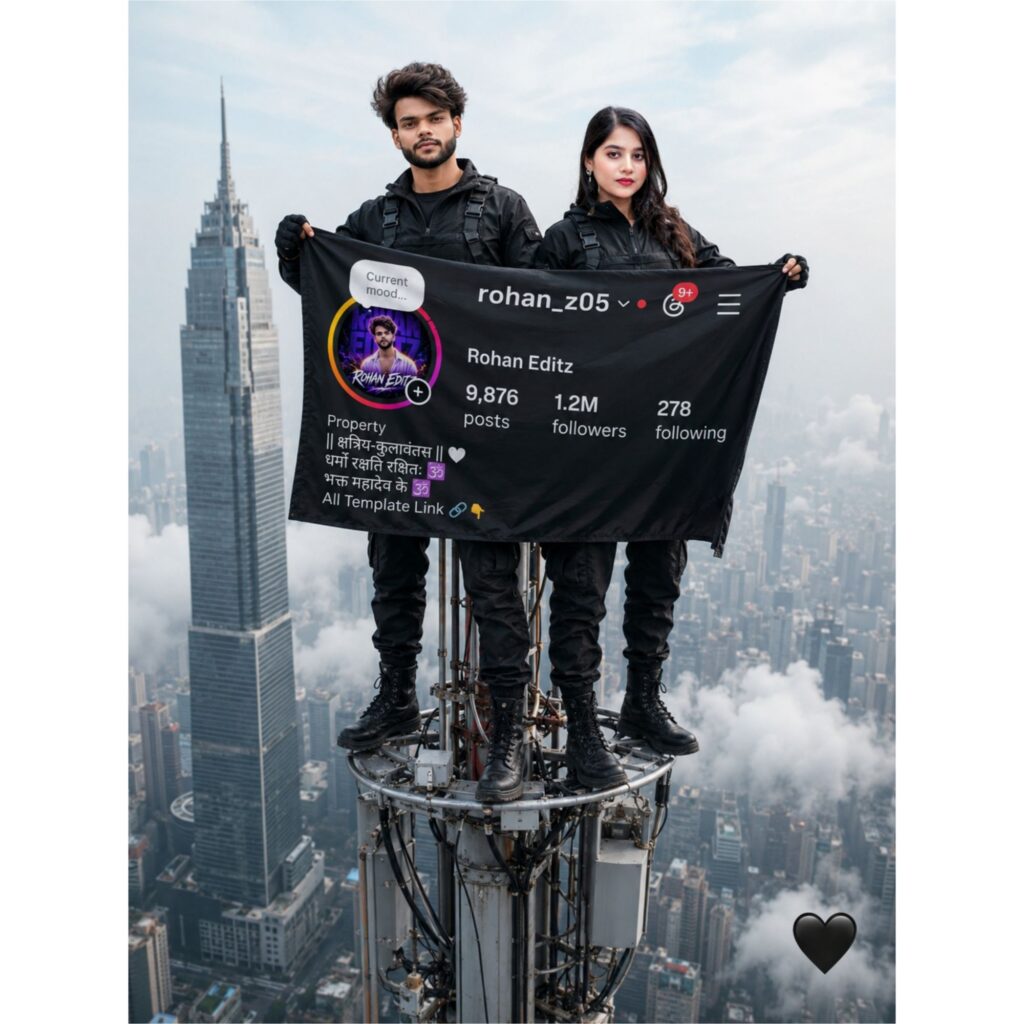
"A dramatic high-altitude photo, exactly as seen in [image_0.png], featuring a modern high-rise skyscraper and a tall telecommunications antenna. Two individuals are balanced on the top of the antenna in the same pose as in [image_0.png]. Their bodies and black tactical-style clothing remain identical, but [USER_MALE_FACE_1] is seamlessly integrated as the face of the man (originally 'mr_shivagaur_up45'), and [USER_FEMALE_FACE_1] is seamlessly integrated as the face of the woman, with a slight smile. They are holding the large, unfurled black flag. Crucially, the flag is updated with new, custom content. On the flag, the text for 'posts', 'followers', and 'following' counts is replaced with new, higher, but specific numbers: Instagram Profile Aad kar dena jhanda Me the heart emojis remain. The central [USER_SUBMITTED_DP] (user's provided profile picture image) is prominently and clearly displayed inside the round profile picture circle on the flag. All other environmental details, including the heart emoticon in the bottom right and the hazy city background, are preserved. Lighting is natural daylight."
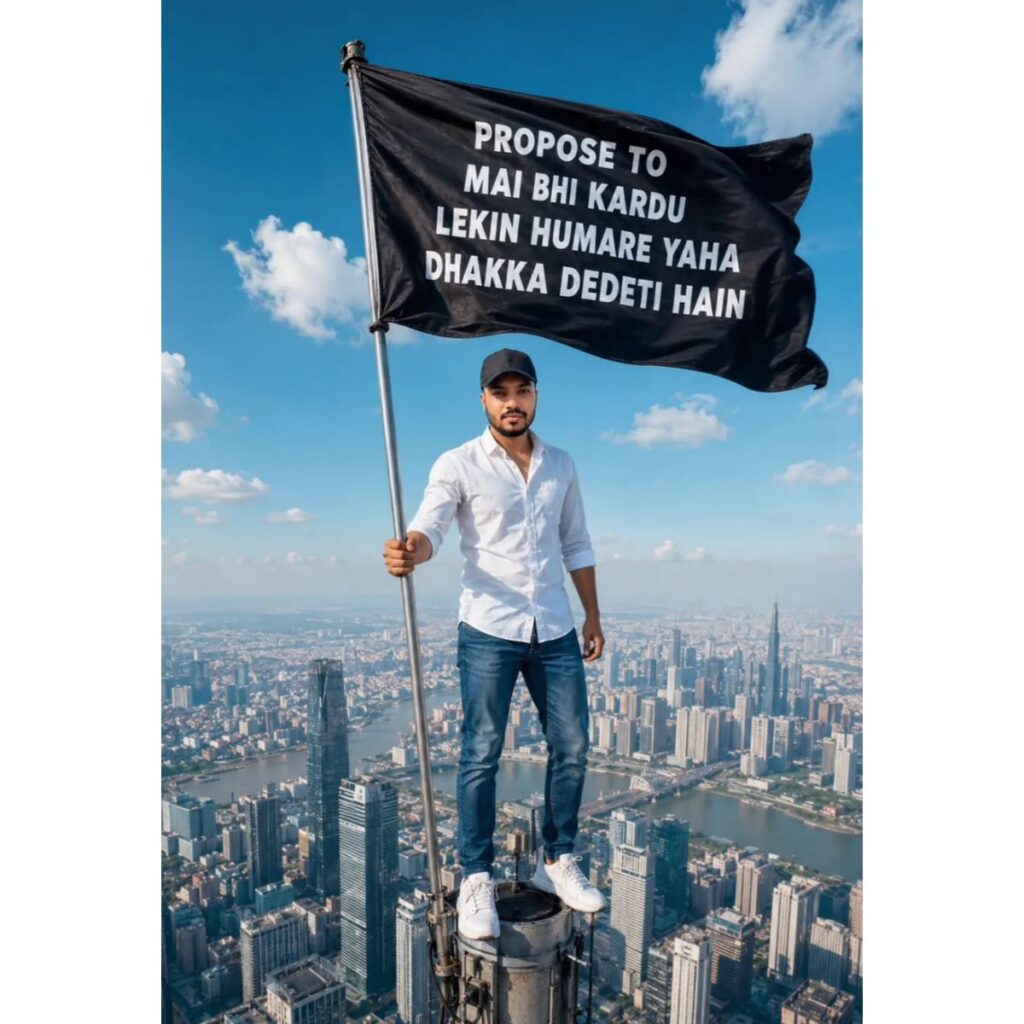
Ultra-realistic cinematic rooftop scene of a young Indian man standing fearlessly on the narrow top platform of a massive skyscraper antenna tower, thousands of feet above a sprawling modern city skyline during bright daylight. He wears a crisp white button-up shirt with rolled sleeves, blue denim jeans, white sneakers, and a black baseball cap. He has a neatly trimmed beard and a confident smile while holding a tall metal flagpole.
Keep my face 100% same as in the
reference image)
FACE MATCHING INSTRUCTIONS Face must remain exactly same as reference image,
no face change,
No hairstyle change Sam hairstyle upload image
no reshaping,
no beautification
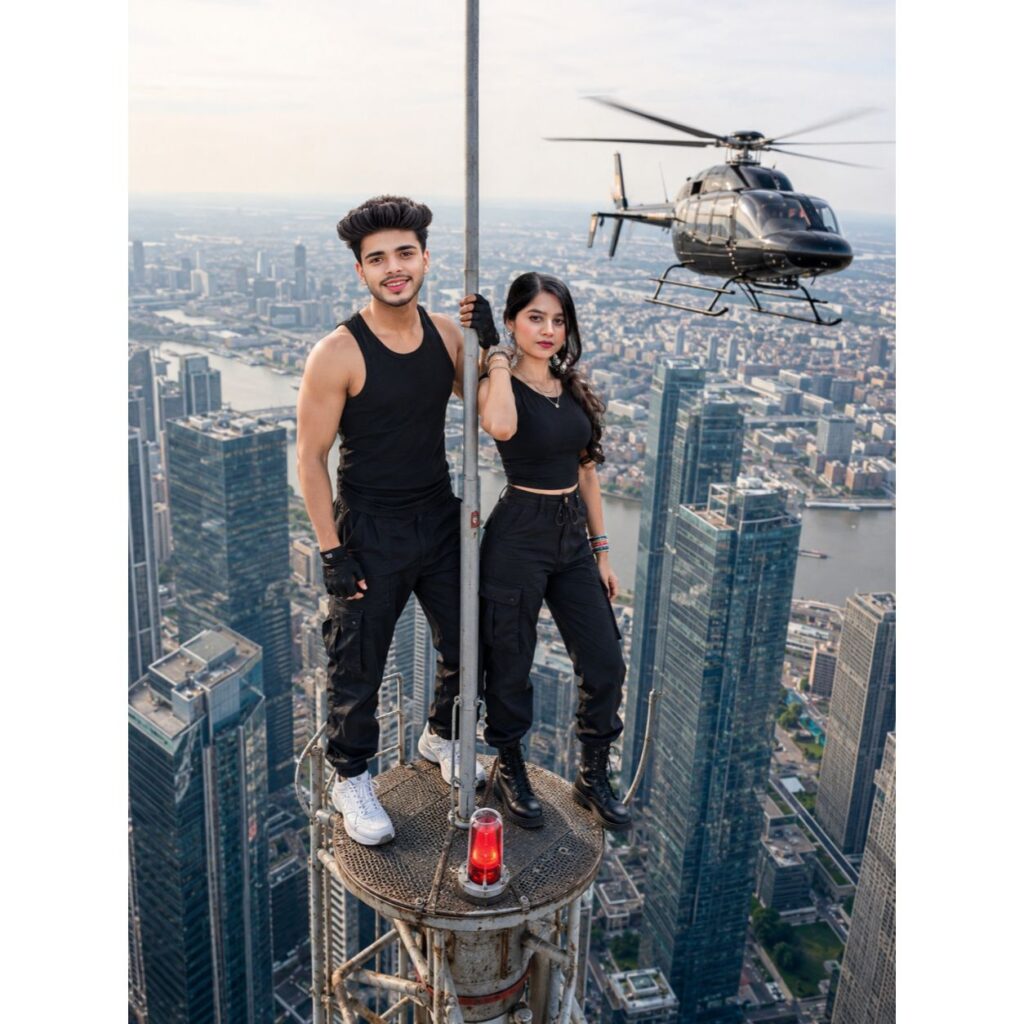
ULTRA REALISTIC SKY-HIGH
COMMUNICATION TOWER COUPLE
MASTER PROMPT (Aspect Ratio 3:4) Create an ultra-realistic, full-body
cinematic adventure photograph of a couple standing on top of an extremely high communication tower above a modern city skyline.
The composition, outfits, pose, camera angle, lighting, background, and atmosphere must match the reference image exactly. The final image must look like a genuine professional aerial photograph with absolutely NO AI look, NO CGI, NO painting effect, NO plastic skin, NO beauty filter, NO blur, and 100% natural realism. SCENE DETAILS
A massive steel communication tower at the top of a skyscraper.
Couple standing on the tiny circular beacon platform at the highest point of the tower.
Realistic red aviation warning light below their feet.
Huge modern glass skyscrapers
surrounding both sides. Endless city skyline stretching to the horizon.
River visible far below between the buildings. Extreme rooftop height creating a
breathtaking sense of scale.
Large realistic helicopter flying beside the tower at nearly the same height, with spinning rotor blades
and accurate scale. Crystal-clear visibility across the entire city. MAIN SUBJECT (YOU)
Slim-to-average young man. Wearing a black sleeveless fitted
tank top. Loose black cargo pants.
Black baseball cap.
Black fingerless gloves.
White nike shoes.
Athletic but natural body proportions.
Natural skin texture with visible
pores.
No artificial muscles. Realistic clothing folds and fabric texture.
GIRLFRIEND DETAILS Standing exactly as in the
reference. Wearing a fitted black sleeveless
top.
Black cargo pants.
Black combat boots..
Natural slim body proportions. Standing close and looking directly toward you.
POSE DETAILS (MATCH EXACTLY)
Male standing on the left edge of the tiny beacon platform.
Female standing on the right side
exactly like the reference. Male holding the vertical pole with
one han
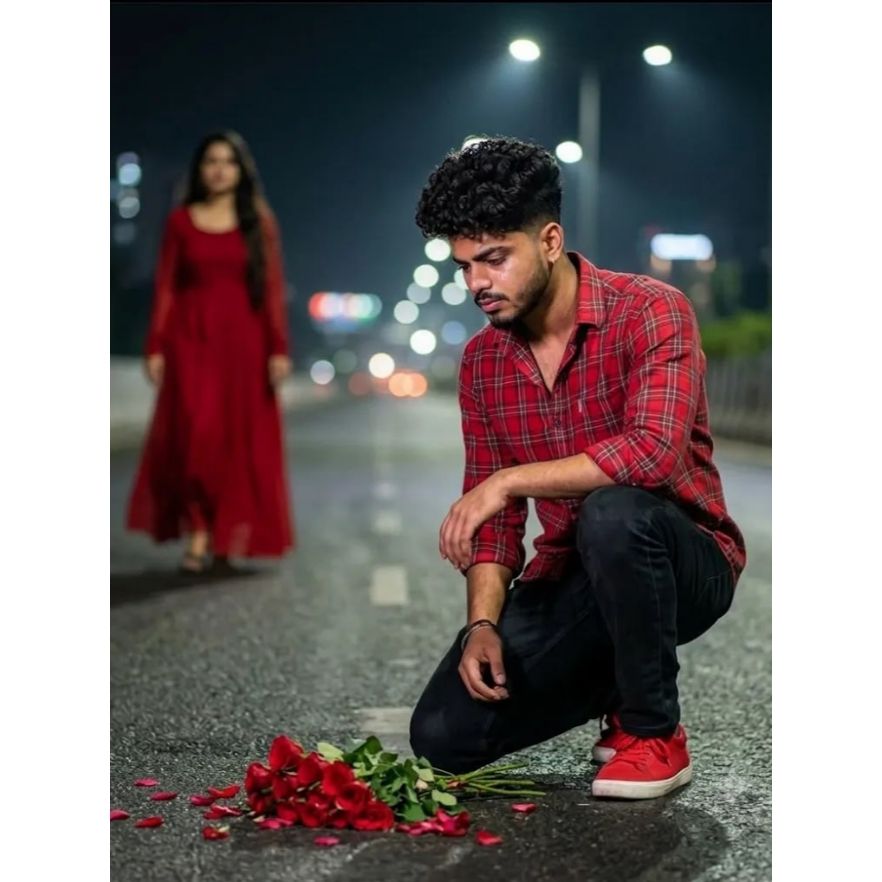
Prompt 👇
Ultra-realistic cinematic night portrait of a young man kneeling alone on an empty road, emotional and thoughtful mood, wearing a bright red shirt, black jeans, and red sneakers. A bouquet of fresh red roses lies scattered on the road in front of him with a few petals around. In the background, a woman in a flowing red dress is walking away, softly blurred to create depth and separation.@meta.ai like me.. 2M videoso💔💔face100%par me gesa hai osa bana raha do
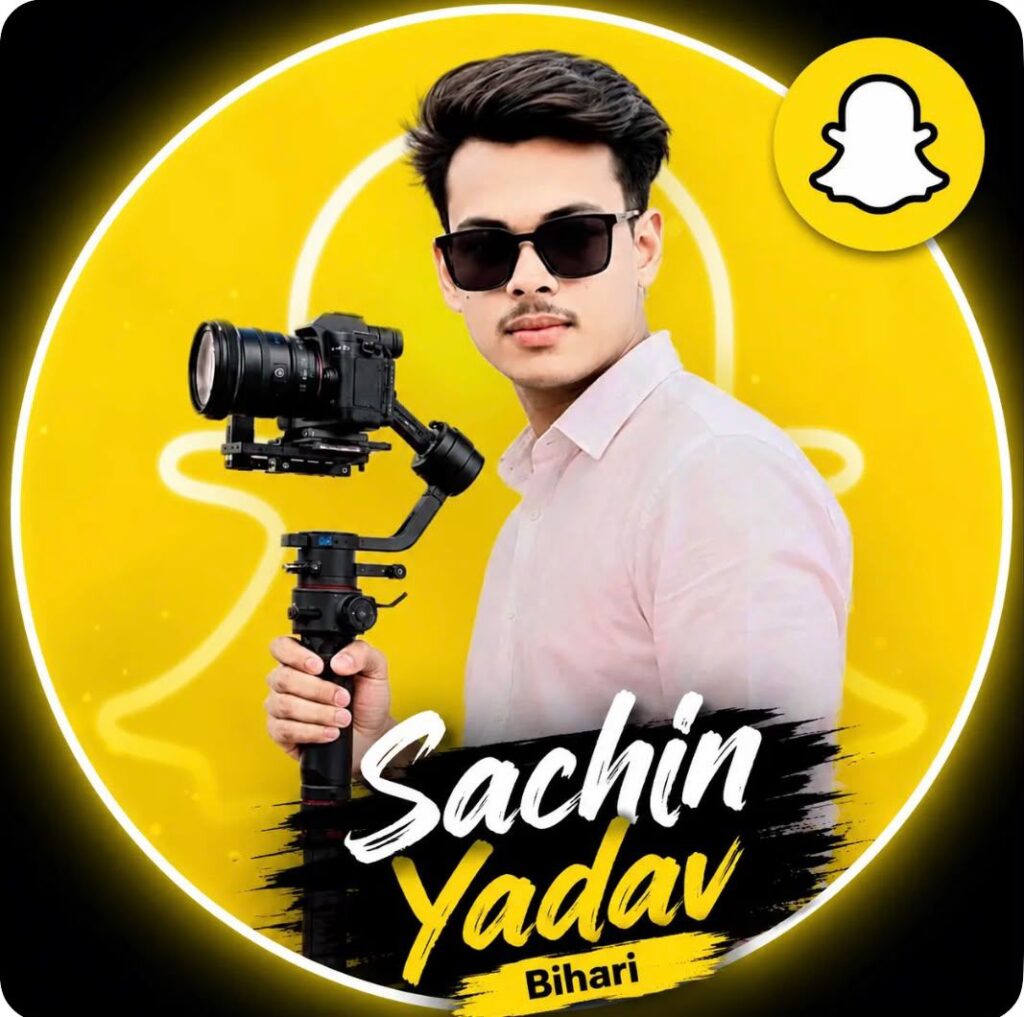
Promt: Edit the uploaded portrait into a stylish Instagram profile picture. Keep the person and camera gimbal unchanged. Add a clean yellow instagram -themed circular background, place a small Instagram ghost logo in the top-right corner, and add the text 'Rohan Editz ' in modern white and black typography at the bottom. Use a premium, sharp, social-media DP style with soft glow and high contrast."}
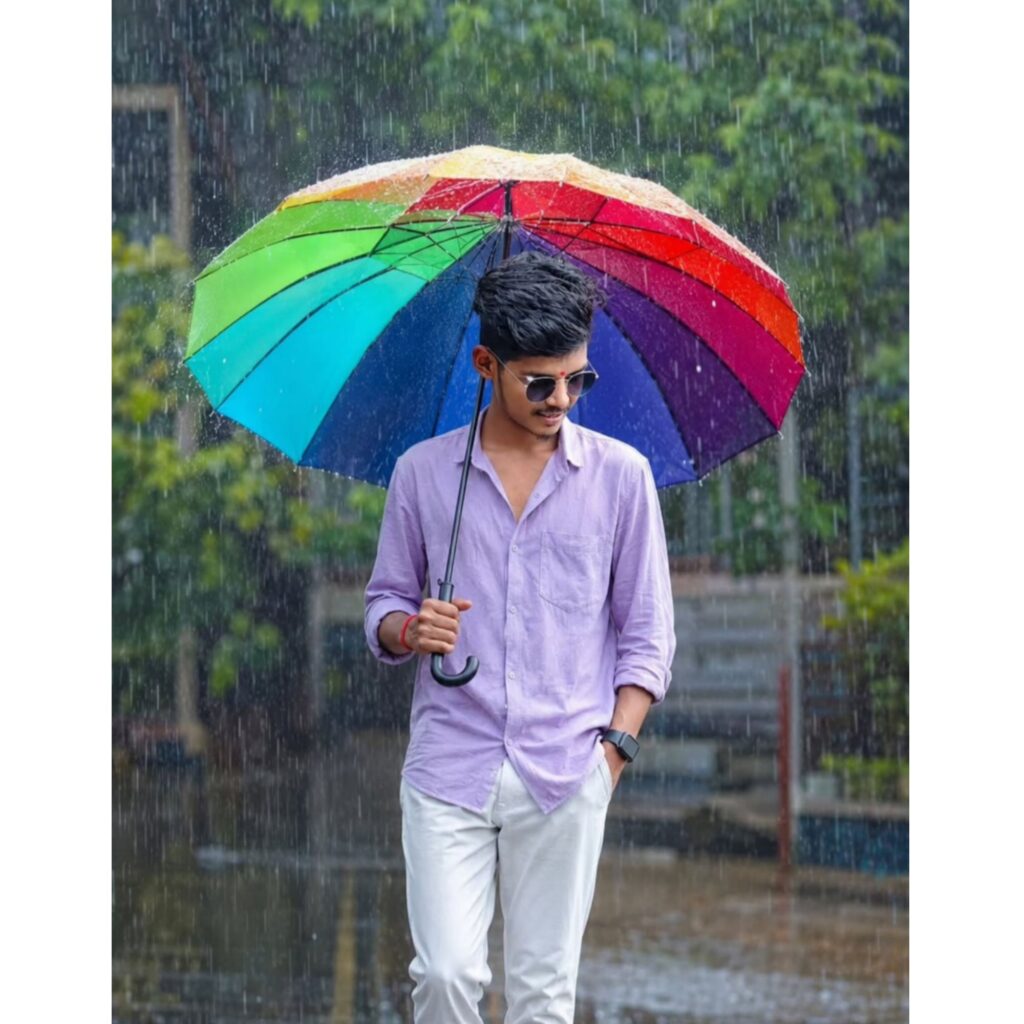
Edit the uploaded photo while keeping the person's face, hairstyle, smile, skin tone, and identity 100% unchanged. The subject is wearing the same bright red shirt and white jeans.
Place him outdoors in a heavy monsoon rain holding a large seven-colour rainbow umbrella in one hand. Add realistic raindrops on the umbrella and clothes, wet hair and fabric, cinematic cloudy sky, lush green background, water splashes around the feet, shallow depth of field, ultra-realistic DSLR photography, vibrant colors, dramatic lighting, high detail, 8K vertical portrait
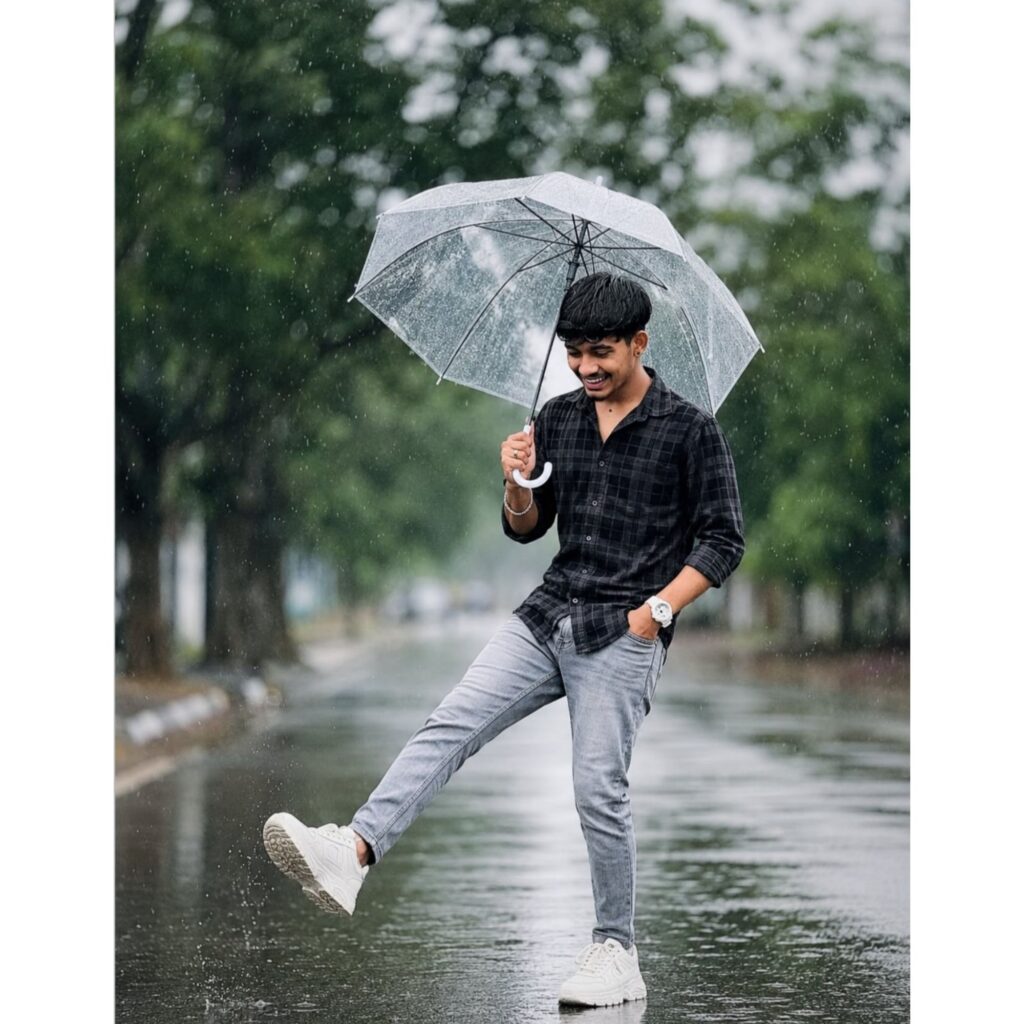
"A Indianboy standing on a wet street during Lightrain, holding a transparent umbrella with his right hand.
Heis wearing a black with black Checked shirt with sleeves rolled up, grey slim-fit
jeans, and white chunky sneakers, lis head is slightly tilted down, smiling subtly. His left hand is in his pocket with white watch, and his rightleg best pose forward in a playit kicking pose. The street is shiny from the rain, with a blurred background of green trees.is slightly tilted down, smiling subtly. His left hand is in his pocket with white watch, and his rightleg best pose forward in a playit kicking pose. The street is shiny from the rain, with a blurred background of green trees.
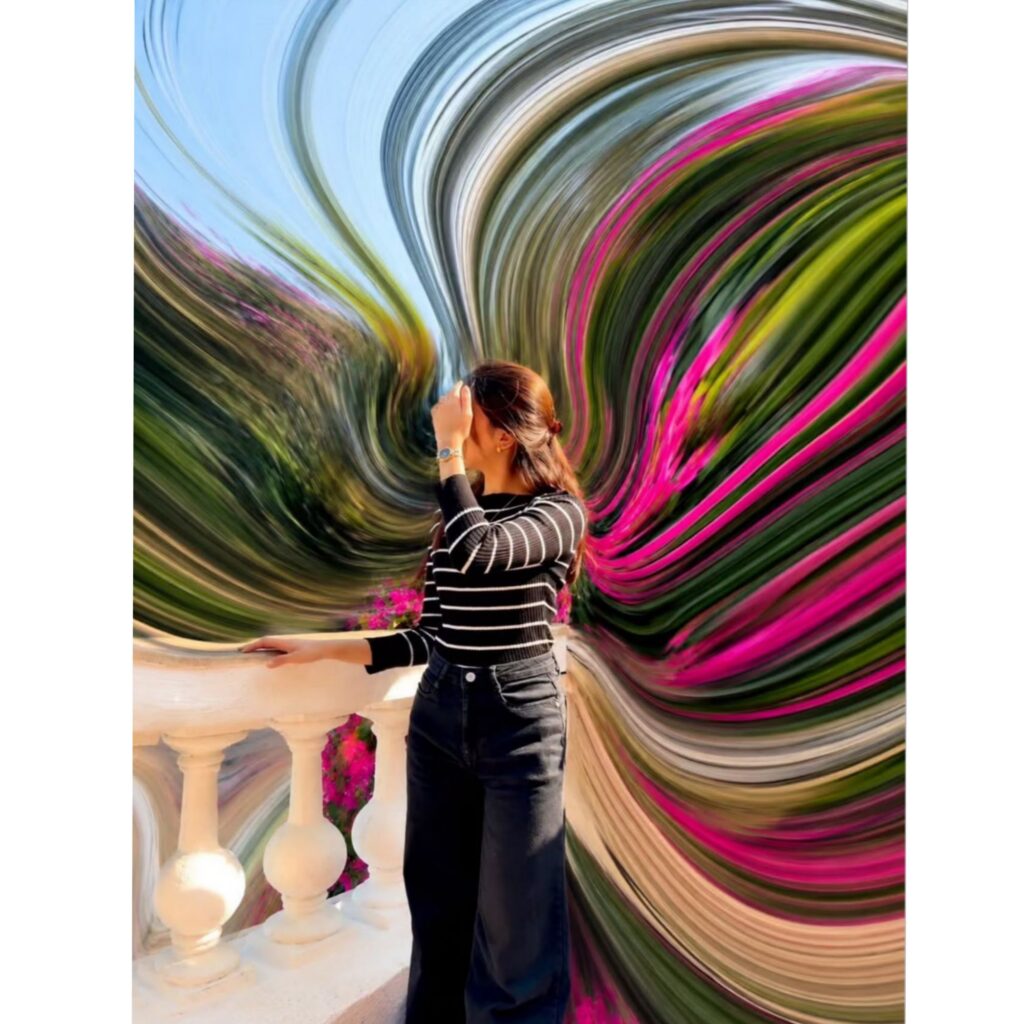
pixel stretch artwork while keeping the main subject perfectly sharp, detailed, and recognizable. Extract colors and textures from the subject and extend them into smooth, flowing pixel-stretch ribbons that follow elegant curves and dynamic motion. Create seamless transitions between the original image and stretched areas, avoiding glitches or harsh edges. The stretched pixels should appear silky, fluid, and organic, like streams of color, light, paint, or energy. Maintain realistic lighting, depth, shadows, and color harmony. Use cinematic contrast, vibrant colors, HDR quality, ultra-sharp details, modern minimalist composition, luxury digital art styling, Adobe Photoshop pixel stretch effect, gallery-quality finishing, and ultra-high-resolution 8K for a visually captivating, social-media-ready masterpiece.
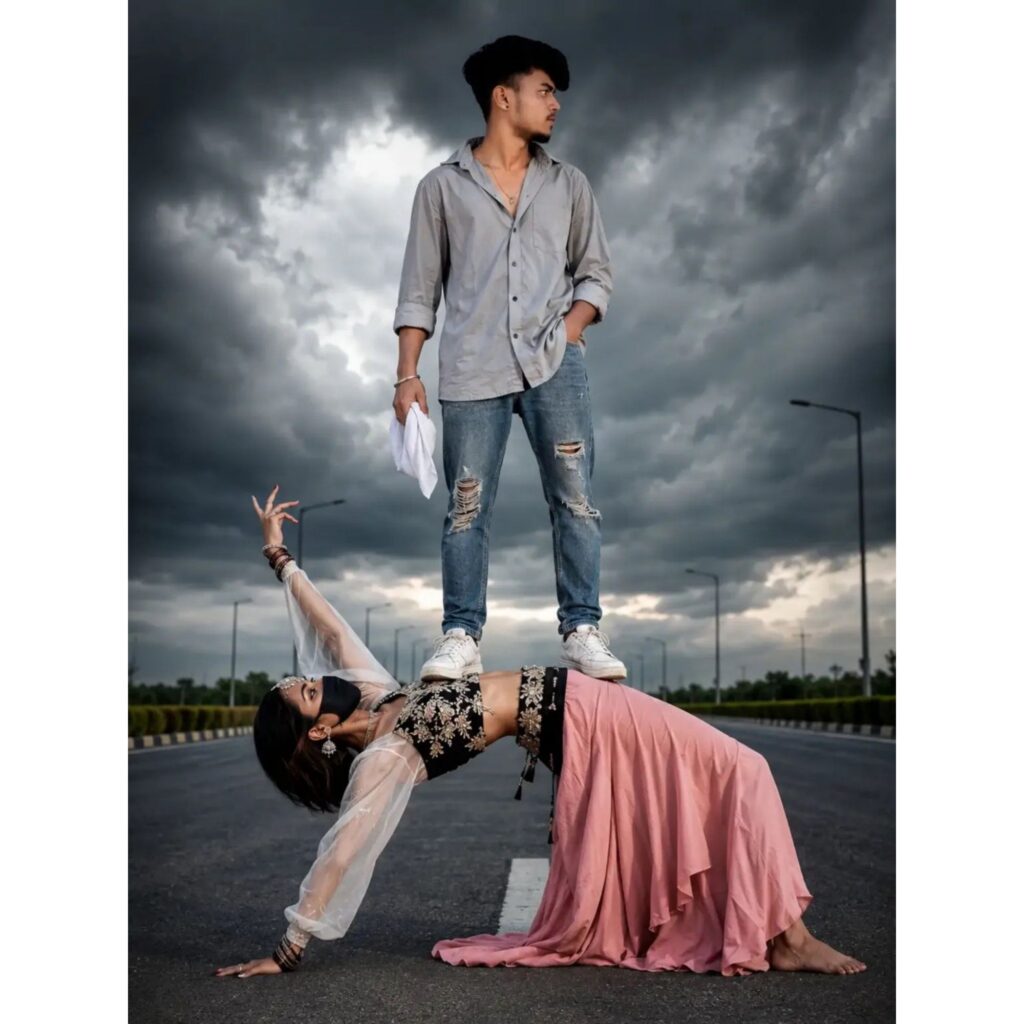
> Create an ultra-realistic cinematic fashion portrait using the uploaded reference image of a young Indian boy. Keep the face, hairstyle, skin tone, and identity exactly the same as the reference photo. The boy is standing confidently on top of a female dancer’s back in the middle of a wide empty road. He wears a light grey casual shirt with rolled sleeves, ripped blue skinny jeans, white sneakers, and a silver chain. One hand is in his pocket while the other holds a white handkerchief. His expression is calm, stylish, and confident.Below him, a female dancer performs an incredible balance pose, supporting the boy while arching her body. She wears a flowing pink skirt, black embroidered waist garment, translucent white sleeves, traditional jewelry, and a black face mask. One hand is raised gracefully while the other supports her body on the road.The scene takes place on a modern empty highway with streetlights visible in the distance. The background features dramatic dark monsoon clouds covering the sky, creating a powerful cinematic atmosphere. The road stretches into the distance with strong leading lines and depth.Add dramatic cloudy sky, soft natural daylight, HDR photography, realistic shadows, ultra-sharp details, cinematic color grading, depth of field, fashion photoshoot style, realistic skin texture, professional DSLR photography, ultra-detailed clothing folds, dynamic composition, masterpiece quality, photorealistic rendering.Use vibrant colors, dramatic contrast, atmospheric perspective, subtle glow, highly detailed environment, realistic road texture, and editorial magazine photography style.Full-body composition, centered framing, vertical social media poster, ultra-realistic fashion artwork, 8K resolution.Negative Promptblurry, low quality, low resolution, extra fingers, extra arms, extra legs, duplicate people, bad anatomy, distorted body, unrealistic balance, deformed face, cartoon, anime, watermark, logo, text, signature, cropped body, pixelated, noisy image, oversaturated, poor lighting
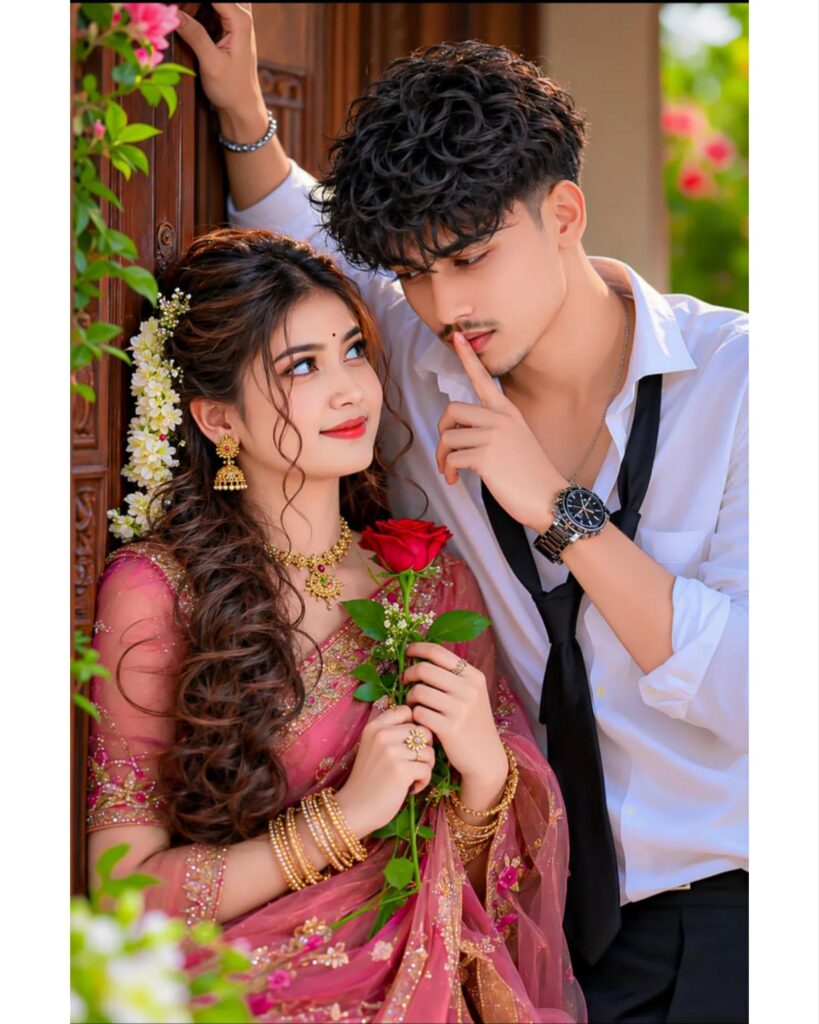
4K UHD Ultra-Realistic Face Replacement Prompt (Single Line):
Create an ultra-realistic 4K UHD romantic couple portrait, keep the entire composition exactly the same as the reference image, replace only the girl's face with the uploaded female face and replace only the boy's face with the uploaded male face while preserving their exact facial identity, facial features, hairstyle (if visible), skin tone, natural expression and fair glowing complexion, blend both faces seamlessly with realistic skin texture, lighting and shadows, keep the same pose, eye contact, romantic expression, white shirt with loose black tie, wristwatch, pink embroidered saree, gold jewelry, jasmine flowers in the hair, red rose in the girl's hands, wooden doorway, green plants, soft natural daylight, warm cinematic color grading, shallow depth of field, creamy bokeh background, ultra-detailed fabric textures, realistic hair strands, HDR, DSLR quality, sharp focus, premium fashion photography, photorealistic, 8K-quality details, 4K UHD, everything else including background, composition, outfit, accessories, lighting and framing remains exactly the same.4K UHD Ultra-Realistic Face Replacement Prompt (Single Line):
Create an ultra-realistic 4K UHD romantic couple portrait, keep the entire composition exactly the same as the reference image, replace only the girl's face with the uploaded female face and replace only the boy's face with the uploaded male face while preserving their exact facial identity, facial features, hairstyle (if visible), skin tone, natural expression and fair glowing complexion, blend both faces seamlessly with realistic skin texture, lighting and shadows, keep the same pose, eye contact, romantic expression, white shirt with loose black tie, wristwatch, pink embroidered saree, gold jewelry, jasmine flowers in the hair, red rose in the girl's hands, wooden doorway, green plants, soft natural daylight, warm cinematic color grading, shallow depth of field, creamy bokeh background, ultra-detailed fabric textures, realistic hair strands, HDR, DSLR quality, sharp focus, premium fashion photography, photorealistic, 8K-quality details, 4K UHD, everything else including background, composition, outfit, accessories, lighting and framing remains exactly the same.
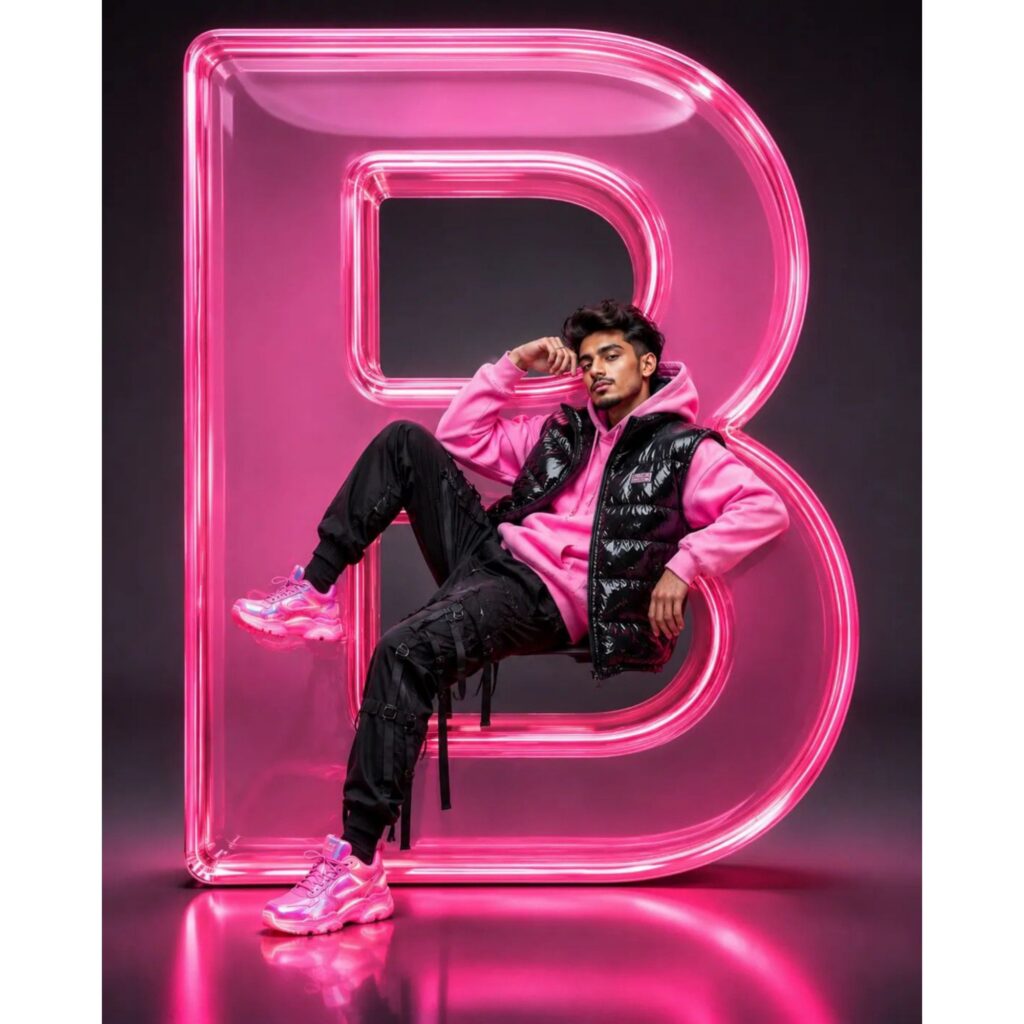
Create an ultra-realistic 4K UHD luxury studio portrait, keep the entire composition exactly the same as the reference image, featuring a stylish young man casually posing inside a giant glowing translucent 3D glass letter "[R]" (replace the original letter with any custom name, word, or alphabet while maintaining the same premium neon glass design, size, reflections, transparency and lighting), replace only the original face with the uploaded face image, preserve the exact facial identity, skin tone, hairstyle, facial structure and natural expression, blend seamlessly with realistic skin texture, shadows and lighting, keep the glossy black puffer vest, oversized pink hoodie, black techwear cargo joggers with utility straps, futuristic pink sneakers, relaxed confident sitting pose, dark matte studio background, vibrant pink neon glow, realistic floor reflections, cinematic fashion photography, luxury streetwear campaign style, hyper-detailed, ultra-sharp focus, HDR lighting, depth of field, photorealistic rendering, premium color grading, magazine-quality retouching, perfect face integration, highly detailed textures, professional commercial advertisement look, 8K quality, masterpiece, no distortion, no extra limbs, no text artifacts, no watermark.
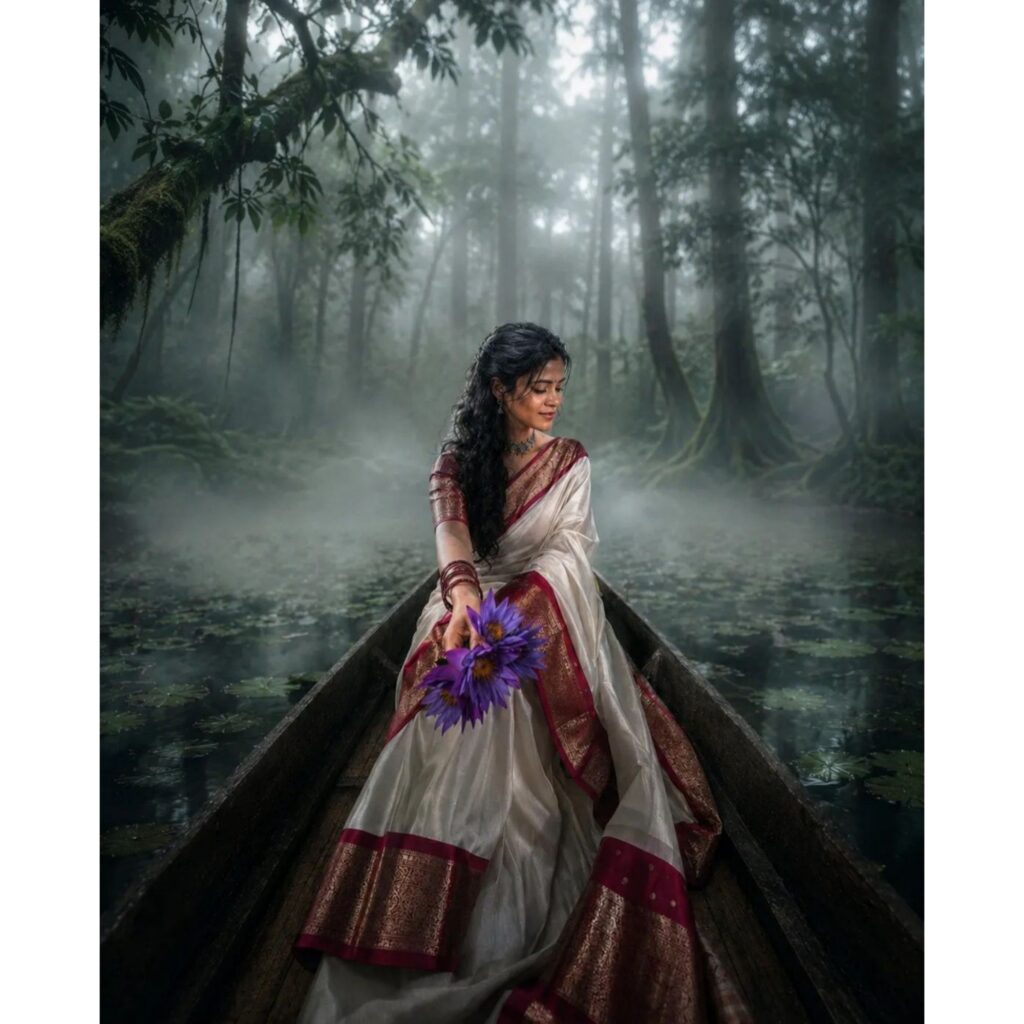
Transform this image into a breathtaking ultra-realistic foggy forest masterpiece. Add dense natural white fog covering the entire environment, creating a mysterious and cinematic atmosphere. Apply rich forest-inspired color grading with deep emerald green, dark teal, moss green, and earthy brown tones. Enhance the trees, foliage, and background elements to resemble a lush enchanted forest hidden in the mist.
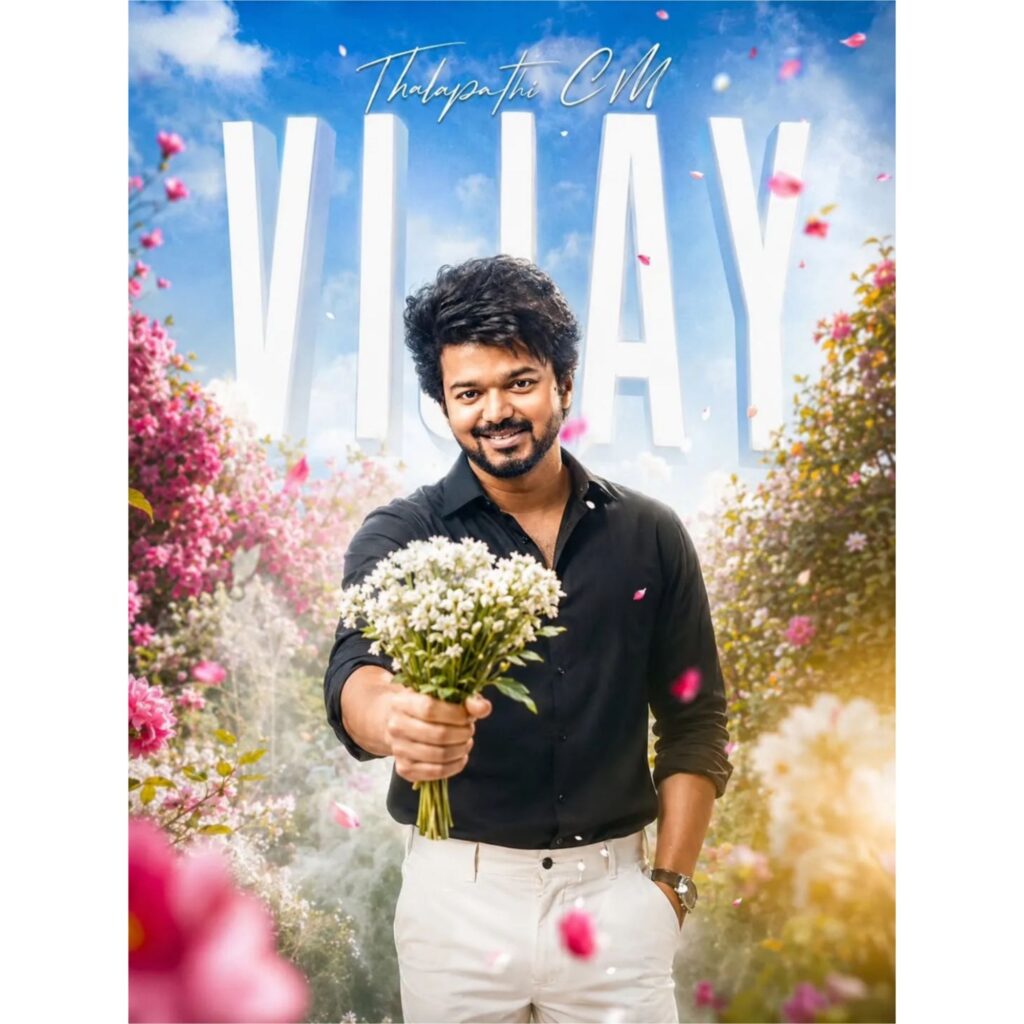
Create an ultra-realistic 4K UHD cinematic poster (3840×2160), aspect ratio 9:16. STRICT FACE REPLACEMENT: Replace only the original man's face with the uploaded face image, keep the uploaded face identity exactly the same including facial shape, eyes, nose, lips, hairstyle, skin tone and natural expression, blend perfectly with neck, skin texture, lighting and shadows, do not beautify or change facial structure. KEEP EVERYTHING ELSE EXACTLY SAME: same smiling pose, same black full-sleeve shirt with folded sleeves, same white trousers, same wrist watch, one hand holding a bouquet of small white flowers toward the camera and the other hand inside pocket, same body angle and camera perspective. BACKGROUND: bright blue sky with soft white clouds, large bold 3D white editable text in the background with custom name "[VIJAY]", small elegant handwritten style text above the main title, beautiful garden full of pink and white flowers, floating flower petals, dreamy cinematic atmosphere with soft depth of field and bokeh. LIGHTING & QUALITY: ultra realistic skin texture, professional color grading, soft cinematic glow, HDR lighting, sharp focus on face, high detail flowers and background, natural shadows and reflections. OUTPUT: professional movie-poster style, ultra detailed, realistic, 4K UHD quality, no extra objects, keep composition exactly same as reference image.
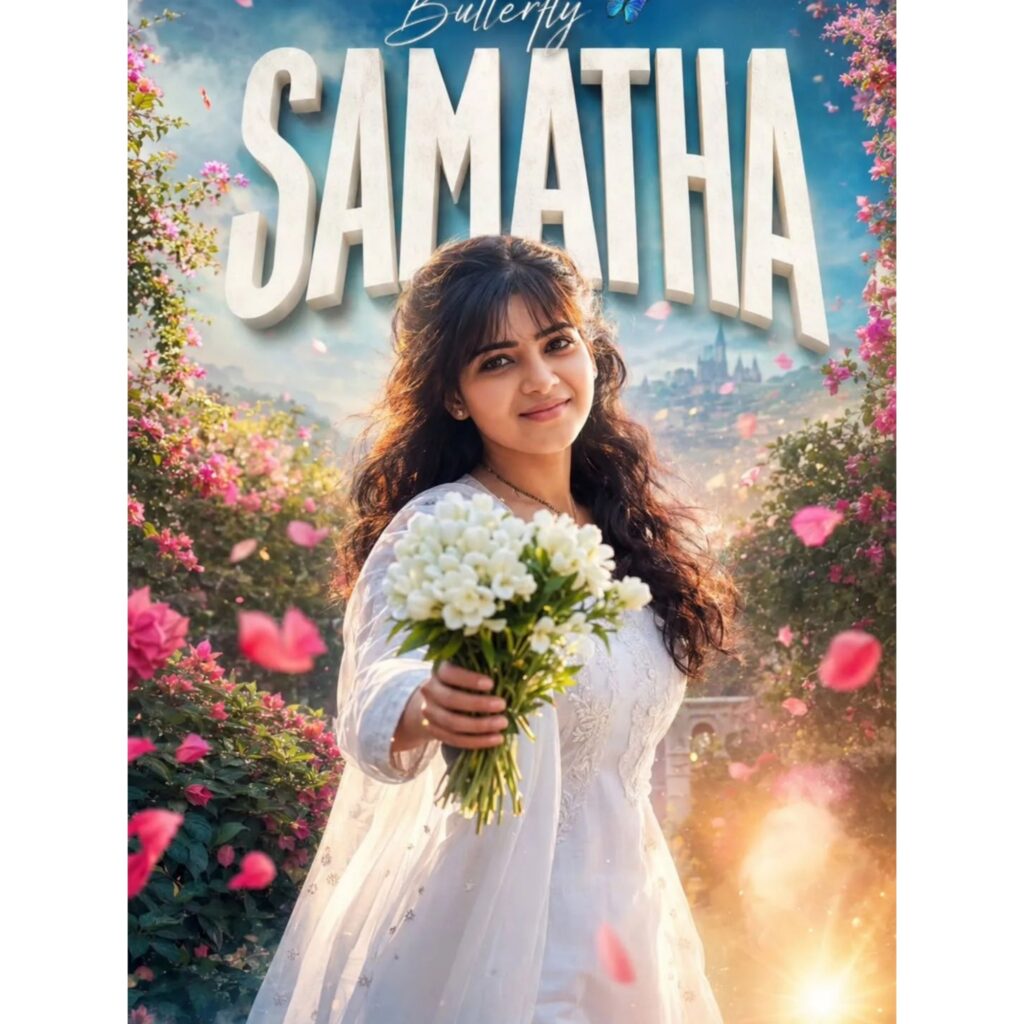
4K UHD Ultra Realistic Cinematic Poster Prompt (Single Line): Create an ultra-realistic 4K UHD cinematic romantic poster, keep the entire composition exactly the same as the reference image, replace only the girl's face with the uploaded face while preserving the exact identity, facial features, skin tone, hairstyle and natural expression, blend seamlessly with realistic lighting and shadows, keep the elegant white dress, bouquet of fresh white flowers extended toward camera, dreamy flower garden filled with pink blossoms and flying petals, warm golden sunset glow, soft bokeh, magical atmosphere, distant cityscape in background, keep the large 3D text at the top editable and replace " with "[SAMANTH ]", keep the small stylish handwritten text above editable as "[beautiful]", maintain the same font style, same colors, same camera angle, same pose, same depth of field, same composition and same professional cinematic look, highly detailed skin texture, HDR lighting, ultra sharp focus, realistic shadows, masterpiece quality, photorealistic, 4K UHD, 8K details.
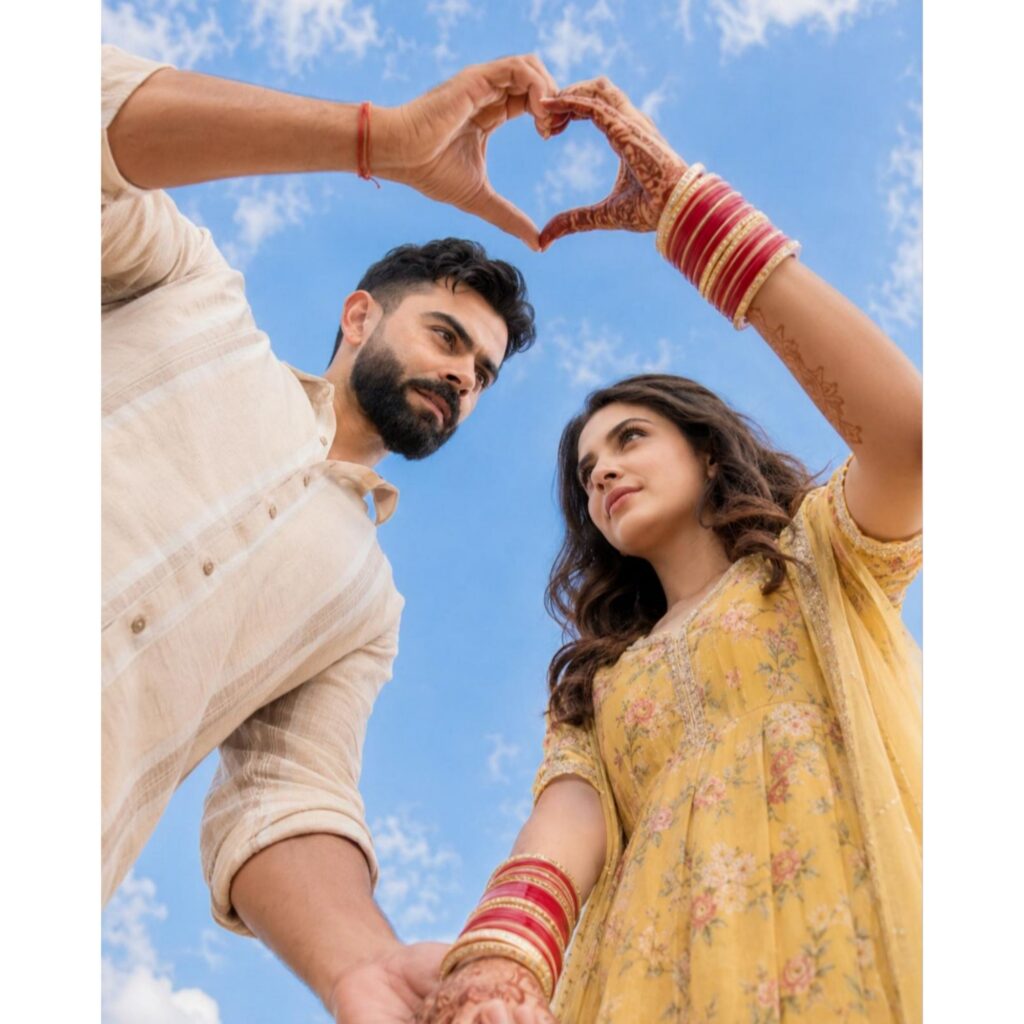
Create an ultra-realistic 4K UHD romantic portrait based exactly on the reference image.
Keep everything exactly the same: camera angle (low angle shot), blue sky with soft clouds, pose, hand-heart shape above the heads, outfits, jewelry, bangles, mehndi design, body posture, lighting, shadows, skin texture, and overall composition.
STRICT FACE REPLACEMENT:
Replace only the faces of the original couple with the uploaded faces.
The uploaded male face must be added only to the male character.
The uploaded female face must be added only to the female character.
Preserve the uploaded faces exactly as they are: facial shape, eyes, eyebrows, nose, lips, hairstyle (if visible), skin tone, beard/mustache, and natural expression.
Do not beautify, reshape, slim, or modify the facial features.
Match the face perfectly with the neck, body proportions, lighting direction, skin texture, shadows, and perspective so that the result looks completely natural and realistic.
KEEP UNCHANGED:
Low-angle cinematic composition
Blue sky background with soft clouds
Heart shape made by hands
Couple holding hands at the bottom
Male cream/white kurta outfit
Female yellow floral ethnic dress with dupatta
Bangles, mehndi, and all accessories
Same pose, framing, and romantic mood
QUALITY SETTINGS:
Ultra-realistic, DSLR quality, 4K UHD, cinematic lighting, highly detailed skin texture, natural colors, sharp focus, realistic shadows, professional color grading, seamless face blending, masterpiece quality.
Short Version:
Same as reference image. Keep everything unchanged including pose, clothes, sky background, heart-shaped hands, and composition. Replace only the male and female faces with uploaded faces. Preserve facial identity exactly without any beautification or alteration. Perfectly match lighting, shadows, skin texture, and perspective. Ultra-realistic, cinematic, DSLR quality, 4K UHD, natural colors, seamless face swap.
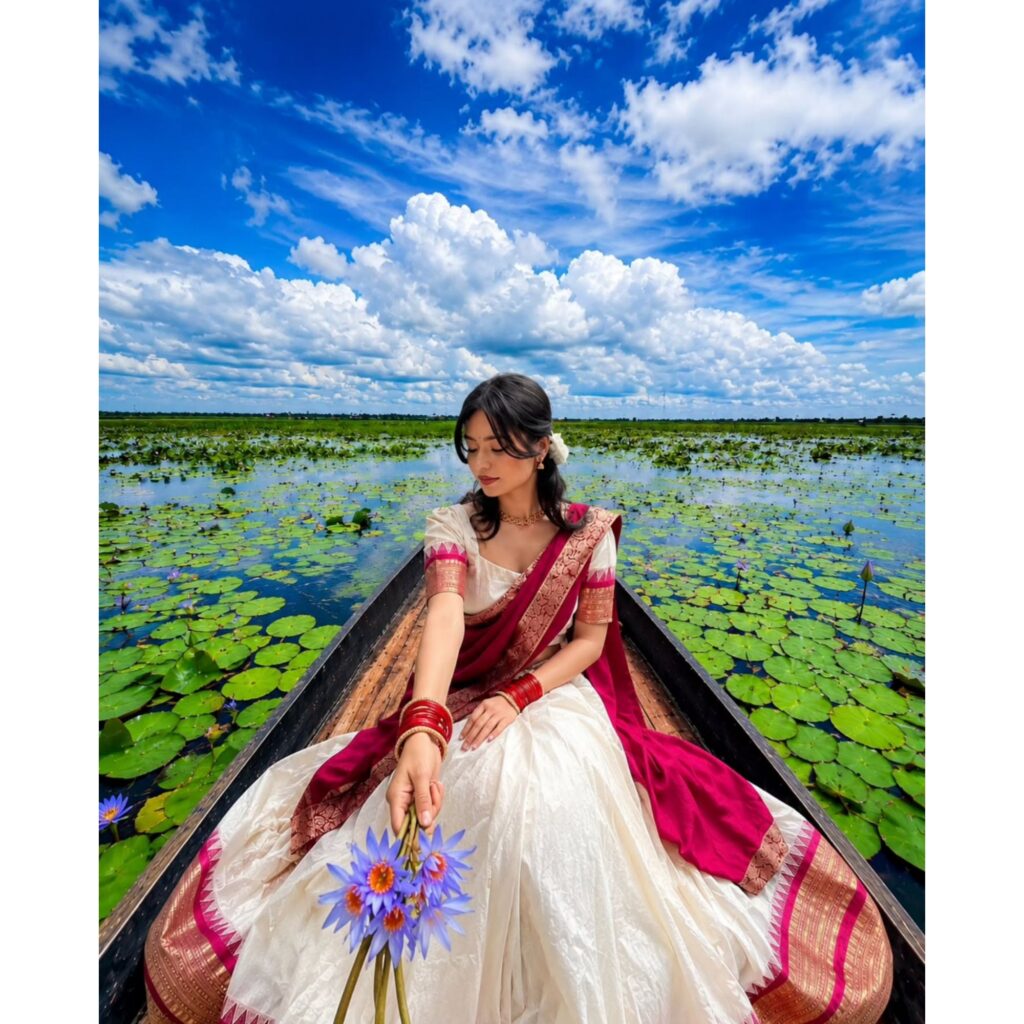
Create an ultra-realistic 4K UHD cinematic portrait.

STRICT FACE REPLACEMENT:
Replace only the original face with the uploaded face image.
Keep the uploaded face identity exactly the same, including facial shape, eyes, nose, lips, hairstyle (if visible), skin tone, and natural expression.
Blend the face perfectly with the neck, skin texture, lighting, and shadows so it looks completely natural and realistic.
Do not change the face structure or beautify it artificially.

KEEP EVERYTHING ELSE EXACTLY THE SAME:
- Same wooden boat position and angle.
- Same sitting pose and hand position.
- Same white saree with deep magenta border and golden embroidery.
- Same red bangles and jewelry.
- Same bouquet of purple lotus flowers in hand.
- Same lake filled with green lily pads.
- Same dramatic blue sky with large white clouds.
- Same background, composition, framing, and perspective.
- Same cinematic lighting and vibrant colors.
- Maintain the exact depth of field and ultra-detailed textures.

ADJUSTMENT RULES:
- If the uploaded face is female, blend naturally with the saree look and feminine features.
- If the uploaded face is male, adjust hair length, jawline blending, and body proportions naturally while keeping the same pose, boat, clothes, and background.
- Keep the final image realistic and balanced.

QUALITY:
Ultra-realistic, DSLR quality, HDR, cinematic color grading, highly detailed skin texture, sharp focus, 4K UHD (3840×2160), realistic shadows and reflections, natural facial blending.

Negative Prompt:
Do not change the background, boat, sky, flowers, saree design, hand position, pose, camera angle, body posture, lighting, or colors.
No AI artifacts, no extra fingers, no distorted face, no blur, no cartoon effect, no over-smoothing, no unrealistic beauty filter.
Photo size 3:4
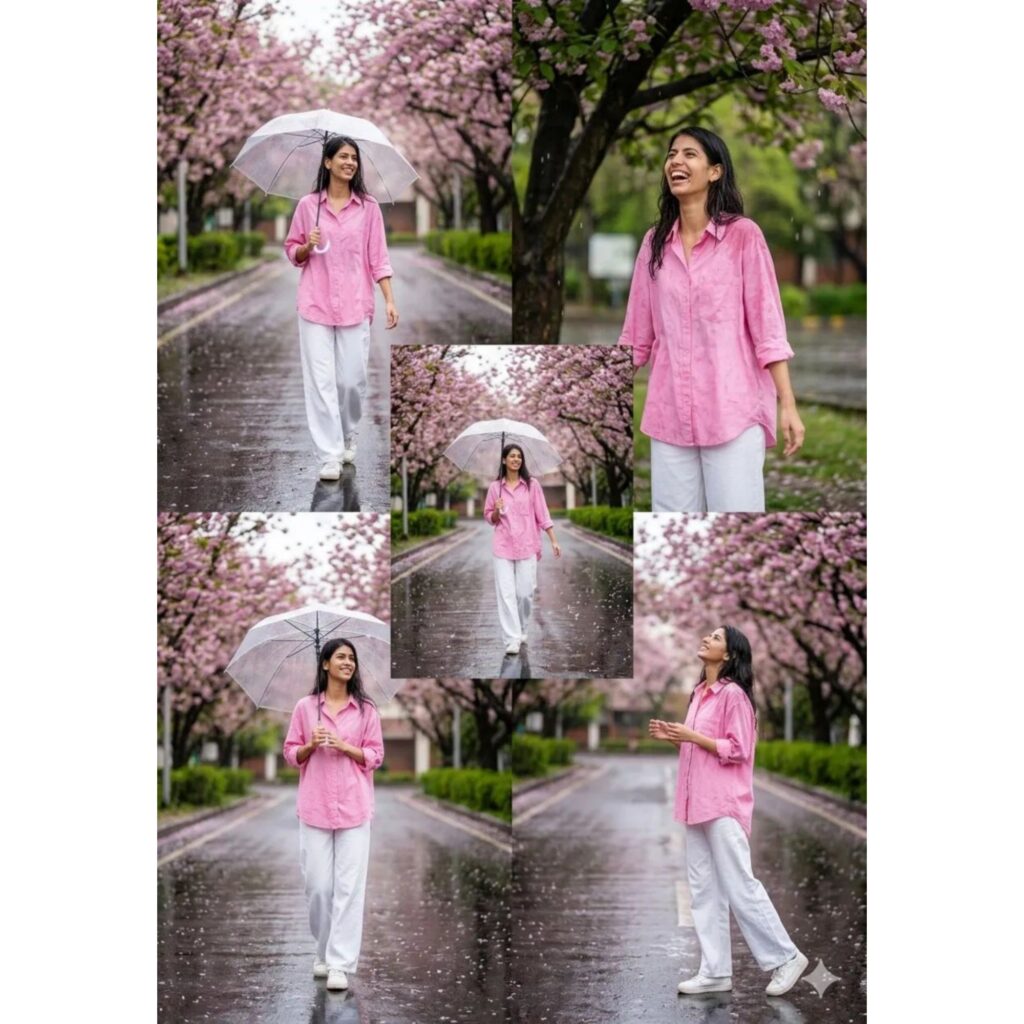
Create an ultra-realistic cinematic collage portrait in 4K UHD quality.

STRICT FACE REPLACEMENT:
Replace the face in all frames with the uploaded face image only.
Preserve the exact facial identity, hairstyle, skin tone, jawline, eyes, lips, and natural expression from the uploaded face.
Blend the face perfectly with the body, neck, lighting, shadows, and skin texture so that it looks completely natural and realistic.
Do NOT change the face shape or add artificial beauty filters.
The final result must look like an original DSLR photograph.

COMPOSITION:
Create a stylish 5-photo collage with different poses of the same person.
The collage should include:
1. Full-body walking pose holding a transparent umbrella.
2. Mid-shot smiling naturally while standing under blooming trees.
3. Center full-body walking pose on the wet road.
4. Standing pose holding the umbrella with a soft smile.
5. Side profile pose looking upward and enjoying the rain.

BACKGROUND:
A beautiful road lined with pink cherry blossom trees on both sides.
Fresh rainy weather with light raindrops falling.
Wet road with natural reflections.
Soft cinematic bokeh effect in the background.

OUTFIT:
Loose pastel pink oversized shirt with rolled sleeves.
White loose trousers.
White sneakers.
Transparent umbrella.

LIGHTING:
Soft natural daylight.
Cinematic color grading.
Balanced contrast and realistic skin tones.
Professional DSLR photography style.

QUALITY:
Ultra-realistic.
4K UHD resolution.
Extremely detailed.
Sharp focus.
Natural skin texture.
Professional editing.
No AI look.Photorealistic.
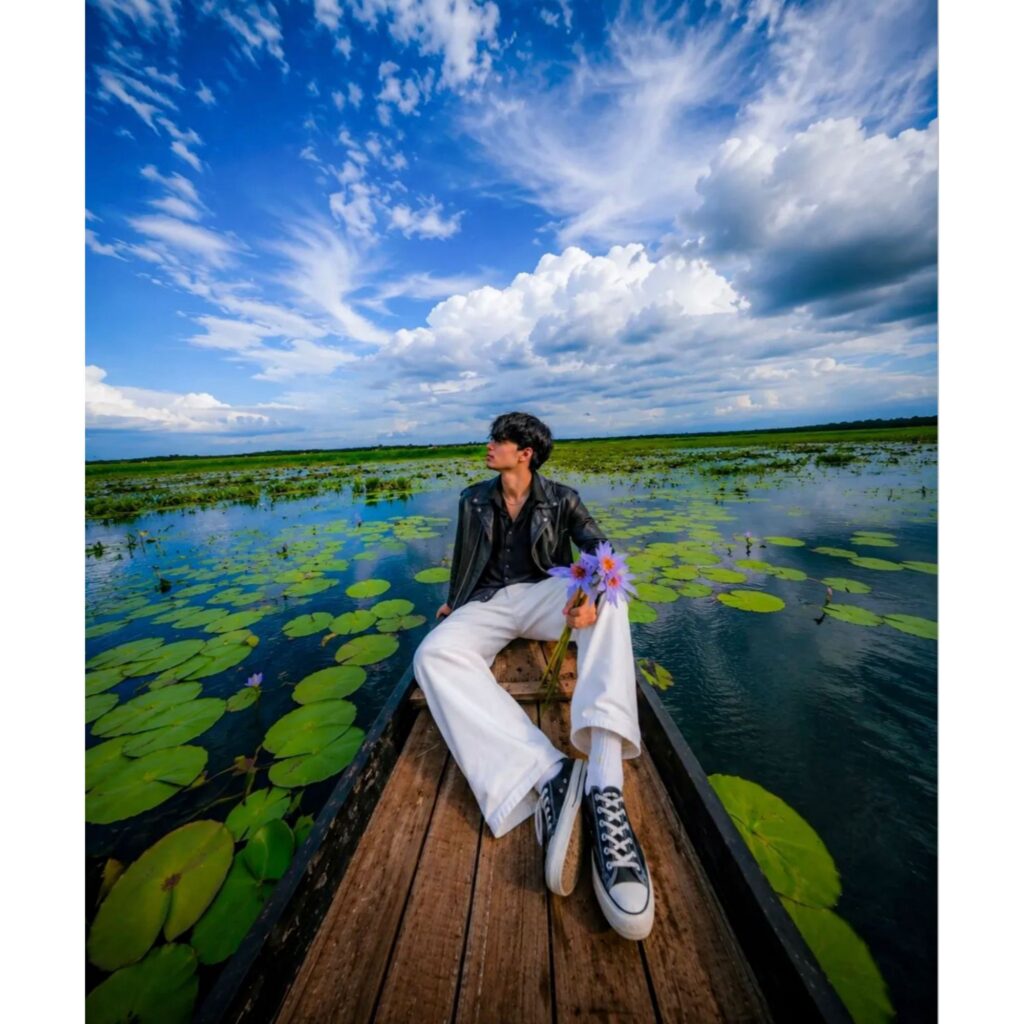
Create an ultra-realistic cinematic portrait in 4K UHD quality.

STRICT FACE REPLACEMENT:
Replace the original boy's face with the uploaded face image only.
Keep the exact facial identity, hairstyle, skin tone, jawline, eyes, lips, and natural expression from the uploaded face.
Blend the face perfectly with the body, neck, lighting, shadows, and skin texture so that it looks completely natural and realistic.
Do not change the face shape or create any artificial beauty effects.

KEEP EVERYTHING ELSE EXACTLY SAME:
- Same wooden boat position and angle.
- Same sitting pose.
- Same black leather jacket.
- Same white wide pants and black sneakers.
- Same purple flowers in hand.
- Same lake full of green lily pads.
- Same dramatic blue sky with huge white clouds.
- Same wide-angle perspective.
- Same reflections on water.
- Same composition and camera angle.
- Same color tones and atmosphere.

QUALITY:
Ultra realistic, cinematic lighting, HDR, highly detailed, realistic skin texture, perfect face blending, natural shadows, sharp focus, 4K UHD, photorealistic.

Negative Prompt:
Do not change background, do not change clothes, do not change pose, no extra fingers, no extra limbs, no blurry face, no cartoon style, no distorted face, no low quality, no unrealistic lighting.
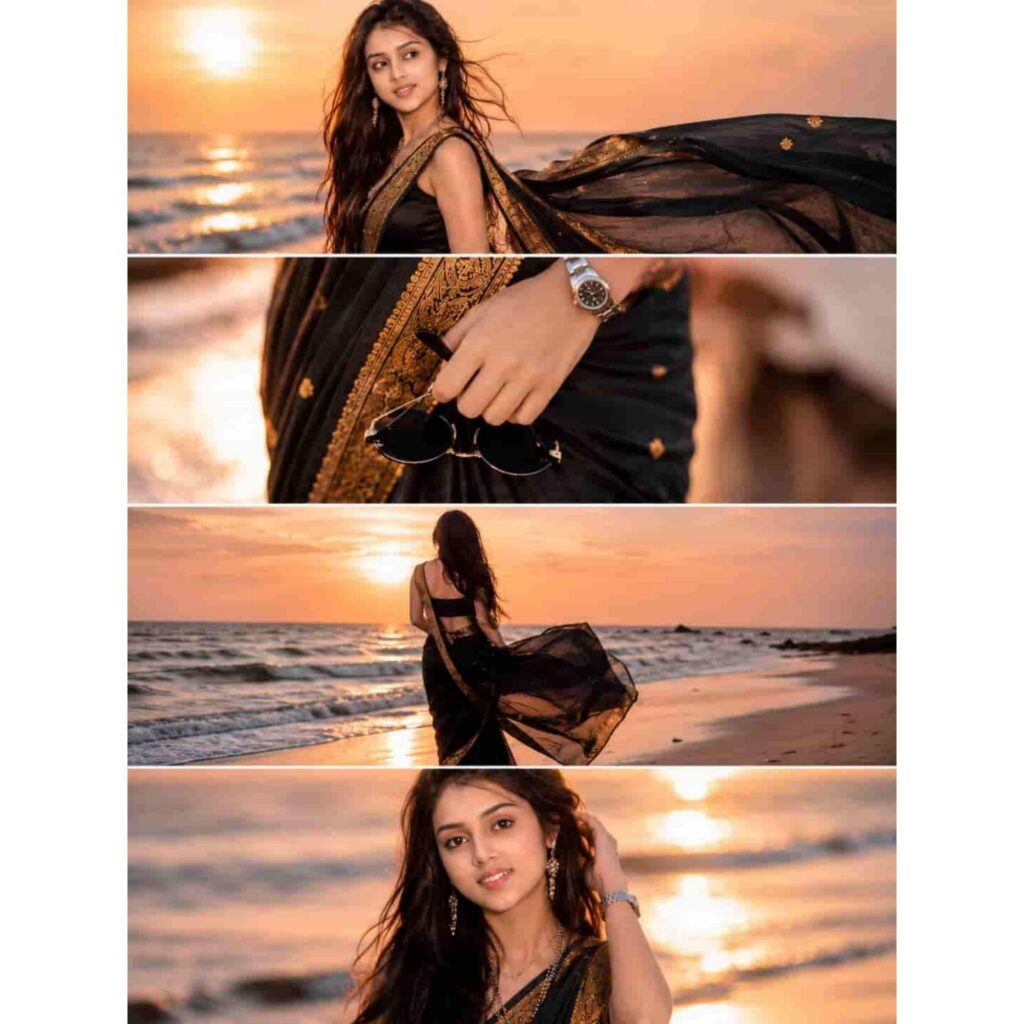
Ultra-realistic DSLR cinematic beach photoshoot collage featuring the same woman from the uploaded reference image. Preserve facial identity exactly — same facial structure, eyes, nose, lips, jawline, hairstyle, skin texture, smile, body proportions, and natural appearance. Do not alter, beautify, age-change, or stylize the face.
Create an Instagram portrait 3:4 ratio (1080x1440) collage consisting of 4 vertically stacked photos separated by thin white dividers, premium luxury Instagram reel-cover style.
Outfit: Elegant black silk saree with luxurious antique gold zari border, matching designer sleeveless blouse, delicate traditional earrings, layered necklace, silver wrist watch, holding black round sunglasses. Saree pallu flowing naturally in the ocean breeze.
Location & Atmosphere: Tropical beach during golden sunset, pastel orange-pink sky, warm sunlight reflecting on wet sand, gentle ocean waves, dreamy coastal atmosphere, cinematic lighting, shallow depth of field, luxury fashion editorial photography.
Panel 1: Side-profile portrait looking toward the horizon, black saree pallu dramatically flowing in the wind, sunset reflecting on ocean water.
Panel 2: Close-up detailed shot of hand holding black round sunglasses near saree pleats, visible watch, ultra-detailed black silk fabric texture and golden border.
Panel 3: Back pose standing near shoreline facing the ocean, flowing black saree creating cinematic movement, reflective wet sand, soft waves.
Panel 4: Candid portrait touching hair while smiling softly at camera, warm sunset glow illuminating face, beautiful natural bokeh background.
Camera Settings: Professional DSLR, 85mm lens, f/1.8 aperture, HDR, ultra-realistic photography, natural skin texture, cinematic color grading, fashion magazine editorial style, 4K details, realistic lighting, premium luxury aesthetic.
Quality Tags: masterpiece, ultra detailed, photorealistic, DSLR photography, realistic shadows, realistic skin pores, cinematic sunset lighting, luxury fashion shoot, high-end editorial, shallow depth of field, sharp focus, Instagram viral cover.Negative Prompt: face change, different person, AI generated face, cartoon, anime, painting, illustration, beautified face, over-smooth skin, unrealistic skin, distorted body, extra fingers, bad hands, duplicate person, blurry face, low resolution, watermark, logo, text, oversaturated colors, bad anatomy, deformed features, artificial expression.
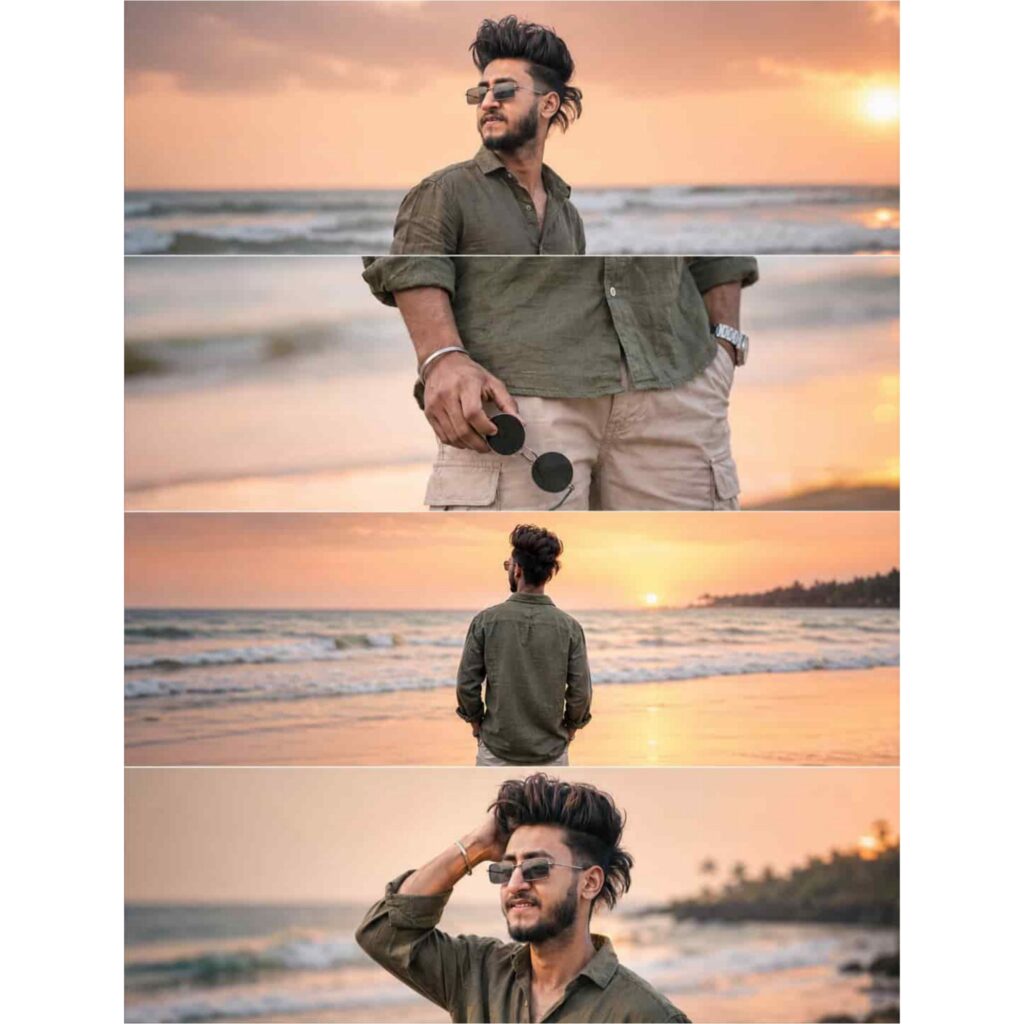
Ultra-realistic DSLR cinematic beach photoshoot collage featuring the SAME person from the uploaded reference image. Preserve face identity 100% exactly — same facial structure, hairstyle, beard shape, jawline, skin texture, expression style, body proportions, and natural appearance. Do NOT modify or beautify the face. Maintain original realistic Indian male look with authentic features.

Create an Instagram portrait size 4-photo vertical collage (1080x1350) exactly like a trendy cinematic reel cover. Keep the SAME collage layout and framing style as the reference image.

Scene: golden sunset beach with pastel orange-pink sky, soft ocean waves, wet reflective sand, dreamy tropical atmosphere, warm cinematic sunlight, shallow depth of field, realistic DSLR photography, highly detailed skin texture, soft natural color grading.

Outfit: olive green linen shirt with rolled sleeves, beige cargo shorts, silver wrist watch, holding black round sunglasses.

Photo 1: medium side-profile portrait looking towards the horizon, calm expression, ocean waves behind.
Photo 2: close-up shot of hand holding black sunglasses near shorts pocket, cinematic focus blur background.
Photo 3: back pose standing near shoreline facing ocean during sunset, relaxed posture.
Photo 4: candid pose touching hair while smiling slightly, warm sunlight on face, soft breeze effect.

Composition: exact same vertical stacked collage layout with thin borders between photos, aesthetic Instagram reel-cover style, smooth warm tones, balanced spacing, realistic shadows and lighting.

Camera settings: DSLR quality, 85mm lens, f/1.8 aperture, ultra realistic, HDR, natural skin texture, cinematic travel photography style, 4K details.
Negative prompt: blurry face, extra fingers, distorted body, cartoon look, over-editing, unrealistic skin, AI face changes, low quality, duplicate person, bad anatomy, overexposed lighting, watermark, text.
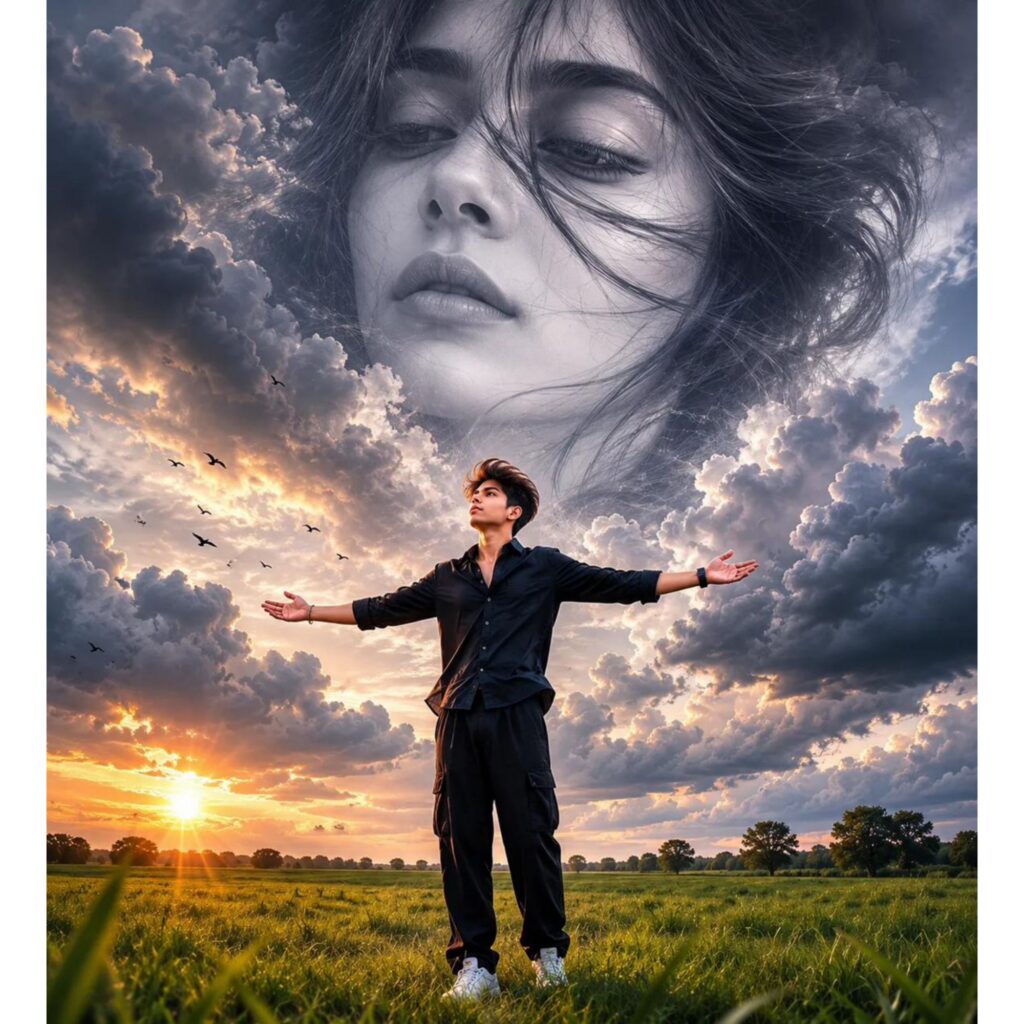
Create an ultra-realistic cinematic 4K UHD vertical portrait (3:4) based on the reference image.
STRICT FACE LOCK & FACE REPLACEMENT:
Replace the face of the young man standing in the field with the uploaded male face photo.
Preserve the exact facial identity, skin tone, hairstyle, facial structure, jawline, eyes, expression, and natural realism from the uploaded male face.
Replace the giant female face in the clouds with the uploaded female face photo.
The female face must be clearly visible with sharp eyes and realistic facial details.
Blend her face naturally into the dramatic clouds, appearing as a massive heavenly cloud portrait.
Both faces must look perfectly integrated, realistic, and naturally matched to the lighting.
COMPOSITION (KEEP SAME AS REFERENCE):
Vast green grass field at sunset.
Golden sun near the horizon.
Dramatic cinematic storm clouds filling the sky.
Flying birds scattered through the clouds.
Young man standing slightly off-center in the field.
Arms fully stretched outward exactly like the reference.
Natural confident pose.
Same body position and perspective.
Same landscape and horizon line.
Same cloud formation and overall composition.
FEMALE CLOUD PORTRAIT:
Giant ethereal female face emerging from clouds.
Face occupies the upper sky area.
Soft emotional expression.
Eyes clearly visible.
Realistic cloud blending around hair and face.
Dreamy heavenly atmosphere.
High-detail skin texture.
Natural cloud shadows and highlights.
LIGHTING & QUALITY:
Ultra realistic photography.
Cinematic sunset lighting.
Volumetric god rays.
HDR dynamic range.
Hyper detailed clouds.
Sharp focus on both faces.
Professional color grading.
Depth and realism.
Natural shadows.
High contrast cinematic mood.
CAMERA SETTINGS:
Drone-style wide-angle composition.
35mm lens.
f/2.8 aperture.
HDR photography.
Ultra sharp focus.
Professional cinematic grading.
OUTPUT:
4K UHD quality.
3:4 vertical format.
Photorealistic.
No extra people.
No face distortion.
No blurry eyes.
No text.
No watermark.
Natural human anatomy.
Perfect face matching.
Background, clouds, sunset, birds, grass field, and arm pose remain exactly the same as the reference image.
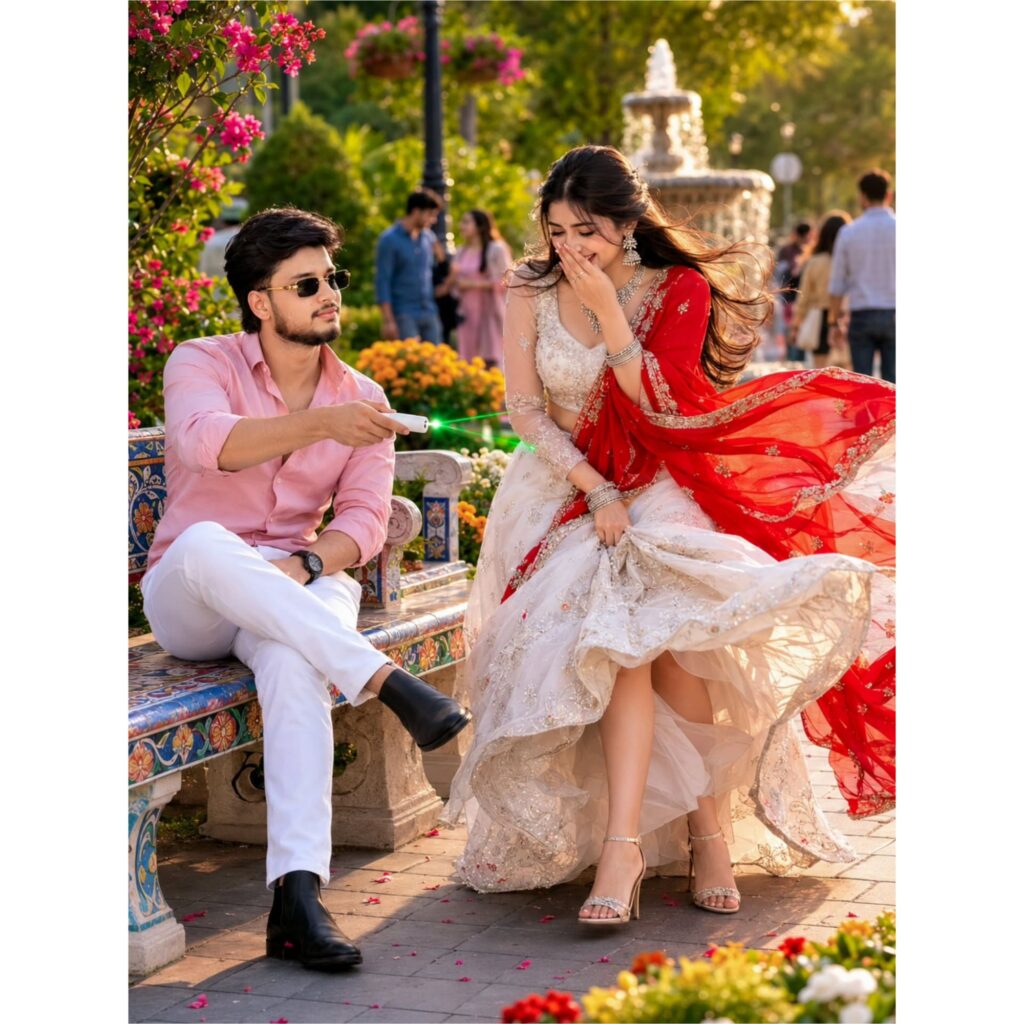
*A romantic cinematic garden photoshoot during golden hour in a luxurious botanical park filled with colorful flowers, lush greenery, and a decorative fountain in the background. A stylish young man wearing a light pink shirt, white trousers, black boots, and sunglasses sits casually on a vibrant mosaic bench, playfully pointing a small green laser remote toward a smiling young woman. The woman wears an elegant ivory embroidered lehenga with a flowing red dupatta, sparkling jewelry, and high heels, laughing gracefully while lifting her dress slightly. Warm sunlight streams through the trees, creating soft bokeh, realistic shadows, and a dreamy atmosphere. People walking in the background add natural depth and realism. Ultra-realistic photography, DSLR quality, shallow depth of field, highly detailed fabric textures, vibrant colors, cinematic composition, natural skin tones, 8K resolution, professional fashion and wedding-style portrait size 3:4
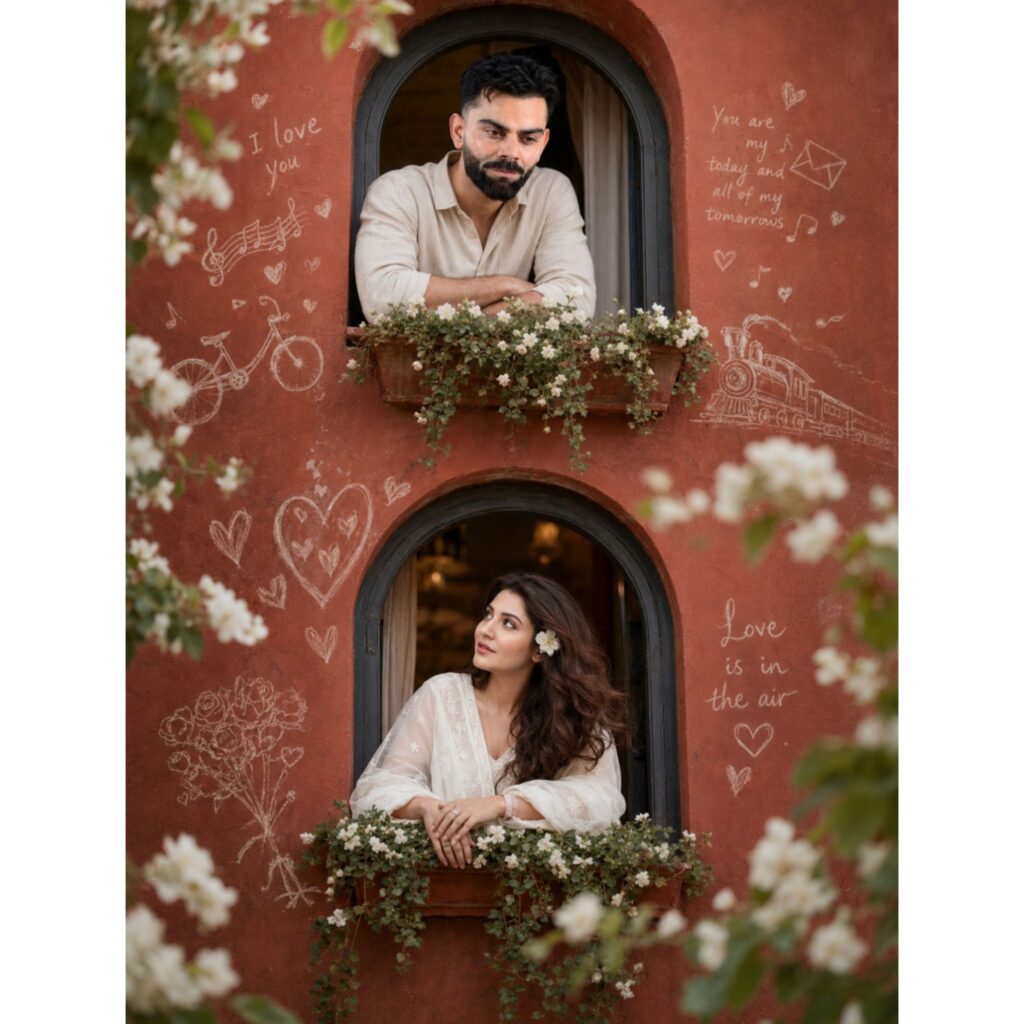
Create an ultra-realistic cinematic 4K HD portrait in vertical 9:16 format. Keep the exact same romantic background and composition as the reference image: a rustic terracotta-colored wall with two arched windows positioned vertically, decorated with white flowering plants and delicate chalk-style love doodles, hearts, musical notes, bicycle sketches, and handwritten romantic quotes. Maintain the same warm natural lighting, soft depth of field, floral foreground bokeh, and dreamy atmosphere.
Upper Window: A handsome young man leaning on the flower-filled window ledge, looking slightly downward with a calm, romantic expression. Replace his face with Face Reference 1, preserving 100% facial identity, skin tone, hairstyle, facial features, beard details, and natural realism.
Lower Window: A beautiful young woman leaning on the flower-filled window ledge, gazing upward toward the man with a gentle romantic expression. Replace her face with Face Reference 2, preserving 100% facial identity, facial structure, skin texture, eye details, hairstyle, and natural beauty.
Face Swap Requirements: Use Face Reference 1 for the male character and Face Reference 2 for the female character. Both faces must blend perfectly with the original scene, matching lighting, shadows, perspective, expressions, and skin tones naturally. No distortion, no artificial look, no extra facial modifications.
Preserve the exact architecture, window shapes, wall texture, flower arrangements, chalk drawings, romantic mood, framing, and composition from the original image. Ultra-realistic photography, DSLR quality, cinematic color grading, natural skin texture, shallow depth of field, high detail, sharp focus on subjects, realistic lighting, masterpiece quality, HDR, 4K UHD, professional portrait photography.
Negative Prompt:blurry, low quality, extra fingers, deformed face, duplicate person, wrong face swap, cartoon, painting, CGI, oversaturated colors, distorted anatomy, unrealistic skin, bad lighting, watermark, text, logo, cropped face, out of frame, low resolution, artificial facial features.
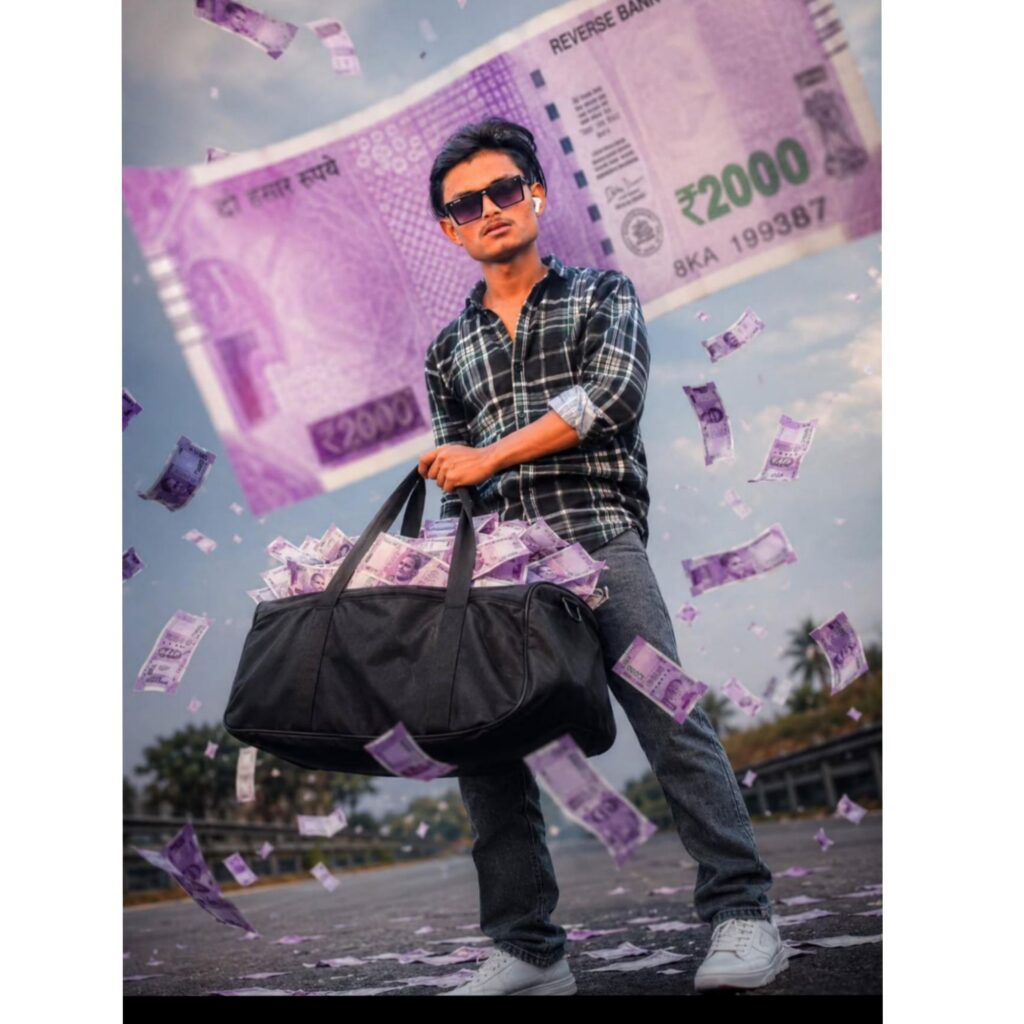
> Create a hyper-realistic cinematic full-body portrait of

the same young South Indian man from the reference

photo, standing confidently on a road. He is holding a

large black duffel bag at his waist level, overflowing with

oversized custom {2000-style banknotes. The banknotes

feature his own engraved portrait in authentic Indian

banknote intaglio engraving style. One giant note has just

been thrown into the air and is flying directly toward the

camera, appearing much larger than the man due to

perspective. The note is positioned in the foreground with

dramatic motion blur and depth of field.
Prompt:
The text on the flying note must read "REVERSE BANK OF INDIA" instead of "Reserve Bank of India". The note should have realistic security patterns, serial numbers, purple currency colors, and detailed banknote engraving textures. His facial features, eyebrows, hairstyle, beard, skin tone, and expression must match the reference photo
Exactly
Low-angle camera shot, full-body visible, cinematic lighting, ultra-detailed, realistic shadows, shallow depth of field, wind blowing multiple notes through the air, action scene, 8K quality, sharp focus on face and foreground note, professional photography, dramatic perspective, photorealistic.
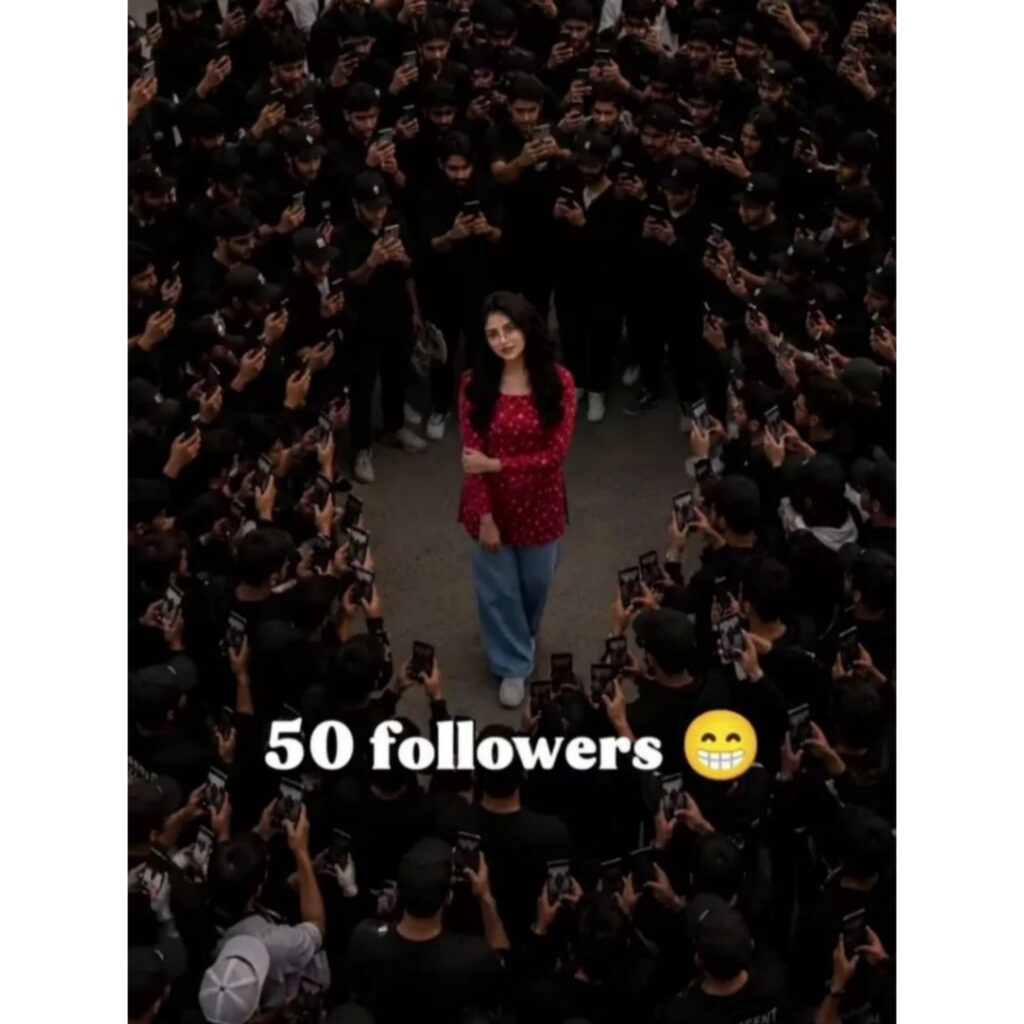
Create an ultra realistic cinematic vertical 9:16 aerial drone scene using the uploaded person photo as the exact main character.STRICT FACE LOCK:Preserve exact face identity, hairstyle, beard, skin tone, eyes, jawline, body shape, clothing proportions, and natural human anatomy from the uploaded image.MAIN CHARACTER:The uploaded person stands naturally in the exact center of the scene.Confident pose.Hands in pockets.Natural body posture.The main character is the ONLY person looking directly into the camera.FOLLOWER COUNT:Generate ONLY approximately [10000] realistic people around the main character.Examples:5 followers10 followers50 followers100 followers1,000 followers10,000 followers50,000 followers1 million followersIMPORTANT:The crowd amount must realistically match the exact follower number entered.Do NOT generate extra unnecessary people.SMART CROWD SCALING:- Small follower count = very small crowd- Medium follower count = medium gathering- Huge follower count = giant realistic crowdThe camera must automatically zoom out based on crowd size.CAMERA RULE:5 followers = close aerial shot10 followers = small overhead shot50 followers = medium aerial shot100 followers = wider drone shot1,000 followers = large drone shot10,000 followers = massive cinematic drone shot50,000+ followers = extreme high aerial shot1 million followers = gigantic horizon-scale crowd visible far into the distanceCROWD BEHAVIOR:All crowd members must look toward the main character, NOT toward the camera.Many people are holding smartphones and recording the main character.Some people are:- taking photos- filming videos- raising phones in the air- trying to get closer naturally- reacting like excited fansThe crowd should behave naturally like fans surrounding a famous influencer.CROWD STYLE:- realistic Indian crowd- unique faces- no cloned faces- realistic spacing between humans- natural body language- candid crowd behavior- not posed for camera- different clothes and hairstyles- realistic human densityBACKGROUND:large open grassy field,huge outdoor maidan,natural green grass ground,cinematic outdoor environment,realistic grass texture,open atmosphere.REALISM:- ultra realistic photography- grounded physics- realistic shadows- realistic perspective- realistic lighting- no AI distortion- no fantasy look- no pasted effect- match lighting and color grading between crowd and main characterIMPORTANT:No text.No captions.No follower count text.QUALITY:8K,ultra detailed,cinematic drone photography,professional composition,viral Instagram reel style.
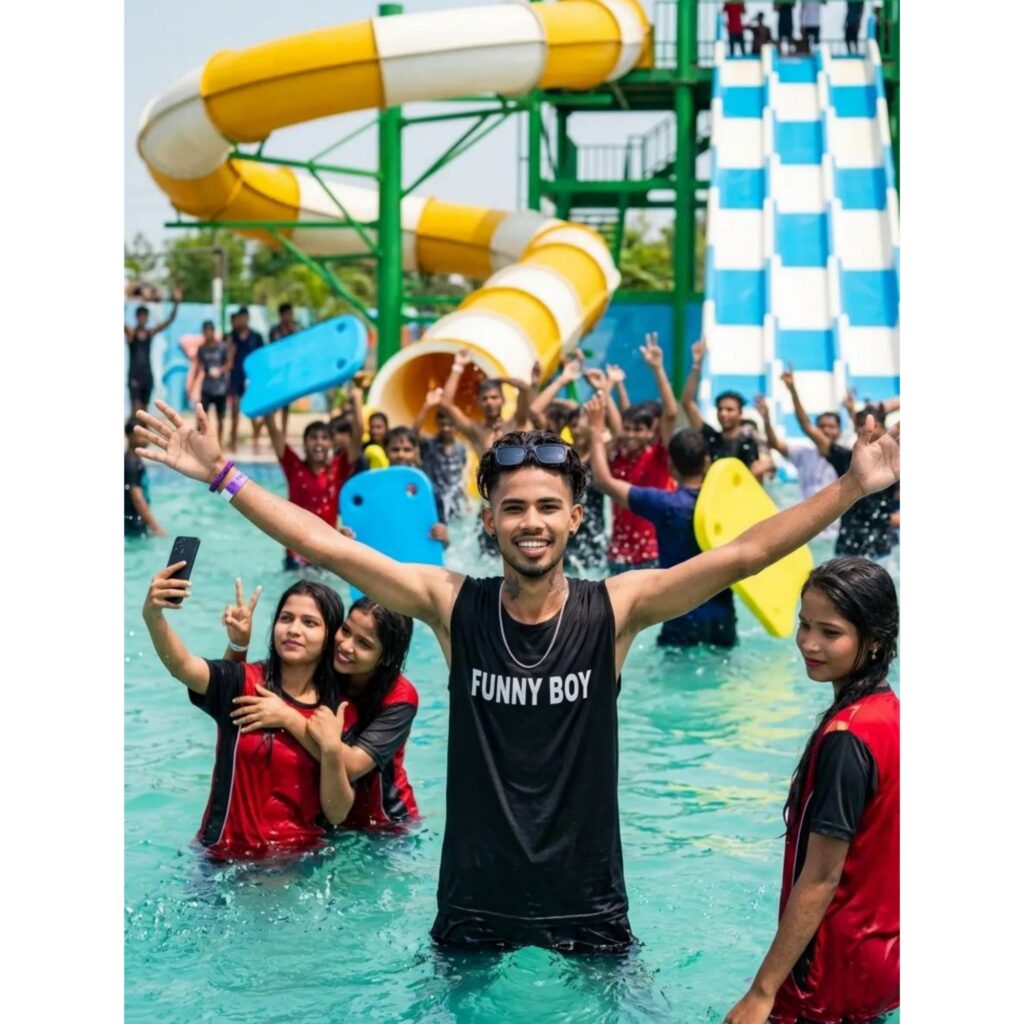
Create an ultra-realistic 4K cinematic water park portrait. Keep the exact same water park background with large yellow-and-white spiral water slides, blue racing slides, crystal-clear swimming pool water, and a lively crowd enjoying the water attractions. In the center stands a young man waist-deep in water with both arms fully stretched wide in a joyful and confident pose. Replace his face with the uploaded face reference while maintaining 100% facial identity, exact facial structure, hairstyle, skin texture, beard details, expression, and natural appearance. The face must blend perfectly with the body and lighting, looking completely realistic and naturally matched.
Around him, place 3 beautiful young women standing close to him in the water, creating a fun and friendly water park atmosphere. One girl taking a selfie, another smiling beside him, and another standing nearby looking toward the camera. Wet clothes, realistic water droplets, natural reflections, splashing water effects, detailed skin textures, authentic expressions, and natural body proportions.
Bright sunny daylight, vibrant colors, shallow depth of field, professional DSLR photography, ultra-sharp focus on the main subject, realistic shadows, cinematic composition, highly detailed water surface, crowd cheering in the background, photorealistic quality, HDR lighting, 4K ultra-realistic, award-winning photography, natural skin tones, perfect face integration, extremely detailed and realistic.
Negative Prompt:blurry, low quality, cartoon, painting, illustration, CGI, deformed face, duplicate people, extra fingers, extra arms, bad anatomy, unrealistic skin, oversaturated colors, distorted body, artificial lighting, low resolution, watermark, text, logo, cropped face, face mismatch, unrealistic proportions, poor face swap, plastic skin, motion blur. Size 3:4 kar Dena
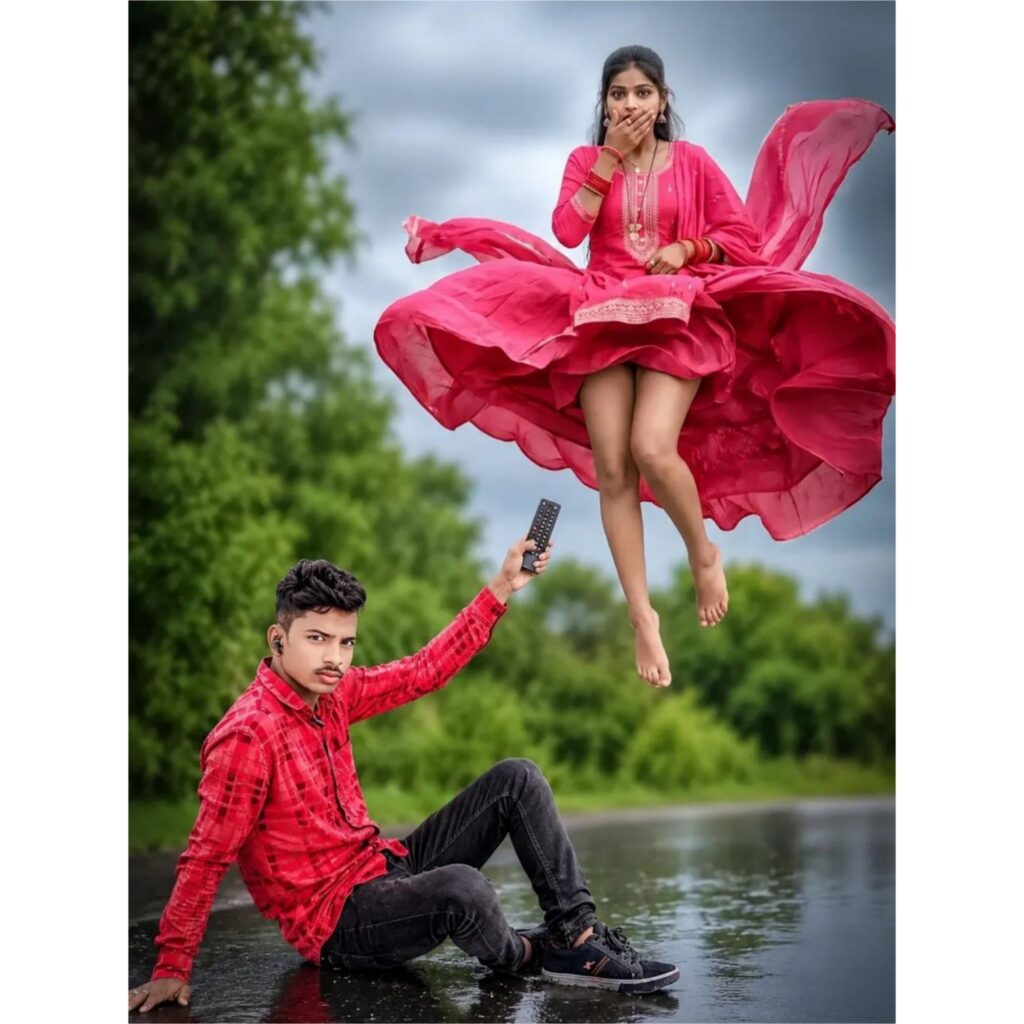
Create an ultra-realistic 4K cinematic fantasy photo. A surprised young woman is floating high in the air above a wet countryside road, exactly like she is being lifted by a powerful invisible force. She wears a flowing bright red traditional dress with elegant embroidery, the dress dramatically billowing outward in the wind, creating a circular flying effect. Her expression shows shock and surprise, one hand covering her mouth, long black hair moving naturally in the breeze. Bare feet visible, realistic fabric physics, highly detailed clothing folds, natural motion blur on the flying dress.
Below her, a handsome young man is sitting confidently on a modern black chair placed on the rain-soaked road. Replace the man's face with the uploaded reference face while preserving 100% facial identity, facial structure, hairstyle, skin texture, beard details, and natural appearance. He is dressed in professional formal clothing: premium black blazer, white shirt, tailored trousers, luxury wristwatch, polished formal shoes. One hand is raised upward holding a TV remote control aimed toward the floating woman, creating a humorous cinematic illusion that he is controlling her flight.
Environment: rainy weather, wet reflective road, lush green trees on both sides, dramatic cloudy sky, cinematic depth of field, realistic reflections on the road surface, soft natural daylight, high-end DSLR photography, shallow depth of field, photorealistic skin texture, ultra-detailed fabric simulation, realistic rain atmosphere, HDR lighting, vibrant colors, professional composition, fantasy realism, masterpiece quality.
Camera: 85mm lens, f/1.8, low-angle cinematic perspective, sharp focus on both subjects, background bokeh, award-winning photography style.
Quality Tags: Ultra Realistic, 4K UHD, HDR, Hyper Detailed, Photorealistic, Cinematic Lighting, Professional Color Grading, Realistic Shadows, Natural Skin Texture, High Detail, Masterpiece, Best Quality.
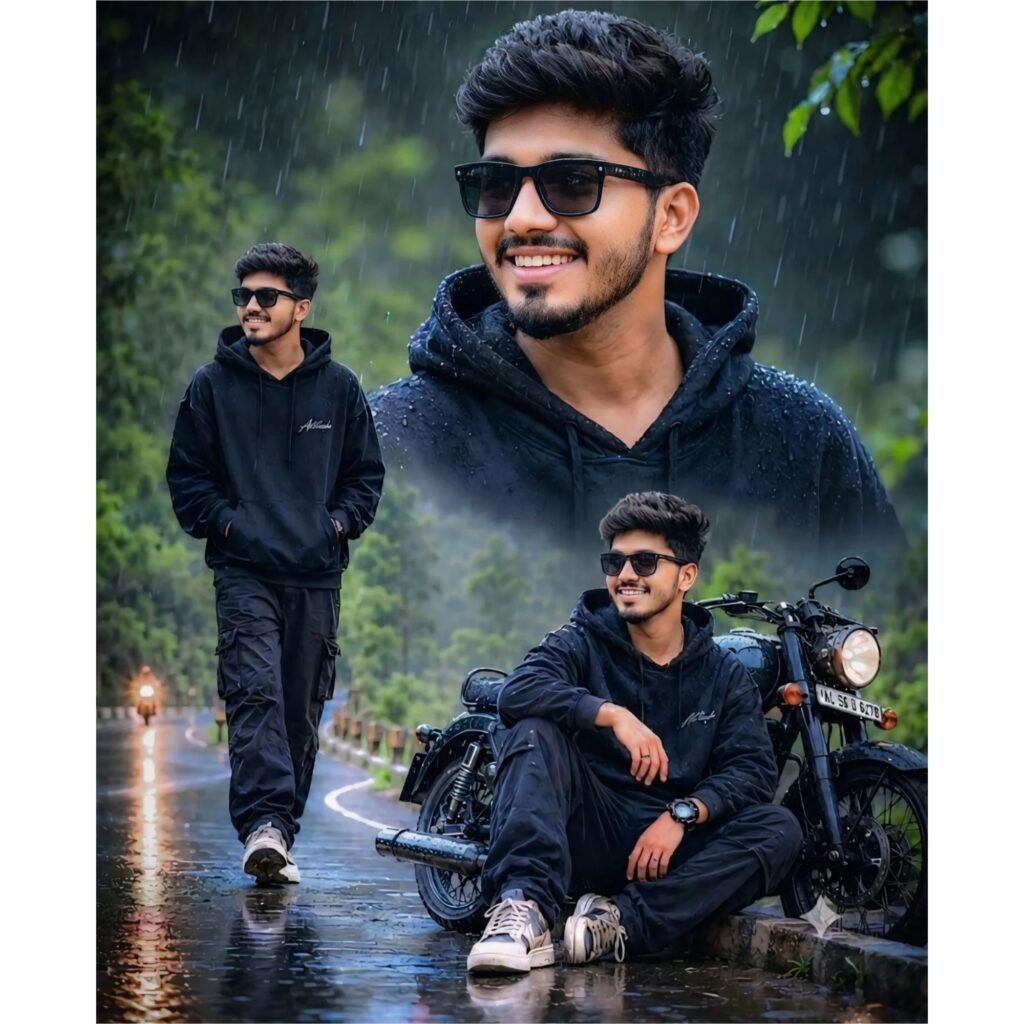
Use the uploaded face reference image and preserve the person's identity with maximum accuracy. Keep the exact face shape, hairstyle, beard, skin texture, facial features, age, expression, and natural appearance from the reference photo.

Create an ultra-realistic 4K cinematic rainy portrait collage in the exact same style as the sample image.

Composition:
• Large close-up portrait in the upper-right section.
• Full-body walking pose on a wet mountain road in the lower-left section.
• Sitting pose beside a black classic motorcycle in the lower-right section.
• Three-image collage layout with smooth cinematic blending between all sections.

Appearance:
• Black premium oversized hoodie with visible rain droplets.
• Black cargo pants.
• White sneakers.
• Black sunglasses.
• Natural confident smile.
• Modern stylish hairstyle exactly matching the reference face.

Environment:
• Heavy rainfall with realistic falling raindrops.
• Wet asphalt road with reflections.
• Lush green forest and hills in the background.
• Misty atmosphere.
• Soft natural daylight under cloudy weather.
• Water droplets on hoodie, hair, sunglasses and skin.
• Depth of field and creamy background bokeh.

Motorcycle:
• Black retro-style motorcycle parked on the roadside.
• Wet metallic surfaces reflecting ambient light.
• Realistic rainwater accumulation on the bike.

Camera & Quality:
• Ultra-realistic photography.
• DSLR quality.
• 85mm portrait lens.
• Cinematic composition.
• HDR lighting.
• Natural skin tones.
• Sharp facial details.
• High dynamic range.
• Professional color grading.
• Hyper-detailed textures.
• Photorealistic.
• 4K UHD resolution.
• Extremely realistic rain effects.
• Masterpiece quality.

Important:
Maintain 100% facial identity from the uploaded face reference image. Do not change facial structure, hairstyle, beard pattern, skin texture, expression, age, or natural appearance. Match the face perfectly across all three poses while keeping the exact rainy cinematic look, clothing, motorcycle setup, road, background, and composition identical to the sample image.
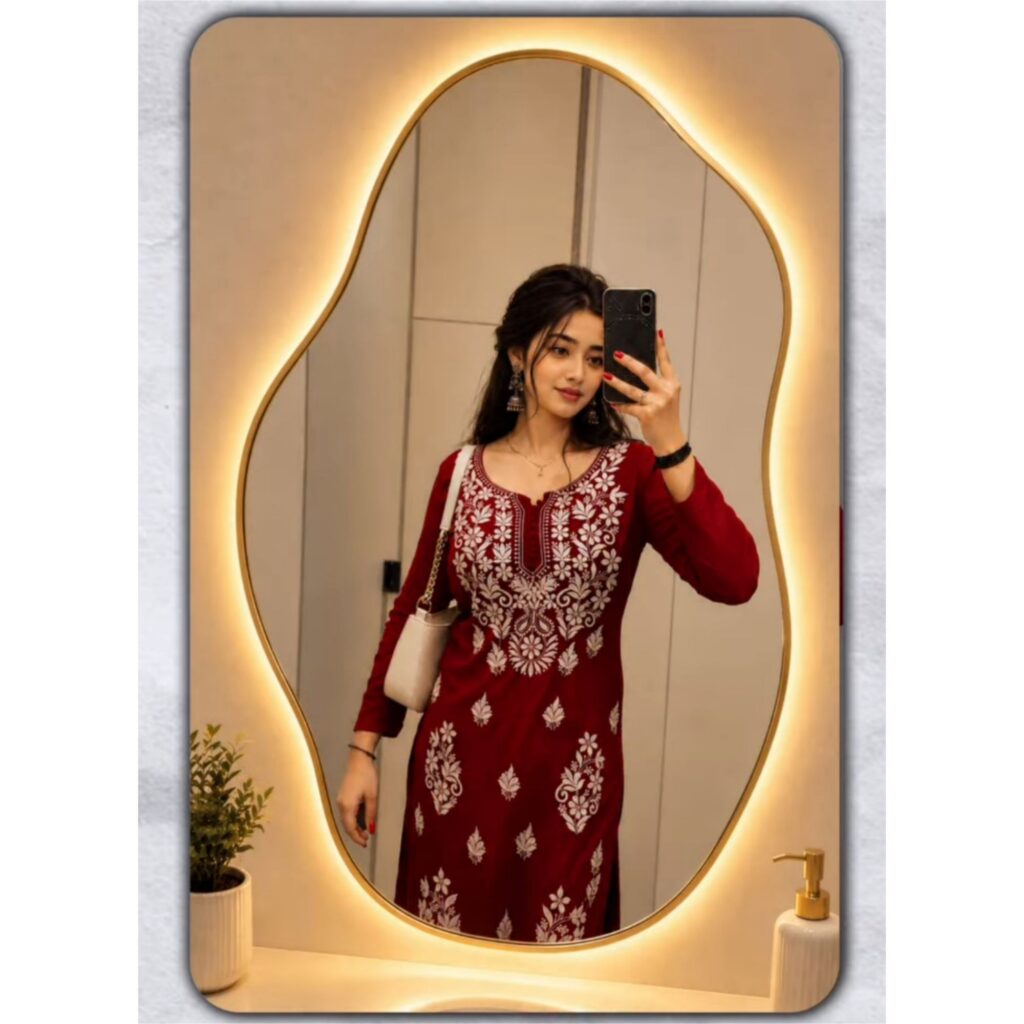
Ultra-realistic mirror selfie of a fashionable young man in a luxury contemporary dressing room. Large irregular organic-shaped mirror with integrated warm LED backlighting, soft golden glow around the frame. Modern minimalist styling. Textured concrete walls, dark wood accents, decorative indoor plant, premium bathroom decor, warm ambient lighting. Realistic skin details, natural reflections, shallow depth of field, cinematic color grading, luxury lifestyle photography, fashion campaign quality, soft highlights, elegant composition, photorealistic, HDR, 85mm lens, f/1.8, ultra-detailed, Instagram fashion influencer aesthetic, luxury interior design, 4K, masterpiece, high-end editorial photography. –ar 9:16 keep the face 100% same as reference image upload
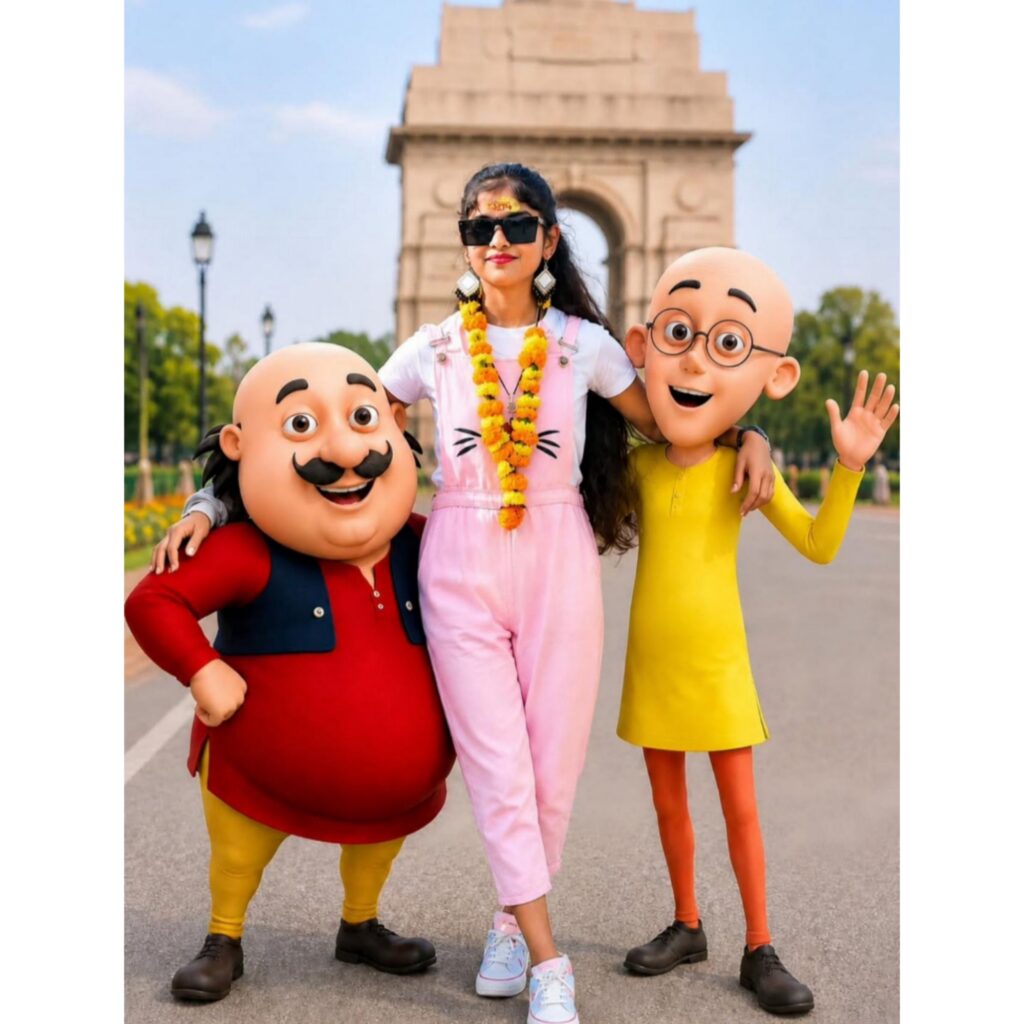
USE THE UPLOADED PHOTO AS THE ONLY FACE REFERENCE.
PRESERVE THE PERSON'S IDENTITY WITH AN EXACT FACE MATCH, INCLUDING FACIAL STRUCTURE, JAWLINE, SKIN TONE, HAIRSTYLE, BEARD DETAILS, EYES, NOSE, LIPS, EXPRESSION, AND OVERALL LIKENESS. MAINTAIN PERFECT IDENTITY >
CONSISTENCY FROM THE REFERENCE IMAGE. DO NOT ALTER, RECREATE, STYLIZE, OR REPLACE THE FACE IN ANY WAY.
CREATE AN ULTRA-REALISTIC FULL-BODY OUTDOOR PORTRAIT OF THE SAME PERSON STANDING CONFIDENTLY IN A RELAXED, STYLISH POSE. HE IS WEARING A COZY LIGHT GREY SWEATSHIRT FEATURING A COLORFUL MOTU PATLU CARTOON PRINT, OVERSIZED BAGGY BLUE JEANS, AND CLEAN WHITE CONVERSE SNEAKERS. HIS EXPRESSION IS CHEERFUL, FRIENDLY, AND NATURAL.
STANDING BESIDE HIM ARE LIFE-SIZE 3D CARTOON CHARACTERS MOTU AND PATLU, DESIGNED EXACTLY LIKE THEIR ANIMATED APPEARANCE, WITH REALISTIC LIGHTING AND DETAILED TEXTURES WHILE MAINTAINING THEIR RECOGNIZABLE CARTOON STYLE. MOTU STANDS ON ONE SIDE WITH A HAPPY SMILE AND PLAYFUL POSE, WHILE PATLU STANDS ON THE OTHER SIDE LOOKING EXCITED AND FRIENDLY.
THE CHARACTERS INTERACT NATURALLY WITH THE PERSON AS IF THEY ARE CLOSE FRIENDS POSING TOGETHER FOR A PHOTOGRAPH.
ULTRA-REALISTIC PHOTOGRAPHY, FULL-BODY COMPOSITION, NATURAL DAYLIGHT, CINEMATIC DEPTH OF FIELD, HIGHLY DETAILED SKIN TEXTURE, REALISTIC CLOTHING FABRIC, PROFESSIONAL DSLR QUALITY, SHARP FOCUS ON THE SUBJECT, SOFT BACKGROUND BLUR, VIBRANT COLORS, REALISTIC SHADOWS, OUTDOOR PARK OR CITY LANDMARK ENVIRONMENT, PREMIUM PORTRAIT PHOTOGRAPHY, PHOTOREALISTIC RENDERING.100% FACE MATCH, EXACT IDENTITY PRESERVATION, NO FACE ALTERATION, NO FACIAL DISTORTION, NO AI-GENERATED FACE REPLACEMENT, SAME PERSON AS UPLOADED REFERENCE IMAGE.
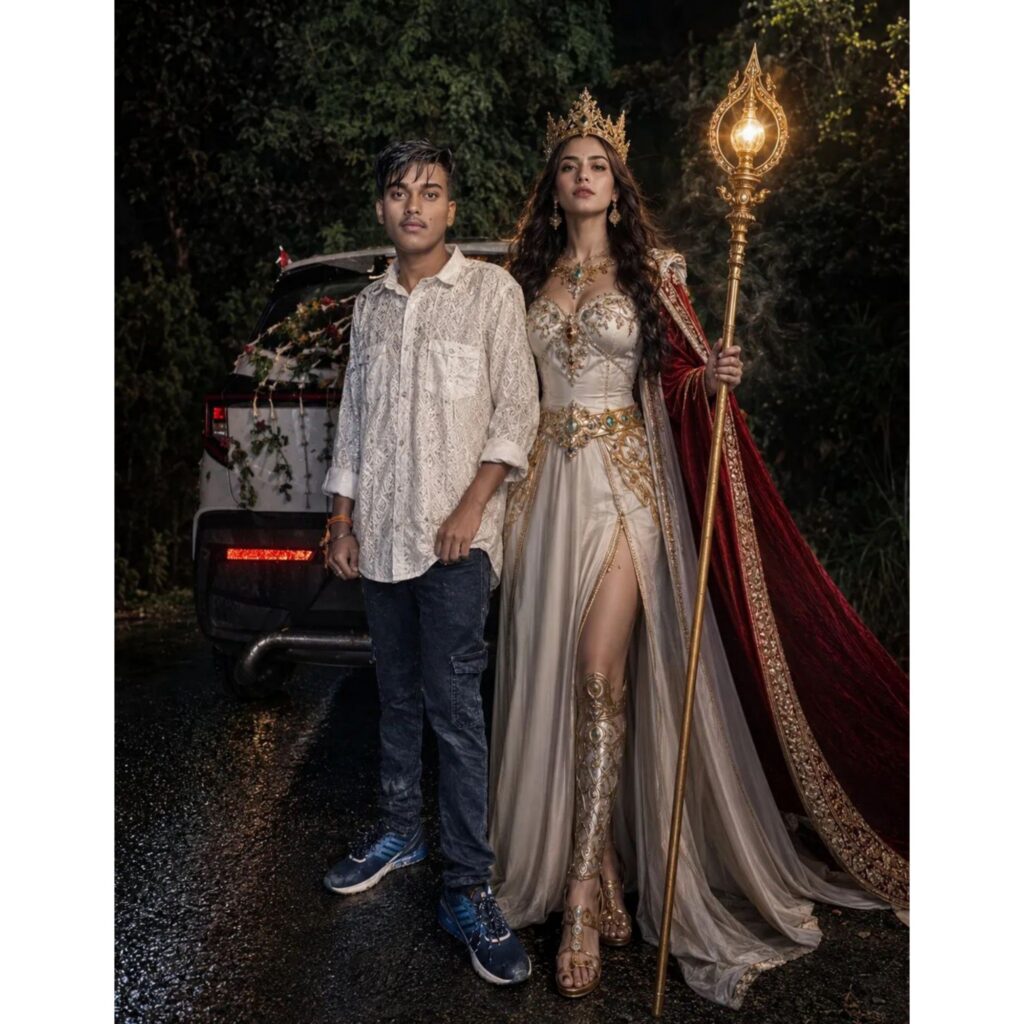
CREATE AN
ULTRA-REALISTIC CINEMATIC NIGHT PORTRAIT OF A STYLISH YOUNG MAN STANDING CONFIDENTLY BESIDE A
FANTASY QUEEN-LIKE WOMAN ON A ROADSIDE AT NIGHT. THE YOUNG MAN IS WEARING A WHITE PATTERNED SHIRT, DARK JEANS, AND SNEAKERS WITH A CALM EXPRESSION. THE WOMAN IS DRESSED IN AN ELEGANT WHITE ROYAL GOWN WITH GOLDEN DETAILS,
WEARING A LUXURIOUS CROWN
AND HOLDING A GLOWING ORNATE STAFF, WITH A FLOWING RED CAPE BEHIND HER
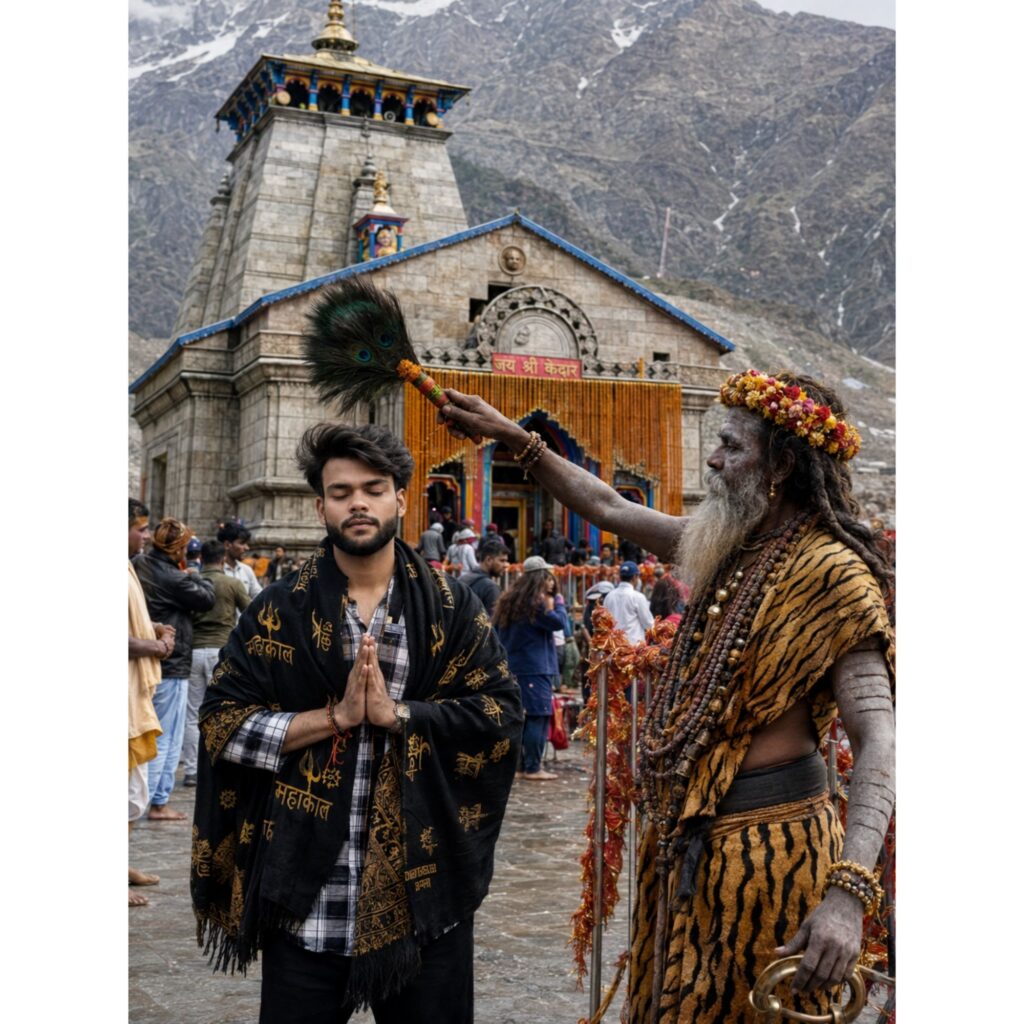
Ultra-realistic 8K spiritual portrait of a young Indian man standing with folded hands in front of Kedarnath Temple during pilgrimage season. He wears a black Mahakal shawl over a checkered shirt and black trousers. A holy Shiva devotee Sadhu with sacred ash-covered body, rudraksha malas, tiger-pattern cloth, and flower crown blesses him using a peacock-feather fan. Kedarnath Temple stands prominently in the background with colorful entrance decorations, snow-capped
Himalayan peaks, pilgrims, red sacred threads tied around railings, and a helicopter flying above in the cloudy mountain sky.
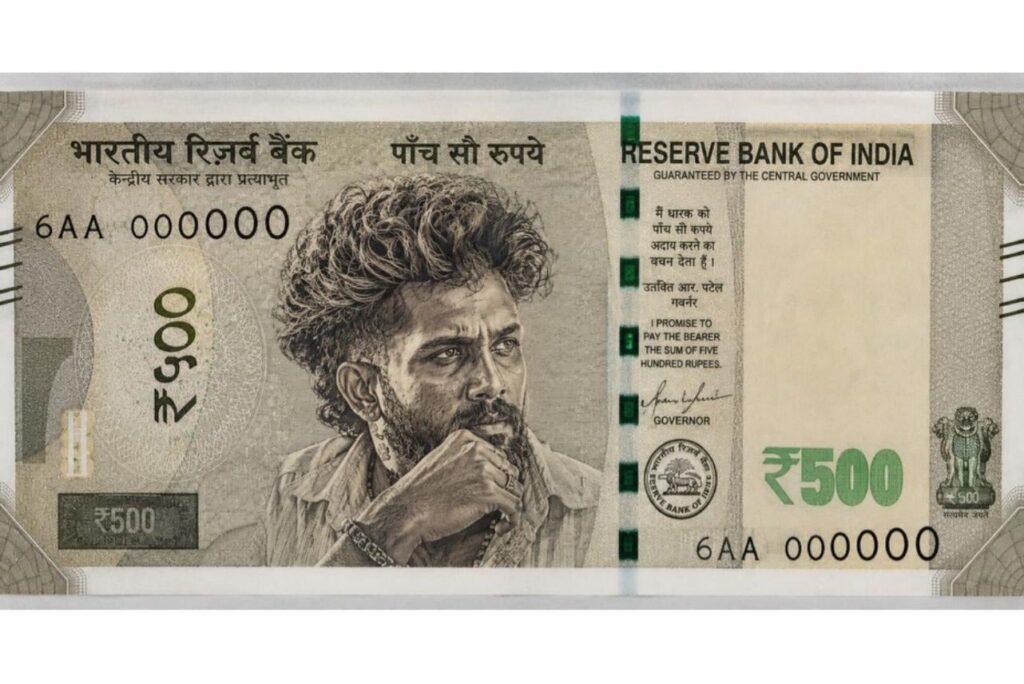
CREATE AN ULTRA-REALISTIC CUSTOM INDIAN 500 CURRENCY NOTE FEATURING A CINEMATIC PORTRAIT OF A RUGGED SOUTH INDIAN MALE LEADER IN THE CENTER, INTENSE THOUGHTFUL EXPRESSION, HAND RESTING ON CHIN, CURLY HAIR, DETAILED BEARD, WEATHERED SKIN TEXTURE, DRAMATICSIDE LIGHTING, ENGRAVED BANKNOTE ILLUSTRATION STYLE INTRICATE INDIAN CURRENCY DESIGN ELEMENTS, AUTHENTIC GUILLOCHE PATTERNS, SECURITY STRIPS, SERIAL NUMBERS,
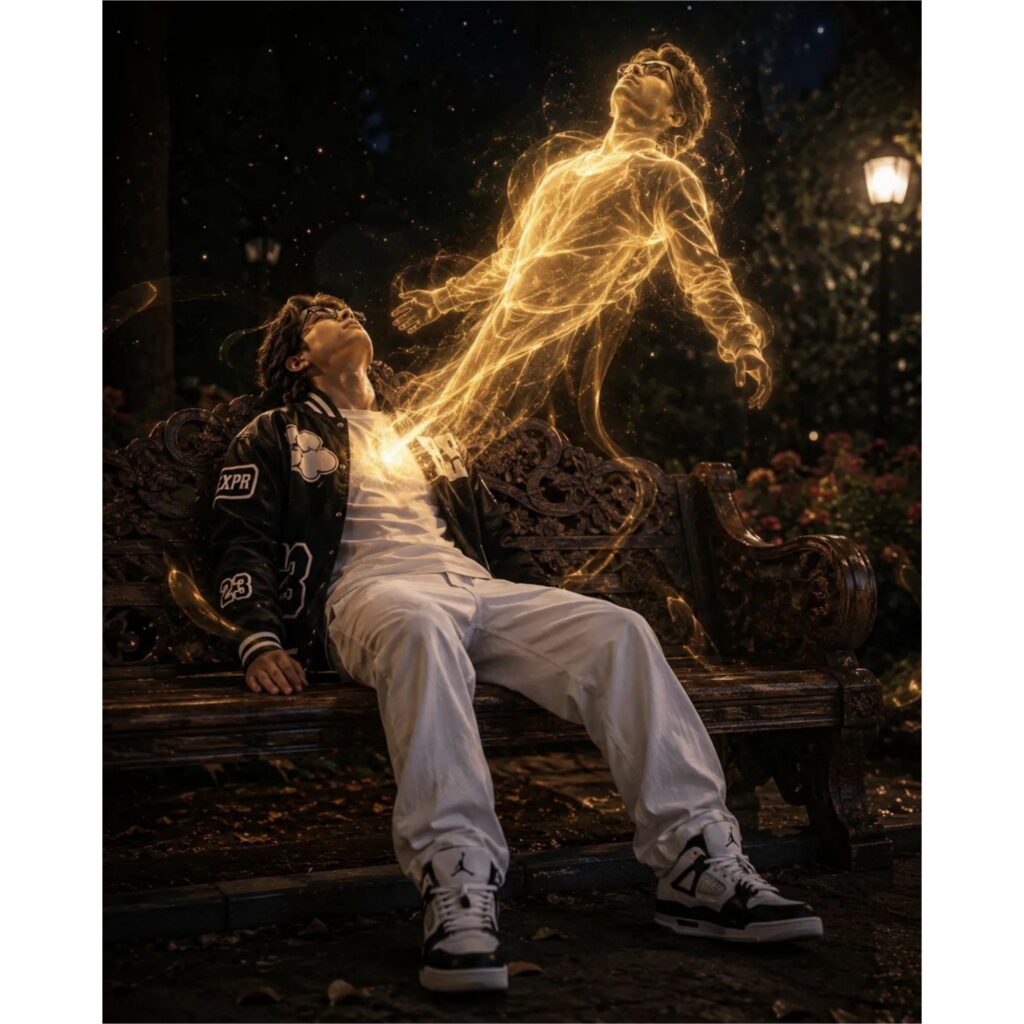
A CINEMATIC ULTRA-REALISTIC FANTASY SCENE OF A YOUNG MAN SITTING LIFELESSLY ON A RUSTIC CARVED WOODEN BENCH IN A DARK GARDEN AT NIGHT. HE IS WEARING A BLACK VARSITY JACKET WITH WHITE GRAPHICS, A WHITE T-SHIRT, LOOSE WHITE PANTS AND WHITE-AND-BLACK JORDAN 4. HIS HEAD IS TILTED BACK AS A GLOWING GOLDEN TRANSLUCENT SOUL IS BEING PULLED OUT FROM HIS CHEST. THE SPIRIT BODY IS FLOATING UPWARD IN A DRAMATIC POSE. CONNECTED BY GLOWING ENERGY THREADS.
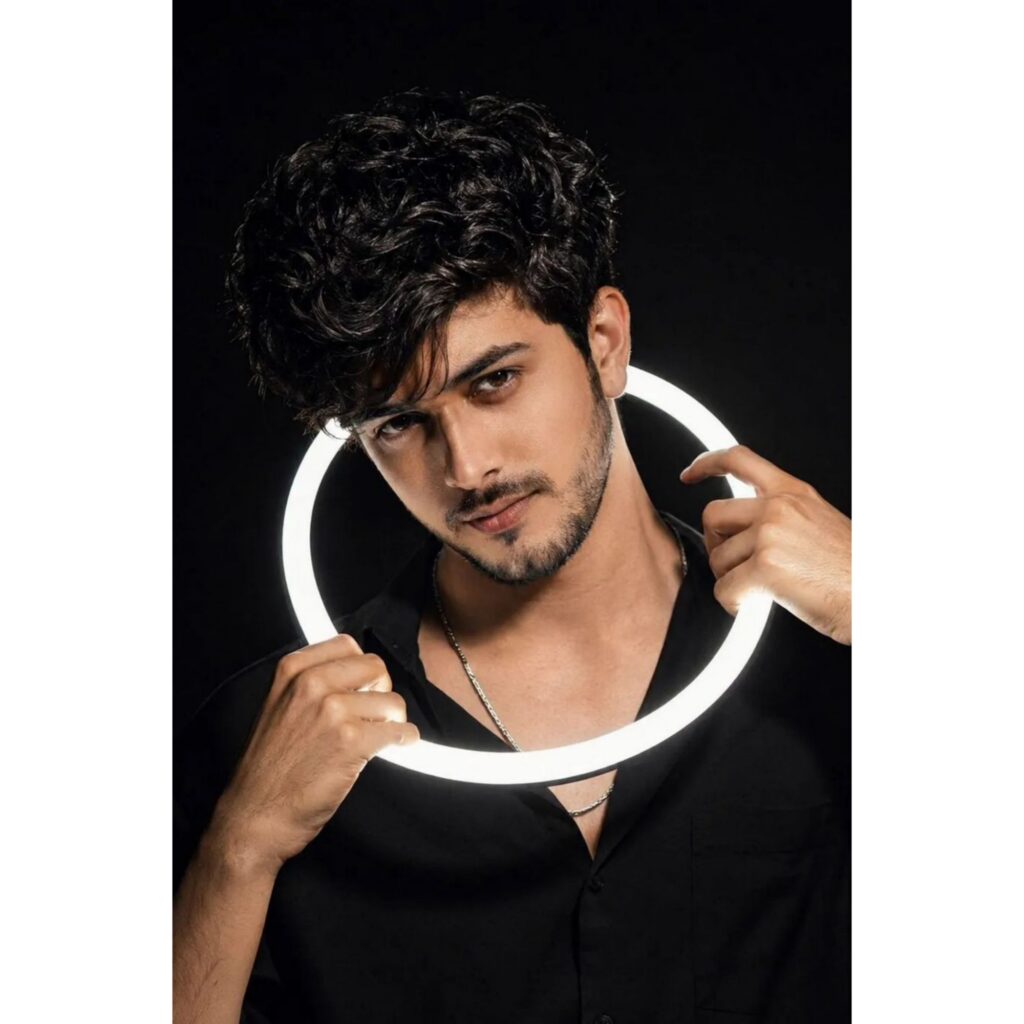
Ultra-realistic studio portrait of a young man with thick curly black hair and sharp facial features, holding a glowing white LED ring light around his neck and partially near his face, intense eye contact, soft skin texture, subtle beard line, silver chain necklace, black background, dramatic high-contrast lighting, cinematic shadows, modern influencer photography style, detailed hands, minimal composition, 85mm lens look, shallow depth of field, ultra HD, photorealistic, clean aesthetic.
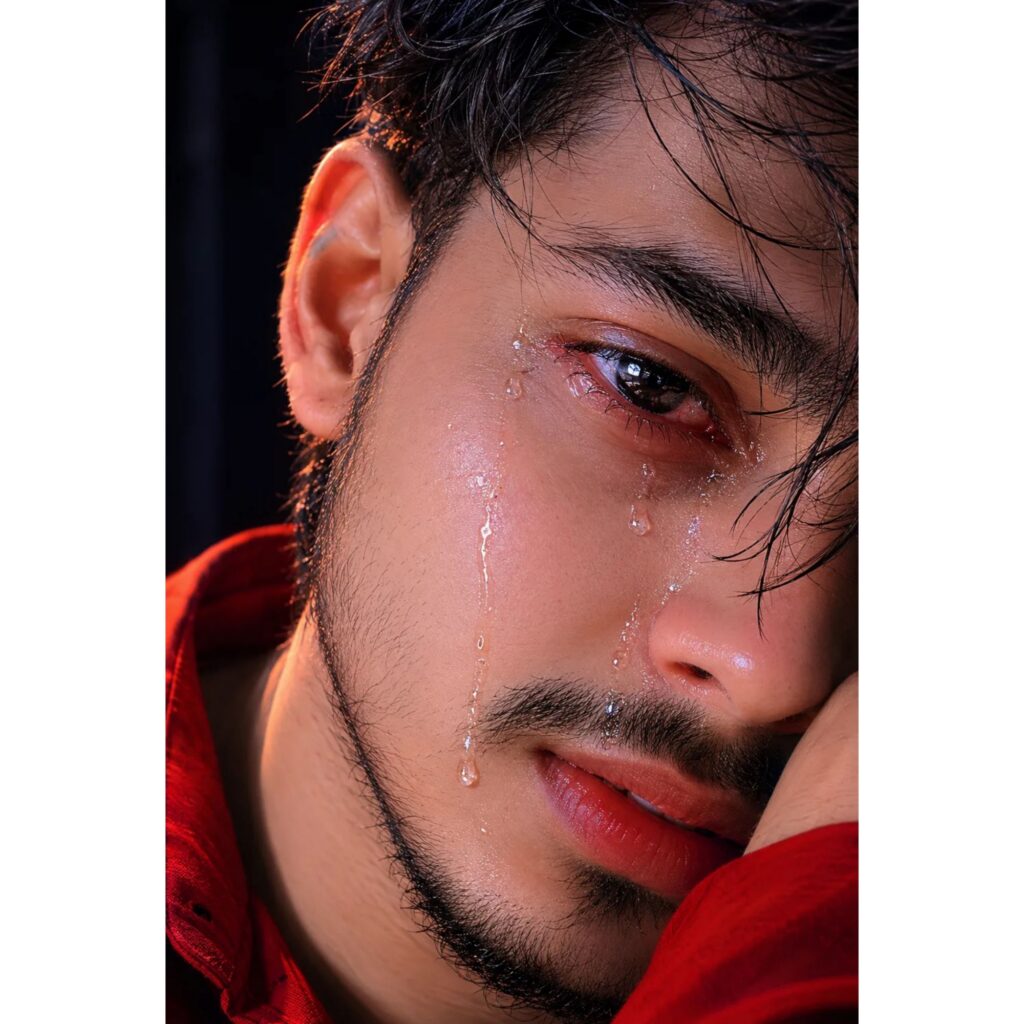
128K Extreme close-up of a 25-year-old man's half-face portrait, hyper-realistic and ultra-detalled. The camera is tightly focused on one red eye, messy hair falling partially over one eye, kiss, red shirt, capturing a single heavy many tears slowly rolling down his cheek. Skin texture extremely sharp with visible pores, molist eyelashes glistening, and deep emotional reflections in the eye. Subtle soft rim light highlights the edge of his face against a fully dark,blurred background.
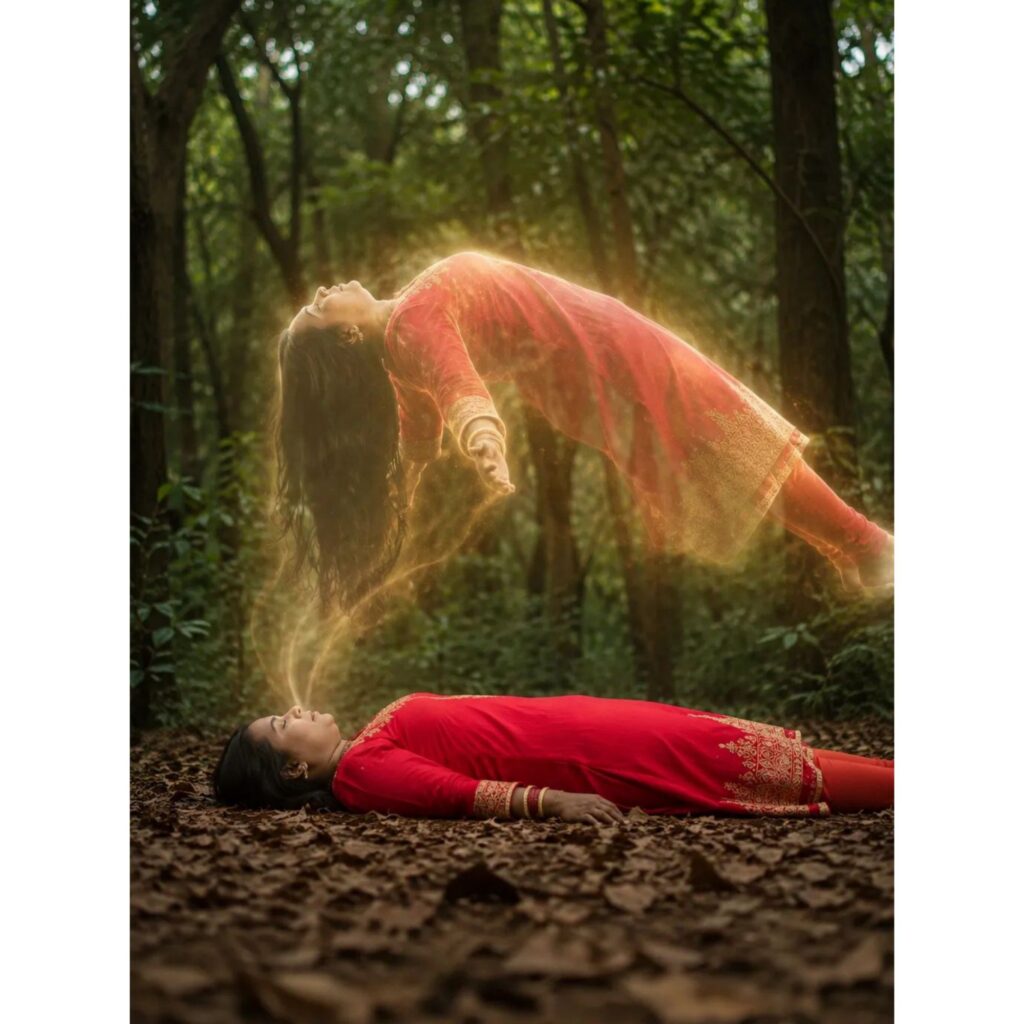
A high-fidelity, professional-grade DSLR photo capturing a mystical and ethereal scene in a lush green forest. Subject & Pose: A young woman is lying flat on her back on a dense bed of dry autumn leaves on the forest floor, appearing peaceful with her eyes closed. Hovering directly above her is her own glowing, semi-transparent spirit or soul, floating horizontally in mid-air, back arched upwards toward the sky, creating a powerful out-of-body cinematic visual inspired by 1000133340.jpg.
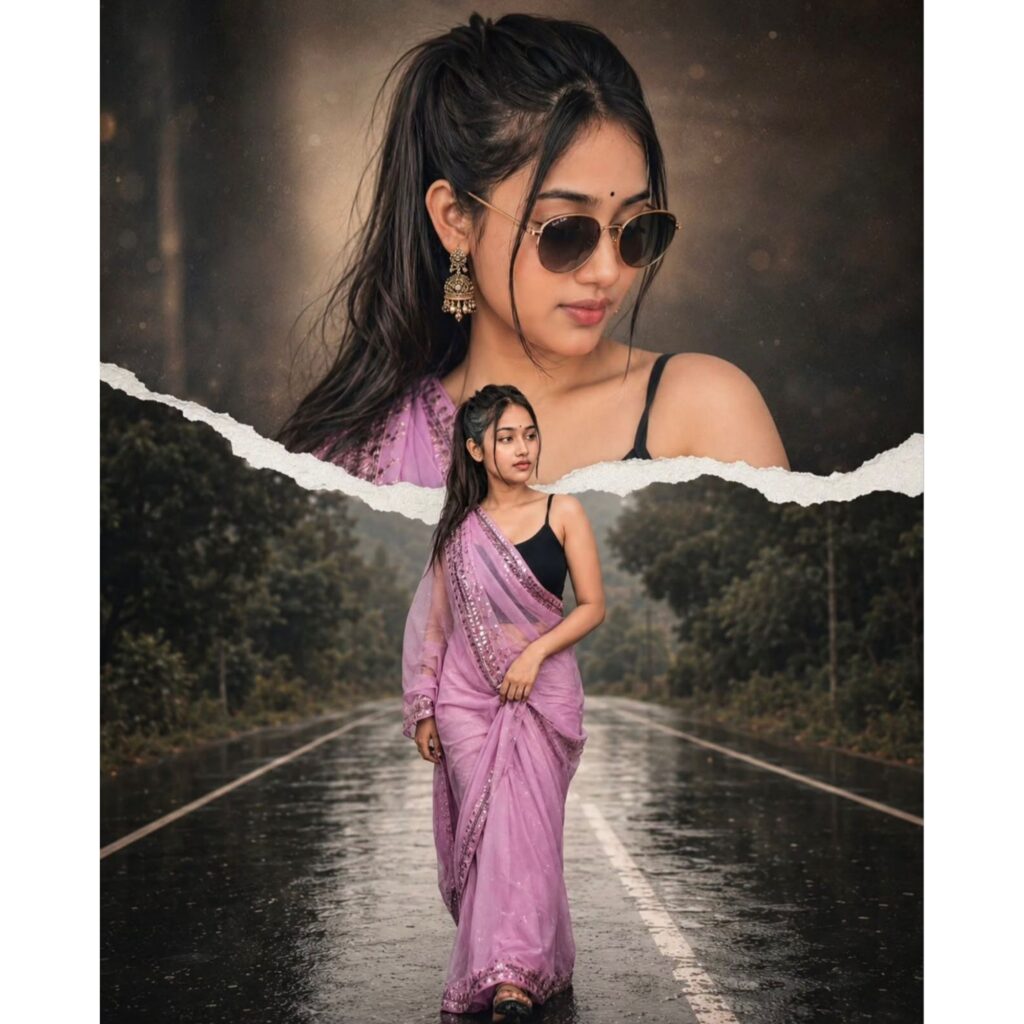
A high-quality cinematic double exposure and paper-tear collage. Thi background features a large, ethereal close-up portrait of a young indian boy with dark hair, wearing shirt top button open, and jeans stylish gold-rimmed sunglasses, looking upside with a soft smile. A
realistic white torn-paper ec
creates a horizontal divide across thecenter. In the foreground, the same man is shown in a full-body shot, walking confidently like hero on road, and real hight, ratio 3:4.####no ace chenge
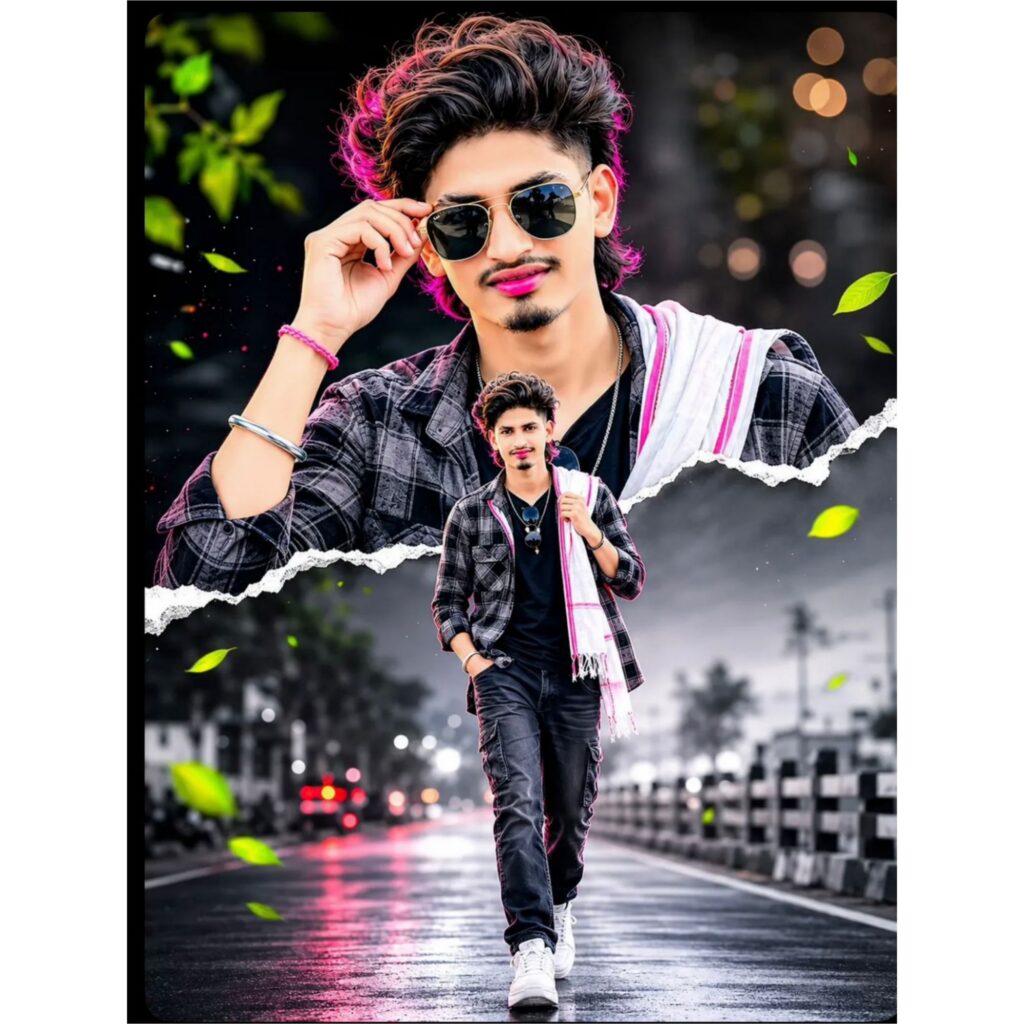
A high-quality cinematic double exposure and paper-tear collage. Thi background features a large, ethereal close-up portrait of a young indian boy with dark hair, wearing shirt top button open, and jeans stylish gold-rimmed sunglasses, looking upside with a soft smile. A
realistic white torn-paper ec
creates a horizontal divide across the center. In the foreground, the same man is shown in a full-body shot, walking confidently like hero on road, and real hight, ratio 3:4.####no ace chenge

A dramatic, low-angle portrait 3:4 aspect ratio) that captures a monumental moment of victory. Virat Kohli and a young man, his teammate, stand side-by-side, united in their grip on the base of the massive golden IPL trophy. Together, they heave it skyward against the night. Kohli, on the right, stares directly at the camera with fierce, determined pride. Beside him, the young man points his index finger emphatically toward the lifted trophy with his free hand, his face erupting in a triumphant shout. Dramatic stadium floodlights carve through the scen highlighting every bead of sweat and expression of elation on their faces, with flecks of celebratory confetti suspended in the air around them.
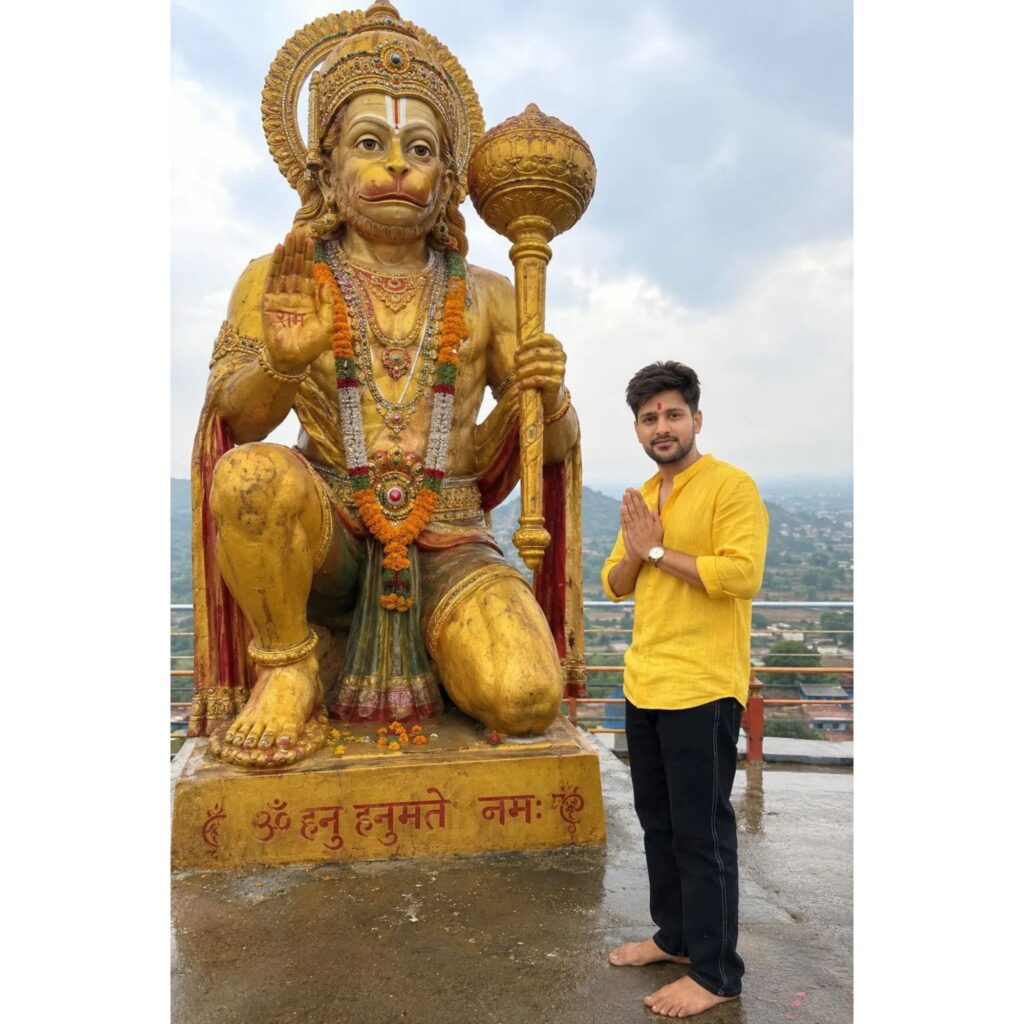
ULTRA-REALISTIC DEVOTIONAL OUTDOOR PHOTOGRAPH OF A YOUNG INDIAN MAN STANDING BAREFOOT BESIDE A MASSIVE GOLDEN STATUE OF LORD HANUMAN. THE MAN IS POSITIONED ON THE RIGHT SIDE OF THE FRAME, BODY SLIGHTLY TURNED TOWARDS THE STATUE, HANDS FOLDED IN NAMASTE (ANJALI MUDRA). CALM AND RESPECTFUL EXPRESSION. HE HAS SHORT STYLED BLACK HAIR, A NEATLY TRIMMED BEARD, AND A RED HANUMAN TILAK ON HIS FOREHEAD.HE IS WEARING A LOOSE FITTING BRIGHT YELLOW LINEN SHIRT WITH THE TOP BUTTONS OPEN AND SLEEVES ROLLED
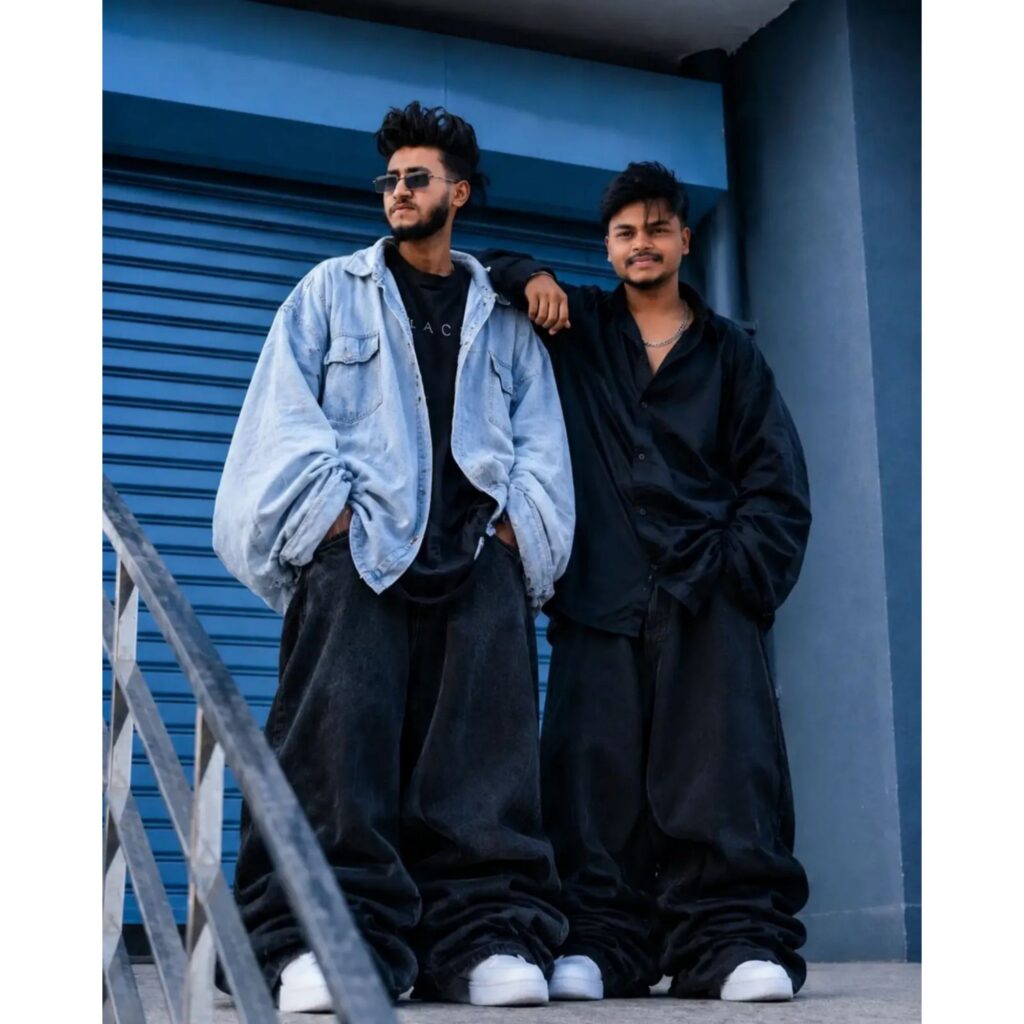
Focus on massive width, volume, puffiness, and exaggerated loose shape.
The outfit should look absurdly oversized but still realistic.
Do NOT create normal baggy clothes.
The final look must feel giant, chunky, hanging, and extra bulky. Use reference face, 4:5
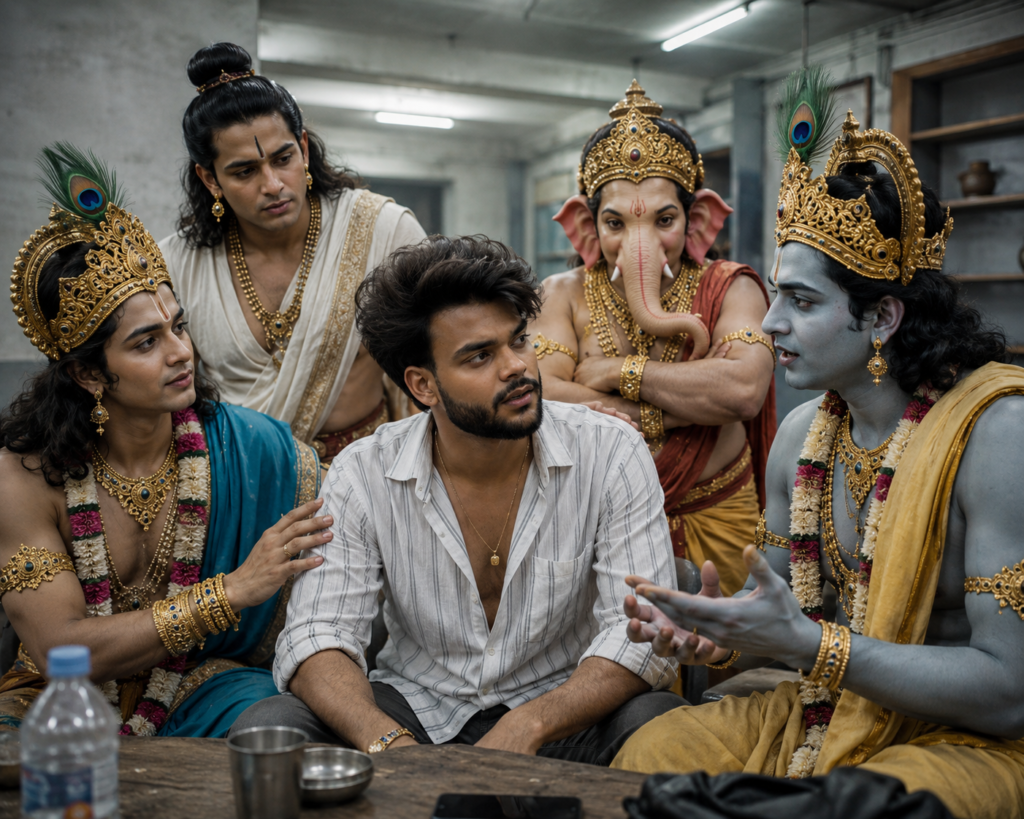
Subject 3 (lord vishnu): Right side, calm and focused. Talking to Subject 1 with slight hand gestures, looking like he's explaining something logically.
Subject 4 (lord krishna): Calm, natural and composed. Focused expression, trying to calm Subject 1 down with a kind gaze.
Subject 5 (lord ganesh): Standing behind the group, arms crossed, listening intently to the conversation with a neutral, serious face.
Subject 6 (lord balram): Behind jude Bellingham.
Calm, natural composed. Listening intently to the conversation with serious face, giving advice.
Pose & Interaction:
Casual "nongkrong" but with a deeper, slightly tense mood. All subjects are engaged in the conversation, not looking at the camara (candid shot). Everyone is focused on Subject 1.
Styling & Outfit: subject 1 wearing same cloth as picture and other subject wearing colths according to their charecter.
expensive-looking accessories rings).
Lighting & Camera Feel: Top-down fluorescent lighting, slightly overexposed h
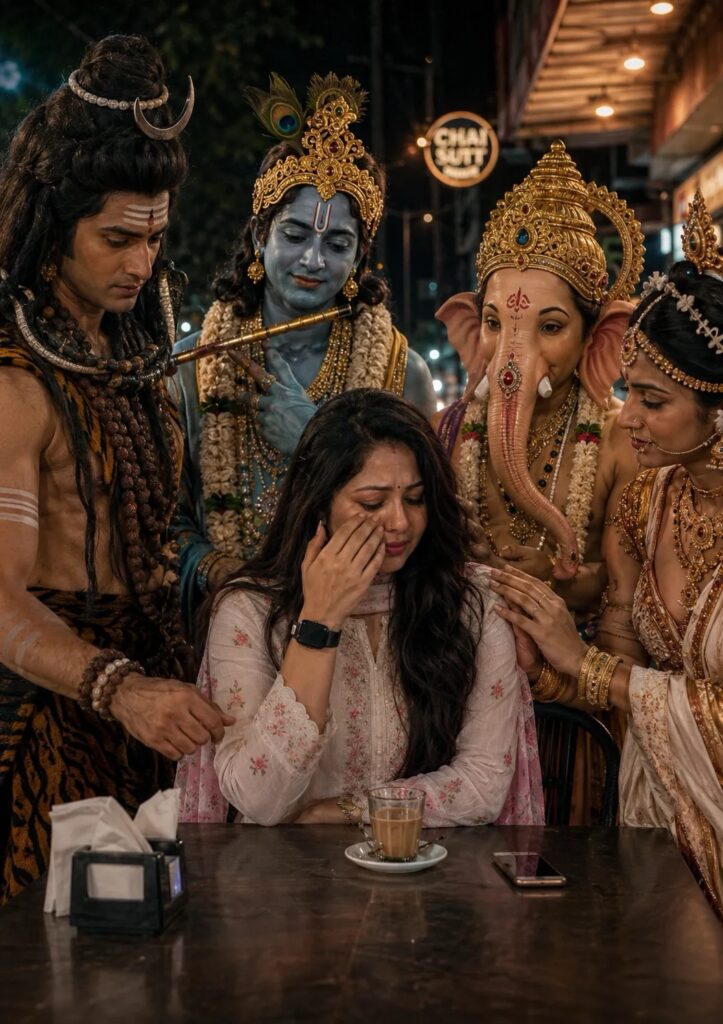
POV realistic iPhone photo, vertical 9:16, no filter/ HDR, raw natural quality with slight grain and lighting imperfections. Nighttime outside a local Indomaret minimarket. Outdoor seating beside large glass windows with visible "sip?" branding and snack/drink shelves inside. Bright fluorescent canopy lights from above creating slightly harsh shadows and overexposed highlights. Dark street on the left side with parked
motorbikes and distant streetlights.
Clean tiled minimarket floor.
A girl in a red traditional outfit sitting on the left side of a small round metal table, crying and hiding her face with both hands. Lord Shiva sitting in the center/front, leaning forward with an intense concerned expression, looking directly at the girl.
Lord Vishnu on the right side calmly talking with slight hand gestures, trying to explain something logically.
Lord Krishna beside him with a soft calm expression, trying to comfort the girl. Lord Ganesh standing behind the group with crossed arms, serious and listening carefully. Lord Balram standing behind as well, composed and focused, giving advice.
Everyone is focused on the girl. No one looking at the camera. Casual candid "nongkrong" conversation vibe with emotional tension. Small glass of water and a phone on the table. Natural minimarket lighting only, no flash. Realistic candid iPhone photography feel, slightly uneven shadows, imperfect lighting, cinematic but realistic.
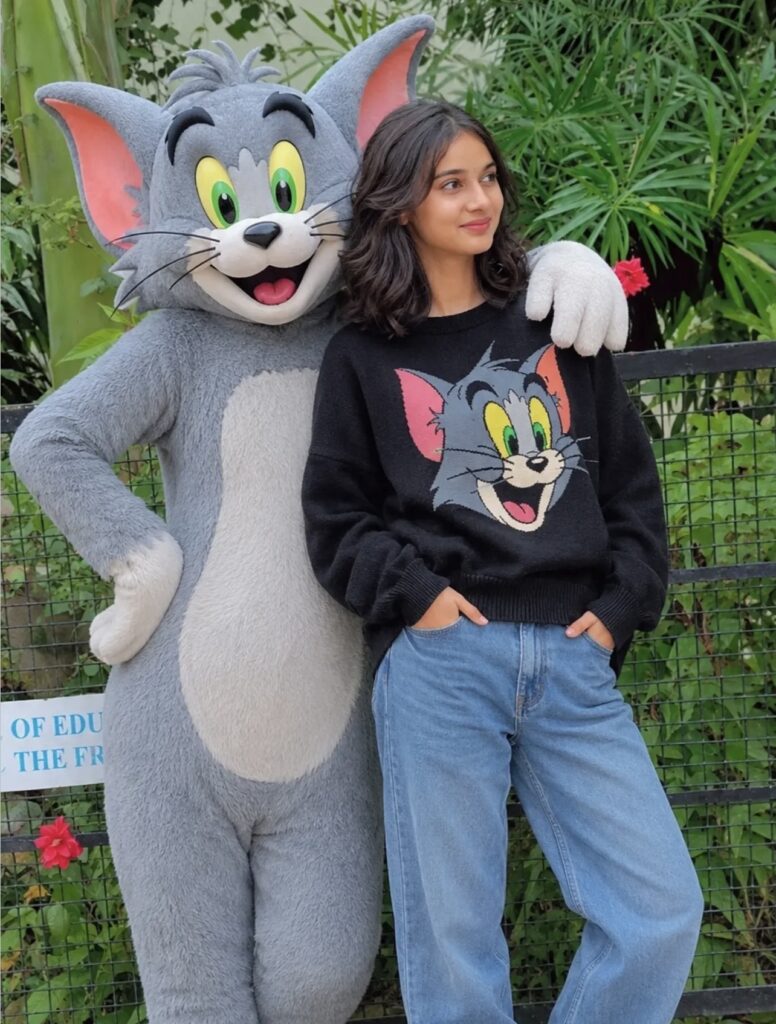
lam with sholder length wavy black hair, expressive eyes, warm smile, and adorable face.
Standing confidently in a casual stylish pose wearing a cozy light black sweater with a colorful Tom cat print, baggy blue jeans, and white Converse sneakers.
Beside me stands a life size anthropomorphic Tom cat from Tom and Jerry with soft grey fur, white belly, large green eyes, pink inner ears, and playful grin.
Tom keeps one arm around my shoulder in a friendly protective pose.

Create a cinematic double-exposure travel poster for "Rishikesh, Uttarakhand" using my uploaded photo.
Keep the same face, pose, outfit, and natural features unchanged.
Blend Himalayan valleys, pine forests, misty mountains, winding roads, rivers, and clouds inside the portrait silhouette.
Add a small full-body version beside a bike on a mountain road.
Style: luxury Himalayan tourism campaign, dreamy matte tones, soft fog, atmospheric depth, realistic blending, minimal typography, clean white background, ultra-realistic editorial aesthetic.
Text:
"Rishikesh"
"Uttarakhand"
"TRAVEL • BREATHE • ESCAPE" don’t change face
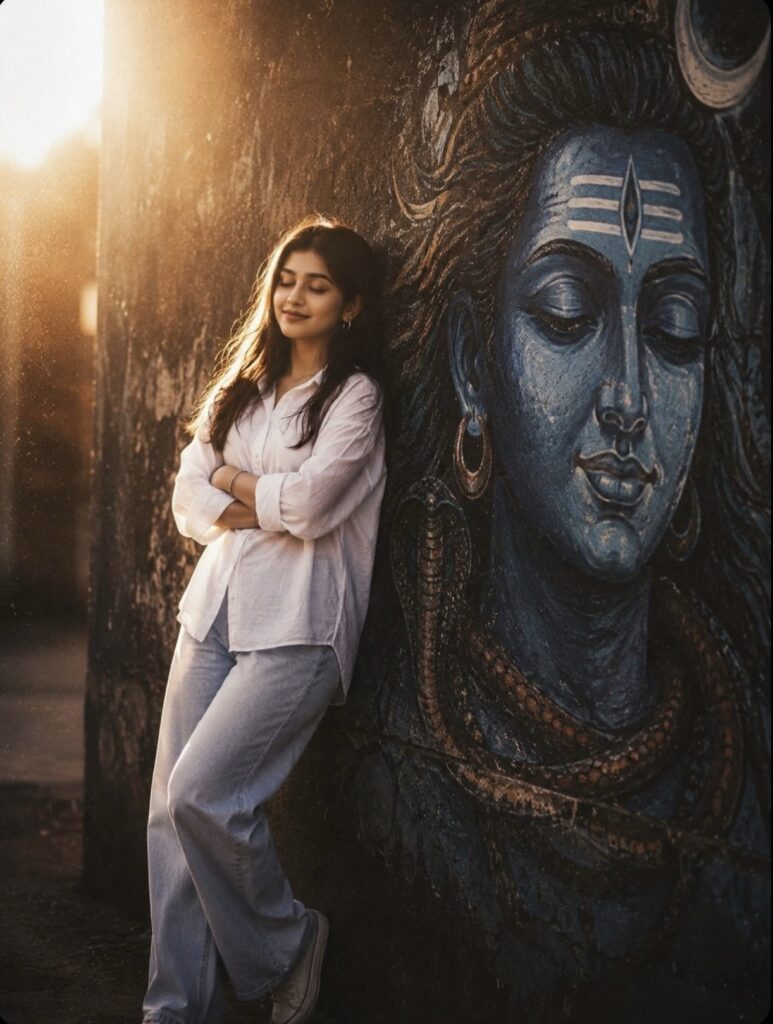
A cinematic, full-length portrait of a young South Asian woman with closed eyes and arms crossed, wearing an oversized white button-down shirt and light-wash wide-leg jeans, leaning against a dark textured wall next to a massive, serene blue mural of Lord Shiva's face, illuminated by a dramatic, glowing backlight that creates an ethereal halo effect with a warm, grainy 90s film aesthetic.
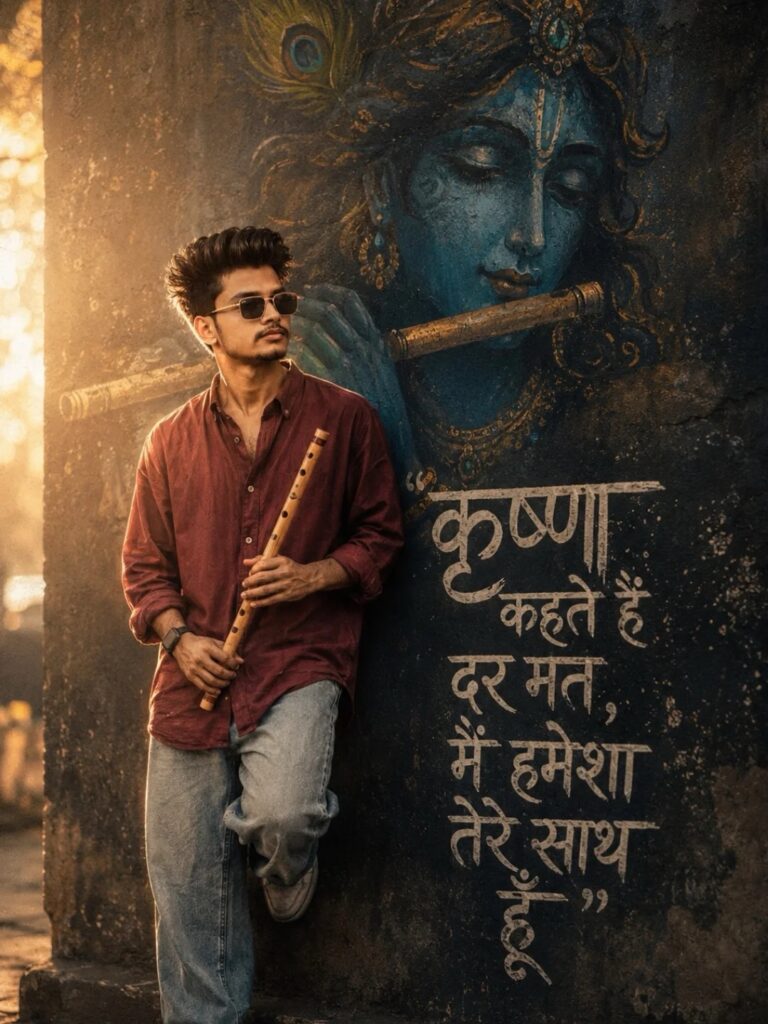
Prompt "A cinematic, full-length day portrait of a young South Asian man with closed eyes and hold fluat in hand, wearing an oversized dark red button-down shirt and light-wash jeans, leaning against a dark textured wall next to a massive, serene blue mural of Lord krishna face with fluat, illuminated by a dramatic, glowing backlight that creates an ethereal halo effect with a warm, grainy 90s film aesthetic.krishna kahte hain dar mat, main hamesha tere saath hoon" graffiti typography in hindi.

A Ultra-HD 8K realistic size 9:16EID MUBARAK HO photo A stylized digital composition featuring a young man (reference image) He appears in two instances within the frame.The main instance is on the left, depicted walking towards the viewer, wearing a dark brown Arabic stylish jubbah, white imamah pagri white design and white sneakers, and round sunglasses. He has dark, and a light stubble. A second, larger image of the man is positioned
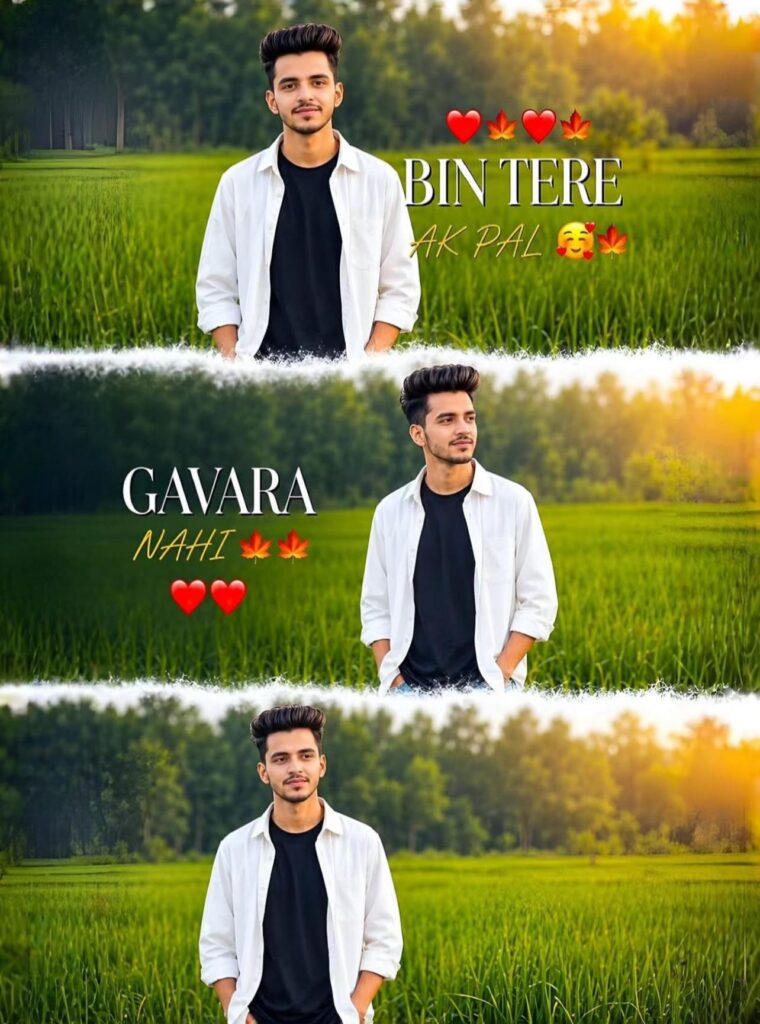
A cinematic vertical triptych collage depicting the same young boy standing alone in a lush green field in bright daylight. The collage is divided into three horizontal frames, with soft, dreamy white transitions between each section. He's wearing a white shirt over a black t-shirt with jeans, creating a soft, emotional and aesthetic vibe. The background features a hazy green meadow, distant trees, and dreamy natural bokeh with a shallow depth of field. Add romantic, stylish text to the cinematic typography: "
bin
tere ek palgannara nahi
"A circular profile picture design featuring use given image. The image has a strong monochromatic purple and neon yellow aesthetic. The background features large, translucent block text reading 'Rohan Editz"' and a horizontal CRT scanline texture overlay. At the bottom, there is sharp, stylized white text that reads 'Rohan Editz".High contrast, digital * art style, glowing neon lighting."
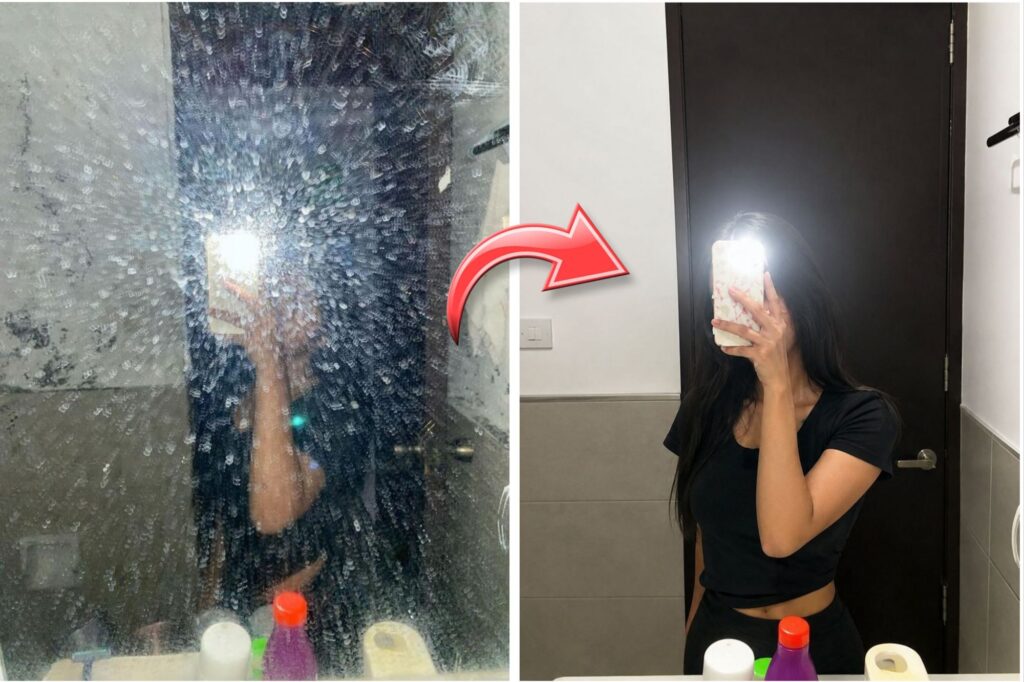
Ultra clean mirror selfie, remove dust particles, smudges, stains and dirty mirror marks, crystal clear reflection, sharp details, natural skin texture, realistic lighting, enhanced clarity, HD quality, soft contrast, clean white background, cinematic mirror reflection, maintain original pose and outfit, realistic photo, DSLR quality, high resolution
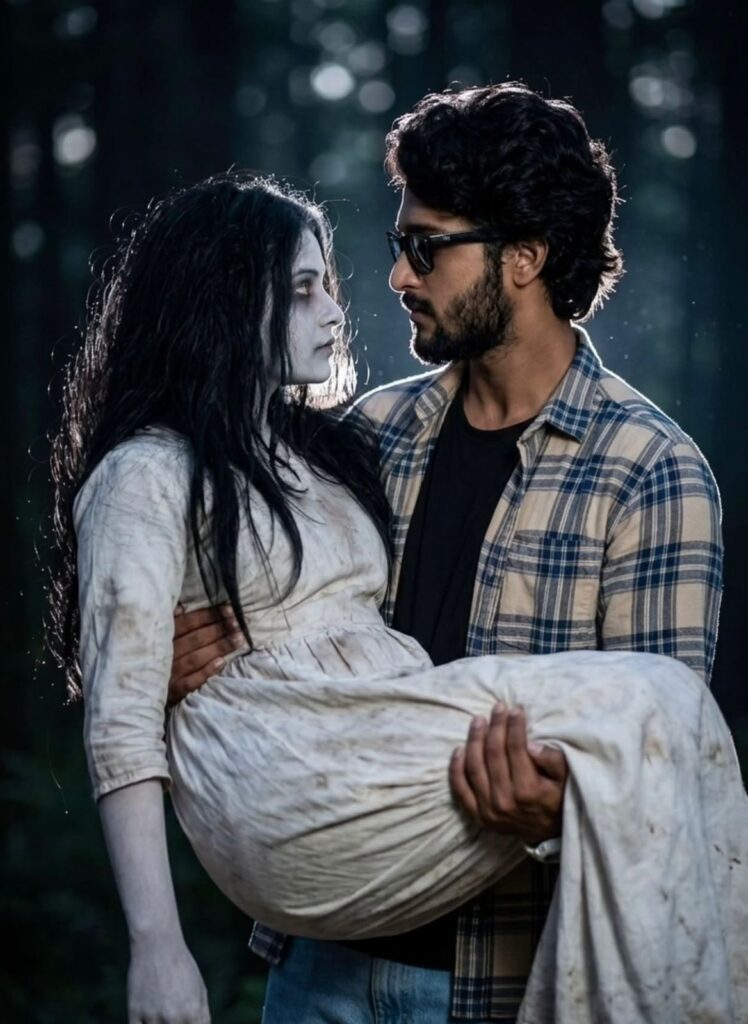
Ultra realistic cinematic night portrait of a person holding a horror girl ghost in arms romantically, 100% face match, keep the exact same male face, hairstyle, sunglasses, beard, outfit, pose and body proportions from the reference image, no face change, ghost girl with pale skin, long messy black hair, white dirty vintage dress, soft horror makeup, both looking into each other's eyes, romantic dark vibe, dramatic flash photography, strong white rim light glow around hair and shoulders, dark moody forest background, realistic skin texture, DSLR look, shallow depth of field, soft bokeh lights, ultra detailed, high contrast, realistic shadows, cinematic color grading, emotional horror romance atmosphere
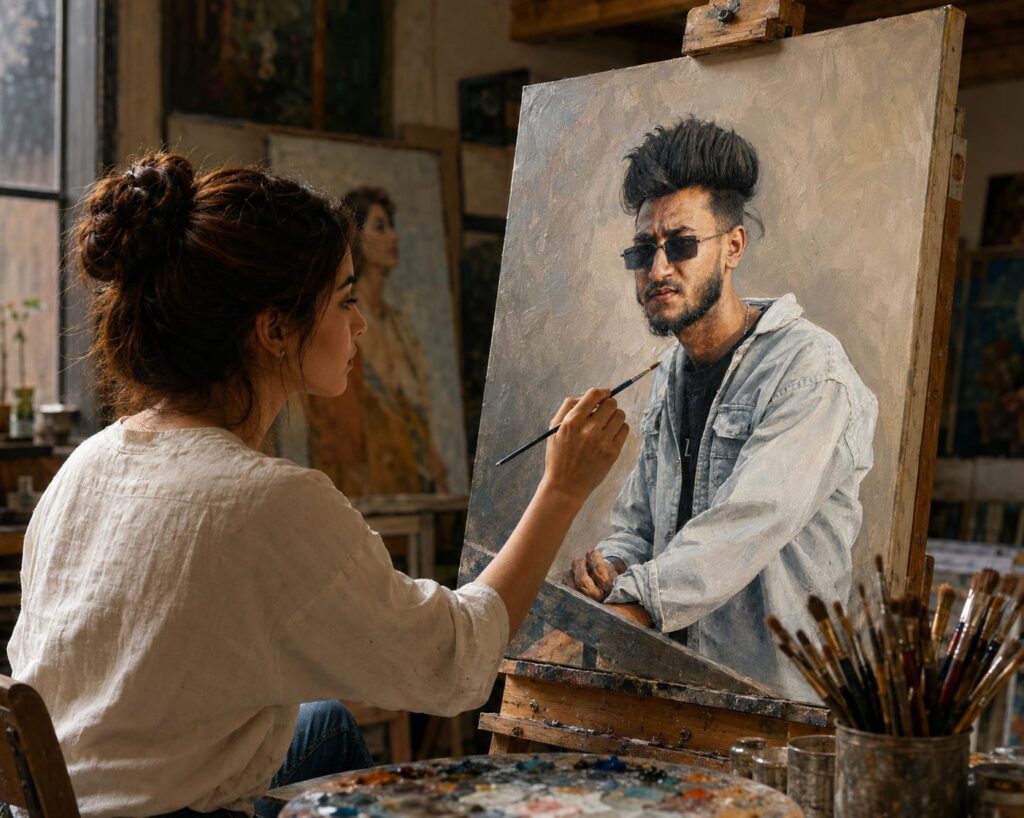
Use the uploaded photo as the exact portrait reference on the canvas. A beautiful young female artist sitting in a professional art studio, carefully hand-painting the uploaded person’s portrait on a large easel canvas with a paintbrush. The portrait on the canvas must match the uploaded photo’s face, hairstyle, expression, and clothing exactly. The artist is focused on painting realistic details by hand. Warm cinematic lighting, artistic atmosphere, wooden easel, paint brushes, oil painting texture, highly detailed skin, realistic hands, depth of field, masterpiece artwork, ultra realistic, 8K quality, soft shadows, studio background filled with paintings, professional portrait painting process, photorealistic, natural colors, elegant composition, realistic canvas texture, DSLR quality.4K HDR me kar dena
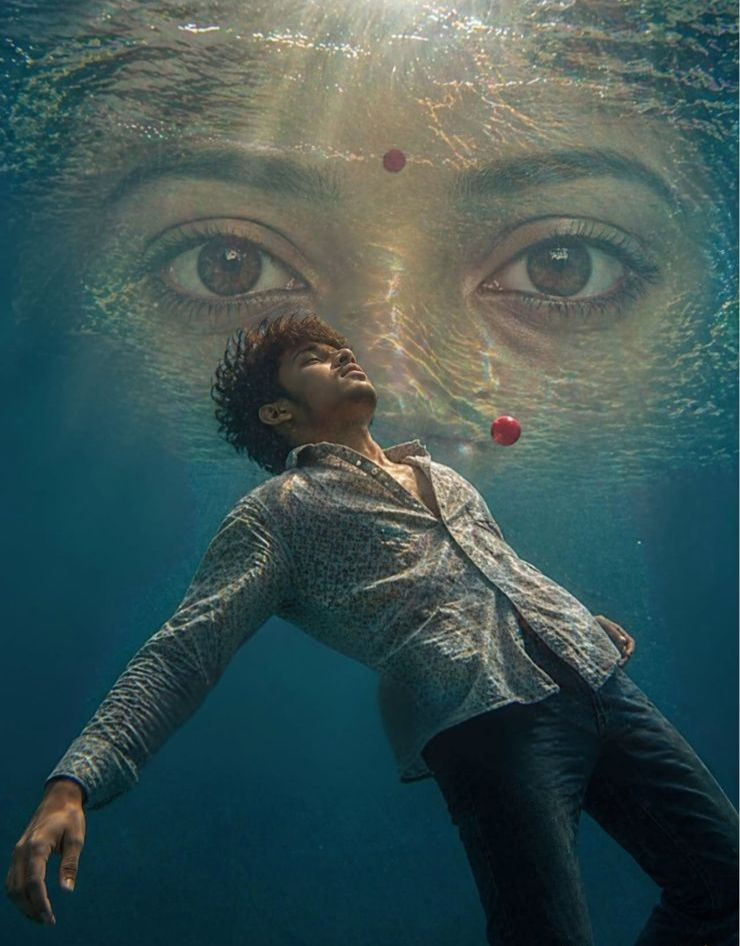
A surreal yet realistic underwater scene of a young man floating calmly, body slightly arched backward, viewed from a low angle. The water surface above shows soft natural ripples with gentle sunlight rays entering the water, creating subtle caustic light patterns.
In the background, a large realistic Indian young
Girl Only Eyes fills the irame symmetrically, partially blended with water reilections. She
has natural brown eyes with soit kajal (not exaggerated), and a small red bindi centered on her forehead. Expression is calm and minimal.
A small red sphere floats near the man's chest, simple and clean. Lighting is soft and cinematic, natural sunlight, no overexposed glow, no heavy particles. Colors are balanced with mild teal water tones and warm skin tones, not oversaturated.Style: ultra-realistic digital art, clean details, sharp foens, minimal noise, natural textures, no excessive effects, ne fantasy glow, no sparkles.
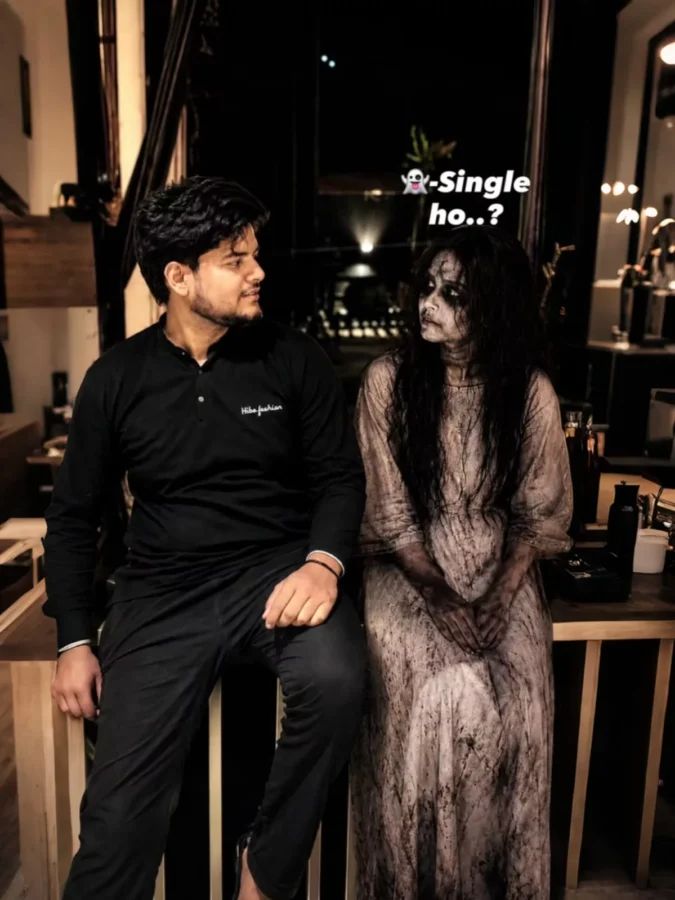
Use the uploaded image as the ONLY face reference. STRICT FACE PRESERVATION — keep the man’s exact face, hairstyle, beard, jawline, skin texture, skin tone, eyes, nose, lips, and proportions unchanged. No beautification, reshaping, or fake smooth skin.Create an ultra realistic cinematic horror-comedy balcony scene at night. The young Indian man sits casually beside a cute spooky female ghost, giving a slight nervous smile while looking at her.Ghost appearance: pale cracked skin, hollow dark eyes, messy black hair, eerie cute smile, dirty torn vintage white dress moving softly in the wind.Scene: dark apartment balcony with blurred city lights, distant buildings, soft fog, dust particles, moody shadows, atmospheric haze, realistic balcony textures.Lighting: teal-orange cinematic lighting with warm orange highlights, cool teal shadows, soft rim light around hair and shoulders, realistic reflections, moody contrast, subtle city glow.Style: ultra realistic DSLR editorial photography, shallow depth of field, realistic Indian skin texture, cinematic meme vibe, soft film grain, realistic night exposure, 85mm lens, 8K quality.Text:LEFT above man — “Loyal to rahogi na..?”RIGHT above ghost — “Itna ki picha chhodane k liye 4-5 baba ki jrurt pdegi”Typography: bold white meme-style text with subtle shadow, naturally blended into composition.Aspect ratio 4:5, medium cinematic framing.Negative prompt: cartoon, anime, plastic skin, distorted anatomy, extra limbs, blurry face, oversaturated glow, cheap horror, gore, low quality.
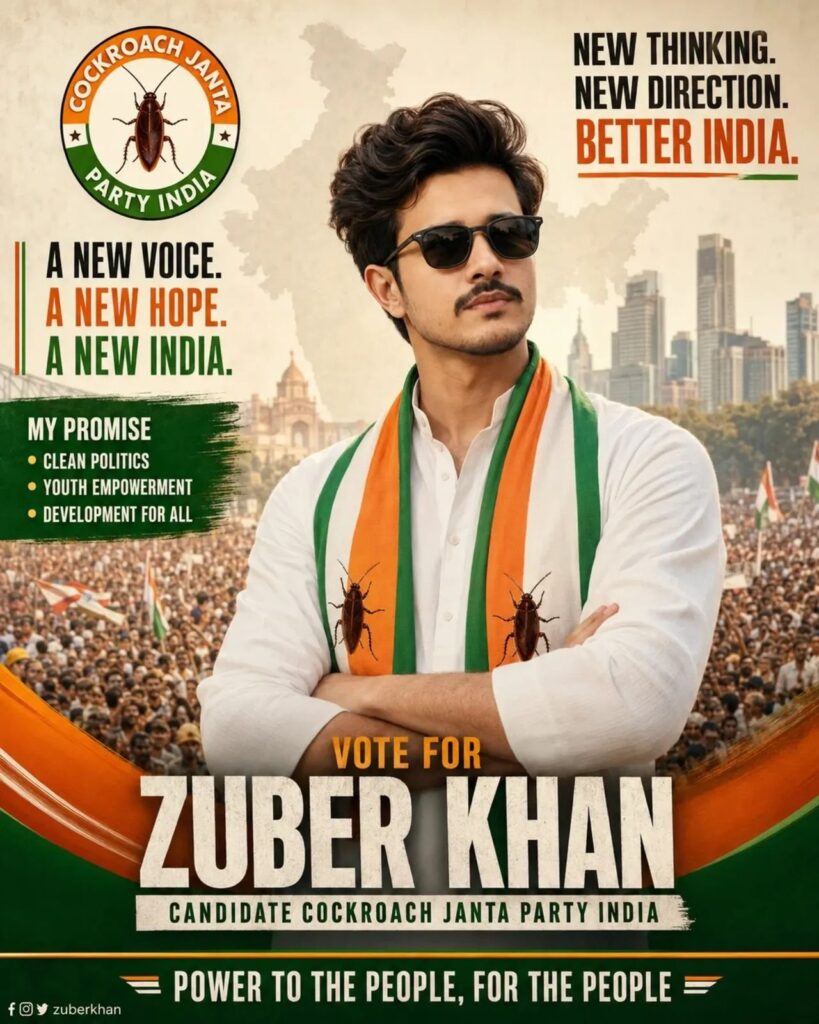
Use the uploaded political campaign poster as the exact reference. Keep the entire poster 100% identical to the original, including all existing text, typography, layout, logo placement, cockroach symbols, Indian tricolor theme, scarf design, crowd background, city skyline, lighting, shadows, colors, composition, pose, sunglasses, clothing, and overall poster style. Preserve all written content exactly as shown, including:

“COCKROACH JANTA PARTY INDIA”
“A NEW VOICE. A NEW HOPE. A NEW INDIA.”
“MY PROMISE”
“CLEAN POLITICS”
“YOUTH EMPOWERMENT”
“DEVELOPMENT FOR ALL”
“NEW THINKING. NEW DIRECTION. BETTER INDIA.”
“VOTE FOR”
“ZUBER KHAN” (replace only if I request a different candidate name)
“CANDIDATE COCKROACH JANTA PARTY INDIA”
“POWER TO THE PEOPLE, FOR THE PEOPLE”

Keep the Cockroach Janta Party logo exactly the same, with the cockroach symbol clearly visible in the logo and on the scarf exactly as in the reference image. Do not remove, alter, redesign, reposition, or rewrite any element.
Only replace the person’s face with the face from the photo I provide later. Match the new face naturally with the same head angle, expression, skin tone adaptation, lighting, shadows, hairstyle integration, and photorealistic quality. Ensure a seamless professional face swap while keeping every other detail unchanged. No extra text, no new graphics, no layout modifications, and no design changes. Ultra-realistic, high-resolution political campaign poster, identical to the reference except for the face replacement.
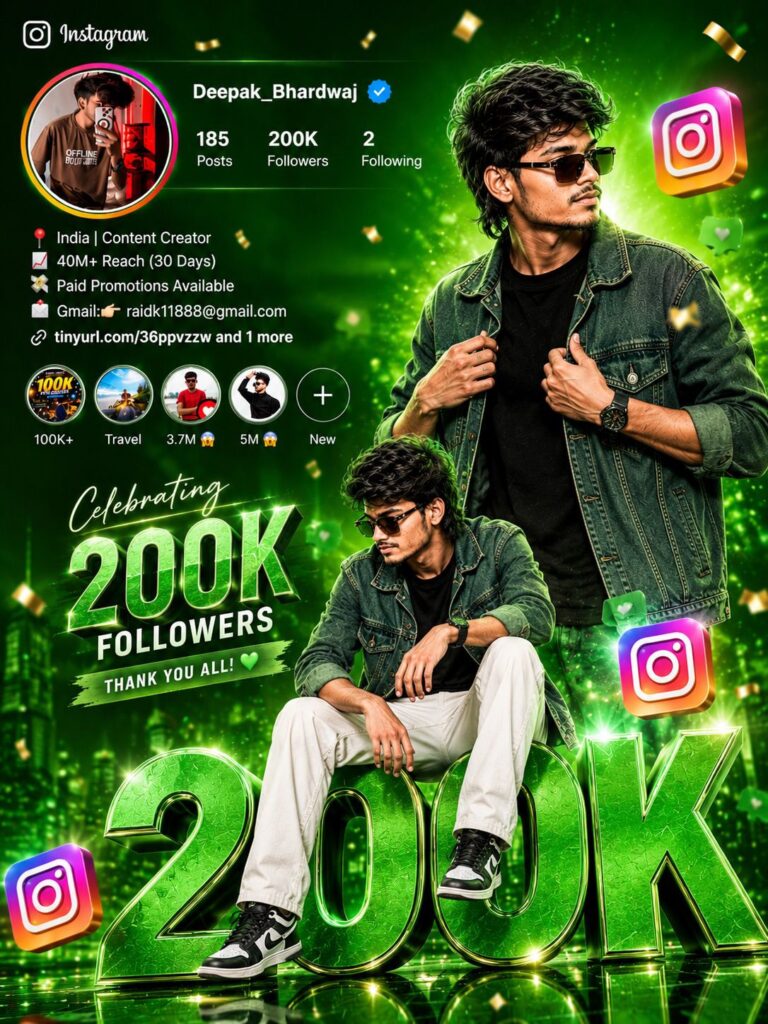
Create a vibrant and cinematic Instagram milestone poster of a stylish young influencer celebrating 200k Followers. The design should feature a handsome boy with voluminous stylish hair, beard, trendy sunglasses, denim jacket over black t-shirt, sitting confidently on giant metallic 200k 3D letters.

Use a bright orange, yellow, pink and purple gradient background with glowing lighting effects, floating Instagram logos, confetti particles, soft bokeh, neon highlights and luxury social media vibes.

Add an Instagram profile section on the top left with profile photo, verified badge, followers count, aesthetic bio and story highlights.

2

Make the overall look ultra realistic, high contrast, glossy, premium, modern and eye-catching.

Include dramatic shadows, depth, reflections, cinematic color grading, detailed textures and professional poster composition.
Trending influencer aesthetic, social media celebration theme, highly detailed, 4K quality, vibrant colors, realistic lighting, viral poster style
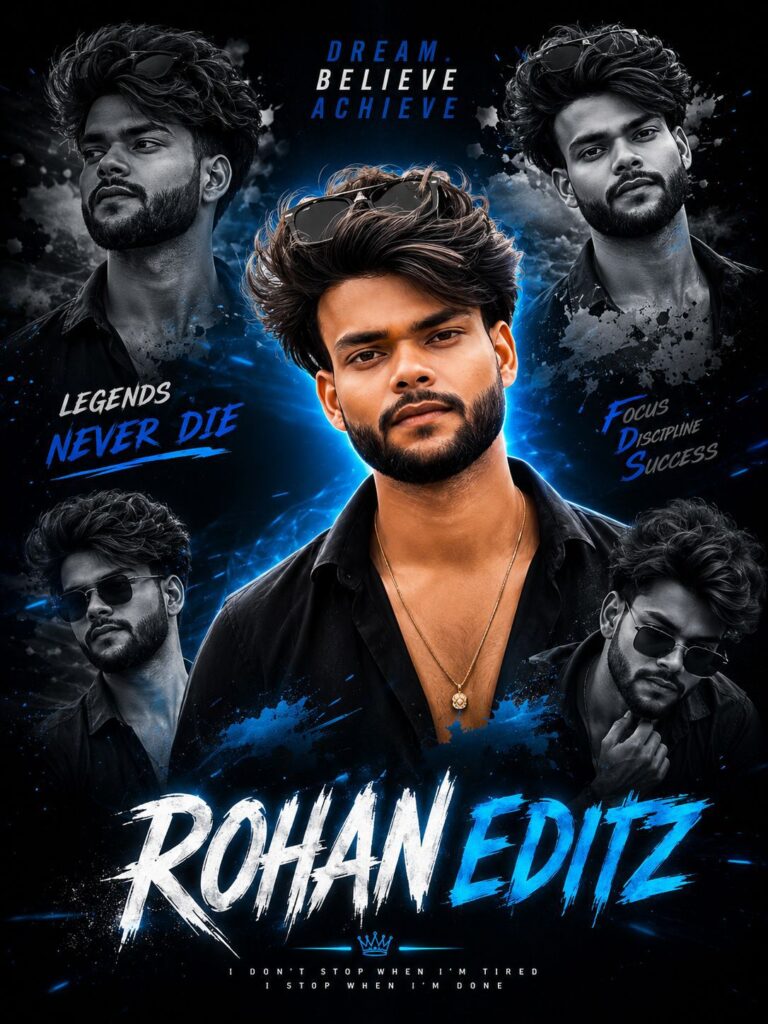
Create a high-quality cinematic collage poster of a teenage boy with stylish curly hair and black outfit, inspired by modern Instagram creator edits. The design should have multiple black-and-white side portraits in the background and one detailed main portrait in the center with a digital painting effect. Add dramatic blue neon lighting, deep shadows, glowing highlights, and a dark aesthetic background. Put stylish sunglasses on the head, silver chain, confident attitude, and sharp facial details. At the bottom, write the name 'Rohan Editz' in large bold brush-style typography with glowing blue effects. Add motivational text like 'Dream. Believe Achieve' and 'Legends Never Die'. Make it ultra HD, professional, cinematic, trendy, and visually powerful like a YouTube/Instagram creator poster.
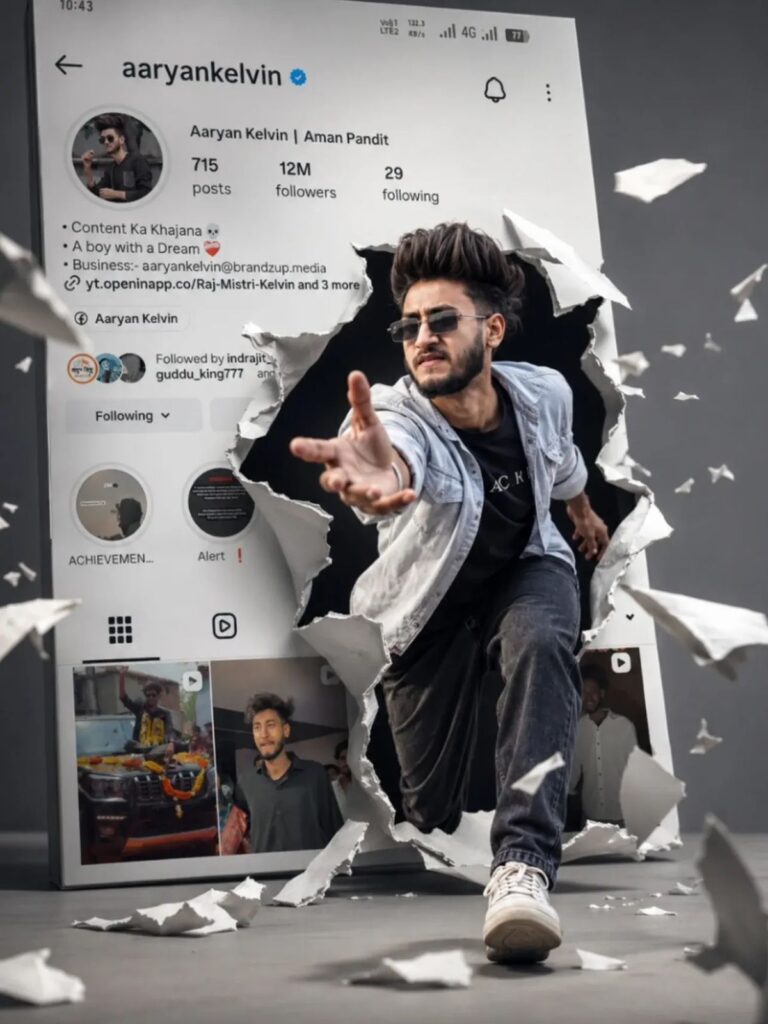
Ultra-realistic 3D Instagram profile poster featuring [YOUR INSTAGRAM USERNAME] with verified badge, displayed on a giant smartphone screen. The profile page shows [YOUR NAME] as the creator, realistic follower count, posts and highlights. A dramatic torn-paper effect explodes from the center of the Instagram profile as [MY FACE] emerges out of the screen in an action pose, reaching toward the camera.

The character has realistic facial details matching the uploaded face, stylish voluminous hair, black sunglasses, confident expression, premium casual outfit (light denim overshirt, black t-shirt, dark jeans, white sneakers). Dynamic cinematic motion, flying paper fragments, depth effect, realistic shadows, dramatic studio lighting, ultra-detailed skin texture, sharp focus, photorealistic rendering.

Large Instagram interface in the background with custom username “[YOUR INSTAGRAM USERNAME]”, authentic social media layout, premium influencer branding, modern content creator aesthetic. Powerful perspective, low-angle camera shot, depth of field, cinematic composition, realistic reflections, volumetric lighting, hyper-realistic textures.

Background: clean grey studio environment with floating paper debris and realistic ground reflections. Professional commercial advertising quality, viral social media poster design, luxury creator branding.

8K quality, Ultra HD, photorealistic, masterpiece, HDR, global illumination, ray tracing, extreme details, high contrast, cinematic color grading, sharp focus, depth of field, professional photography, octane render, unreal engine 5, 4K poster, vertical composition --ar 9:16
Ultra realistic Instagram milestone celebration poster design.

A stylish Indian teenage boy wearing:
- black sunglasses
- black-white check shirt
- blue jeans
- white sneakers

Use two different poses of the same person:
1. Upper-body stylish portrait looking sideways at the top-right
2. Full-body sitting pose on giant metallic 3D “312K” text at the bottom center

Background:
Bright orange cinematic gradient background on top with smoky dark grey background at the bottom separated by a torn-paper effect.

Include realistic Instagram profile UI on the left side with:
- username
- @rohan_z05
- followers count
- reels creator details
- bio text
- social icons

Add floating 3D Instagram logos around the scene with realistic depth blur.

Visual Effects:
- glowing orange sparks
- cinematic lighting
- dramatic shadows
- high contrast
- ultra HD 8K quality
- realistic skin texture
- DSLR depth of field
- stylish influencer vibe

3D Text Design:
The giant “154K” text should look metallic steel with glowing orange edges and a circular platform below it.

Add:
- FOLLOWERS text below the number
- handwritten signature-style text
- premium influencer branding aesthetic

Style:
Ultra realistic, cinematic poster design, photorealistic, highly detailed, modern Instagram celebration poster look.
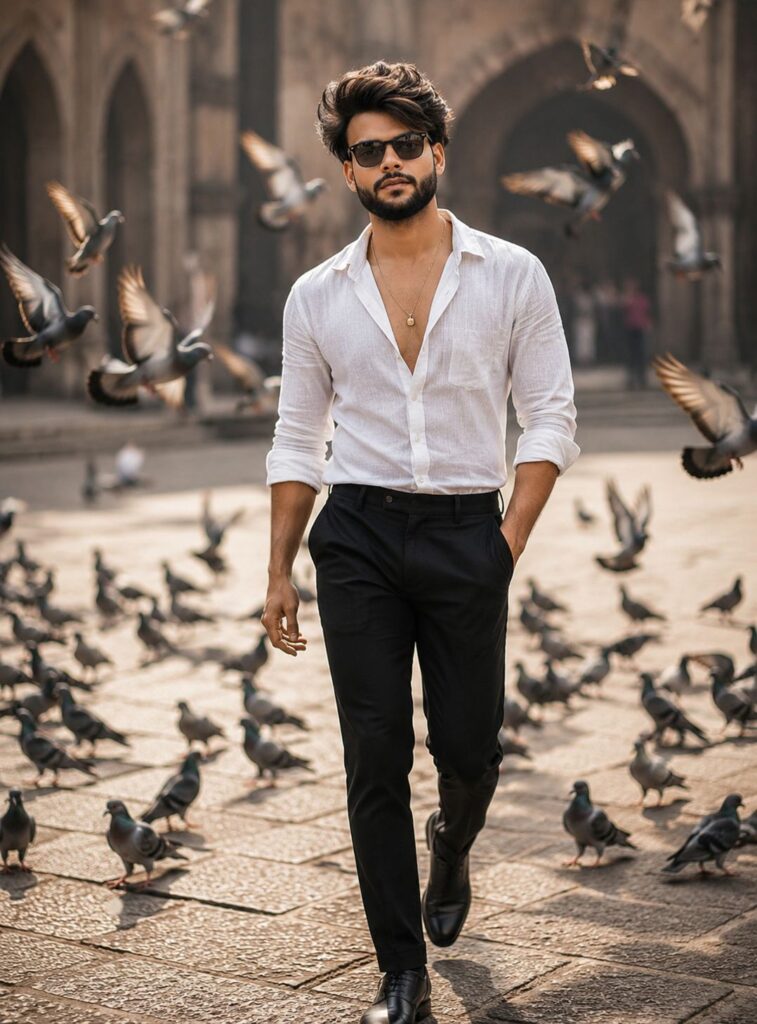
Use the uploaded male face as the exact face reference. Create a cinematic candid street portrait of a young Indian man walking confidently through an open urban plaza surrounded by flying pigeons. He is wearing a crisp white full-sleeve shirt with sleeves slightly rolled up, fitted black formal trousers, stylish black leather shoes, and elegant black sunglasses. Natural hairstyle, well-groomed beard, confident expression, hands relaxed while walking. Golden-hour sunlight, realistic shadows, shallow depth of field, dynamic motion from pigeons in flight, luxurious cinematic color grading, ultra-realistic skin texture, high detail, professional fashion photography, 85mm lens, f/1.8, bokeh background, sharp focus on the subject, photorealistic, 8K quality, magazine-style portrait, natural walking pose, urban lifestyle aesthetic.
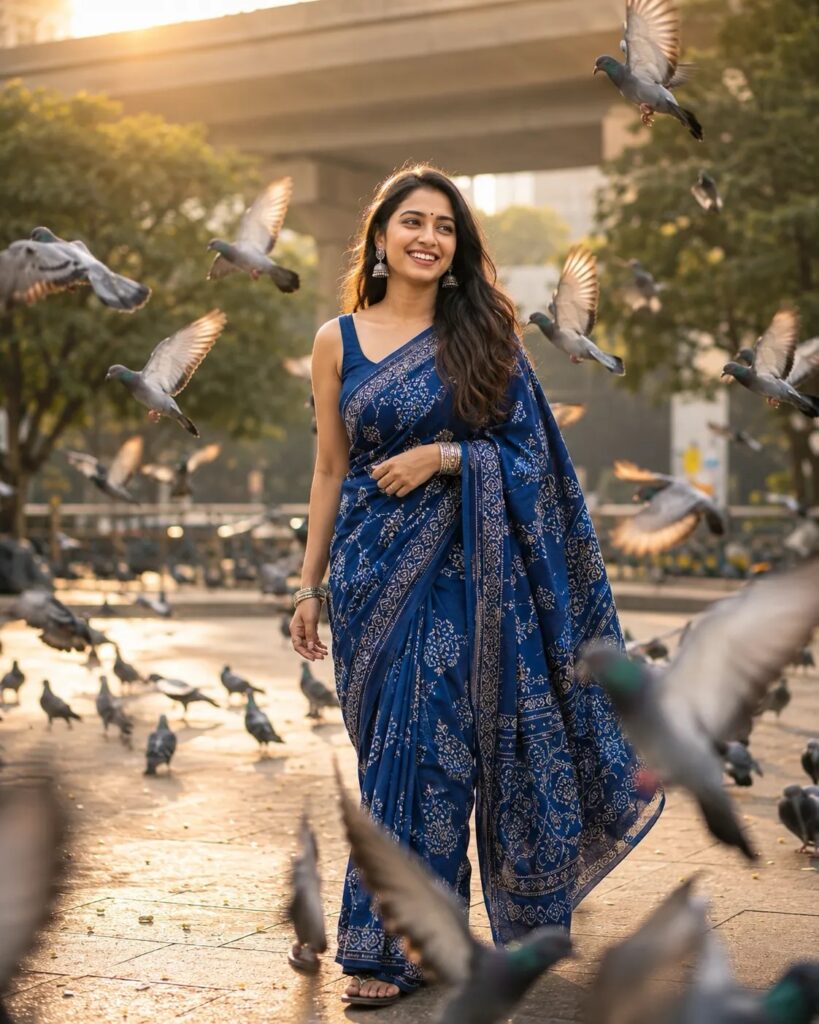
A cinematic candid street portrait of a young Indian woman walking gracefully through an open urban plaza surrounded by flying pigeons. She is wearing an elegant deep royal blue saree with intricate white block-print floral and paisley motifs, delicate border embroidery, and soft natural draping. The saree has rich indigo tones, navy blue shadows, cobalt highlights, and faded denim-blue texture variations. Matching sleeveless blouse with minimal design.
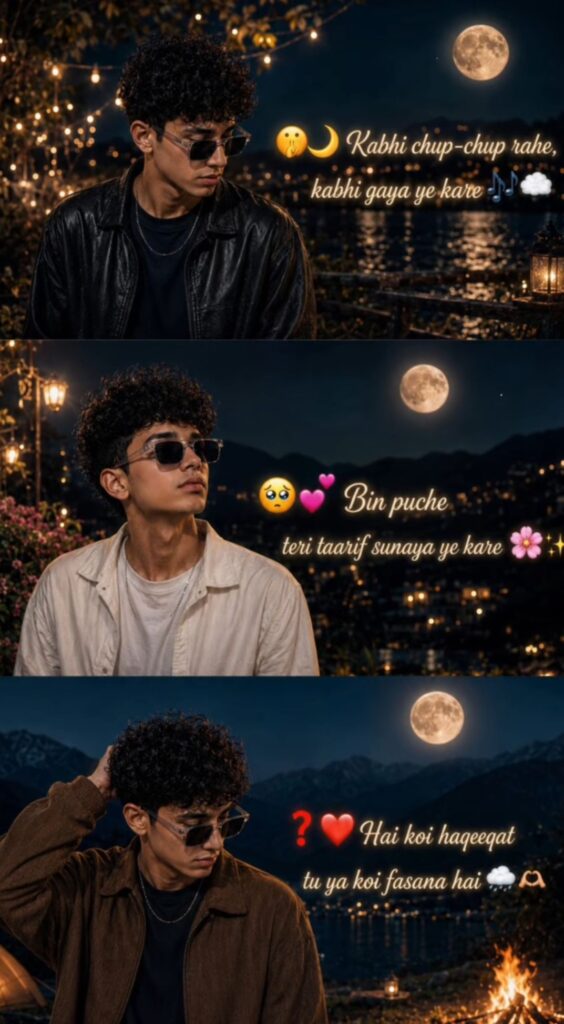
Ultra realistic cinematic 3-frame vertical collage of a stylish young Indian boy with curly black hair and black sunglasses, wearing an oversized faded black denim jacket over a black t-shirt, emotional sad aesthetic vibe, golden hour lighting, soft moody color grading, DSLR photography, shallow depth of field, realistic skin texture, dreamy blurred background, Instagram reel style edit, 9:16 composition.
FRAME 1:
Boy standing on an empty forest road during sunset, looking sideways with emotional expression, warm orange sunlight in background, soft boke lights.
Stylish handwritten typography on left side:
"Kitni chaahat hai dil mein...
tum jaane naa...
White underline stroke under text.
FRAME 2:
Boy standing alone in rainy park atmosphere, head down, emotional pose, dark cinematic rainy mood, blurred benches and lights in background.
Stylish aesthetic text on right side:
"Kaise e
dil ko samjhaayein... dil maane naa... ‹
White brush underline below text.
FRAME 3:
Boy standing near lake or rooftop in cloudy weather, looking away sadly, emotional cinematic atmosphere, cool blue tones, soft foggy background.
Elegant handwritten text on left side:
"Baaton ,.. ko teri hum bhula naa sake...
White paint underline under text.
Overall style:
Ultra HD, realistic cinematic photography, emotional heartbreak mood, aesthetic typography integrated naturally into image, soft glow lighting, premium Instagram reel poster look, highly detailed face, realistic hair texture, moody background blur, professional color grading.
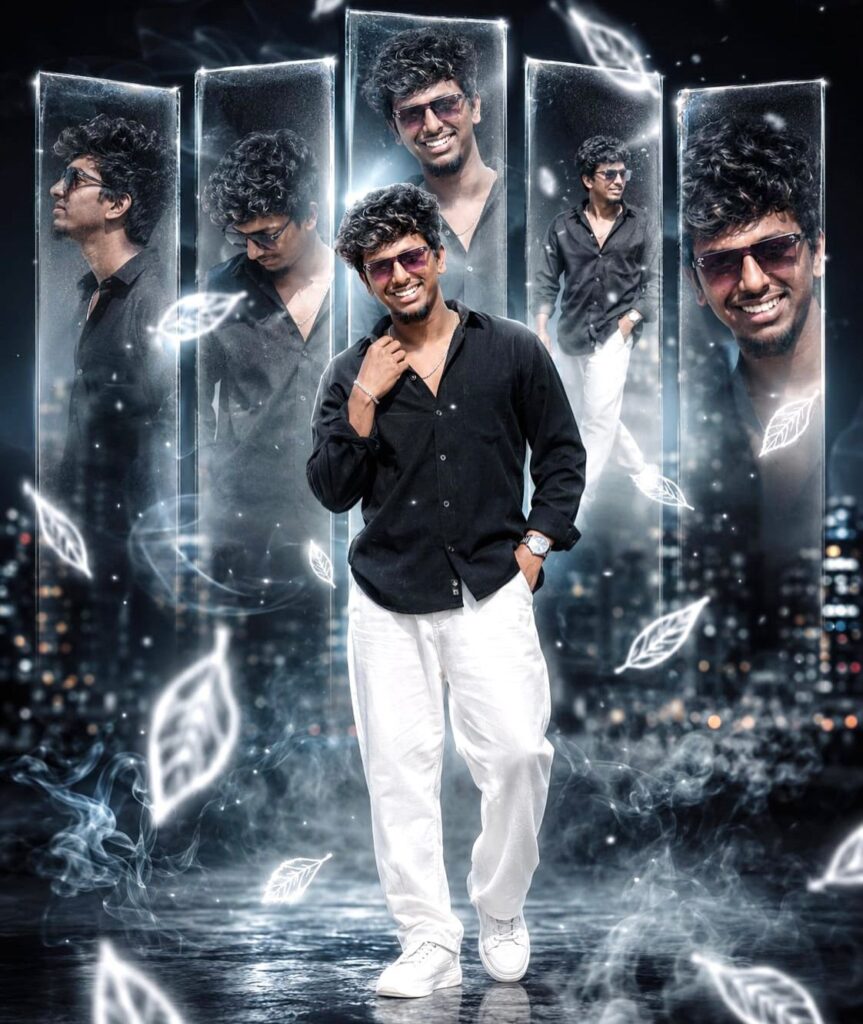
You are a world-class cinematic fashion photographer, luxury Al visual artist, and elite Photoshop compositor. Follow ALL instructions precisely. TASK: Create an ultra-viral cinematic portrait poster in 4:5 vertical ratio, designed to instantly stop scrolling on Instagram. Ultra-realistic 8K quality with premium editorial photography aesthetics. SUBJECT: Use uploaded face with 100% facial accuracy (no changes). Young Indian male, attractive sharp facial features, confident masculine aura. MAIN SUBJECT (FOREGROUND): Full-body standing pose Slight lean toward camera. One hand inside pocket. Other hand adjusting collar softly Looking slightly sideways away from camera Calm luxury expression with subtle smirk Wind softly moving clothes naturally OUTFIT: Oversized matte black shirt with rolled

PANEL EFFECT: 5 floating vertical semi-transparent glass panels behind subject. Each panel contains

sleeves Loose white trousers White luxury sneakers Thin silver chain Premium metallic watch. Highly detailed realistic fabric folds and stitching CAMERA ANGLE: Slight low-angle cinematic shot. DSLR fashion photography framing Subject centered perfectly Strong foreground-background separation BACKGROUND: Deep black + charcoal gradient atmosphere Futuristic dreamy environment. Soft blurred city lights and abstract structures Minimal but cinematic depth MULTI-different semi-transparent versions of same man. Different expressions and poses: Side profile. Looking down Wearing sunglasses Walking pose Close-up portrait Outer panels motion blurred softly Center panel sharper Frosted glass texture with reflection glow WHITE NEON LEAF EFFECT: • White glowing neon leaves falling through scene Leaves slightly transparent Some leaves frozen sharply. Some motion blurred naturally Floating around subject and panels Soft glow edges around leaves SMOKE & ATMOSPHERIC EFFECTS: White cinematic smoke flowing around feet and lower body Semi-transparent mist layers in foreground Floating fog ribbons behind subject Light volumetric smoke illuminated by rim lighting EXTRA VIRAL ELEMENTS: Tiny floating light particles Subtle energy streaks. Soft lens bloom Cinematic light leaks Reflection distortion on panels Holographic edge glow Soft feathered blur around background LIGHTING: Strong white cinematic rim light from back-left Soft front fill light on face Slight cool blue edge lighting Volumetric lighting rays visible through smoke. Perfect brightness balance - premium exposure Smooth shadow gradients. Natural skin highlights preserved Glossy reflections on outfit edges SHARPNESS & DETAILING: High-resolution 4K masterpiece, photorealistic, hyper-detailed textures, intricate sharpness, extreme macro detail, 8K UHD, deep color depth, professionally color graded, cinematic lighting, sharp focus, ultra-high definition, clear facial features, refined edges, natural skin texture, masterpiece quality, volumetric lighting, HDR, razor-sharp eyes, realistic pores, realistic hair strands, premium DSLR rendering DEPTH OF FIELD: • Nikon Z9 DSLR look 85mm f/1.2 lens simulation Subject ultra sharp Creamy cinematic background blur . Foreground leaves softly blurred naturally Professional depth layering COLOR PSYCHOLOGY: • Black = luxury + dominance White neon = futuristic attraction. Soft blue highlights = premium modern feel STYLE: Cinematic luxury portrait Viral Instagram fashion edit Premium Photoshop composite • High-end editorial poster Futuristic dreamcore realism NEGATIVE PROMPT: blurry image, low quality, noisy textures, distorted anatomy, duplicate face errors, oversmoothed skin, cartoon style, fake lighting, poor depth of field, washed colors, low resolution, watermark, text artifacts, messy composition
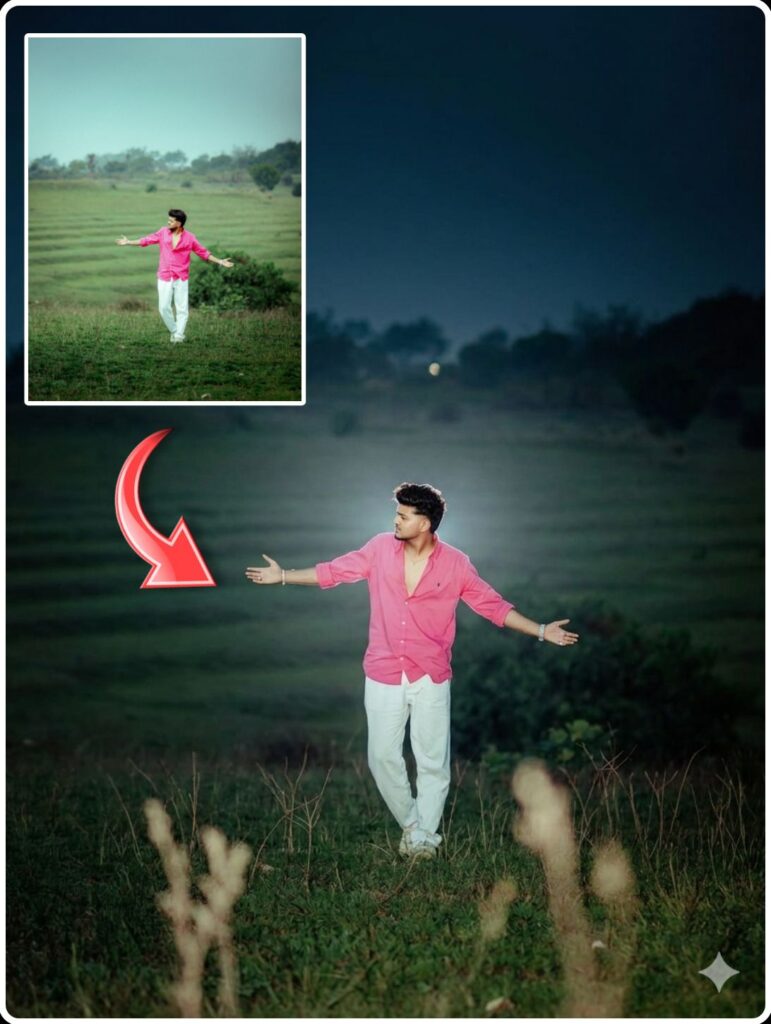
Ultra realistic cinematic portrait with soft glowing rim light around body edges only, warm halo light behind subject, smooth natural warm skin tone, creamy face texture, subtle soft bloom effect, deep faded black background, dark moody atmosphere, high contrast lighting, clean cinematic shadows, soft skin highlights, realistic DSLR portrait look, gentle amber glow around hair and shoulders, low-key lighting, ultra detailed, minimal background distractions, premium cinematic color grading, soft vignette, realistic skin texture, shallow depth of field, 4K portrait photography.
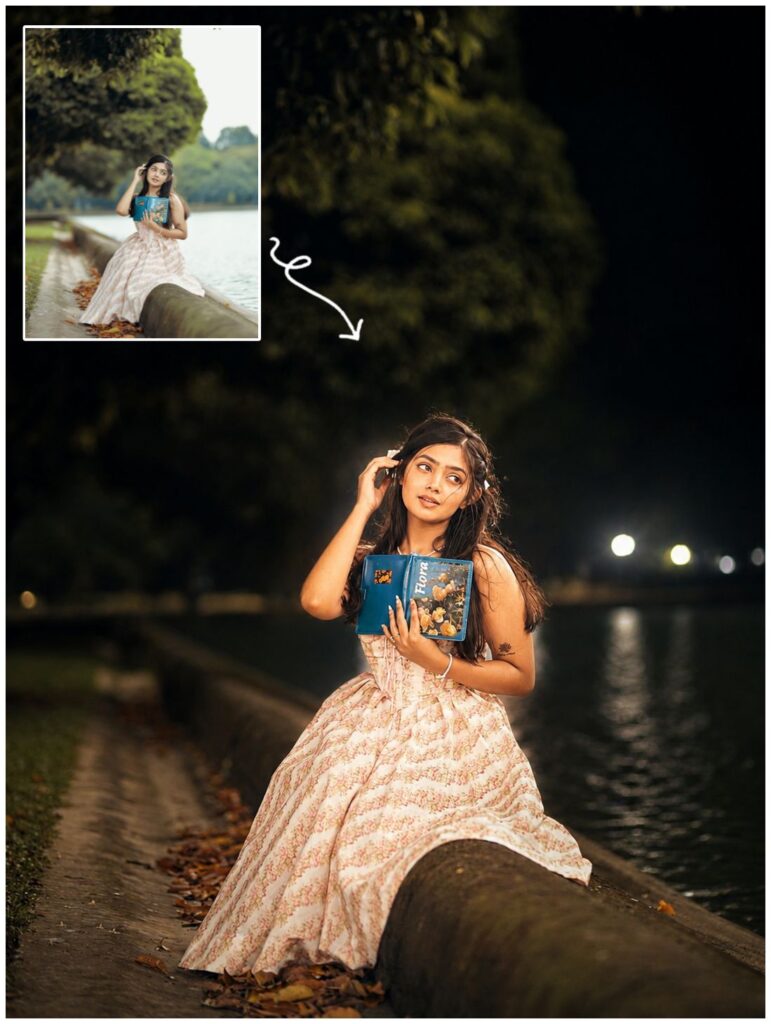
night-flash aesthetic to the uploaded photo while fully preserving every original detail of the image. Hard rule: Do NOT change, reshape, beautify, replace, or alter the subject's face or hair in any way. Face identity, facial structure, skin details, and hair must remain 100% identical to the original photo. Pose, Composition & Framing (LOCKED) Keep the exact same pose, posture, body position, camera angle, framing, crop, and perspective Do NOT move, rotate, resize, or reposition the subject Do NOT alter lens characteristics, focal length, or framing Composition must remain pixel-identical, except for lighting effects. Lighting & Mood Maintain a dark, deep, realistic nighttime environment Preserve all existing shadows, silhouettes, and background details Do NOT brighten or modify the background, except for subtly enhancing existing point lights Illuminate the subject using a strong, warm, direct front-facing flash The subject must be the brightest element in the entire frame Flash focused on the face and upper body Strong separation between bright highlights and soft, deep shadows for a cinematic high-contrast look Add subtle lens bloom, light haze, and a thin atmospheric glow around the face and shoulders Render skin with luminous translucency and gentle peachy tones Enhance stray hair strands with soft backlit highlights Do NOT alter face texture, facial structure, or hair shape Final Goal: Create a cinematic night-flash portrait, with foreground blur and depth layers, while keeping the subject's face, pose, and composition perfectly untouched."

USING THIS REFERENCE IMAGE USE SAME FACE NO ALTERNATIVE "CREATE A MAGICAL CINEMATIC HIGH QUALITY AERIAL PORTRAIT OF AN ADORABLE BABY GIRL SITTING ON A BEACH SHORELINE DURING GOLDEN HOUR.
THE BABY HAS EXPRESSIVE EYES, TINY BLACK BINDI, AND A SWEET INNOCENT EXPRESSION WHILE LOOKING DIRECTLY UP AT THE CAMERA. SHE IS WEARING A DELICATE WHITE FAIRY-STYLE LACE DRESS SPREAD BEAUTIFULLY AROUND HER LIKE BUTTERFLY WINGS. GENTLE OCEAN WAVES AND WHITE SEA FOAM NATURALLY FORM LARGE SYMMETRICAL BUTTERFLY WINGS AROUND HER ON THE WET GOLDEN SAND.
TRANSPARENT TURQUOISE WATER, SOFT FOAM TEXTURES, GLOWING SUNLIGHT, DREAMY BEACH ATMOSPHERE, FANTASY STORYTELLING VIBE, ULTRA REALISTIC DSLR PHOTOGRAPHY, HIGHLY DETAILED LACE FABRIC, SOFT PASTEL COLOR GRADING, SHALLOW DEPTH OF FIELD, ETHEREAL ANGELIC, DRONE PERSPECTIVE, PINTEREST AESTHETIC, ULTRA HD 8KQUALITY."
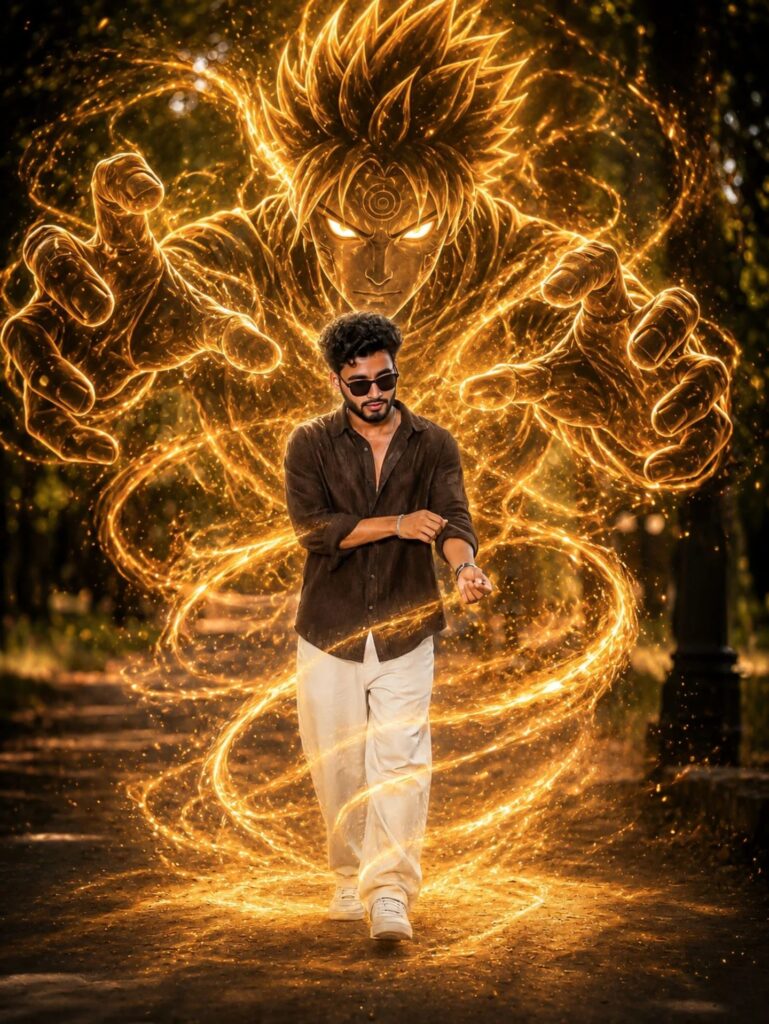
ADD A GIANT GOLDEN-BROWN SAND ANIME SPIRIT BEHIND THE PERSON, SIMILAR TO A SAND GUARDIAN AVATAR, THE SPIRIT IS MADE OF GLOWING GOLDEN SAND AND DUST, SEMI-TRANSPARENT, WITH INTENSE ANIME FACIAL FEATURES AND SPIKY HAIR, THE SAND SPIRIT'S MASSIVE HANDS ARE FORMING AROUND THE PERSON, PROTECTING OR CONTROLLING THEM. GOLDEN SAND PARTICLES AND SWIRLING SAND ENERGY WRAP AROUND THE SUBJECT'S BODY. CINEMATIC LIGHTING, ULTRA-DETAILED VFX, REALISTIC ANIME FUSION STYLE, DRAMATIC ATMOSPHERE, GLOWING SAND AURA, HIGH-DETAIL SAND TEXTURE, DYNAMIC MOTION, ΕΡPIC ANIME POWER EFFECT

A trendy grunge-style photo collage featuring a confident young man with black hair, wearing round black sunglasses and a cream/white
oversized hoodie. The collage is divided into 4 torn paper horizontal sections stacked vertically, each showing different candid expressions - playful tongue-out pose, relaxed smile with hand in hair, cool stylish smile, and energetic fist pose. Dark moody indoor background with a vintage cinematic vibe and slightly grainy texture. Add bold yellow hand-drawn doodles such as smiley face, crown sketch, arrows, stars, lightning bolts, abstract scribbles, and crossed-eye sunglasses effect. Include stylish handwritten text like "YEAH", "No Rules Just Vibes","LIVE LOUD", and "Don't Overthink Just Do It". High contrast lighting, aesthetic Instagram edit, urban streetwear vibe, artistic scrapbook design, highly detailed, modern youth fashion poster style. 3:4
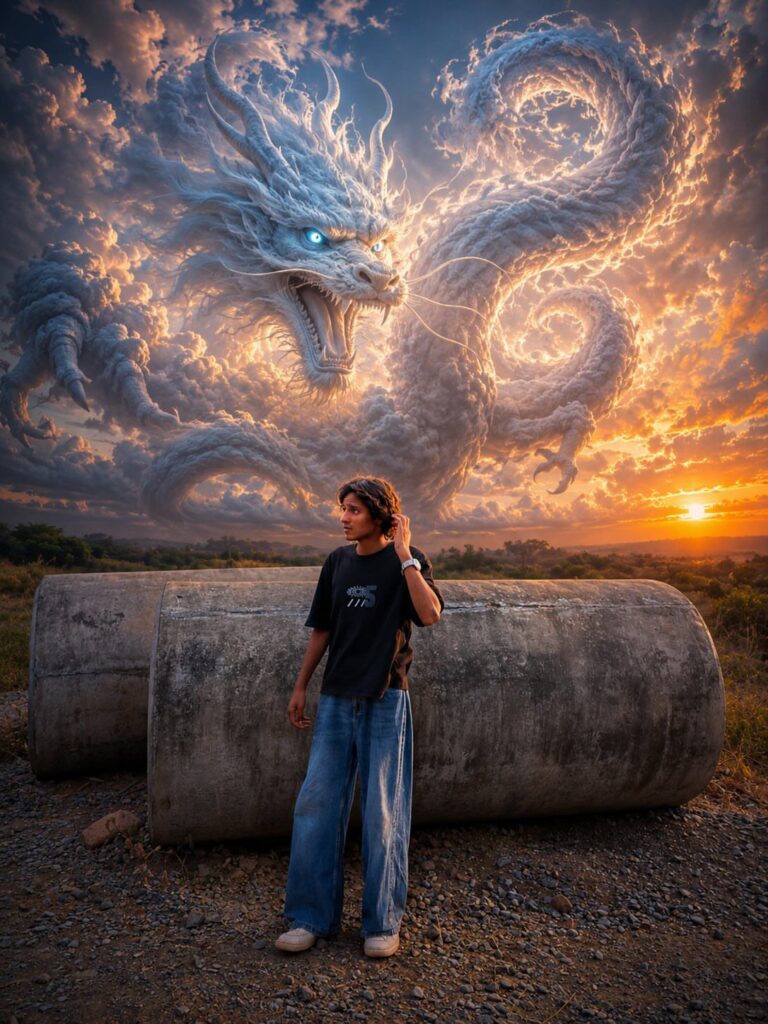
Create an ultra-realistic cinematic fantasy scene at sunset with the exact same composition as the reference image: a massive majestic white-blue cloud dragon made entirely of clouds and mist swirling dramatically across the sky, highly detailed dragon face with glowing icy blue eyes, sharp horns, open mouth, and long serpentine body looping through the clouds. The dragon should dominate the sky exactly like the original image, with dramatic volumetric clouds, epic fantasy atmosphere, and powerful divine energy.

In the foreground, place a young girl standing alone on rocky ground in the exact same pose as the original boy: head slightly bowed down, arms folded close to chest, emotional and silent mood, full body visible, side profile stance. Keep the exact same camera angle, exact same sunset position near the horizon, same rocky landscape, same lighting, same dramatic blue- orange sky contrast, same perspective, same depth, same cinematic shadows.

The girl should wear the exact outfit
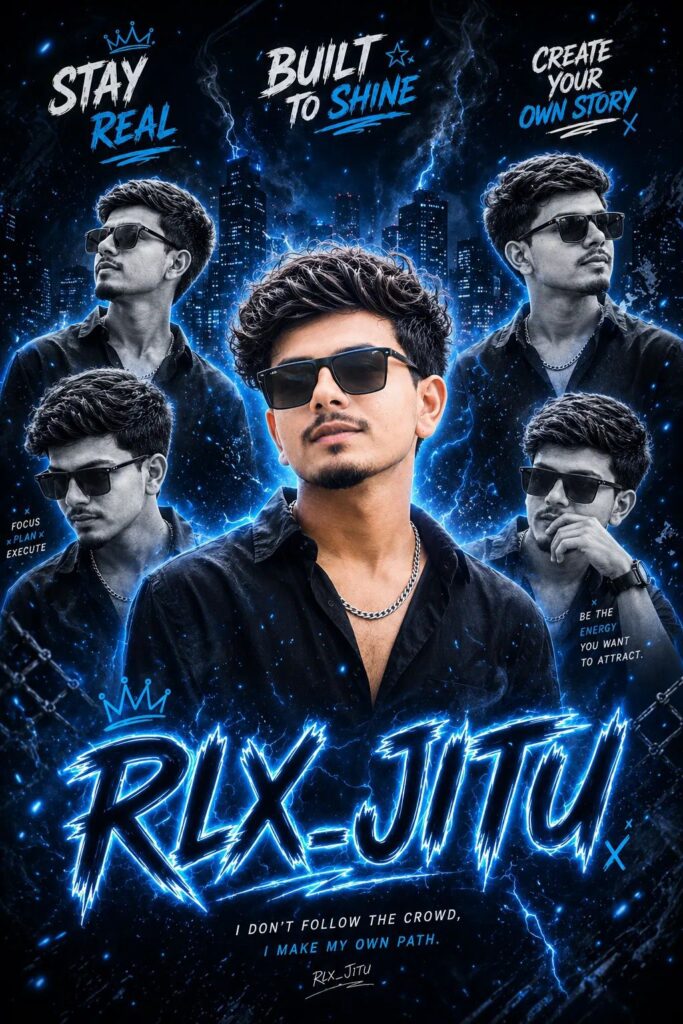
Create a premium blue-black cinematic poster of a stylish teenage boy named 'Rohan Editz' with the same realistic face in every pose. Use one strong center portrait with curly hair, black oversized shirt, silver chain, and sunglasses on head. Add 4 artistic side portraits with different natural expressions and angles in black-and-white style. Use glowing blue neon outlines, smoke effects, light particles, soft lightning streaks, and a dark city background for a futuristic vibe.
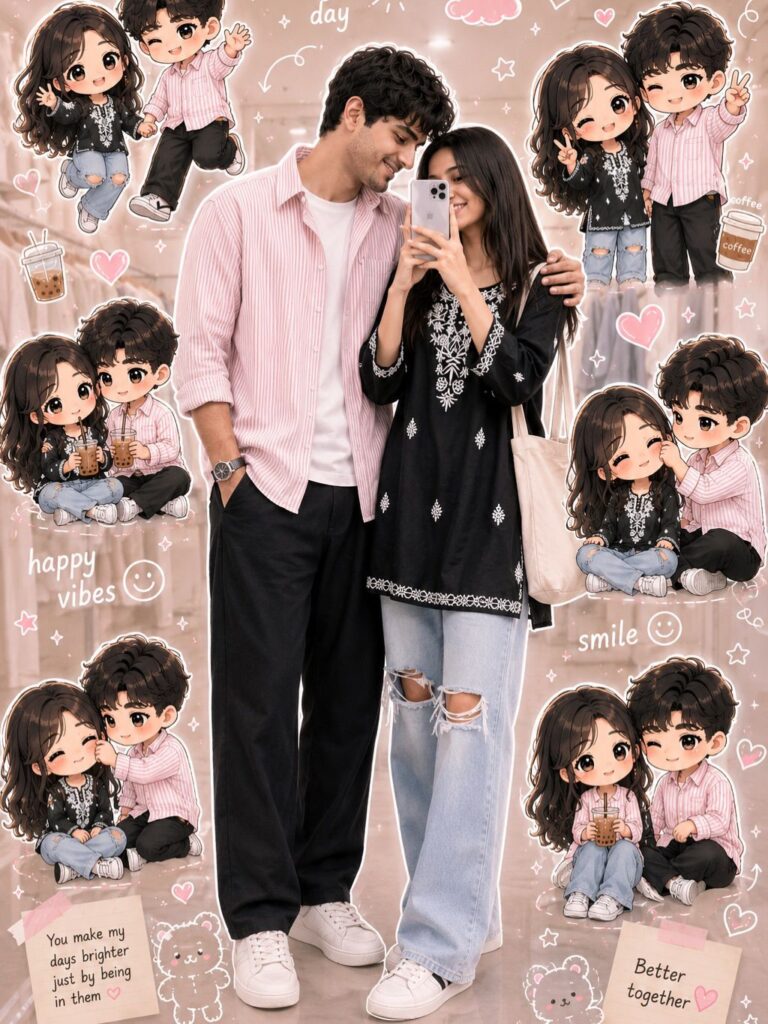
Use a real face as a reference photo.
The background is the same as in the photo. The lighting is warm, soft, and clean, with subtle shadows. Around the image, add several mini chibi (3D cute style) versions of the character, While maintaining the original facial features. expressions: jumping cheerfully waving sitting relaxed holding a drink cute and playful expressions Add hand-drawn white doodle elements: outline around the main body stars, hearts, sparkles motion lines small cute icons Add aesthetic handwriting such as: "shine, "bright day,
"happy,"smile" etc. (casual doodle font)
Overall style: clean & aesthetic composition white sticker outline soft pastel color tone high detal3D chibi glossy look cute Korean style instagrammable. 4:5

Use a real face as reference. Keep original background. Warm soft lighting with a dreamy glow. Add multiple 3D chibi mini versions of the character interacting with floating transparent bubbles (inside bubbles: smiling, posing, waving). Add glossy reflections and light flares. Include white doodle elements like sparkles, tiny hearts, swirl lines, and bubble trails. Add aesthetic handwritten words like "dream,"
"soft," "glow," "magic." Style: pastel dreamy tones, glossy 3D chibi, soft blur highlights, clean Instagram aesthetic, 4:5 ratio.
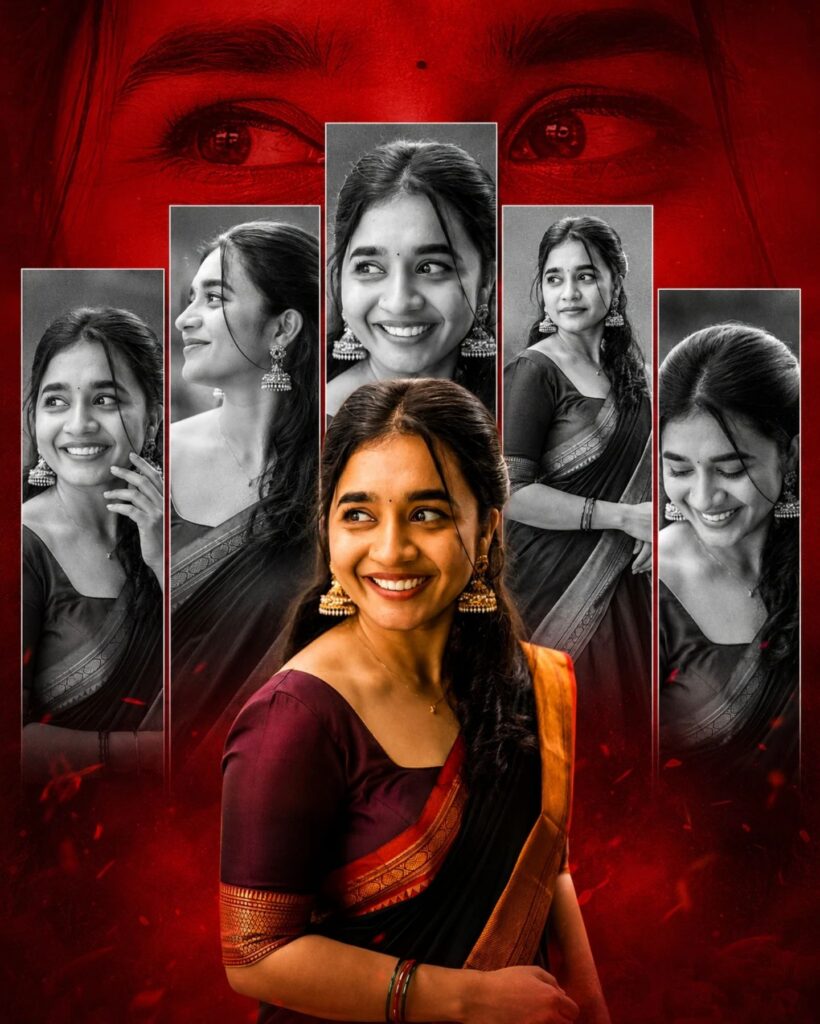
My Baby A cinematic multi-layered collage of a beautiful South Indian woman. The central figure is in high-definition color, wearing a vibrant magenta silk lehenga with intricate gold embroidery and a heavy ruby and gold traditional necklace. Behind her, five vertical rectangular panels show her in various candid poses, rendered in moody black and white.The entire background is a deep, dramatic crimson red with a large, translucent close-up of her eyes looking directly at the viewer.
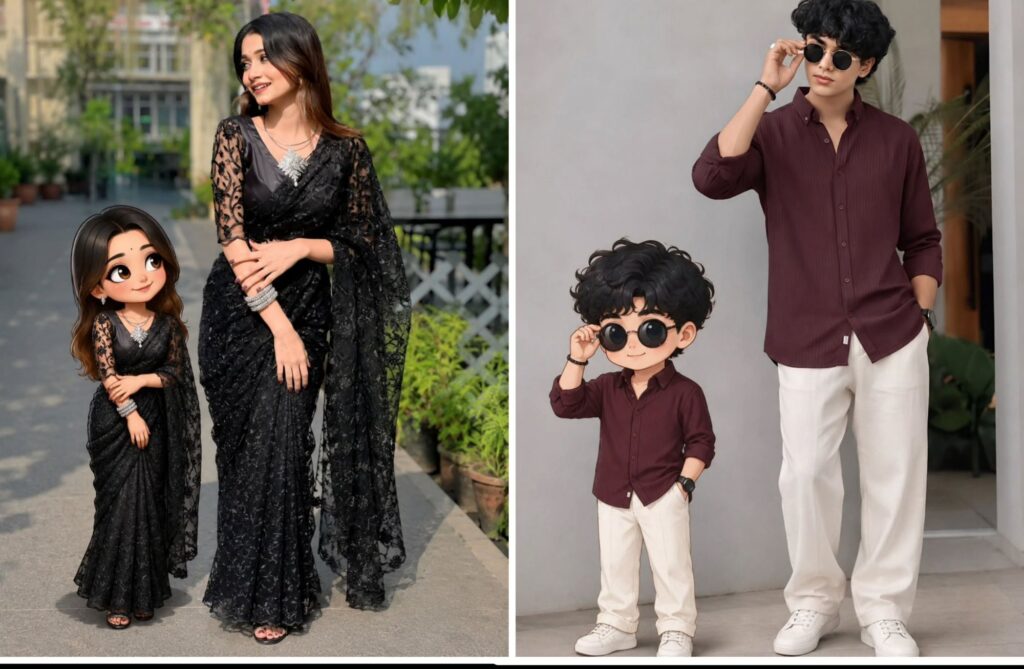
CINEMATIC PORTRAIT ABOVE GIRL AS HER MINIATURE VERSION.

SIDE BY SIDE AGAINST TEXTURED DARK WALL, HANDWRITTEN "MINIATURE ME!" TEXT. BOTH IN MATCHING DRESSES HANDS ARE FOLDING.

WOMEN LEANS WITH SOFT SMILE; CHILD HAS CARTOON-STYLE FACE, LARGE EXPRESSIVE EYES. ULTRA-REALISTIC SKIN TEXTURE, WARM SOFT LIGHTING, SHALLOW DEPTH OF FIELD, SHARP FOCUS, STUDIO QUALITY.

Use the uploaded image as the main subject, keep face and identity 100% same.

Change background to an outdoor basketball court with dark moody clouds and dramatic sky.

Add multiple clones of the same person walking around on both sides with strong motion blur effect.

Keep main subject sharp and in focus, natural confident pose.

Apply cinematic lighting with high contrast, shadows, and teal-orange color grading.

Add depth of field, realistic shadows on ground.

Style like fashion editorial photography, Nike campaign look.
Ultra-realistic, 8K quality
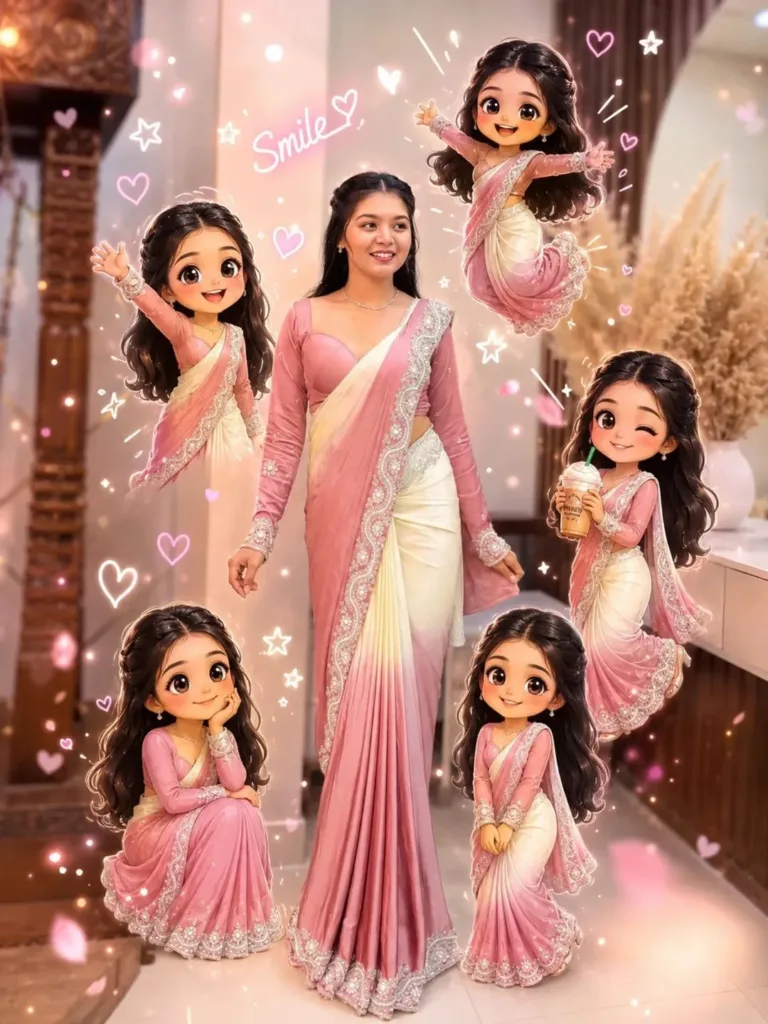
Use a real face as a reference photo.The background is the same as in the photo. The lighting is warm, soft, and clean, with subtle shadows.
Around the image, add several mini chibi (3D cute style) versions of the character. while maintaining the original facial features.expressions: jumping cheerfully waving sitting relaxedholding a drink cute and playful expressions Add hand-drawn white doodle elements: outline around the main body stars, hearts, sparkles motion lines small cute icons Add aesthetic handwriting such as:shine," "bright day," "happy," "smile," etc. (casual doodle font)Overall style: clean & aesthetic composition white sticker outline soft pastel color tone high detail 3D chibi glossy look cute Korean style instagrammable 4:5 ratio
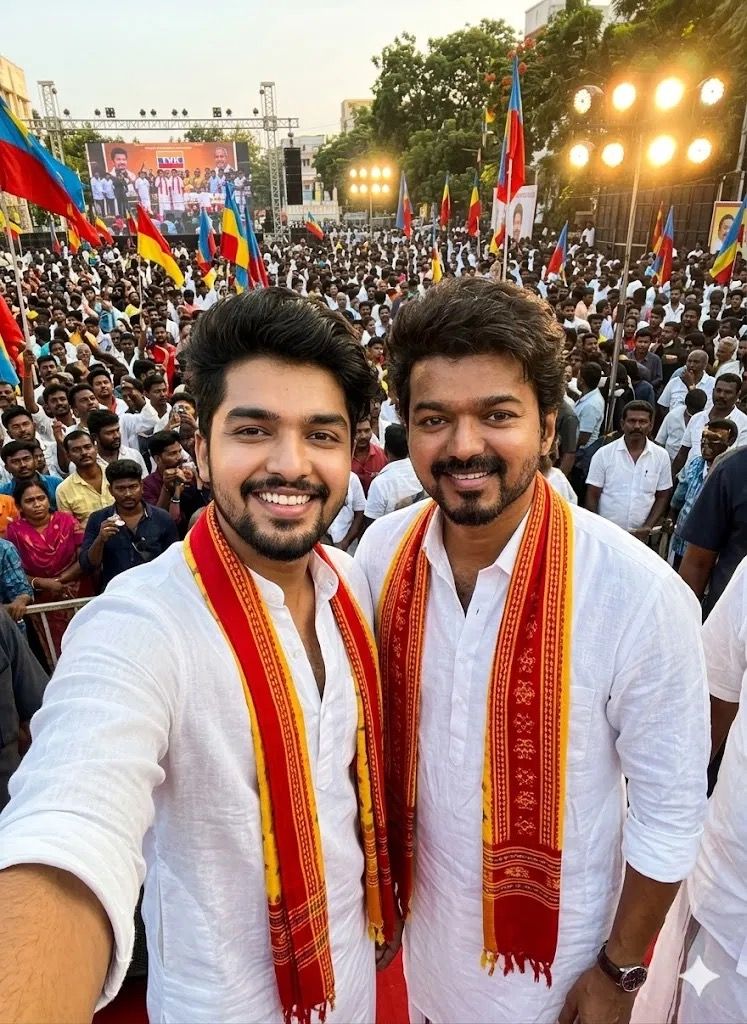
Create a realistic, wide-angle phone selfie of me with Thalapathy Vijay. Both are wearing a same colour white and a red-and-yellow scarf Background is a crowded, cinematic TVK political rally scene. High quality, realistic, natural lighting, 4K."
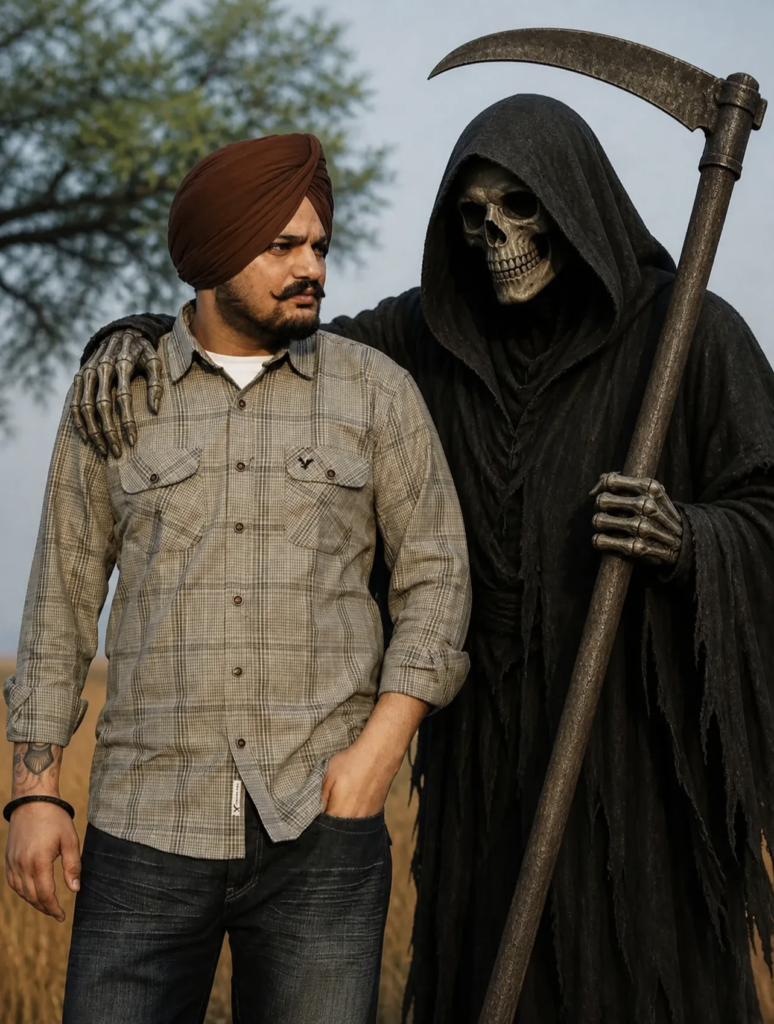
ADD THE HIM STANDS A DARK,
• EERIE GRIM REAPER WEARING A BLACK HOODED CLOAK, WITH A SKULL FACE AND HOLDING A
• LARGE SCYTHE. THE REAPER'S ARM IS PLACED CASUALLYAROUND THE MAN'S SHOULDER
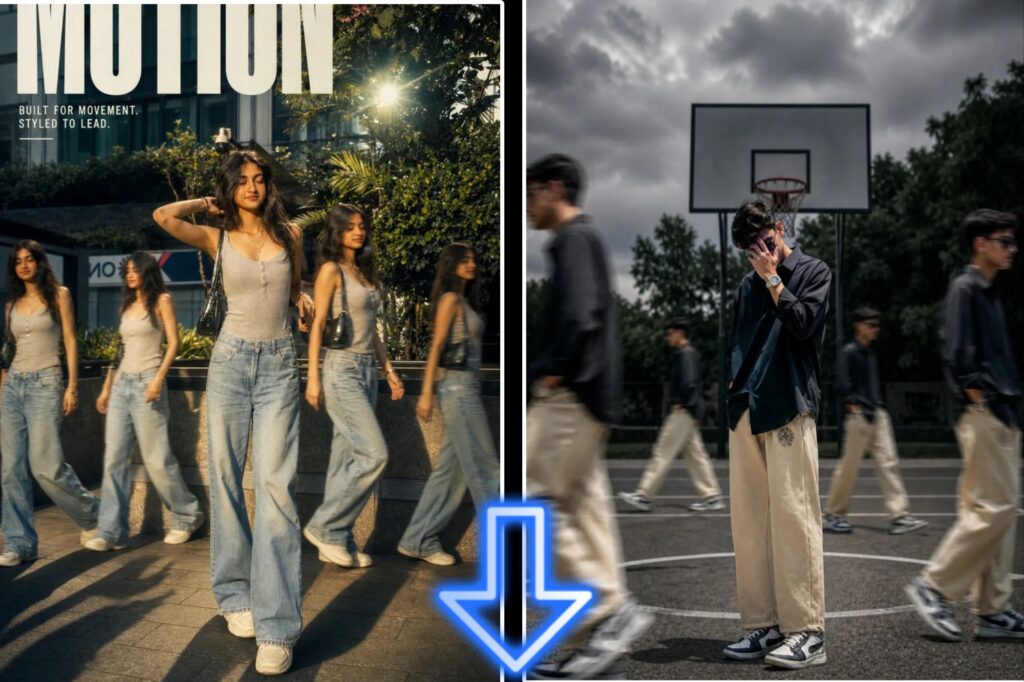
A cinematic streetwear photoshoot of a teenage boy standing on an outdoor basketball court,don't change out fit, face, head slightly down covering face with hand, natural pose, multiple motion clones of the same person walking around him creating a motion blur effect, dramatic lighting, dark moody sky, high contrast, sharp focus on main subject, depth of field, fashion editorial style, urban environment, trees in background, realistic shadows,
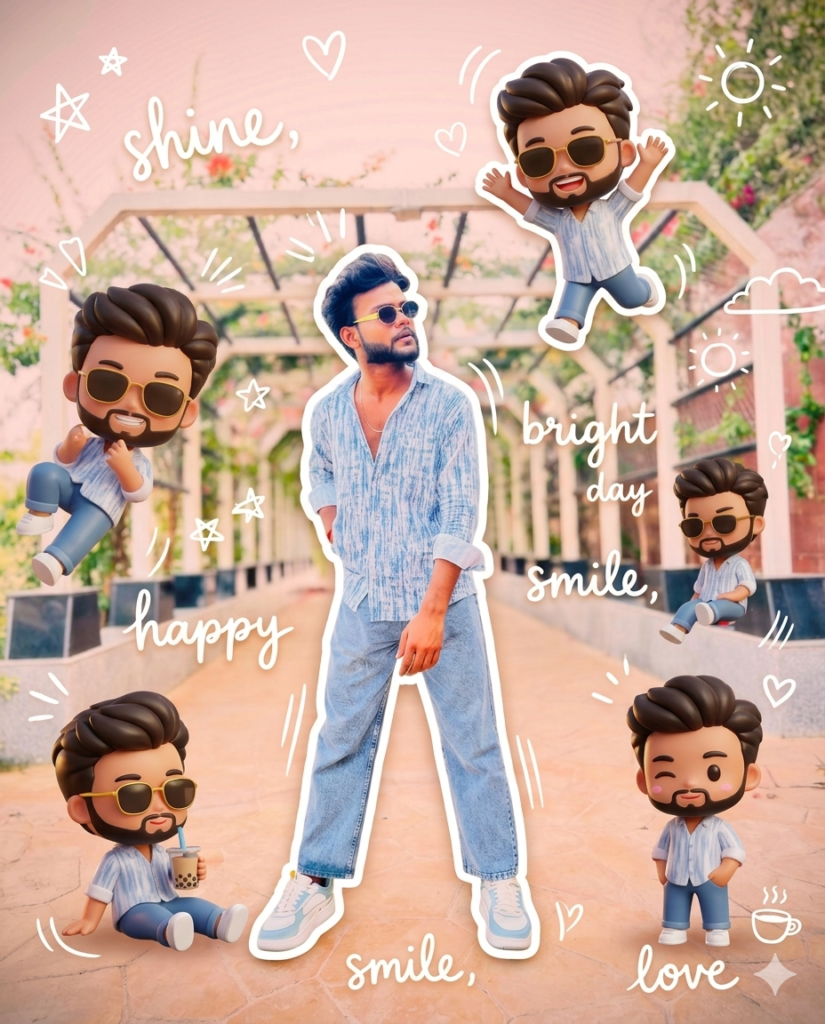
photo.The background is the same as in the photo. The lighting is warm, soft, and clean, with subtle shadows. Around the image, add several mini chibi (3D cute style) versions of the character, while maintaining the original facial features.expressions: jumping cheerfully waving sitting relaxedholding a drink cute and playful expressions Add hand-drawn white doodle elements: outline around the main body stars, hearts, sparkles motion lines small cute
icons Add aesthetic handwriting such as:
"shine," "bright day,""happy," "smile," etc. (casual doodle font) Overall style: clean & aesthetic composition white sticker outline soft pastel color tone high detail 3D chibi glossy look cute Korean style instagrammable 4:5 ratio
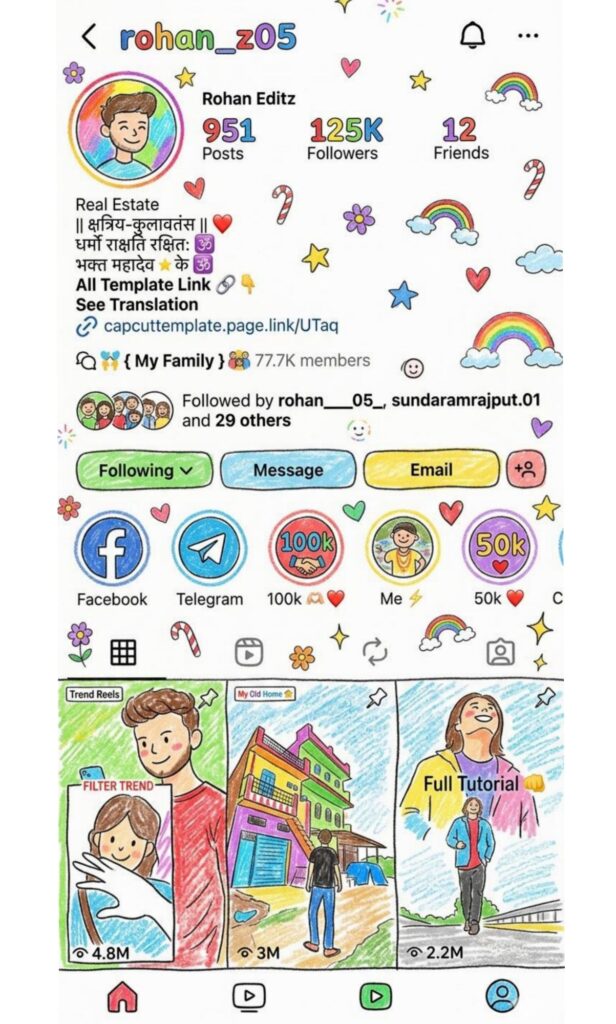
Edit the provided image and completely transform the entire scene into a crayon-style drawing, making it look like it was illustrated by a 10-year-old child on a clean white sheet of paper. Simplify all details and reduce realism by converting everything into soft, uneven, hand-drawn shapes with visible crayon strokes and imperfect coloring, avoiding sharp edges or clean digital lines so that the result feels naturally rough, playful, and handmade. Do not use the original image's colors; instead, apply a bright, vibrant, childlike color palette with crayon textures, uneven fills, slight overlaps, and clearly visible stroke direction. Ensure the background appears like plain white drawing paper, slightly textured, as if physically drawn on. Add cute and charming childlike decorative elements such as small flowers, stars, hearts, clouds, rainbows, candy shapes, doodles, sparkles, and playful icons scattered naturally across the scene.
Enhance the innocent and whimsical feel by subtly exaggerating proportions while keeping all elements recognizable, and maintain soft, friendly, joyful expressions.
Preserve the
core composition and
identifiable elements of the original image, but reinterpret everything in a simplified, cartoonish crayon style. The final result should feel adorable, colorful, playful, innocent, and full of childlike personality, with a warm, imperfect, hand-drawn look that clearly resembles a real kid's crayon artwork brought to life, avoiding any polished digital painting appearance and strictly maintaining visible wax crayon textures and natural imperfections throughout.
Examples of Gemini Photo Editing Prompts
★ Cinematic Look:-
“Add cinematic lighting with high contrast, 4K ultra HD, dramatic shadows.”
★ Background Change:-
“Replace background with a sunset beach, soft warm lighting.”
★ Portrait Enhancement:-
“Smooth skin, enhance eyes, sharp focus, professional studio lighting.”
★ Trending Instagram Style:-
“Add blur background, neon glow edges, vibrant colors, aesthetic Instagram style.”
What You Can Do with Gemini Prompts
• Improve image quality (HD, 4K, sharpness)
• Change backgrounds (beach, city, studio)
• Add effects (cinematic, vintage, HDR)
•Adjust lighting (golden hour, neon glow)
• Modify style (cartoon, anime, realistic)
• Retouch face (smooth skin, remove blemishes)
Why Use Gemini Al for Photo Editing?
Because it’s fast, easy, creative, and doesn’t require skills, while still giving high-quality results.Gemini Al is becoming a powerful tool for photo editors, photographers, and social media creators. Here’s why you should try it
★ AI-powered editing – Automatic enhancement, smart adjustments
★ High accuracy – Detects objects, faces, backgrounds easily
★ Fast processing – Edits photos in seconds
★ Creative effects – Filters, styles, and AI-generated edits
★Smart suggestions – Recommends best edits automatically
★ User-friendly – Easy for beginners to use
★ Time-saving – No need for manual editing skills
How many types of Google Gemini prompts are there?
1. Cinematic Photo Editing Prompt
• Movie-style look
• lighting & shadows
• Background blur (depth effect)
• professional camera feel
• Best for DP & reels
2. Scrapbook Collage Prompt
• photo frames in one image
• Different angles (face, eyes, portrait)
• Creative & aesthetic design
• Layered collage style
• Trending on social media
3. Rain Effect Prompt
• Realistic rain droplets
• Wet hair & environment effect
• Dark, moody atmosphere
• Emotional / romantic vibe
• Perfect for reels
4. Attitude / Model Look Prompt
• Stylish & confident appearance
• Sunglasses / fashion pose
• High contrast lighting
• Model / influencer vibe
• Best for profile photos
5. Blur + Glow Effect Prompt
• Soft blur effect
• Glowing light effect
• Light leaks & pastel tones
• Dreamy aesthetic look
• Popular Instagram style
6. Dark Moody Editing Prompt
• Low light editing
• Deep shadows
• Serious / emotional tone
• High contrast look
• Used for sad reels
7. AI Reel Scene Prompt
• Full cinematic scene
• Background + motion effects
• Dramatic lighting
• Movie-like environment
• Best for video/reels