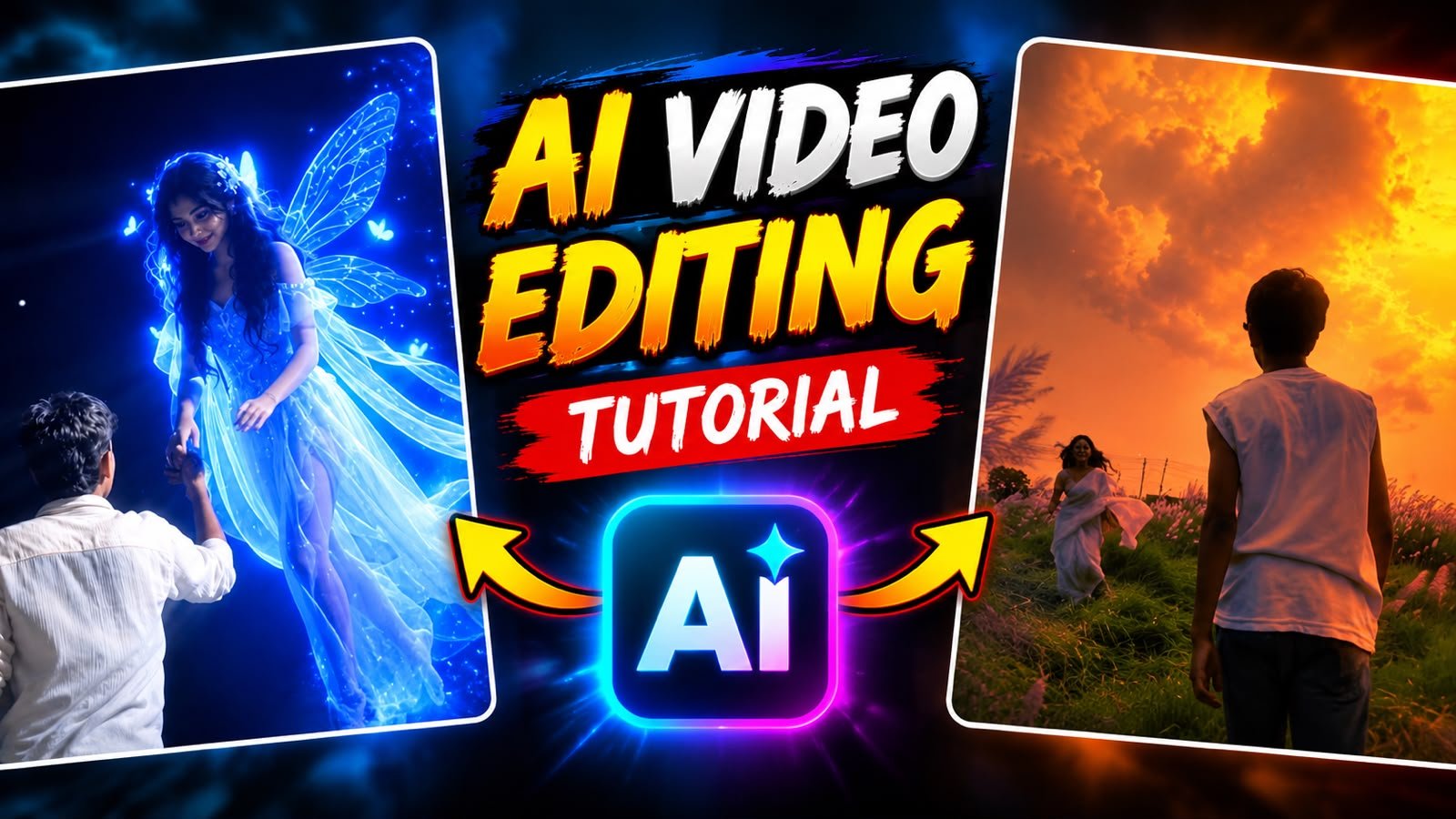
Flow AI allows creators to transform real-life video footage into stylized anime animations through precise prompt instructions. By uploading a standard clip of someone walking through a field and inputting commands to shift the visual style, the AI generates a seamless transition from a live-action subject to a beautifully illustrated anime character
Utilizing Face Swapping for Consistency
To maintain your exact likeness when converting real-world videos to AI animations, you must combine image references with your prompts. Uploading a clear facial photo ensures the AI maps your specific features onto the animated character, keeping the identity consistent even as the art style completely shifts
Blending Real-World Footage with Anime Styles
Achieving a smooth blend between live-action environments and animated backdrops relies on advanced generative rendering. The AI analyzes the textures of natural elements, like tall grass and sky in your source video, and paints them into vibrant anime-style landscapes in the generated output, creating an artistic transformation.
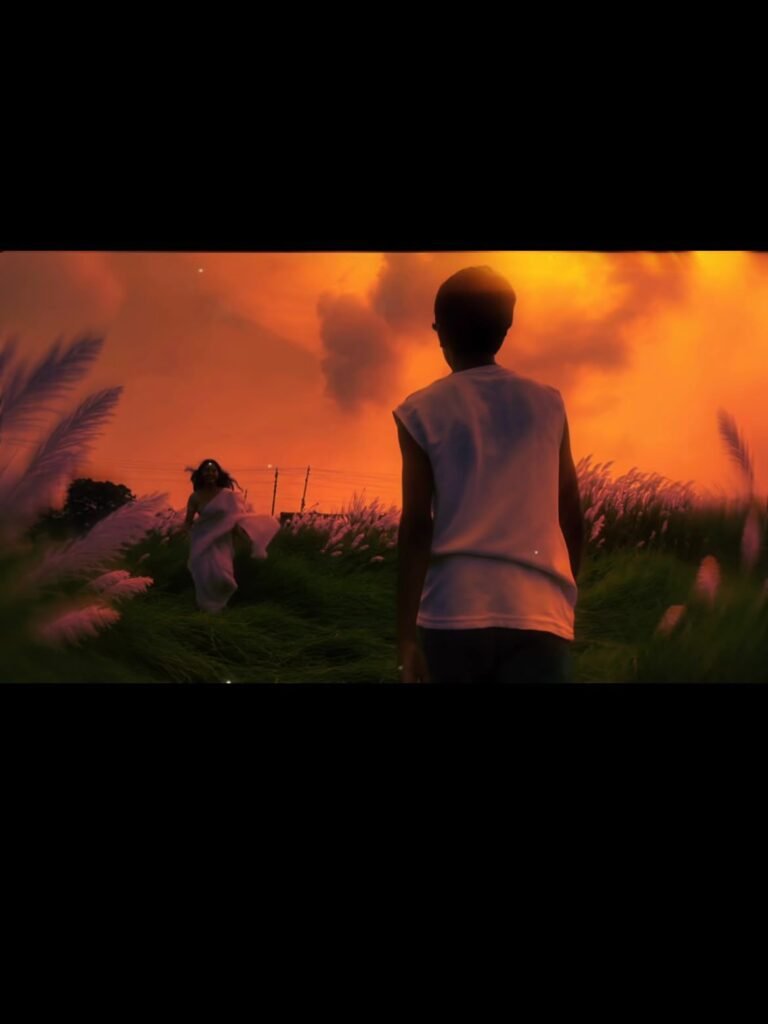
IN A FIELD OF LONG WHITE GRASS DURING A GOLDEN SUNSET, A BOY IS STANDING. AN AI-GENERATED GIRL IN A WHITE SAREE RUNS JOYFULLY TOWARDS HIM FROM THE BACKGROUND, LAUGHING, AND EMBRACES HIM IN A WARM HUG.
2 Video Editing Prompt 👇
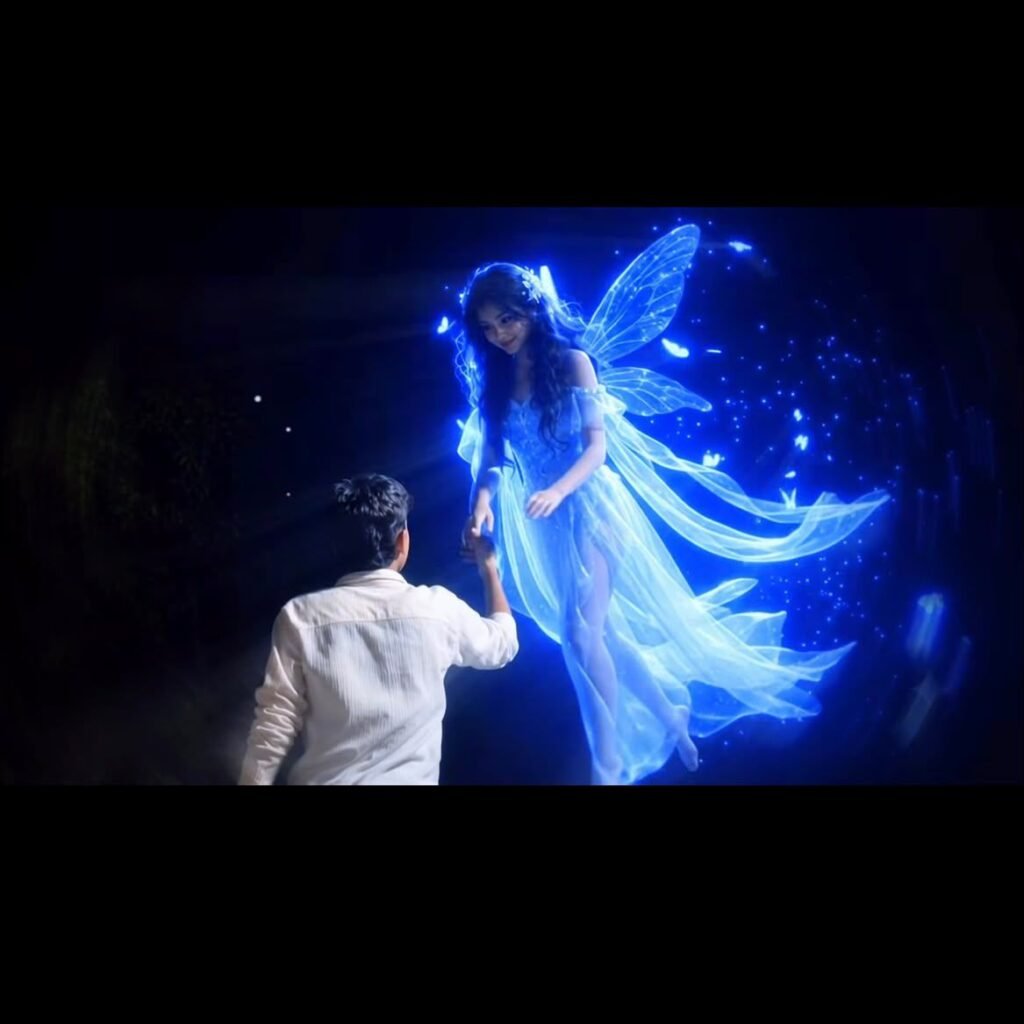
Use the uploaded image as the exact reference trame. Keep the boy, face direction, pose, white shirt, hand position, background trees, night atmosphere, lighting, colors, composition, and camera angle completely unchanged. No background change, no dress change, no face change, no color grading change, no extra objects, no watermark.
Action: A beautiful glowing blue fairy-like girl appears from a short distance directly in front of the boy, floating slowly toward him in a straight line. She is looking only at the boy. She gently flies closer, extends her hand, and places her hand into the boy’s already raised hand exactly as shown.
The boy slowly pulls her toward himself using their joined hands. The fairy moves naturally toward him and softly lands on the ground directly in front of him while maintaining eye contact with him. Her movement is smooth, magical, romantic, and realistic. Blue particles and soft glowing light trail around her body.** Camera: Completely locked camera, no zoom, o pan, no tilt, no shake, no camera movement no angle change.
Motion: Only the fairy moves toward the boy and lands. The boy remains almost exactly like he original image, with only a very slight natural arm movement while pulling her closer.
Style: Cinematic fantasy, realistic VFX, smooth slow motion, dreamy blue glow, ultra realistic, igh quality, 4K, 24 fps, clean output, no text,
1o logo, no watermark
Dynamic Lighting and Atmosphere Transitions
Visual storytelling is heightened through changing light conditions during the transition. Flow AI can shift the lighting from realistic overcast tones in the original footage to a warm, golden hour sunset aesthetic in the anime version, highlighting the emotional impact of the scene change.
Motion Stability in Video Generation
Smooth motion is critical for maintaining high visual quality during AI transitions. Creators can specify the walking direction and camera movement in their prompt parameters. The AI processes the video frame-by-frame, keeping the character’s movement fluid while keeping the newly generated animated background completely stabilized.
Conclusion
Using Flow AI with personal face references and prompt engineering opens new creative possibilities for digital storytelling. By combining real-world video clips with customized AI animation styles, creators can easily produce high-retention, cinematic transition concepts that stand out on social media platforms