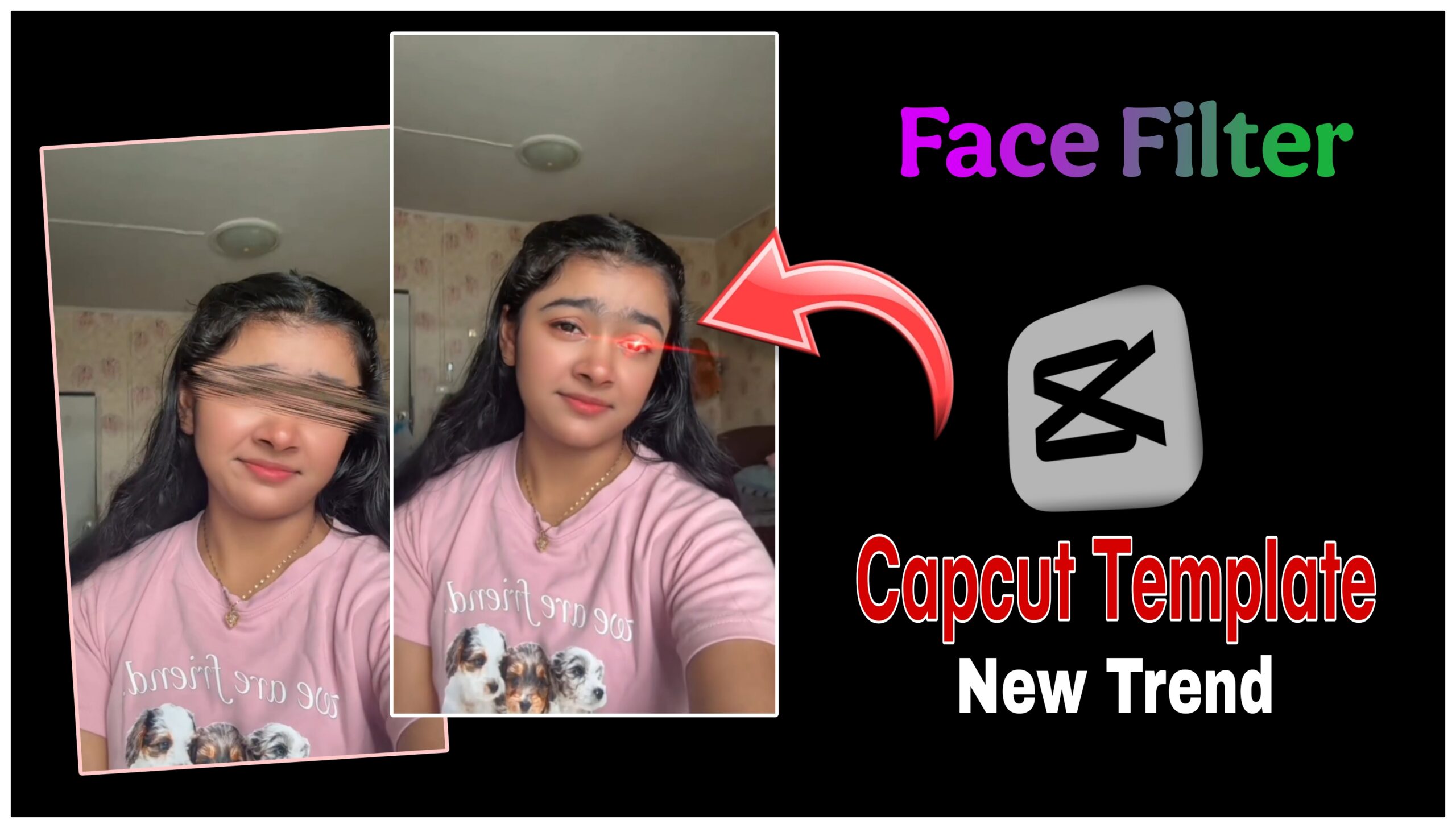
Social media transitions that sync seamlessly with classic Bollywood music are taking over short-form video platforms. One of the latest trends combines a modern visual effect—starting with blurred or censored eyes that transition into sharp, hazel/green eyes with a dramatic red laser glare—set to the timeless, soulful track “In Aakhon Ki Masti Ke.” If you want to jump on this trend, using a pre-made CapCut template is the quickest way to get flawless timing. Here is everything you need to know to create this video.
Trend Overview & Visual Style
The video relies on a sharp contrast between mystery and reveal. It is divided into two main segments:
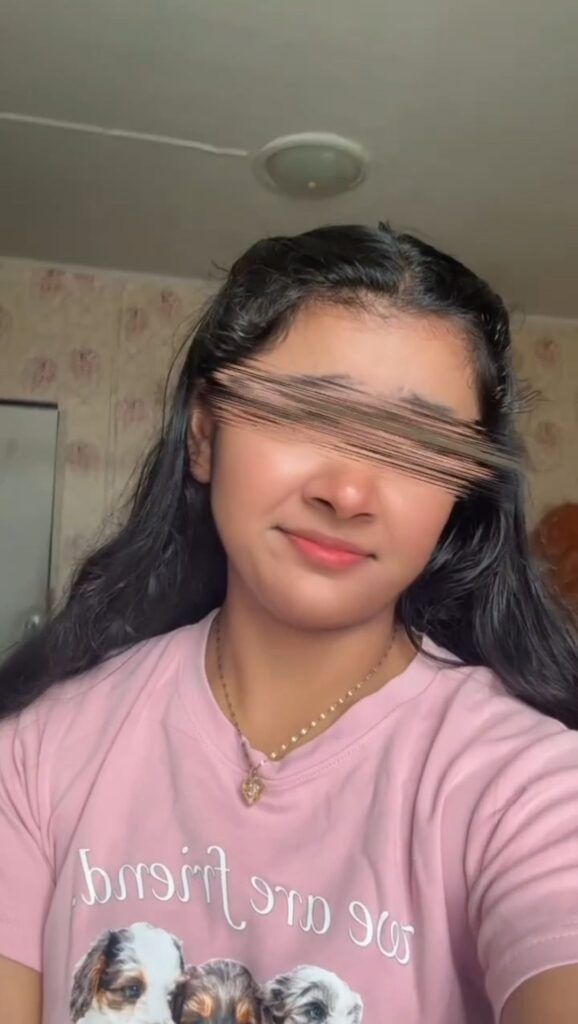
The Tease: The video opens with a close-up shot where a motion-blur or static censor bar hides the eyes, building anticipation while the intro of “In Aakhon Ki Masti Ke” plays.
The Reveal: Exactly on the beat drop, the censor bar disappears to reveal colored contact lenses (or a digital eye-color filter) enhanced by a striking red glowing laser or “heat-vision” effect across the eyes.
How to Make This Video Using CapCut
Since this look requires precise tracking and glowing effects, using a trending CapCut template saves you from doing hours of manual editing. Follow these steps to make your own:
1: Find the Template
Open your CapCut app and use the search bar at the top of the “Templates” tab.
Search for keywords like: “Eyes laser trend”, “In aakhon ki masti template”, or “Censored eyes glow”.
Alternatively, if you see this trend on TikTok or Instagram Reels, tap the “Use Template in CapCut” link directly above the creator’s username.
Step 2: Import Your Media
Once the template opens, tap “Use Template”.
Select a high-quality video or a clear selfie from your gallery.
Tip: Choose a clip where your face is well-lit and looking directly at the camera so the eye tracking alignment works perfectly.
Step 3: Add the Audio
If the template doesn’t automatically include the exact song, mute the template’s original audio.
Tap “Audio” > “Sounds” and search for “In Aakhon Ki Masti Ke”.
Align the audio so that the lyrics or beat drop match perfectly with the exact moment the red laser effect flashes.
Step 4: Export and Share
Preview your video to ensure the transitions look smooth.
Tap “Export” in the top right corner.
Save it in 1080p resolution and choose “Export without watermark” to automatically open your video app for quick sharing.
Conclusion
The “In Aakhon Ki Masti Ke” CapCut trend perfectly bridges classic Bollywood nostalgia with modern, eye-catching visual effects. By utilizing a pre-made template, you can skip the tedious frame-by-frame editing and jump straight to sharing a high-quality, engaging video. Whether you are looking to boost your social media presence or simply experiment with creative video transitions, this trend is an effortless way to capture your audience’s attention right from the very first second. Grab your favorite clip, sync it to the beat, and let your eyes do the talking!